

In this age of technology, our private and professional lives are integrally linked with the use of technology. Keeping our personal devices safe from cyberattacks is more important than before. This can be achieved through the use of antivirus software, which is the first defense against a variety of attacks that can invade your privacy, steal your data, and harm your system. From ransomware and malware to spyware and phishing scams, cyber threats evolve every day — affecting both individuals and organizations. A mere single click on a suspicious link or download of an unverified file can result in serious consequences such as identity theft, financial loss, or irreparable data damage.
Antivirus tools are designed to detect, block, and remove such threats in real time. They offer a suite of protective features like web filtering, email protection, firewall integration, and even secure browsing tools — all of which work together to safeguard users against known and emerging dangers. Whether you’re a casual internet user, a gamer, or a business professional, the right antivirus software can drastically reduce your vulnerability to online attacks.
In this blog, we’ve taken our time to compile a list of the 10 best antivirus software using important factors like malware detection rates, system performance, feature sets, ease of use, platform support, pricing, and customer reviews. Whether you need a free and light solution or an advanced security suite, this guide shall assist you in selecting the best antivirus for your needs.
List of 10 Best Antivirus Software
1. Bitdefender Total Security
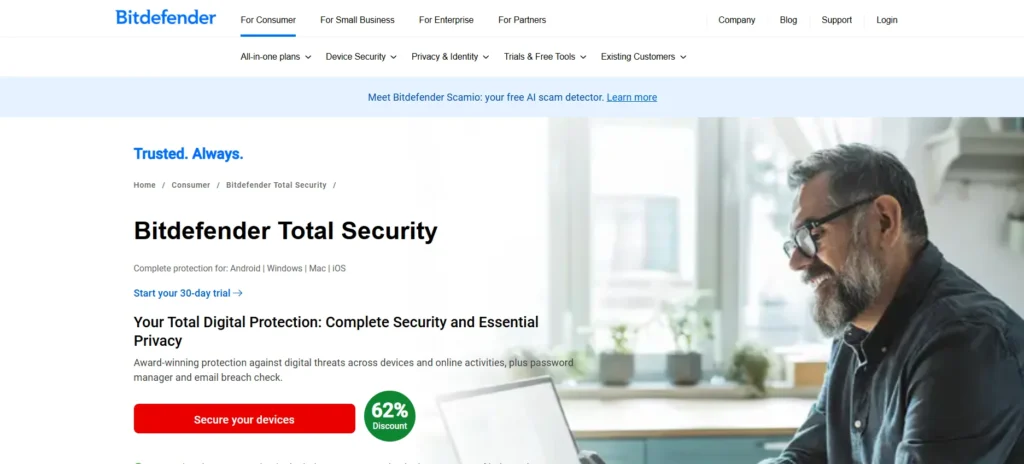
Bitdefender Total Security is a premium antivirus suite known for combining award-winning protection with minimal system impact. Backed by strong performance in independent lab tests, it offers advanced threat defense powered by artificial intelligence.
Bitdefender stands out for its ability to detect emerging malware threats without slowing down your system, making it suitable for casual users, gamers, and professionals alike. With cross-platform compatibility and easy-to-use interface, it’s perfect for anyone seeking complete digital security without compromise.
Key Features:
- AI-based real-time threat detection with engines
- Multi-layered ransomware security
- Integrated VPN (200MB/day)
- Device optimization and anti-tracker capabilities
- Firewall, parental controls, and microphone/webcam security
- Platform support for Windows, macOS, Android, and iOS
Price:
- Antivirus Plus – ₹1,399/yr (3 devices): Antivirus, ransomware & scam protection, standard VPN (limited)
- Total Security – ₹2,498/yr (5 devices): All above + password manager, cryptomining protection, data breach alerts, 200MB/day VPN
- Premium Security – ₹2,998/yr (5 devices): All features + unlimited VPN, ad/tracker blocker, scam copilot, advanced email protection
2. Norton 360 Deluxe
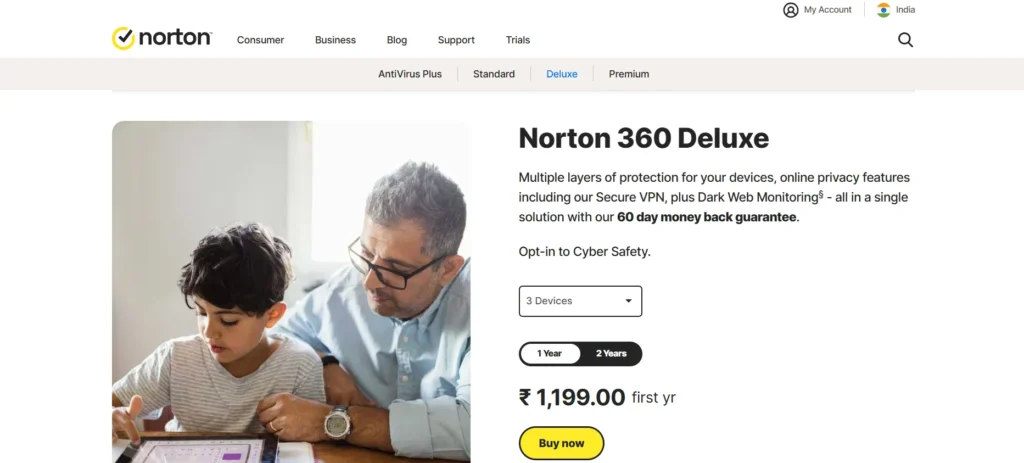
Norton 360 Deluxe is a household name in antivirus software, providing an enhanced, comprehensive solution for families and professionals requiring more than just basic antivirus protection. In addition to malware protection, it includes a VPN, password manager, dark web monitoring, and parental control — all housed in one dashboard.
With top-tier detection rates and identity theft protection capabilities, Norton 360 Deluxe is particularly ideal for individuals who prioritize privacy and secure browsing on multiple devices.
Key Features:
- Real-time protection from malware and ransomware
- Infinite VPN for private surfing
- 50 GB secure cloud backup
- Password manager and dark web monitoring
- Parental controls and intelligent firewall
- Protects up to 5 devices
Pricing:
- AntiVirus Plus – ₹799/yr: 3 PCs/Macs, antivirus, 2GB backup, password manager
- 360 Standard – ₹899/yr: 1 device, +VPN*, 10GB backup
- 360 Deluxe – ₹1,199/yr: 3 devices, 50GB backup, dark web monitoring, parental control
3. McAfee+ Premium
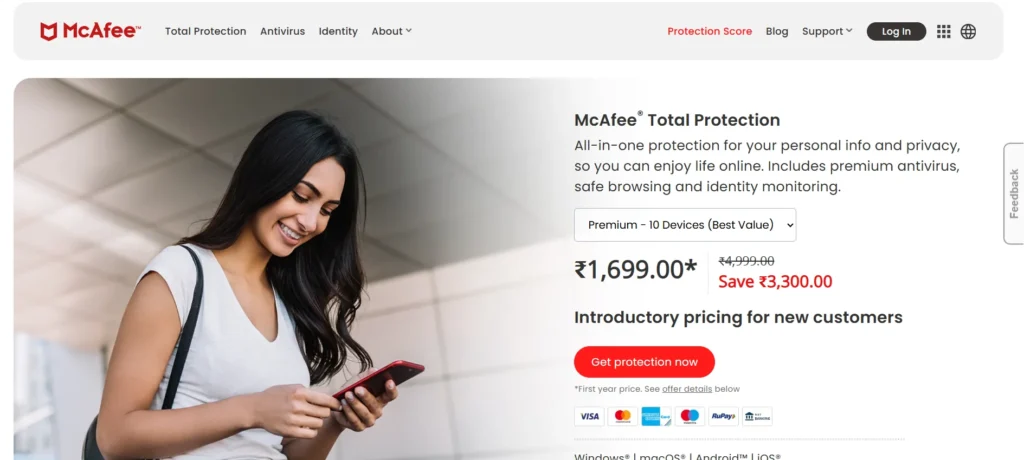
McAfee+ Premium provides advanced antivirus protection with an emphasis on identity and privacy protection. It’s one of the only antivirus products to provide unlimited device coverage, so it’s a great solution for families or individuals with several devices.
On top of world-class malware protection, McAfee+ offers a secure VPN, personal data tracking, and a clean, easy-to-use interface. It’s a great option for users who desire total digital security across all devices without having to manage individual plans.
Key Features:
- Complete virus, malware, and spyware protection
- No-limits VPN use on all devices
- Identity tracking and personal information alerts
- Safe browsing features and file shredder
- Password vault and 24/7 customer care
Pricing:
- Standard – ₹1,199/yr: 3 devices, includes antivirus, firewall, password manager, file shredder, identity monitoring, web protection, etc.
- Essential – ₹1,399/yr: 5 devices, all Standard features
- Premium – ₹1,699/yr: 10 devices, all features + best value for large households
Also Read: Earning App Without Investment
4. TotalAV
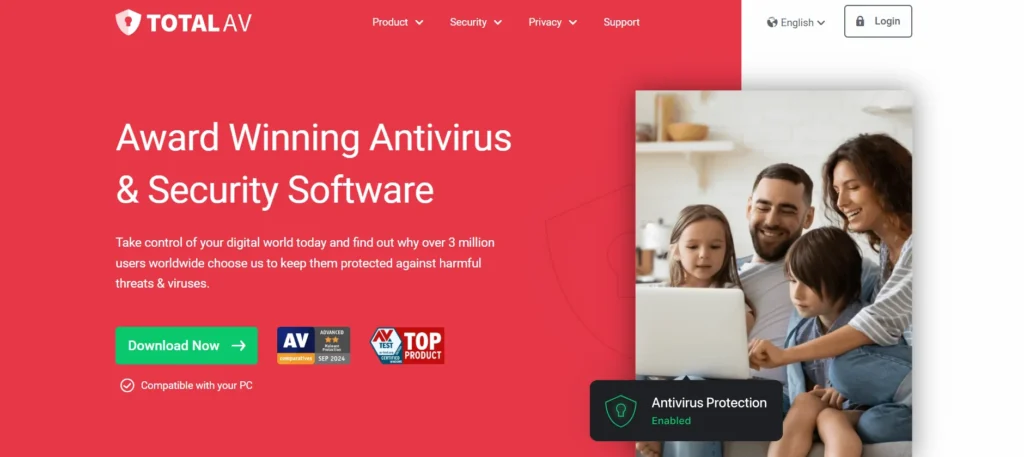
TotalAV has quickly become popular for providing high-performance antivirus with a minimalist, tidy interface. It’s frequently recommended for those seeking the basic cybersecurity features without the wasteful clutter of overly rich menus.
With its robust malware protection and integrated system optimization capabilities, it’s a great option for those seeking improved device performance and active threat defense — particularly for novice users of antivirus software.
Key Features:
- Real-time anti-malware and antivirus protection
- WebShield for secure surfing
- Disk cleaner and performance booster
- Integrated VPN and password manager (in more advanced tiers)
- Cross-platform compatibility
Pricing:
- TotalAV Premium – $19/yr (renews at $99): 3 devices, antivirus + system tools
- Internet Security – $39/yr (renews at $129): 6 devices, adds VPN
- Total Security – $49/yr (renews at $149): 8 devices, adds password manager & ad blocker
5. Surfshark One Antivirus
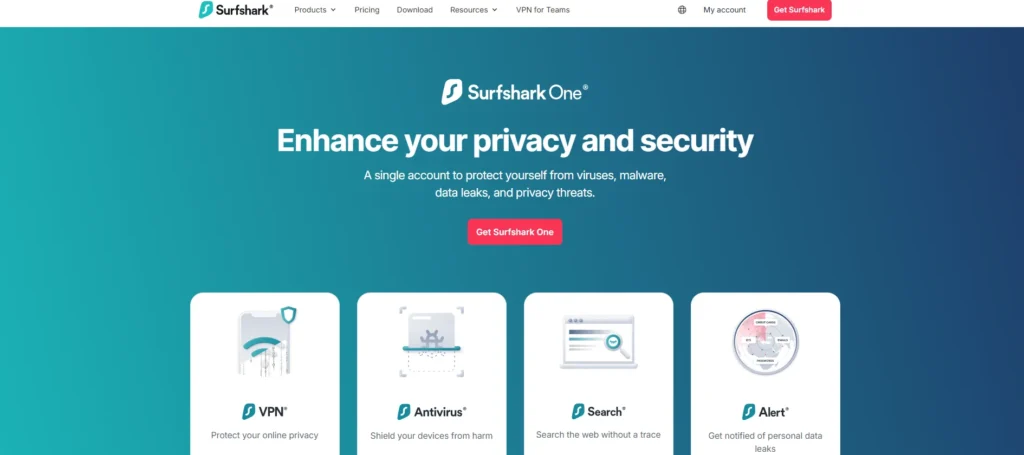
Surfshark One represents a new and sleek approach to cybersecurity, combining antivirus defense with Surfshark’s highly acclaimed VPN service. It is designed to appeal to users who care about their privacy and need to protect their identity, browsing, and devices within a single solution.
With its flat-rate, unlimited-device policy and low-friction user setup, Surfshark One is well-suited for digital nomads, freelancers, and tech-savvy families who value encrypted, end-to-end online security.
Key Features:
- Real-time malware and virus detection
- CleanWeb for ad/tracker blocking
- Secure VPN with global servers
- Browser privacy alerts and identity monitoring
- Available on Windows, macOS, Android
Pricing:
- Starter – $1.99/mo ($53.73 total): VPN, antivirus, alert, alternative ID, search, data removal (Incogni)
- One – $2.49/mo ($67.23 total): Same as Starter (most popular)
- One+ – $3.99/mo ($107.73 total): Same features, possibly with higher limits/premium support
6. Avast Premium Security / Avast One
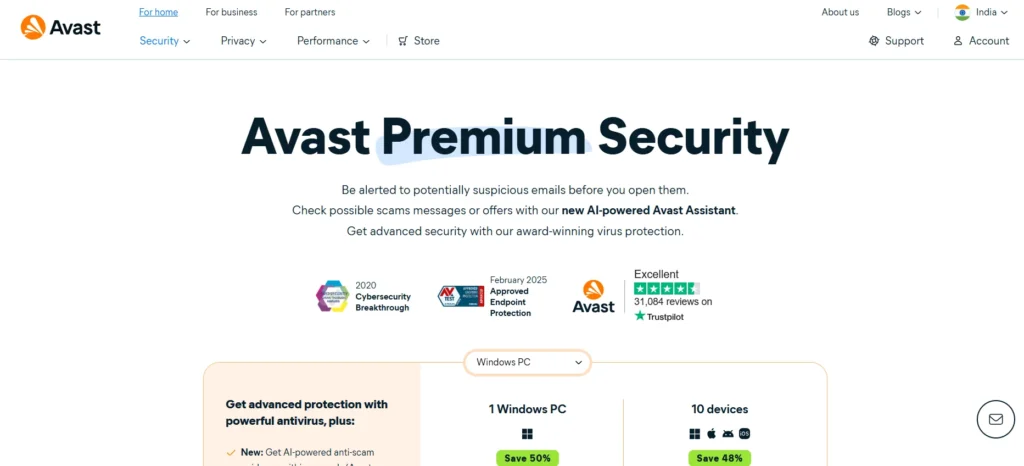
Avast is one of the better-known antivirus names, with both free and paid options that prioritize user ease of use and additional features. The Avast Premium and Avast One plans feature cutting-edge threat detection, a secure browser, and sandboxing and game mode features, among others.
These features make it a reliable option for regular users, gamers, and small businesses that require stable performance with added performance optimization.
Key Features:
- Protection against ransomware and phishing
- Wi-Fi network scanner
- Sandbox and file testing safe browsing
- SecureLine VPN and password manager (in Avast One)
- Uninterrupted performance with gaming mode
Pricing:
- Premium: ₹6,500/year
- Surfshark One Antivirus: ₹4,800/year
7. Avira Prime
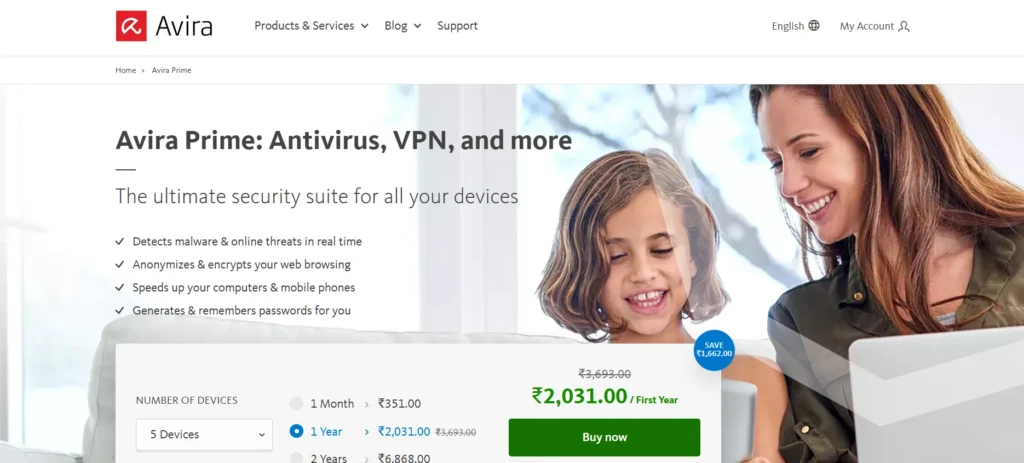
Avira Prime is not only an antivirus — it’s a full system optimization suite aimed at users who desire lightweight yet powerful security. With its background of robust virus defense, Avira has established itself as a choice for performance and privacy-seeking users.
Avira stands out for its minimalist design and excellent optimization emphasis, as well as such features as speeding your PC, updating drivers, and blocking bothering ads and trackers. It’s a perfect solution for students, occasional users, and professionals seeking security and performance with a balance of neither feature overload nor premium pricing.
Key Features:
- Real-time virus protection
- Privacy tools, such as ad blocker and VPN
- System speed-up and driver updater tools
- Secure browsing and tracker blocker
- Works on Windows, macOS, Android, iOS
Pricing:
- Avira Prime – ₹2,031/yr (₹3,693 renewal): Antivirus, VPN, speed boost, password manager, 5 devices
8. Kaspersky Premium

Kaspersky has established a solid international reputation over the years as an ever-reliable high-performing antivirus software, renowned for its accurate threat detection and intelligent engineering. Kaspersky Premium provides a comprehensive set of protection functions, coupling classic antivirus prowess with advanced privacy features such as secure online transactions, webcam protection, and encrypted web browsing.
Whether you’re a private person worried about ransomware or a small firm processing sensitive transactions, Kaspersky provides a trustworthy, user-friendly platform with high marks in several independent lab tests. Its emphasis on consumer safety, dependability, and openness has won it the highest rank in the world.
Key Features:
- Real-time protection against malware, ransomware, and spyware
- Safe Money for secure online transactions
- Control of webcam and microphone
- Password manager and secure VPN
- Parental control (in higher-tier plans)
Pricing:
- Standard – ₹839/yr (₹1,092 renewal): Antivirus, payment protection, performance tools
- Plus – ₹659/yr (₹858 renewal): Standard + password manager, data leak checker
- Premium – ₹779/yr: Plus + identity protection, expert virus removal
9. ESET NOD32 / Internet Security
ESET NOD32 is designed for those who desire maximum protection without the sacrifice of system performance. With its minimalist footprint and granular customization features, ESET is suited for power users, gamers, and IT specialists who demand management over each facet of their security tool.
Its active threat detection, effective phishing filters, and smart exploit blocker make it particularly ideal for environments requiring performance and responsiveness. Multi-platform support and features such as anti-theft and device control, ESET provides streamlined yet effective protection against contemporary cyber threats.
Key Features:
- Advanced malware and phishing detection
- Anti-theft capabilities for mobile devices
- Exploit blocker and device control
- Network inspector and firewall (in Internet Security version)
- Lightweight operation and fast scans
Pricing:
- NOD32 Antivirus (1 PC, 1 Year): ₹990
- Mobile Security (Android): ₹390/year
- Free Trial: 30 days (desktop)
10. Malwarebytes Premium
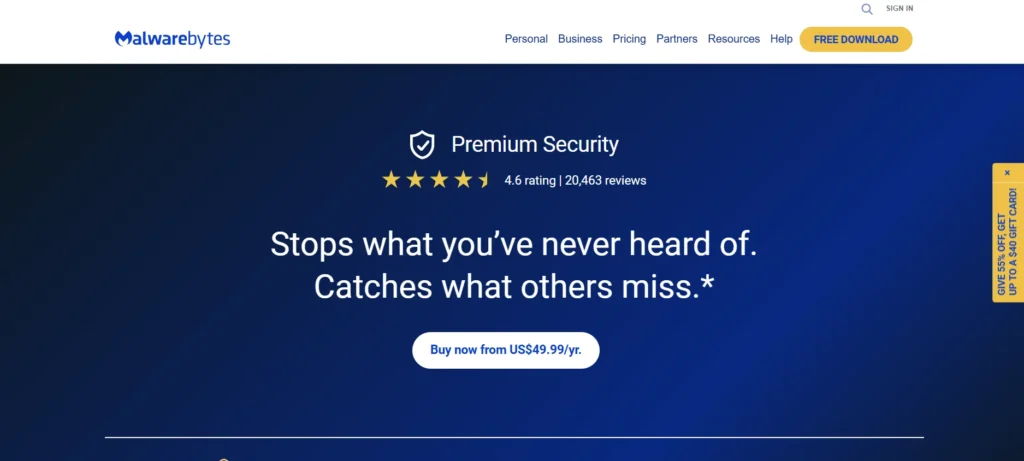
What began as an auxiliary program to go alongside classic antivirus software has become a standalone antivirus program in its own right. Malwarebytes Premium deals specifically with identifying and removing advanced threats that other programs tend to miss, like zero-day malware, rootkits, and attacks from the web browser.
Its minimalist, clean interface and effective malware cleanup utilities make it a favorite of users who desire quick, dependable protection without additional bloat. Malwarebytes is especially ideal for those who have already been hit with infections or who wish to complement an existing antivirus with an added layer of intelligent, behavior-based protection.
Key Features:
- Protection from malware, ransomware, and exploits in real-time
- Web protection against malicious sites and phishing
- Advanced threat removal and system remediation
- Functions well as a secondary scanner in combination with other software
- Works on Windows, macOS, Android, iOS
Pricing:
- Standard – $44.99/yr: Malware, virus, ransomware, phishing, ad & rootkit protection for PC, phone, and tablet.
- Plus – $59.99/yr: Standard features + VPN, anonymous browsing, location selection.
- Total – $94.99/yr (Reg. $189.99): Plus features + $1M identity insurance, social media monitoring.
How to Choose the Best Antivirus Software?
Choosing the best antivirus software is not a matter of choosing the most recognizable name — it’s about finding one that fits your online lifestyle and security requirements. Cyber threats are growing more complex, so selecting an antivirus involves a delicate balance between protection, performance, and usability. The following factors are most important to take into account:
1. Comprehensive Threat Protection
First and foremost, antivirus software must shield you from the biggest threats — such as viruses, ransomware, spyware, phishing, and so on. Be sure to find software that provides real-time scanning, automatic threat detection, and proactive blocking of malicious activity.
2. High Malware Detection Rates
Choose antivirus software that reliably stands out in unbiased lab tests like AV-Test or AV-Comparatives. An excellent detection rate guarantees detection of both established and fresh threats (zero-day attack) and blocks them before they cause harm.
3. Minimal System Performance Impact
Speed should not be sacrificed for security. The most effective antivirus software executes quietly in the background without consuming a lot of system resources. It should neither decelerate your device while web browsing, gaming, nor performing work.
4. Basic and Advanced Features
In addition to virus protection, a good antivirus program can include:
- Firewall to control network traffic
- Secure browsing features for more secure web shopping and banking
- VPN for secure internet access
- Password manager for credentials storage
- Parental controls to limit content for kids
- Identity theft monitoring for extra peace of mind
Select the features that are most important to you. Some users will be satisfied with core protection only, while others — particularly remote workers and families — appreciate more feature-rich packages.
5. Cross-Platform Compatibility
Ensure the antivirus is compatible with all your devices — Windows, macOS, Android, and iOS. Some solutions offer protection of multiple devices under one plan, making them perfect for a family or small group.
6. User-Friendly Interface
A clean and intuitive dashboard goes a long way — particularly for non-tech users. Scanning, software updates, and setting changes should be easy and intuitive.
7. Free vs Paid Versions
Free antivirus solutions may provide minimal protection, but advanced functions such as real-time updates, multi-device protection, and customer support are usually not present. The premium versions usually provide enhanced security and more value in the long term.
8. Customer Support and Reliability
Good customer service can be a lifesaver when encountering threats or installation problems. Seek out antivirus companies with 24/7 support via chat, email, or phone, and access to useful knowledge bases or forums.
9. Brand Reputation and User Reviews
Look for reputable, established providers with high reputations in security. Reading other users’ reviews and expert comparisons can inform you about real-world performance, reliability, and customer satisfaction.
Conclusion
While all the listed antivirus software in this blog provides potent protection, the correct one for you really comes down to your specific needs — whether it is light software for simple use, or a full security suite with sophisticated features such as a VPN, password manager, and firewall. Look at the cost, system compatibility, and the amount of security you need before making a choice.
But keep in mind that no antivirus program can grant 100% security. Cybersecurity is also about safe online behavior — not clicking on questionable links, having your software up to date, having strong passwords, and being aware of phishing attacks. When combined with a reliable antivirus, these online habits create a solid shield against online threats.
Invest wisely in your online security — because prevention is always better than recovery.
FAQs
What is the difference between anti-malware and antivirus software?
Antivirus used to emphasize the detection and removal of older types of threats such as viruses and worms, whereas anti-malware is a catch-all phrase used to describe newer threats such as spyware, ransomware, trojans, and rootkits. Now, most contemporary antivirus products feature both antivirus and anti-malware functionality.
How do I know if my computer has a virus?
Typical symptoms are sluggishness, surprise pop-ups, system crashes, unauthorized programs opening, and inexplicable data consumption. A complete system scan with an effective antivirus program can diagnose and eliminate infections.
Is cloud antivirus superior to conventional antivirus?
Cloud antivirus employs web-based servers to scan threats in real-time, usually enabling quicker updates and less resource-intensive utilization on your system. It is effective and most commonly utilized in conjunction with localized protection for optimal security.
Can I install more than one antivirus program simultaneously?
It’s not advisable. Having more than one antivirus installed can create conflicts, slow down your system, and even lower protection. Select one good antivirus that meets all your requirements.
Will antivirus software make my computer slower?
Certain antivirus software may impact performance slightly, particularly on full scans. Yet most current systems are designed to be light on resources and operate quietly in the background.
