
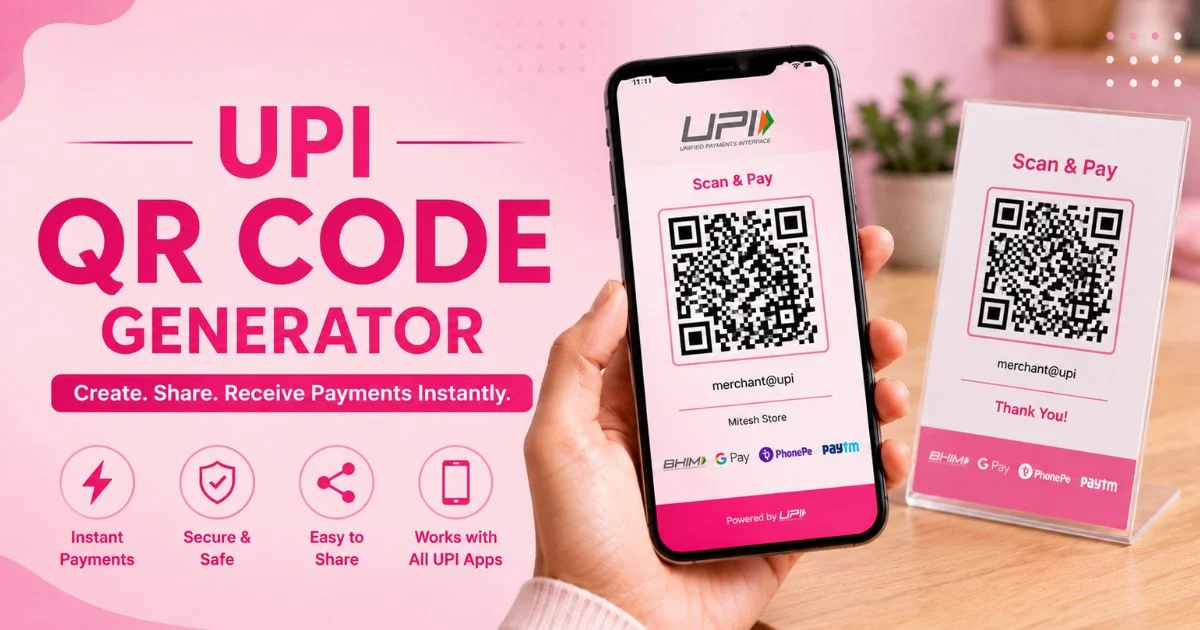
Whether you enter any chai stall, grocery store or boutique store in India, you will find the same little square of black and white dots in the vicinity of the counter, which turns a smartphone into a cash register. UPI has revolutionized the payment system in the country, and now the simplest way to start a business is by using a QR code. It does not require a card machine, a heavy investment, or technical staff. Just a UPI ID and a proper tool are required.
However, when it comes to dozens of options out there online, which one should you trust? This UPI QR Code Generator Guide for 2026 features 13 popular free browser-based tools, merchant apps and business-oriented platforms. You’ll discover what each one is great at, where it’s lacking, and how to select the best one for your shop, freelance or expanding company.
What Is a UPI QR Code and How Does It Work?
UPI QR code is a square code that you can scan which contains your payment information in a code that all UPI apps can read. A customer scans it and the app reads your information and opens a screen pre-loaded with a payment. A UPI QR Code Generator is just a package man who packs all of that information into a neat, printable picture.
- Stores your information: It stores your UPI ID (VPA), Your Payee name and optionally an amount and note.
- Scan & pay: Customer scans with GPay, PhonePe, Paytm, BHIM or any bank app.
- Static type: Usually has no amount, but is one fixed code that can be used repeatedly.
- Dynamic type: New bill code for each bill, the amount is fixed.
- Direct settlement: The UPI network directly transfers money from the customer’s bank to yours.
How We Tested These UPI QR Code Generators
As this list is designed to be honest and helpful, each QR Code Generator has been evaluated on a practical checklist rather than marketing promises. We also explored the fit potential for small retailers, freelancers and fast-growing companies as the most successful street vendor might not be the most successful multi-branch enterprise.
- Ease of use: How fast can the first time user get a working code?
- Free: Will it have any paybacks or will you find it is hidden behind paywalls?
- Scan success: If the code appears correct in GPay, PhonePe and Paytm then it is a success.
- Quality of output: Do you have high resolution PNG or SVG downloads to print?
- Features: Fixed amounts, Branding, Bulk creation, Dashboards & Webhooks.
- Payment details: Where are they stored and do you need to register for payments?
- Support and reliability: uptime, help options, and suitability for Indian businesses.
- INR pricing, new UPI rules compliance and fit are the value aspects.
Also Read: VIPBox Alternatives
13 Best UPI QR Code Generators Compared – 2026
1. Razorpay UPI QR Solutions
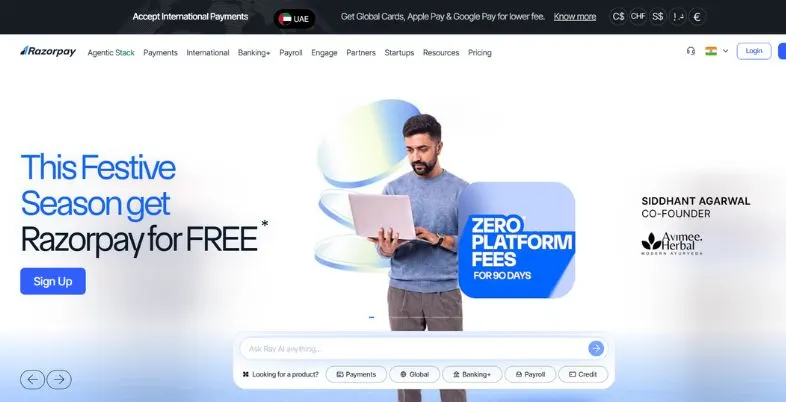
Razorpay’s payments NCPI QR code generator platform is scalable for Indian merchants looking to take their billing online. UPI can generate static and dynamic codes with pre-filled amounts and descriptions, enabling businesses to streamline and automate the process of counter collections without any hassle for any customer.
New functionality is the interconnected dashboard that tracks incoming cash flow to orders and minimises reconciliation mistakes. It is best known for high-volume routing, webhooks that trigger instantly, and multi-branch tracking, making it an ideal solution for quickly routing people to the branch of your choice and automating your accounts for franchises and fast-growing businesses without the need to install additional hardware.
Key Highlights:
- Works with major UPI apps
- Live transaction dashboard
- Multi-branch management tools
- Instant webhook alerts
- Hardware-free payment collection
- Split settlement support
Pros:
- Instant payment confirmations
- Smooth API integration
- Powerful merchant dashboard
- Highly scalable platform
Cons:
- Merchant onboarding required
- Technical setup involved
- Initial KYC needed
- Occasional settlement delays
Website Link: http://razorpay.com
2. SMLLR UPI QR
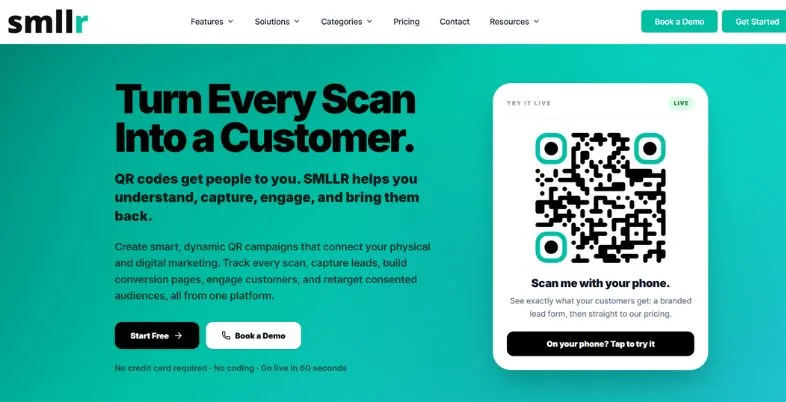
SMLLR is a local data rules focused QR management platform which is a first of its kind in India. It includes smart device routing, GST compliant invoicing, a link-in-bio page and linked to your static/dynamic UPI address.
New growth occurs when you set limits on your scan and intentionally redirect marketing. Its specialty is compliance: Data storage also complies with India’s DPDPs, with data remaining within India’s cloud infrastructure, which provides growing businesses with added confidence in their data handling of customer information and larger payments.
Key Highlights:
- GST-ready invoicing built-in
- DPDP-compliant data storage
- India-hosted infrastructure
- Smart device routing
- WhatsApp Business QR support
- Native INR pricing
Pros:
- Local data residency
- No currency conversion loss
- Helpful WhatsApp support
- Affordable pricing plans
Cons:
- Mostly paid plans
- Fewer global templates
- No dynamic free tier
- Limited interface options
Website Link: http://smllr.app
3. QRSprint
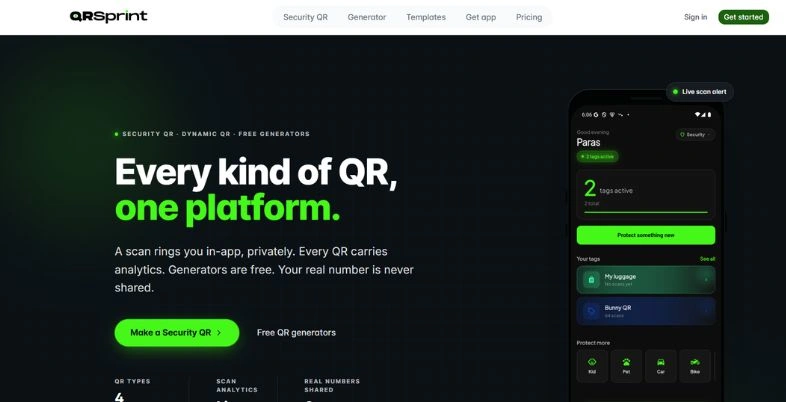
QRSprint is a free online payment code creator that provides clean high-resolution codes directly in your browser. It’s dedicated shape verifies your VPA before producing the code, which helps you prevent typing errors that may direct your customer’s money in the wrong direction. This makes it easier to compare all UPI QR Code Generators, as QRSprint has established a benchmark.
Use watermark-free, print-ready graphics for standees, counter mats and delivery boxes and small shops grow faster. It’s the specialty of the bulk CSV engine: upload a spreadsheet, and download a zip of personalised codes in seconds. This can save hours for chains and event teams.
Key Highlights:
- Dedicated UPI form
- Built-in VPA validation
- Watermark-free vector downloads
- Bulk CSV processing
- No signup needed
- Adjustable error correction
Pros:
- Completely free to use
- No registration required
- Minimal personal data logged
- High-quality SVG exports
Cons:
- No analytics tools
- Mostly static codes
- Limited localization options
- Basic dashboard only
Website Link: http://qrsprint.com
4. UPIPE Payment Links
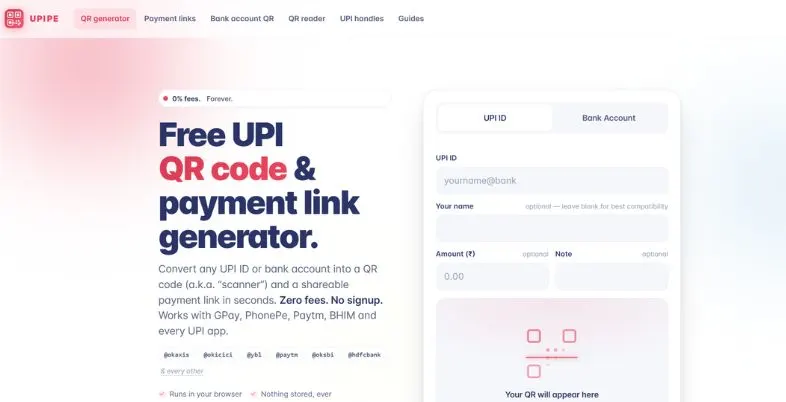
UPIPE is a low-tech web tool designed to digitize manual bill collection by using open UPI deep link standards which will help small retailers. It accepts payment information within your own browser, eliminating the need for a thick server or third party gateway for easy collections.
No long gateway approvals to wait for, so roadside vendors, home businesses and freelancers can get started collecting in short order. It is particularly known for its ability to generate payment links (QR square) that are compatible with various payment systems and clean of other QR codes. These links can be pasted into the messaging apps and you get the money directly into the account in a savings or current account.
Key Highlights:
- No MDR on tool
- Minimal verification needed
- Direct bank settlement
- No account signup
- Browser-side rendering
- Open-spec deep links
Pros:
- No tool fees charged
- Direct-to-bank payments
- Supports any bank VPA
- No subscription costs
Cons:
- No design customization
- No payment status logs
- No dispute support
- Static codes only
Website Link: http://upi.pe
5. Cashfree Payments UPI QR
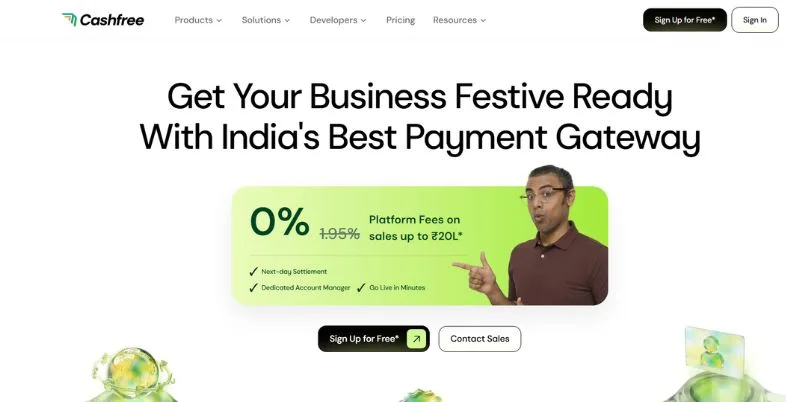
Cashfree Payments is a powerful payments platform designed specifically for franchises, schools and multi-departmental businesses. It enables businesses to create unique collection IDs based on their business accounts that provide finance teams with detailed visibility of payment recipients, payment dates, and amounts.
Smart webhook callbacks update orders and inventory software without manual effort, allowing for growth. It specializes in complicated multi-party settlement splits and in automated refunds via programmable payouts. Businesses that process thousands of payments per day will find Cashfree to be an indispensable piece of a reliable digital infrastructure.
Key Highlights:
- Fast settlement options
- Split settlement capability
- Centralised tracking console
- Custom API reporting
- Webhook order updates
- Programmable refunds and payouts
Pros:
- Strong enterprise reporting
- Very low downtime
- Automated vendor settlements
- Secure encryption protocols
Cons:
- Heavy corporate onboarding
- Developer resources needed
- Not for micro-merchants
- Strict documentation rules
Website Link: http://cashfree.com
6. Easebuzz Instant QR
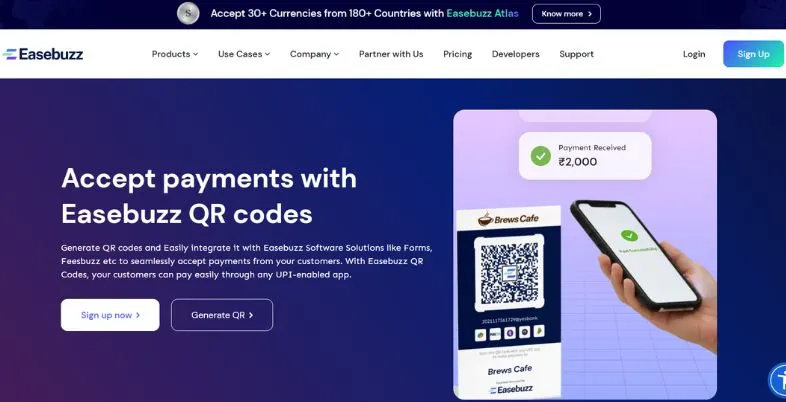
Easebuzz is a B2B payments platform, which eases the collections journey for small and mid-sized businesses in India. Used by many teams because of its trusted UPI QR Code generator feature for quotes and invoices, its web utility provides dynamic codes with no coding or gateway installation, which is how it makes this possible.
Growth is generated by placing scannable codes directly within the digital quotes and PDF fee receipts, which speeds up the process of payment. Its specialty is its wide compatibility, as any major banking app can now scan it and the merchant operates in a regulated, payments ecosystem, which brings in the ease and peace of mind.
Key Highlights:
- RBI-authorised infrastructure
- Instant dynamic generation
- No complex setup
- High-resolution PNG downloads
- Works with any scanner
- Multi-currency fallback
Pros:
- Intuitive portal layout
- Clean, simple design
- Zero upfront investment
- Safe NPCI routing
Cons:
- Asks for phone number
- Limited design tweaks
- No redirect editing
- No automatic archiving
Website Link: http://easebuzz.in
7. QRCodeChimp UPI Generator
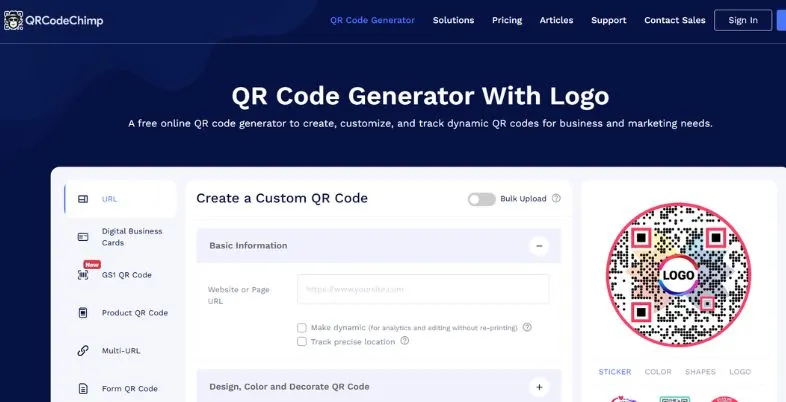
QRCodechimp is a design-driven online solution that transforms normal payment codes into branded marketing materials. While merchants can add vibrant colors, shapes and logos of their border with maintaining the original code for all customers, they can also add a QR code for the website.
Growth is made through increased scan rates: recognisable codes and brand-matched codes instill trust at the point of sale. It specializes in a wide range of ready-made call-to-action frames, like the “Scan to Pay” frame, that works with billing counters, restaurant tables and food trucks. However, owners who value presentation will appreciate the live preview and rapid customisation capabilities.
Key Highlights:
- Custom design options
- Central logo placement
- Colour presets available
- Unique corner shapes
- Ready-made CTA frames
- Live design preview
Pros:
- Superior customization controls
- Interactive builder interface
- Useful free tier
- Highly scannable output
Cons:
- Advanced tools need upgrade
- No INR pricing
- No webhook connections
- Slight learning curve
Website Link: http://qrcodechimp.com
8. QRForever India
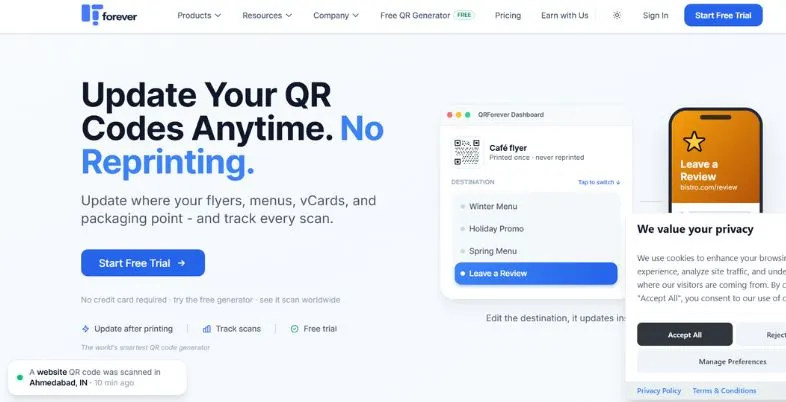
QRForever is an India centered QR & marketing suite designed for local SMEs. It eliminates the global subscription confusion with simple features and clear rupee pricing which is easy to understand at a single glance by the shopkeeper.
Smart dynamic codes are the source of growth, routing them smartly to ensure they continue to work even when they are no longer paid. It specializes in local payment support with Razorpay, thus enabling the owners to purchase a strategy without international card costs or foreign transaction fees. A free trial allows you to experience all that you have to offer without paying a rupee.
Key Highlights:
- Transparent INR pricing
- No international card
- No conversion penalties
- Permanent dynamic routing
- 7-day full trial
- No credit card signup
Pros:
- Built for Indian SMBs
- No annual lock-in
- Reliable customer support
- Predictable monthly budgeting
Cons:
- Lacks enterprise tools
- Few developer APIs
- No single sign-on
- Limited niche templates
Website Link: http://qrforever.com
9. Google Pay for Business App
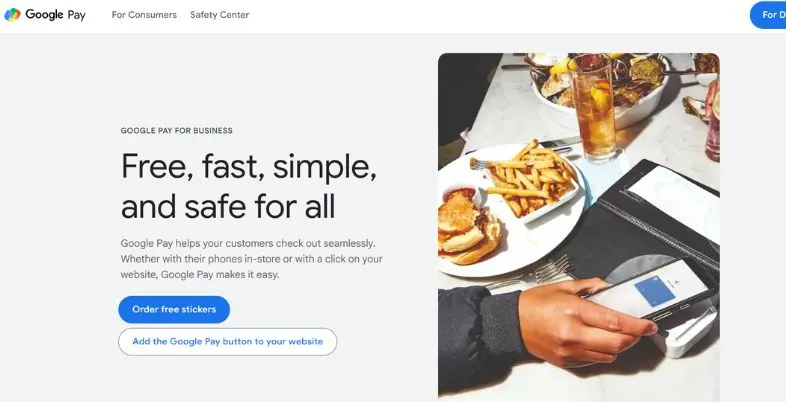
Google Pay for Business is a popular merchant application in both the urban and rural areas of India. It requires just a few minutes to install and provides a brand-new payment poster for first-time sellers to consumers who are already familiar with it, making it the easiest UPI QR Code Generator for minimal technical effort.
The growth is due to the familiarity of the customers; walk-in buyers can pay via any UPI app. It is known for its dependable bank-to-bank settlement, as well as the fact that it takes out the price and maintenance expenses of swipe machines for normal settlement. A built-in business dashboard enables owners to monitor ongoing collections on the same phone.
Key Highlights:
- Signature four-colour poster
- Instant bank deposits
- No settlement fees
- Built-in business dashboard
- Accepts any UPI app
- Highly reliable performance
Pros:
- Backed by Google
- Free merchant services
- Recognisable branding
- Very easy setup
Cons:
- Business verification required
- No advanced web API
- Limited bulk generation
- Strict device binding
Website Link: http://pay.google.com/business
10. PhonePe for Business App
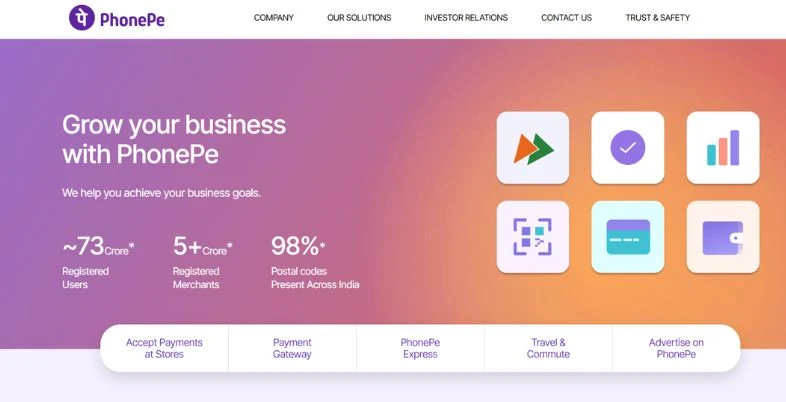
PhonePe for Business is one of the most popular merchant apps in India. It creates a professional payment profile that’s connected to your verified bank account to provide millions of shop owners with a clear view of their daily collections with no messy software or paperwork.
Growth is from instant access to a large user base with a brand recognition of purple PhonePe. It specializes in the SmartSpeaker, a soundbox with voice output that tells you all about the payments you receive. This eliminates fake “payment done” screenshots at crowded counters and ensures that customers are not stuck in long lines during checkout, a huge advantage for restaurants, pharmacies and Kirana stores.
Key Highlights:
- Iconic purple standees
- Fast digital activation
- Multi-bank compatibility
- Voice-guided payment alerts
- Daily auto-settlement
- Simple transaction ledger
Pros:
- Strong brand recognition
- Free daily operations
- Dependable servers
- Easy app navigation
Cons:
- Mobile verification required
- No raw link exports
- Tied to PhonePe hardware
- Occasional support delays
Website Link: http://phonepe.com/business-solutions
11. Paytm for Business App
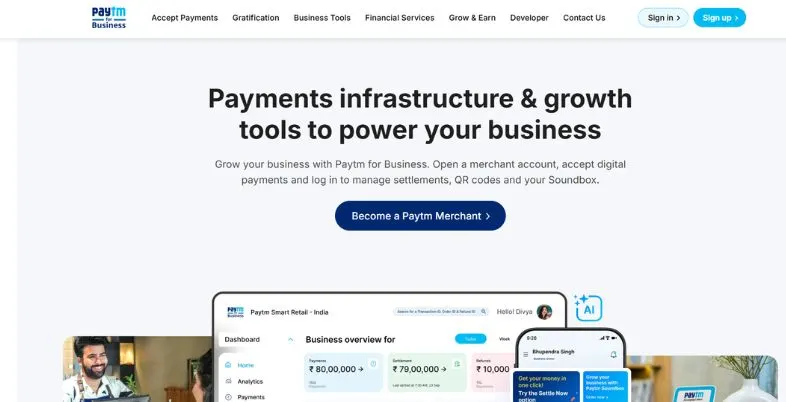
Paytm for Business is introducing a first-of-its-kind NCPI QR code revolution, catering to all retailers from small to big departmental stores. The app automatically generates a single payment code, which can be paid through all major UPI apps and bank handles.
Growth comes from enabling merchants to collect even in difficult times, such as supporting UPI Lite for the fast payment of small amounts. Its specialty is the all-in-one ledger, as card payments, wallet money and direct bank transfers are visible in the same billing view. Owners will also receive cash analytics and robust standee for the counter.
Key Highlights:
- All-in-one payments
- UPI Lite support
- Unified shop ledger
- Fast bank settlement
- Recurring billing setup
- Customisable standee layouts
Pros:
- Long industry track record
- Supports multiple wallets
- Useful cash analytics
- Sturdy physical standees
Cons:
- Complex verification stages
- Frequent app updates
- Ad-heavy interface
- Stricter monthly limits
Website Link: http://paytm.com/business
12. Labnol UPI QR Generator
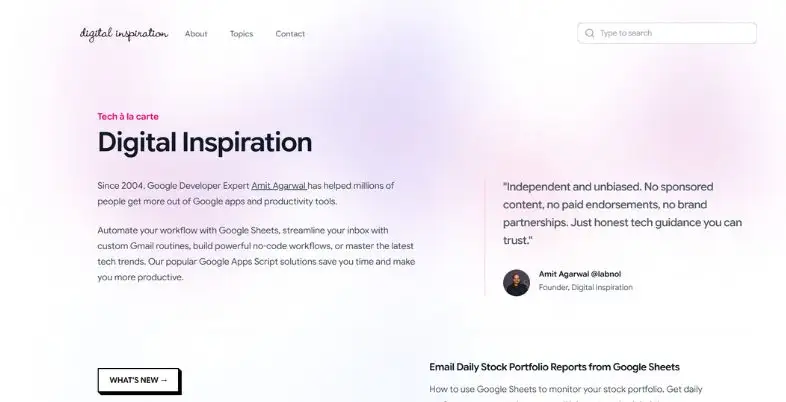
Labnol’s tool, created by technology writer Amit Agarwal, is a beautiful open-source web page. All you need to do is type in a name for the payee and upi address and it’ll generate a customised amount payment code instantly without any registration or tracking.
Independent creators, tutors, freelancers get an advantage since they do not have to face subscription walls nor registration friction. It’s particular focus is a lightweight, client-side script that helps you to maintain your monetary information on your own gadget. It is one of the cleanest free code options on the web, for individuals who don’t need to be left out of the loop.
Key Highlights:
- Free forever tool
- No signup required
- Pre-filled amount fields
- Custom transaction notes
- Clean browser-side code
- Works with all UPI apps
Pros:
- Strong transaction privacy
- Extremely simple navigation
- No hidden costs
- Lightweight file sizes
Cons:
- No design adjustments
- No transaction logging
- No payment webhooks
- Static codes only
Website Link: http://labnol.org
13. Uniqode
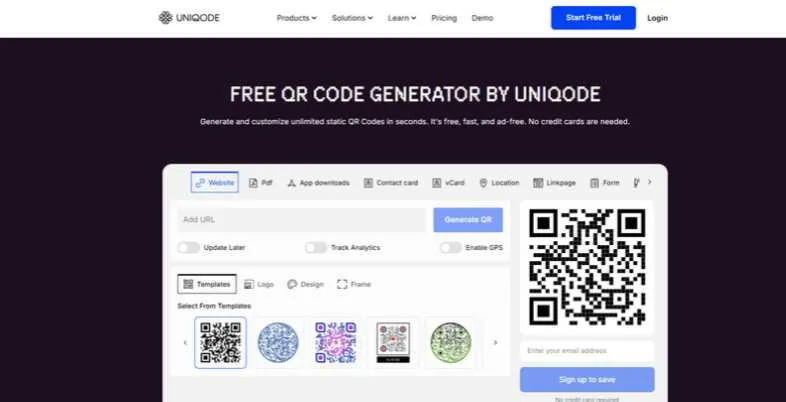
Uniqode is fully equipped with a premium UPI QR Code Generator that converts mere payment codes into high-profile branding tools. Firmly positioned on the spectrum between visual identity and engagement, Uniqode tools enable companies to produce QR codes that capture the character of their brand without sacrificing the technical stability of the codes, driven by the company’s underlying philosophy to make QR codes business-friendly technology. Their algorithms make sure even heavily customized QR codes continue to work on any device and operating system.
Key Highlights:
- Establishing a personality for the brand
- Visual Differentiation Technology
- Scanner Performance Analysis
Pros:
- Supports dynamic QR codes, allowing users to change the destination link without creating a new QR code.
- Offers QR code customization with brand colours, logos, shapes and frames.
- Provides scan analytics, including location, device and time-based data.
- Supports bulk QR code creation for businesses managing multiple campaigns.
- Offers QR code downloads in formats such as PNG, JPG, SVG and PDF.
- Includes security features and compliance standards for business use.
- QR Codes & Digital Business Cards+2
Cons
- Paid plans are relatively expensive for individuals and small businesses.
- Annual billing is the standard pricing model.
- The entry-level plan has limited dynamic QR codes and analytics history.
- Some advanced features, such as API access and detailed analytics, are available only on higher plans.
- It may be more complicated than necessary for users who only need a basic UPI payment QR code.
Ideal for: Brand-focused businesses and marketing teams seeking to differentiate their payment touchpoints
Pricing: Tiered plans based on customization requirements
Website: https://www.uniqode.com/qr-code-generator
How to Create a UPI QR Code (Step-by-Step)
Here are simple steps to follow with any of the above UPI QR Code Generator online:
- Choose the tool: Select a free website or download a merchant app.
- Enter your UPI ID: Carefully enter your VPA like shopname@bank.
- Include payee’s name: Use a shop or personal name to help customers feel safe.
- Add amount (optional): set a fixed amount (optional) and note for dynamic codes.
- Add a personal touch: Select colours, a logo or add a “Scan to Pay” frame (if permitted).
- Run the code: Click the create button and view the live preview.
- Download PNG or SVG: PNG file for screens, SVG file for large, sharp printouts.
- Test before printing: Payment can be done via GPay, PhonePe and Paytm before printing. 1 to verify.
- Print and set up: Print it and then set it up with good lighting and a clear background.
How to Integrate UPI QR Code in Your Business?
Incorporating a UPI QR code into your business is the most straightforward and streamlined method of accepting digital payments in India. It saves time processing cash and increases the transaction speed, and creates trust with tech-literate customers. Here’s how to do it in 5 easy steps:
Step 1: Choose a UPI QR Code Generator
Take a reputable UPI QR maker such as Tunerpage, Paytm Business, PhonePe for Business or BHIM. You can also use free tools online that require just your UPI ID (VPA).
Step 2: Enter your UPI ID
Insert your Virtual Payment Address (e.g., yourname@bank) into the generator. Never enter something sensitive, s,uch as OTPs or bank log-ins.
Step 3Customiseze the QR Code.
Various platforms also allow you to customise your UPI ID:
- Add business name
- Set a payment method
- Add a logo of the brand
Step 4: Download and Print Your QR Code
Download the QR Code in PNG, JPG, or PDF format. Print it and display it in your checkout counter, cash register, product packaging or your website.
Step 5: Test the QR Code
Use any UPI app (Google Pay, PhonePe, BHIM) to scan and test it with a small amount to ensure it works properly.
UPI QR Code Safety and Fraud Prevention
Use a UPI QR code wisely, and it won’t pose a security risk – but scammers know how busy people are. No matter if you are using a free UPI QR Code Generator or a merchant app, adhere to these common practices.
- The golden rule: You will never scan or input a PIN to receive money.
- Verify the payee name: Double-check before paying the name that appears on the screen.
- Be aware of fake “refund” links: Genuine refunds don’t request your UPI PIN.
- Safe PIN: Do not disclose your PIN, OTP or card information to anyone.
- Check printed standees: Fraudsters may place a fake sticker over an actual code on a store.
- Download from trusted apps: Only download from trusted apps and stores.
- Set up alerts: Set the notifications to SMS, app or soundbox for all credits.
- Report quickly: Contact your bank and the NPCI or cyber-crime helpline (1930) if anything goes wrong.
UPI QR Not Scanning or Payment Failing? Fixes
Most of the problems are trivial and straightforward. Don’t worry, if a code generated from your UPI QR Code Generator gets rejected by any QR code scanner or the payment is not successful, check out these quick fixes.
- Clear, smooth print: Folds, glare and smudges prevent the code from being scanned by a camera.
- Make it bigger: Print the square at least 3cm wide so it can be scanned easily.
- Maintain high contrast: Use dark dots on a light background – limit colours.
- Avoid over decorating: large logos can generate a loss of data and a decrease in scan success.
- Test your internet: If data is weak, or Wi-Fi, then you may have timeouts and pending payments.
- Update the app: If there are codes that are newer than the old UPI app, then it might not read them.
- Check the UPI ID: Any error in the UPI ID will result in an invalid VPA error.
- Verify limits and bank information: Daily limits or bank downtime may prevent payment.
- Be patient with retries: Money will be deducted, then will be credited back after auto-reversal, which typically takes a few working days.
UPI QR Code Rules, Limits and Charges in India (2026)
Since the rules have changed this year, all sellers with a UPI QR Code Generator need to know the UPI rules. Please check the latest information on the NPCI website or with your bank as limits may vary.
- P2P is FACES FREE: Person-to-person (P2P) transfers are free of charge, regardless of the amount.
- Small merchant payments: Payments up to Rs. 2,000 keep going without any MDR, which represents a majority of the everyday things that they buy.
- New 2026 MDR: NPCI has increased the merchant discount rate (MDR) by 0.4% on specified person-to-merchant transactions from 15 October 2026. 2,000.
- No charge to the customer: This would be the merchant’s responsibility; make sure your app/gateway supports this.
- UPI Autopay: Reports say mandates are excluded from this MDR.
- Standard limit: Most UPI payments are limited to Rs. The sky is the limit for some categories like capital markets, insurance, tax and education, which can be up to Rs. 5 lakh.
- Bank restrictions: The daily usage limits may be set by your bank or app, and can be as low as $20 per day and no more than 20 transactions per day.
- UPI Lite: For small payments, there is a separate wallet, and a Rs. 1,000 per payment limit is imposed.There is a limit of 1000 per payment and Rs. 5,000 wallet balance.
- No cost to create QR codes: Most browser-based tools are free, but some business platforms may have plan or gateway fees.
Conclusion
Deciding on the right UPI QR Code Generator is dependent on the way you sell. If you’re looking for a quick, private code, free browser add-ons such as QRSprint and Labnol are ideal. If branding is a concern, QRCodeChimp allows your counter to look professional. Razorpay, Cashfree or Easebuzz are good options for growing businesses requiring webhooks, dashboards and settlements, while Google Pay, PhonePe and Paytm might be better for shopkeepers who prefer a simple app with a renowned name.
Regardless of the option you choose, always test your code, keep your PIN confidential and familiarize yourself with the 2026 charges. Begin with a little, test it out using 3 applications, and add only if you have a real need for more.
FAQs
Where can I get a free UPI QR code?
Open any free UPI QR Code Generator and enter your UPI ID and name of the payee, add an amount (if required) and download the PNG or SVG file. It only takes less than one minute.
Can a static UPI QR code be used indefinitely?
Yes, it works as long as your UPI ID and bank account remain active. If either of these is changed, make a new code.
Is it possible to add a fixed amount to a UPI QR code?
Yes. Most tools will allow you to pre-enter the amount and note that will produce a dynamic code for that payment.
What apps are there to scan a UPI QR code?
Most bank apps, GPay, PhonePe, Paytm, BHIM, Amazon Pay can scan any normal UPI QR code.
Can I share my UPI QR code?
Yes, it only allows for individuals to pay you, and not withdrawals. However, don’t provide your PIN or OTP.
What is the difference between personal and merchant UPI QR?
A personal code is transferred daily and is for the individual. A merchant code is associated to a business account, includes business features and could include MDR on some larger payments.
