Top 10 A/B Testing Tools: Complete Guide for Better Conversions

In the modern digital age, it is quite crucial to make the right choices for your site or application. You do not want to imagine what will be most effective with your customers. Rather, you wish to know for certain. It is here that A/B testing tools are used. To find out which version of your web pages, emails, or ads works better, these tools will assist you in testing various versions of them.
Whether you run a small business or work for a big company, using A/B testing tools can help you understand your customers better and improve your results. In this article, we’ll explore the top 10 A/B testing tools that can help you make smarter decisions and grow your business.
What are A/B Testing Tools?
A/B testing tools are software that assist you in testing two or more versions of something to determine which one is better. Consider it this way: you are using two headlines on your site. You do not know which of them will get more people to press the Buy Now button. A/B testing tools let you show one headline to half of your visitors and the other headline to the remaining half. Next, the tool follows the number of clicks on the headline.
Such tools operate by dividing your audience into various categories. The version of what you are testing is different for each group. The A/B testing tools then collect data about how each group behaves. They inform you which version received more clicks, sales, or whatever you have set to achieve. In this manner, you do not need to guess anymore. You will be able to make your decisions on actual data of real people.
Key Features to Look for in A/B Testing Tools
- Easy-to-Use Interface: It must be an easy-to-use tool that any member of your team can use without having to acquire technical training or knowledge of coding.
- Visual Editor: A good visual editor allows you to edit text, images, and buttons by clicking and typing just like a document.
- Detailed Analytics: You must have clear reports that will tell you just how each version has performed using graphs, numbers, and easy-to-understand summaries.
- Integration Capabilities: The best A/B testing software should work well with your existing tools, like Google Analytics, email platforms, and CRM systems.
- Testing Speed: Your tool is not supposed to take a long time to get results, as this would slow down your site, hence your visitors can enjoy themselves.
Top 10 A/B Testing Tools
1. Optimizely
Optimizely is one of the most popular and powerful A/B testing tools in the market today. It is not new, being trusted by thousands of companies around the world. Optimizely is a full-fledged machine to conduct experiments on websites, mobile applications, and other Web mediums. The tool is characterized by a user-friendly interface that allows marketers to develop tests without having to involve developers. Optimizely also has such advanced functions as personalization, by which you can display other content to visitors of different types.
Key Features
- Visual editor for changes
- The high level of targeting and personalization.
- Live data and statistics.
Pros
- Extremely handy interface.
- Excellent customer support
- High-quality personalization.
Cons
- Can be expensive
- High learning curve at first.
- Requires technical setup
Best For: Enterprises
Pricing: Custom pricing based on traffic and features (starts around $50,000/year)
Website: https://www.optimizely.com
2. VWO (Visual Website Optimizer)
VWO is an all-inclusive A/B testing platform and provides all that you require to optimize your site and enhance conversions. It’s one of the best A/B testing software options for businesses that want an all-in-one solution. VWO not only offers A/B testing but also heatmaps, session recordings, surveys, and form analytics. This implies that you will be able to know why visitors act the way they do, rather than what they do. The visual editor of VWO is incredibly user-friendly, and you can edit your site without altering any code.
Key Features
- Complete testing platform
- Heatmaps and recordings
- Smart statistics engine
Pros
- Inexpensive for the majority of businesses.
- Great visual editor
- Comprehensive feature set
Cons
- The interface may get cluttered.
- Certain sophisticated features are optional.
- Entry-level learning curve.
Best For: Businesses
Pricing: Plans start at $199/month, with custom pricing for enterprises
Website: https://vwo.com
3. Google Optimize
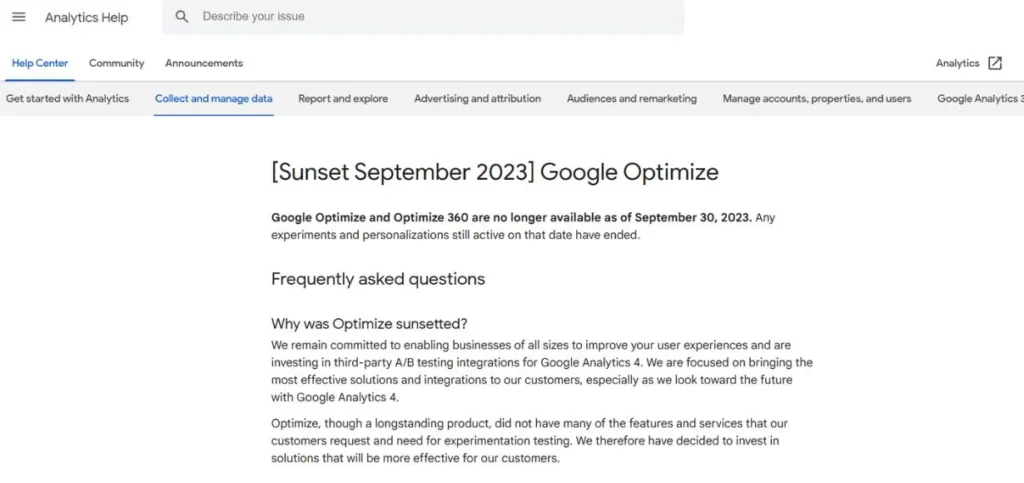
Google Optimize is a free A/B testing tool offered by Google, and it is easily integrated with Google Analytics. In the case of small companies and startups, it is among the most appealing ones, as you can begin testing without spending a single dollar. Google Optimize enables you to conduct A/B tests, multivariate tests, and redirect tests on your site. Its visual editor is simple, and it is easy to modify headlines, pictures, buttons, and so forth. Because it integrates with Google Analytics, you can apply all your already existing goals and audiences to target your tests.
Key Features
- Free to use
- Integration of Google Analytics.
- Easy visual editor
Pros
- Free, totally available version.
- The one works well with Analytics.
- Simple to get started
Cons
- Limited simultaneous tests
- Less functionality than the high-end ones.
- Support is limited
Best For: Startups
Pricing: Free (Optimize 360 pricing available on request)
Website: https://optimize.google.com
- Suggested Reads:
- Best Alternatives to Google AdSense
- Best Google Voice Alternatives
4. Unbounce
Unbounce is mostly referred to as a landing page builder, yet it also has robust A/B testing features integrated into the platform. Unbounce is a good option in case you are designing landing pages as part of your marketing efforts, since you can create and test them in the same location. The platform provides an easy-to-use platform that ensures that you can create beautiful landing pages without any design or coding expertise. The A/B testing capabilities of Unbounce allow you to test variations of your landing pages to determine which one is more likely to convert.
Key Features
- The flying page designer was incorporated.
- Drag-and-drop interface
- Dynamic text replacement
Pros
- Easy page creation
- Built-in testing features
- Great template library
Cons
- Only for landing pages
- Higher pricing tiers
- Limited to web testing
Best For: Marketers
Pricing: Plans start at $90/month
Website: https://unbounce.com
5. AB Tasty
AB Tasty is an A/B testing platform that is of European origin and has become very popular across the world due to its powerful features and fair prices. It provides a full-fledged set of optimization features such as A/B tests, personalization, and feature management. AB Tasty is distinguished by its artificial intelligence and capabilities that will automatically find the most suitable experiences for your visitors.
The visual editor on the site is among the most user-friendly in the industry, enabling you to create intricate changes without any programming know-how. AB Tasty promotes testing websites, mobile application testing, and even in-app testing. The platform enables great segmentation, thus you can display various experiences to various groups of customers.
Key Features
- AI-powered recommendations
- Excellent visual editor
- There is testing on the server side.
Pros
- High levels of personalization.
- Good value for money
- Strong e-commerce focus
Cons
- Some features need training
- The documentation might have been improved.
- Smaller user community
Best For: E-commerce
Pricing: Custom pricing starting around $40,000/year
Website: https://www.abtasty.com
6. Convert
Convert is one of the most privacy-focused A/B testing tools available today. Unless you and your customers care about the privacy of their data, Convert can be considered worthwhile. Your data is not used for anything outside the platform, and the platform fully satisfies the GDPR and other privacy regulations.
Convert provides a clean and simple interface that is easy to use when creating tests. Most typical situations of testing are well supported with the visual editor, but you can also use the code editor to make more advanced changes. The testing methodology of the Convert is excellent in terms of statistical rigor, and you can be sure that your results are good.
Key Features
- Strong privacy compliance
- Fast loading times
- Advanced statistics
Pros
- GDPR and privacy-friendly
- Excellent customer support
- Clean user interface
Cons
- Fewer integrations presented.
- Learning resources limited
- Smaller feature set
Best For: Privacy-conscious
Pricing: Plans start at $699/month
Website: https://www.convert.com
7. Kameleoon
Kameleoon is a French A/B testing solution that has incorporated testing into the abilities of strong AI personalization. It is aimed at businesses interested in doing more than mere A/B testing and the construction of their own personalized experience in diverse groups of customers. Kameleoon is an artificial intelligence tool that will automatically optimize your site, showing the most preferable version to the user.
It also has client and server-side testing, so you can be more flexible in how you achieve your experiments. The visual editor of Kameleoon is simple to operate and provides the chance to edit within a brief span of time. The platform has detailed analytics and reporting, including predictive analytics, or the approximations of your performance on your test.
Key Features
- AI-driven personalization
- Predictive analytics
- Full-stack testing
Pros
- Powerful AI features
- Good for personalization
- Strong security measures
Cons
- Complex for beginners
- Premium pricing
- Needs technical skills.
Best For: Advanced
Pricing: Custom pricing starting around $35,000/year
Website: https://www.kameleoon.com
8. Freshmarketer
Freshmarketer is an A/B testing tool that is what a small to medium-sized business should use because it is a low-priced tool that is a part of Freshworks. It offers a sufficient combination of capabilities and cost, which renders it affordable to firms only starting with conversion rate optimization. Freshmarketer is not only A/B testing but also heatmaps, session replays, and form analytics, which will give you a full picture of how people use your site.
The visual editor is easy to use and simple, and even for those who have never participated in A/B testing, it can be free. The reports of Freshmarketer are clear and realistic and show you the real performance of your tests.
Key Features
- Affordable pricing
- Replays and heatmaps were added.
- Easy-to-use interface
Pros
- Great value for money
- Comprehensive features
- Freshworks integration
Cons
- Limited advanced features
- Smaller user community
- Fewer integrations
Best For: SMBs
Pricing: Plans start at $99/month
Website: https://www.freshworks.com/marketing-automation/
9. Adobe Target
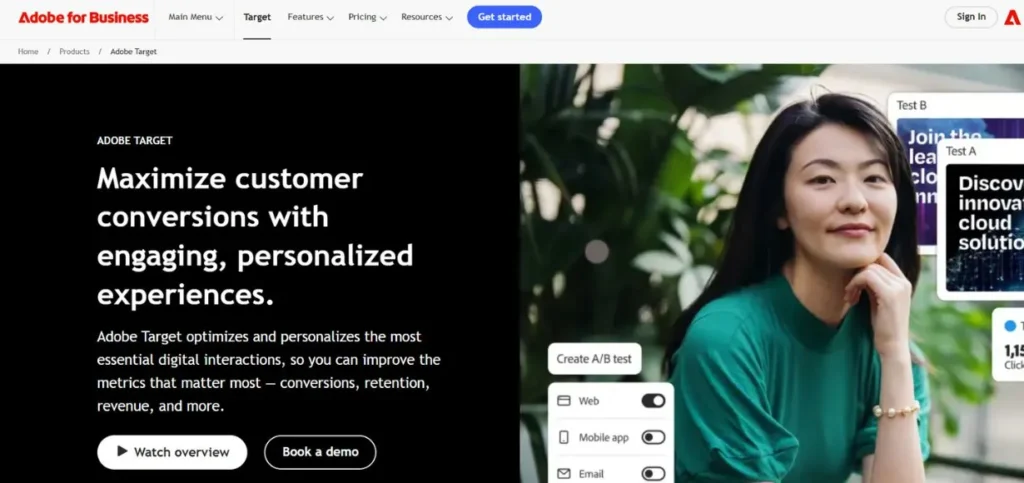
The Adobe Experiencee Cloud consists of Adobe Target, which is a A/B testing and personalization solution, but of business-grade. It’s one of the most powerful split testing tools available, designed for large companies with complex testing needs. Adobe Target also possesses advanced features, like automated personalization, which uses artificial intelligence to deliver an optimal experience to each visitor in an automatic fashion.
The platform supports experimentation across all media (including web, mobile, email, and even IoT devices). AI and machine learning of Adobe Target are able to autopilot on the winning variations and speed up your optimization.
Key Features
- AI-powered automation
- Omnichannel testing
- Adobe ecosystem integration.
Pros:
- Very powerful features.
- Enterprise-grade reliability
- Deep personalization
Cons
- Very expensive
- Complex implementation
- Steep learning curve
Best For: Enterprises
Pricing: Custom pricing (typically $100,000+ per year)
Website: https://business.adobe.com/products/target/adobe-target.html
10. Crazy Egg
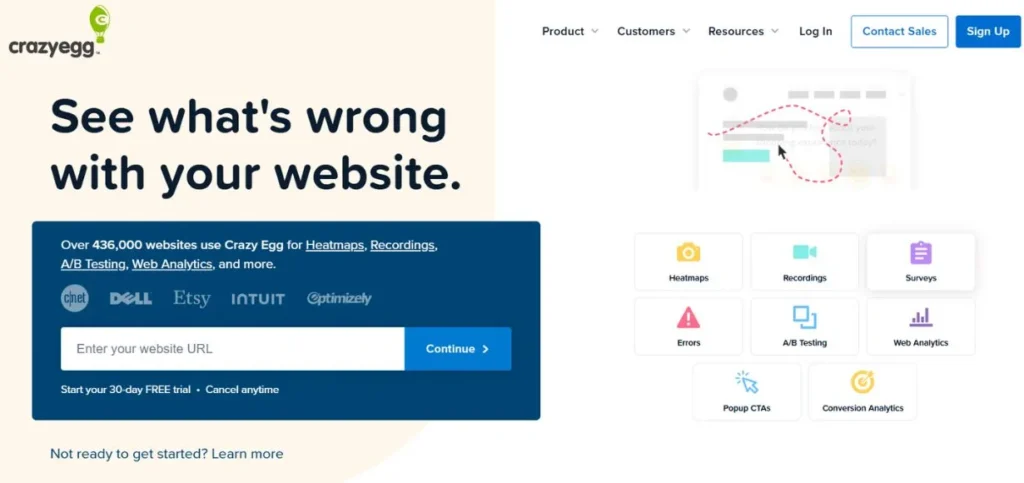
Crazy Egg is a simple A/B testing software that is relatively simple and user-friendly for beginners and small businesses. It is the most well-known due to its fancy visual analytics, which include heatmaps and scrollmaps as well, enabling you to understand how your visitors use your site. Crazy Egg provides A/B testing to anyone and everyone, and it provides a very easy-to-understand interface that can be used without technical expertise.
A visual editor enables you to set tests within minutes, whether it is text, pictures, or layouts. With its visual analytics, Crazy Egg not only shows the winning version but also the rationale behind the winning version.
Key Features
- Visual heatmaps included
- Simple visual editor
- User recordings
Pros
- Very beginner-friendly
- Affordable pricing
- Great visualization tools
Cons
- Limited advanced features
- Fewer targeting options
- Basic reporting
Best For: Beginners
Pricing: Plans start at $29/month
Website: https://www.crazyegg.com
Common Mistakes to Avoid
- Ending Tests Too Early: Many people stop their tests before getting enough data, which leads to unreliable results – always wait until your A/B testing tools show statistical significance.
- Testing Too Many Things: When you change a set of elements simultaneously, you do not know which change brought about improvement, hence you need to test one thing at a time so that you have a clear result.
- Statistical Significance should not be disregarded: The fact that version A received several more clicks does not imply that it is indeed better – statistical tools are at your disposal, so make sure that you can trust the results obtained.
- Not Having Clear Goals: The first thing to do before beginning any test with your conversion rate optimization tools is to determine what success will be: more clicks, more sales, or longer time on page.
- Testing Without Enough Traffic: When considering a testing strategy, it will take an eternity to complete tests on a website that does not receive traffic to a significant extent – keep this in mind.
Conclusion
A/B testing tools are essential for any business that wants to improve its website, marketing campaigns, or customer experience. Experimentation and measurement can enable you to make decisions that are not based on assumptions. The ten tools that we have outlined in this paper possess diverse features, prices, and capabilities so as to suit the various needs. A/B testing has its own A/B testing solution, both free solutions that small startups can use and advanced solutions that big businesses should use in Adobe Target.
Remember that the best A/B testing software for your business depends on your specific situation – your budget, technical skills, traffic volume, and business goals. Learn by trial and error, and then by attempting to do it with the simple features first, and then the more complicated features as you become familiar with it. The big thing is to get started testing. Even the simplest examinations will reveal some very unexpected facts about your customers and lead to tremendous changes in your performance.
FAQs
Q1: What is A/B testing, and why do I need this?
A/B testing software applications are the tools that can help you compare your different versions of your web pages, emails, or advertisements to determine which one works better. You need them since they allow making decisions on the basis of actual customer information rather than guessing, which results in higher conversion rates and additional income.
Q2: What are the costs of the A/B testing tools?
The cost of A/B testing tools varies widely, from completely free options like Google Optimize to enterprise solutions that cost $100,000 or more per year. The range of $99-699 a month is good and can be offered to most small to medium businesses with all the features they require.
Q3: Am I able to make use of A/B testing tools without technical knowledge?
Indeed, there is an abundance of non-technical A/B testing tools these days with visual editors that allow you to edit by clicking and typing. Such tools as VWO, Crazy Egg, or Unbounce are significantly easier to use and do not need any coding knowledge to implement successfully.
Q4: What duration shall I have for an A/B test?
An A/B test should be carried out until it becomes statistically significant, which takes at least 1-2 weeks based on your traffic. Most A/B testing tools will tell you when you have enough data to make a reliable decision, so don’t stop your test too early.
Q5: What is the difference between an A/B test and a multivariate test?
A/B tests make comparisons between two full versions of something (such as two web pages), whereas multivariate testing tools allow you to test multiple variables simultaneously to determine which combination is most effective.