
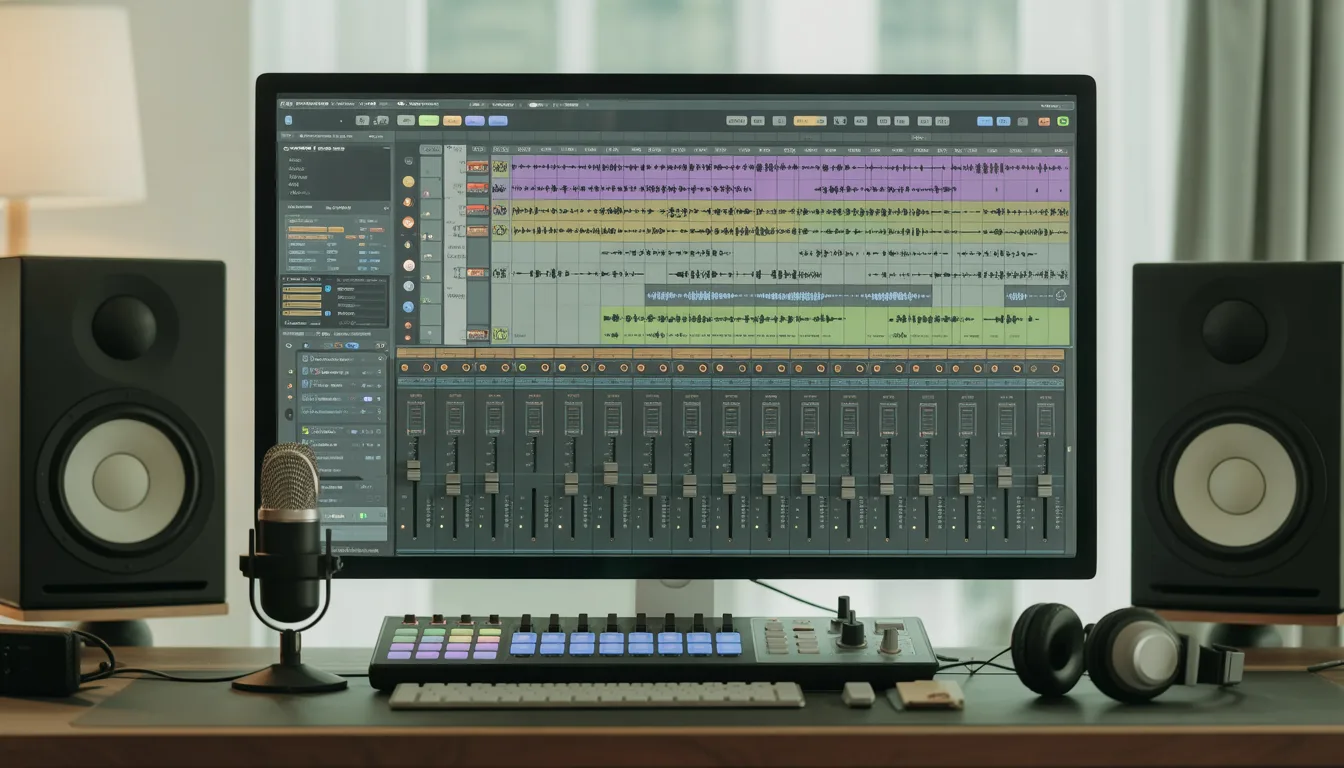
Every music project starts with a spark, and the software you work in plays a huge role in shaping that idea into something real. Music Recording and Editing Software has become the modern creator’s studio, giving singers, producers, and content creators everything they need inside one digital space. Whether you’re capturing vocals, arranging instruments, or polishing audio for a video, the right DAW can make the entire process smoother and far more enjoyable.
You don’t need a large studio or expensive hardware to begin. A solid laptop paired with the right software can handle recording, editing, mixing, and even mastering with ease. This guide walks you through the fundamentals to consider before choosing your DAW, helping you find software that fits your workflow, supports your creative goals, and grows with you as your skills and projects evolve.
What Is Music Recording and Editing Software?
Music recording and editing software, commonly known as a DAW, is far more than an audio recorder. It’s your digital studio where you can record tracks, edit audio, tune vocals, shape sounds, add effects, mix levels, and prepare your final song for release. Everything that once required expensive hardware like mixers, compressors, and samplers now happens inside one application.
A DAW handles every stage of music creation. You can build arrangements, layer harmonies, create beats, automate effects, fix timing issues, and experiment with sounds in ways traditional studios simply couldn’t. Whether you’re composing, producing beats, podcasting, or working with voice recordings, the DAW adjusts to your workflow and gives you a flexible, controlled environment to create without limitations.
Modern DAWs are also incredibly accessible. Beginners can open one and start experimenting within minutes, and as skills improve, the software offers deeper tools to grow with you. That’s why choosing the right DAW matters so much: it becomes a long-term creative partner, not just a piece of software.
Why Your DAW Choice Makes a Big Difference
The DAW you use has a direct impact on how quickly you learn, how easily ideas flow, and how confidently you complete your projects. It becomes part of your routine and creative identity, so choosing one that feels comfortable is important for long-term growth.
It Shapes Your Workflow
A DAW that matches your thinking helps you move smoothly from recording to editing and mixing. If the layout feels confusing, it slows everything down and kills momentum.
It Affects Your Learning Curve
Some DAWs are beginner-friendly. Others expect you to understand routing, mixing, and audio concepts from the start. Picking one that fits your skill level keeps you motivated.
It Influences Mix Quality
Even though all DAWs can mix audio, their tools and visual layouts are different. Clear meters and organized channels make it easier to balance your track and refine your sound.
It Impacts System Performance
Lightweight DAWs run well on basic laptops, while heavier ones need more powerful hardware. If your DAW lags or crashes, creativity gets interrupted instantly.
It Affects Your Creativity
A comfortable interface encourages experimentation and new ideas. When the software feels restrictive, your creative flow becomes limited.
Choosing the right DAW isn’t about what’s most popular. It’s about finding the one that supports the way you think and create.
Key Features to Look for in Music Recording & Editing Software
Before choosing any DAW, it helps to understand the features that truly impact your workflow. These core elements shape your recording, editing, and mixing experience.
1. Multitrack Recording
A must for vocals, instruments, and layered takes. Look for low latency, stable performance, clear waveforms, and easy comping so you can pick the best parts of each recording.
2. Non-Destructive Editing
Every edit should be reversible. This allows you to trim, stretch, fade, tune, or chop audio without risking the original file.
3. A Strong MIDI Editor
Essential for beats and virtual instruments. A good MIDI editor includes a clean piano roll, quantization options, velocity control, note automation, and support for MIDI controllers.
4. Plugin Support (VST, AU, AAX)
Plugins expand your sound library and effects. Your DAW should support common plugin formats to ensure full compatibility with professional tools.
5. Built-In Instruments and Effects
A solid DAW provides EQ, compression, reverb, delay, distortion, mastering tools, and at least one useful synth or sampler so beginners can start producing immediately.
6. Mixing and Mastering Tools
Look for clean channel strips, bus routing, sends and returns, automation lanes, and accurate meters. These tools help refine your track and prepare it for release.
7. Performance Optimization
The DAW should run smoothly on your system. Efficient CPU usage prevents lag, crackling audio, and freezes during heavy projects.
8. Comfortable and Intuitive Interface
A clean, easy-to-navigate layout boosts creativity and reduces distraction. The more natural the interface feels, the faster your ideas turn into real music.
List of Top 15 Music Recording and Editing Software
1. Ableton Live
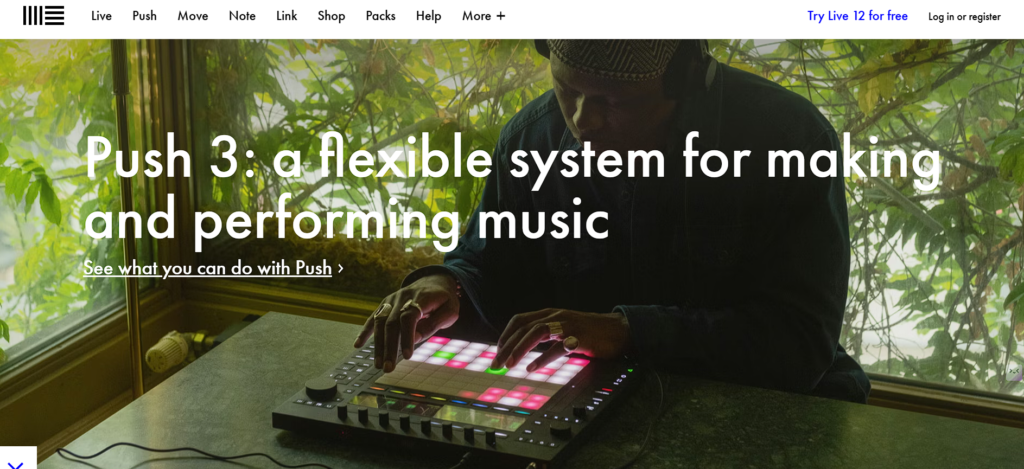
Ableton Live is one of the most flexible DAWs for producers who work across genres, especially EDM, hip-hop, and experimental music. It offers both a performance-friendly Session View and a traditional Arrangement View, making it ideal for live performers and studio creators. Users love its intuitive workflow, advanced warp algorithms, and reliable low-latency engine.
Ableton’s built-in instruments and effects are powerful enough for end-to-end production without third-party plugins. The software is also highly optimized for MIDI work, from sequencing to modulation. Whether you’re composing, mixing, or designing sound, Ableton makes the process fast, fluid, and creative.
Key Features
- Multitrack recording with low-latency engine
- Industry-leading MIDI editor
- Non-destructive audio editing + warp modes
- Supports VST2/VST3 and AU plugins
- Session View + Arrangement View workflow
- Built-in instruments (Wavetable, Operator, Sampler)
- Automation for all parameters
2. FL Studio
FL Studio is a favorite among beatmakers and electronic producers for its clean interface, powerful piano roll, and extensive sound library. The workflow is visually intuitive, allowing beginners to learn quickly while still giving professionals deep control over sound design. Its step sequencer, channel rack, and flexible mixer routing make it easy to build complex arrangements.
FL Studio also works flawlessly with VST plugins, making it a hub for third-party synths and effects. The DAW’s lifetime free updates make it a long-term value for creators. Whether you’re producing beats, recording vocals, or mixing tracks, FL Studio keeps the process smooth and organized.
Key Features
- Unlimited multitrack recording + step sequencer
- Industry-famous Piano Roll
- Non-destructive audio editing
- VST plugin support
- Powerful stock synths (Harmor, Sytrus, Flex)
- Automation clips for FX
3. Logic Pro (Mac Only)
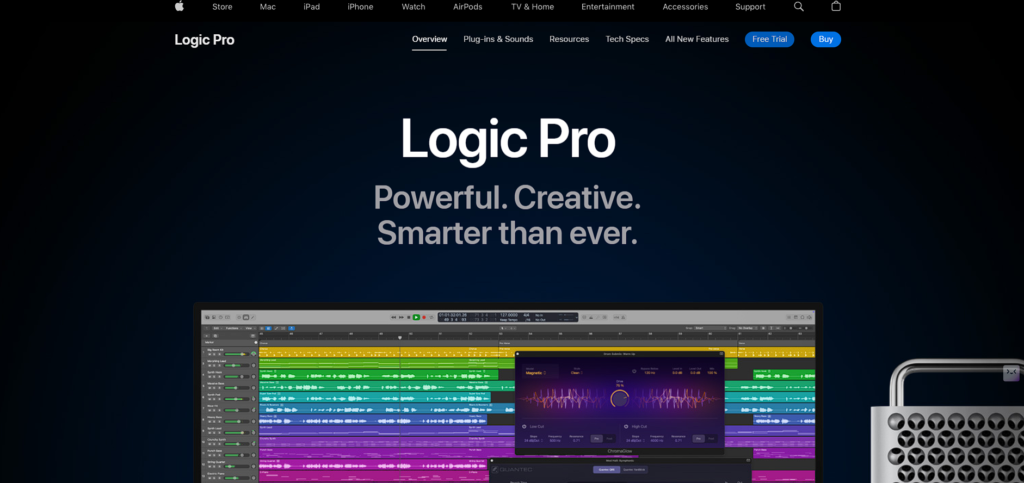
Logic Pro is Apple’s flagship DAW, known for delivering a professional-grade recording experience with unmatched stability and audio fidelity. It comes with a massive library of sounds, loops, and studio instruments that cover every genre and production style. Logic’s Flex Pitch and Flex Time tools make vocal editing and timing corrections extremely precise.
The interface is polished and intuitive, helping both beginners and seasoned producers create efficiently. Its built-in plugins rival expensive third-party tools for mixing and mastering. From scoring films to producing chart-ready songs, Logic Pro provides everything in one box.
Key Features
- Pro-level multitrack recording & comping
- Advanced MIDI editor + score writer
- Large sound library + premium instruments
- AU plugin support
- Smart Tempo + Flex Time editing
- Studio-grade pitch correction
4. Pro Tools
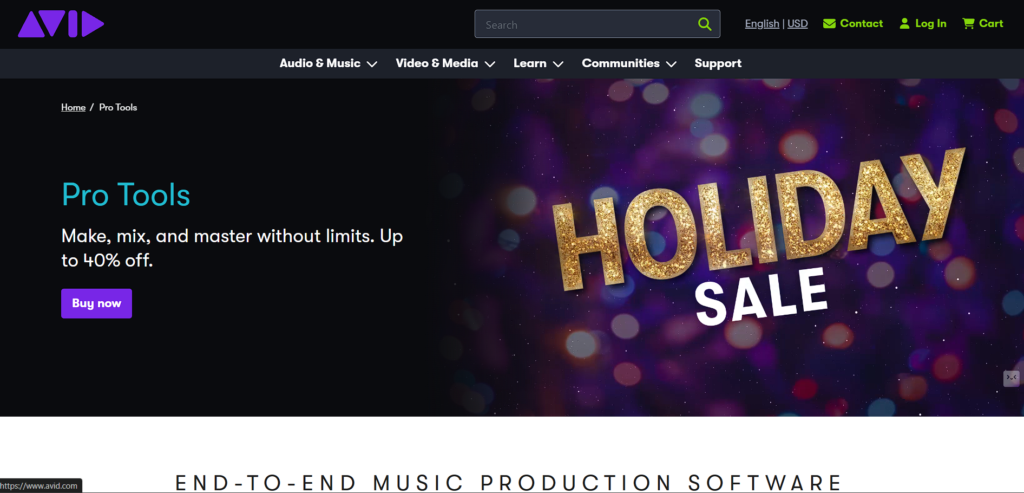
Pro Tools is the industry standard Music Recording And Editing Software for professional studios due to its unmatched editing precision and rock-solid recording engine. It’s widely used for film scoring, studio albums, broadcasts, and high-end music production. The software handles extremely large sessions with ease, making it ideal for orchestral recordings and multi-mic setups.
Its editing modes—Slip, Spot, Shuffle, and Grid—allow detailed control over audio placement. Pro Tools also integrates tightly with audio hardware, ensuring ultra-low latency monitoring. It’s not the easiest DAW for beginners, but for professionals, it remains the gold standard.
Key Features
- Ultra-stable multitrack recording
- Industry-standard audio editing modes
- AAX plugin support
- Advanced comping & playlist management
- Strong hardware integration
- High-level automation tools
Suggested Read: Photo Editing Software
5. Cubase
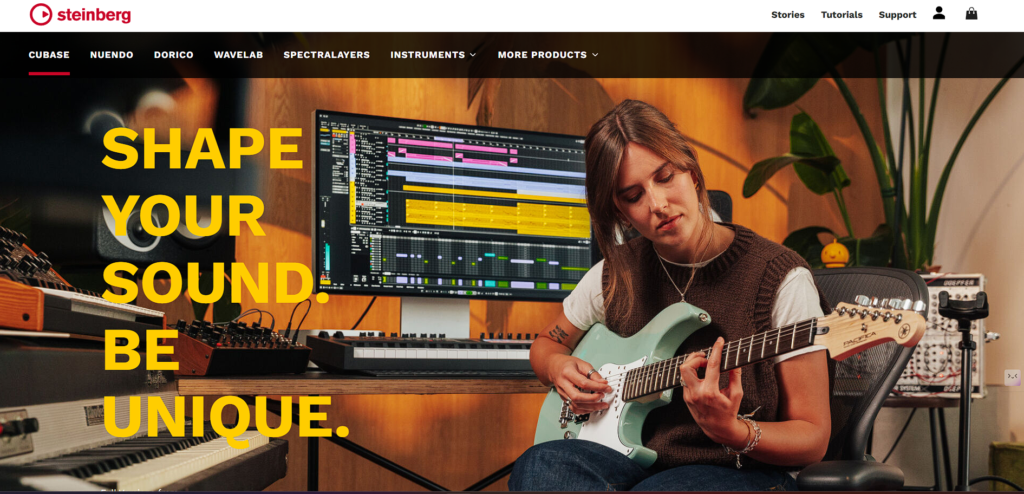
Cubase is known for its powerful MIDI capabilities, professional mixing engine, and long-standing reliability. It’s used extensively by film composers, sound designers, and studio producers because of its deep control over musical expression. Its VariAudio tool provides built-in pitch correction without needing external software like Melodyne.
Cubase also includes a high-quality scoring system, making it perfect for orchestral and cinematic music. The interface is highly customizable, allowing users to adapt it to their workflow. Whether you’re producing electronic, classical, or pop music, Cubase delivers consistently strong performance.
Key Features
- Stable multitrack recording
- Advanced MIDI tools & score editor
- VST2/VST3 support
- VariAudio pitch correction
- Drum editor
- Non-destructive editing & comping
6. Studio One
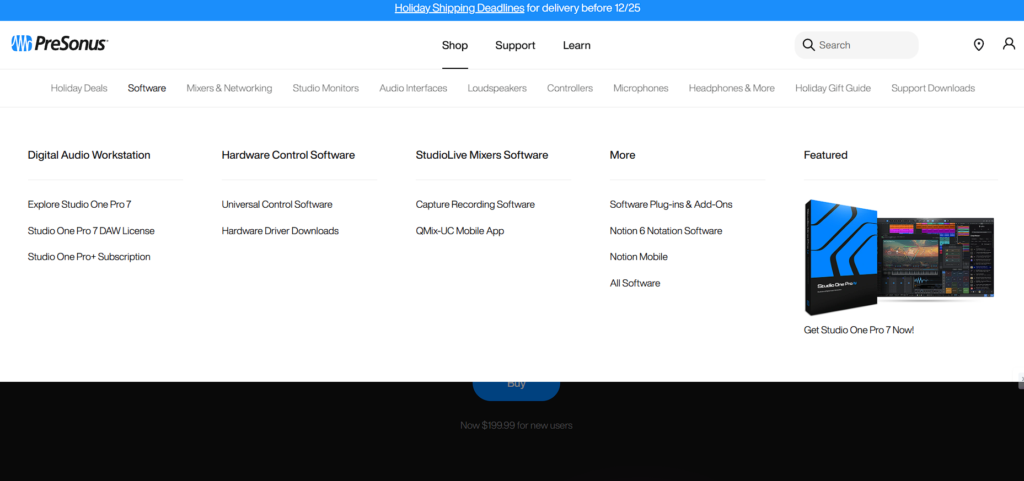
Studio One is a modern DAW designed for speed and efficiency, offering drag-and-drop functionality that simplifies almost every part of the workflow. Its integrated mastering page allows users to mix and master within the same project without exporting files repeatedly. The DAW includes seamless Melodyne integration for pitch editing, making vocal production incredibly smooth.
Studio One’s interface feels clean and uncluttered, appealing to producers who prefer an intuitive layout. It’s also known for excellent CPU optimization and stable performance even in large sessions. Both beginners and professionals appreciate its all-in-one capabilities.
Key Features
- Unlimited multitrack recording
- Smooth MIDI workflow
- VST/AU support
- Scratch Pads for variations
- Built-in Melodyne
- Non-destructive editing
7. Reaper
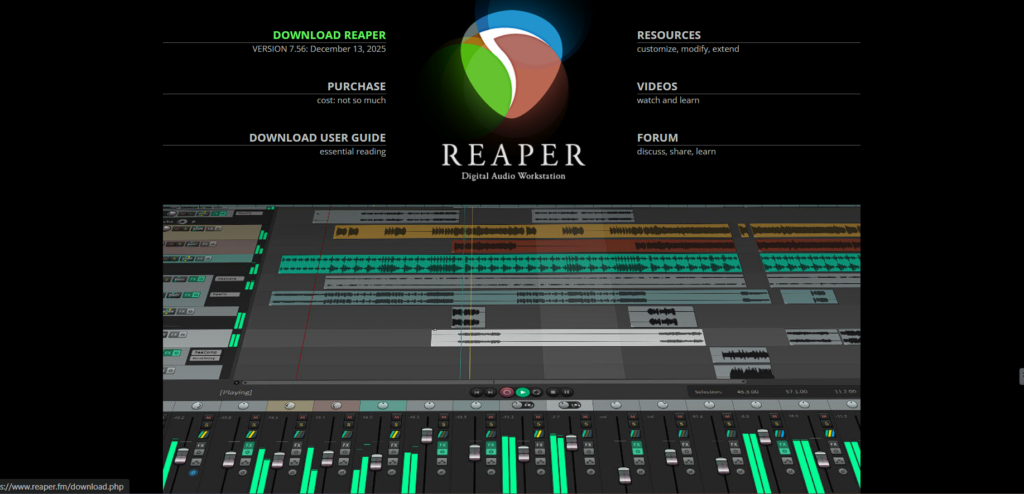
Reaper is a lightweight yet highly capable c that offers extreme customization at a fraction of the cost of competitors. Despite its small file size, it handles large sessions smoothly and supports virtually any audio format. The interface may look simple initially, but users can modify it endlessly with themes, scripts, and extensions.
Reaper is one of the most CPU-efficient DAWs, making it ideal for laptop creators or large plugin-heavy projects. It also includes a suite of native plugins that are simple but accurate. Its licensing system is affordable and fair, making it popular among indie producers and studios alike.
Key Features
- Unlimited tracks & fast rendering
- VST2/VST3/AU support
- Non-destructive editing
- Fully customizable UI
- Advanced automation
- Extremely low CPU usage
8. GarageBand
GarageBand is a beginner-friendly DAW from Apple that provides surprisingly powerful tools for recording and editing music. It’s especially popular among new musicians, podcasters, and content creators due to its simplicity and high-quality instrument packs. The Smart Drummer and Smart Instruments allow users to build arrangements quickly without deep technical knowledge.
GarageBand projects also transition smoothly into Logic Pro, making it an excellent learning platform. Despite being free, it supports AU plugins and offers solid mixing tools. For many users, it’s the gateway to professional audio production.
Key Features
- Unlimited tracks (Mac)
- High-quality virtual instruments
- Smart Drummer & loops
- AU plugin support
- Simple MIDI editing
- Built-in EQ, compressor, reverb
9. Audacity
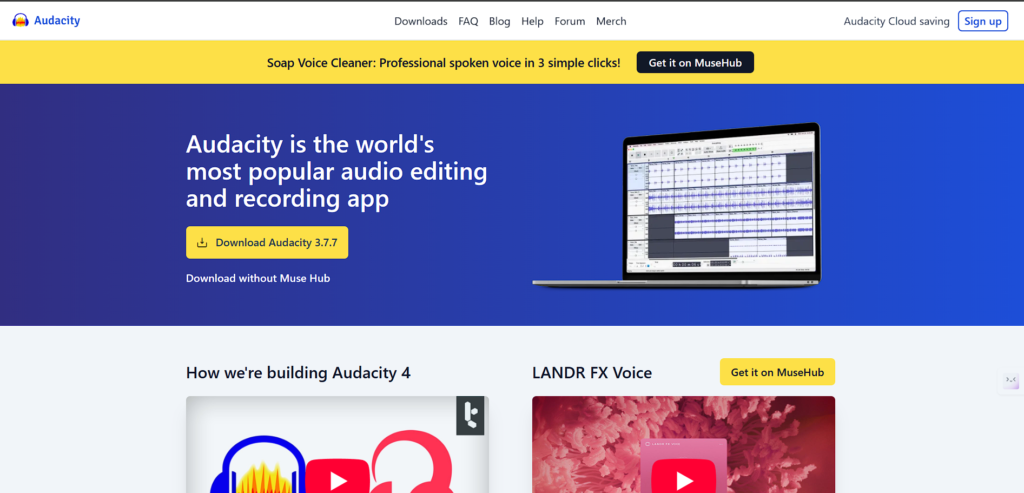
Audacity is a free, open-source recording tool known for its simplicity and effectiveness for basic editing tasks. It’s widely used for podcasts, voiceovers, and simple music projects where advanced features aren’t required. Though not a full DAW, it offers essential tools like cut, trim, fade, noise reduction, and waveform editing.
It supports VST plugins for expanded functionality, making it useful for light mixing tasks. The interface is straightforward, allowing beginners to learn quickly without technical barriers. For anyone needing fast audio edits or budget-friendly recording, Audacity is a dependable choice.
Key Features
- Multitrack recording
- Non-destructive editing
- Noise reduction tools
- VST plugin support
- Fast export options
- Basic mixing plugins
10. Adobe Audition
Adobe Audition is specialized for vocal production, post-production, podcasting, and audio cleanup. Its spectral editing view offers unparalleled precision for removing background noise, clicks, or unwanted sounds. It integrates seamlessly with Adobe Premiere Pro and After Effects, making it a go-to tool for video editors and filmmakers who need professional audio for their video projects.
The software includes batch processing for high-efficiency workflows and automatic speech alignment for ADR and dubbing work. Adobe Audition’s multitrack environment is clean and efficient, ideal for voice-heavy projects or syncing audio to video timelines. While it’s not a full music production DAW, it excels in editing, restoration, and mixing vocals, providing the essential audio foundation for any video production.
Key Features
- Multitrack + waveform editing
- Spectral frequency editor
- Denoise + de-hum tools
- VST plugin support
- Batch processing
- Speech alignment
11. Bitwig Studio
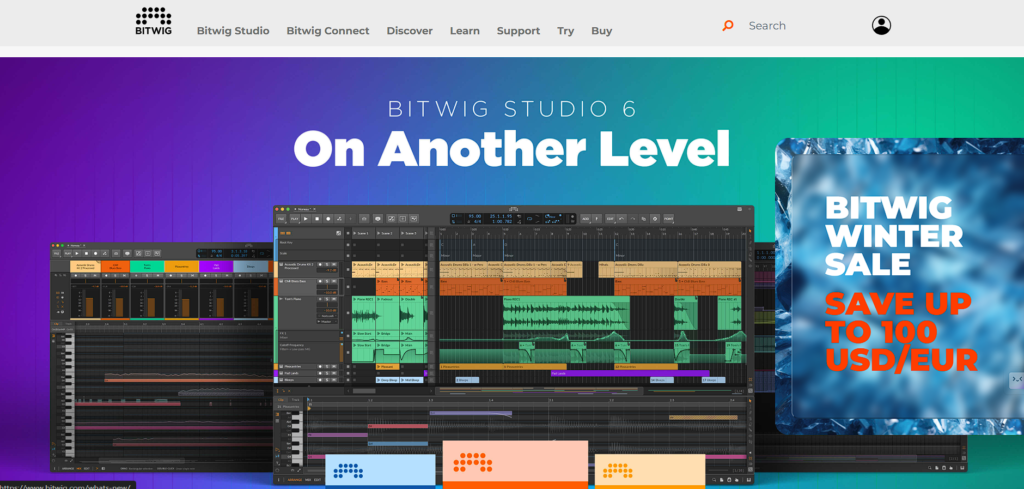
Bitwig Studio is a cutting-edge Music Recording And Editing Software built for modular sound design, experimental production, and advanced automation. It offers a flexible clip-based workflow similar to Ableton but adds deeper modulation and device chaining possibilities. Producers love its layered editing, hybrid tracks, and expressive MIDI support for MPE devices.
Bitwig’s modular environment allows users to build custom instruments and effects without coding. The software is fast, responsive, and designed for creative exploration. Its drag-and-drop interface keeps workflow intuitive even with complex sound design.
Key Features
- Flexible multitrack recording
- Advanced modulation system
- VST plugin support
- Non-destructive editing
- Touchscreen-optimized
- Strong automation tools
12. Reason Studios
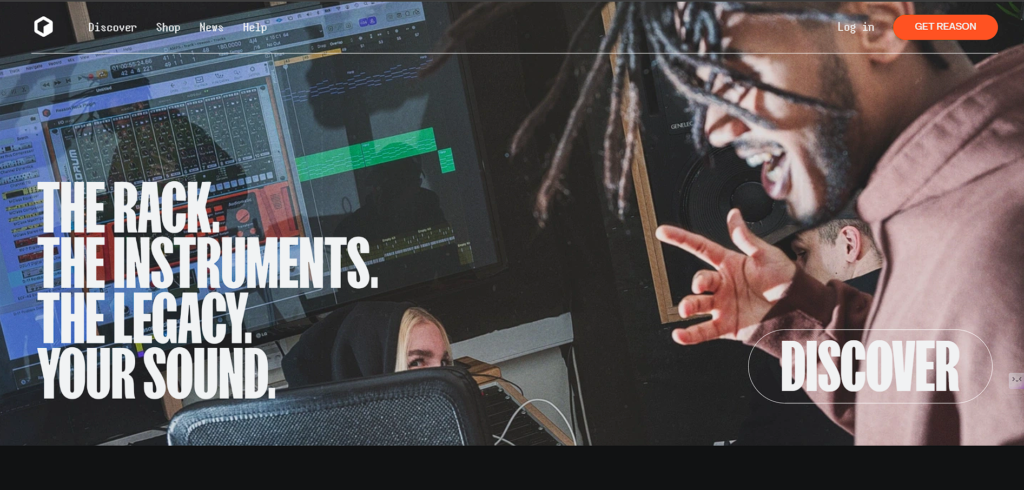
Reason is famous for its virtual rack system, where users can patch cables, stack devices, and build custom signal chains just like real hardware. It’s incredibly fun for sound designers who want hands-on control. The DAW includes powerful synths, samplers, and drum devices out of the box.
Its sequencer is clean and straightforward, supporting both MIDI and audio workflows. Reason can also run as a plugin inside other DAWs, giving producers access to its rack system anywhere. With its hardware-like approach, Reason remains a favorite for electronic and experimental music creators.
Key Features
- Virtual rack instruments
- Non-destructive editing
- VST plugin support
- Strong MIDI workflow
- Signature synths (Thor, Europa, Subtractor)
- SSL-modeled mixer
13. Mixcraft
Mixcraft offers a user-friendly DAW experience while still packing professional recording and editing tools. It’s popular among beginners and home studio musicians because of its clean layout and easy navigation. Mixcraft includes a large library of loops, virtual instruments, and effects that speed up music creation.
It also supports video editing, making it great for YouTubers and content creators. The software handles unlimited tracks and automation smoothly. Despite being affordable, it provides enough features for full music production and mixing.
Key Features
- Unlimited audio/MIDI tracks
- VST plugin support
- Non-destructive editing
- Large loop library
- Video editing support
- Automation for all parameters
14. Waveform (Tracktion)
Waveform is a modern, creative-focused DAW designed for producers who want a distraction-free workflow. Its single-window interface keeps everything accessible without clutter. Waveform supports unlimited tracks and includes a variety of built-in instruments and effects.
The DAW is optimized for experimental production with features like clip editing, pattern generation, and modular routing. It’s lightweight and runs smoothly even on older systems. Because of its unique workflow, it appeals to electronic producers, beginners, and musicians who want a fresh approach to music-making.
Key Features
- Unlimited tracks
- VST support
- Non-destructive editing
- Strong MIDI tools
- Step sequencer
- Modulation-friendly environment
15. LMMS (Free)
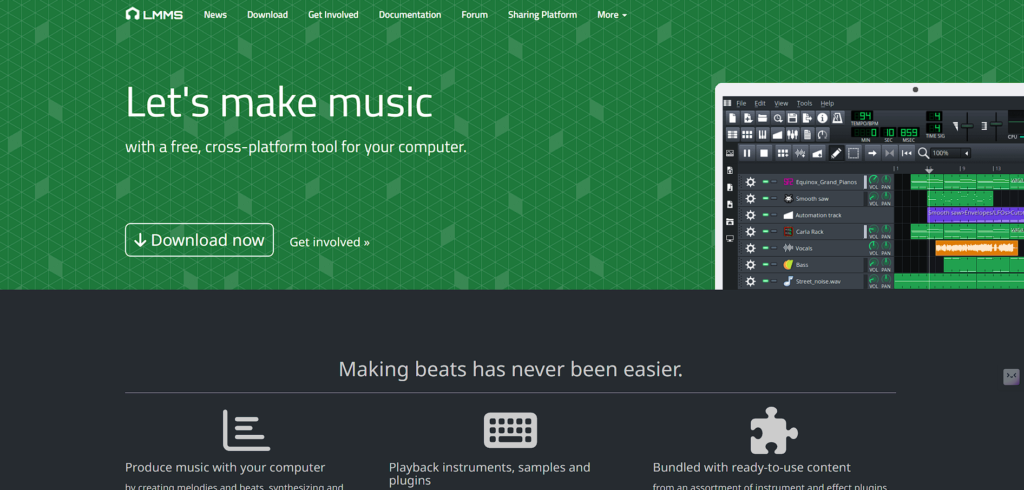
LMMS is a completely free Music Recording And Editing Software geared toward beginners and electronic music producers. It focuses more on MIDI composition and beat-making than audio recording. LMMS comes with a collection of built-in synths, sample players, and drum machines that help new producers experiment easily.
Its interface is simple, making it ideal for learning the basics of sequencing and arrangement. While it lacks advanced recording tools, it supports VST plugins and offers automation for creative effects. LMMS is perfect for entry-level music creation without any cost barrier.
Key Features
- MIDI composition tools
- Built-in synths
- VST support
- Non-destructive beat editing
- Automation editor
- Basic mixing tools
Comparison Table: Best Music Recording and Editing Software
| Software | Best For | OS Support | Plugin Formats |
| Ableton Live | EDM, live performance, sound design | Windows, macOS | VST2, VST3, AU |
| FL Studio | Beat-making, hip-hop, electronic | Windows, macOS | VST2, VST3 |
| Logic Pro | Vocals, songwriting, film scoring | macOS only | AU |
| Pro Tools | Professional studios, film, audio engineering | Windows, macOS | AAX |
| Cubase | Composers, arrangers, multi-genre production | Windows, macOS | VST2, VST3 |
| Studio One | Full production, mixing and mastering | Windows, macOS | VST2, VST3, AU |
| Reaper | Custom workflows, low CPU usage | Windows, macOS, Linux | VST2, VST3, AU |
| GarageBand | Beginners, podcasters, basic music creation | macOS, iOS | AU |
| Audacity | Basic audio editing, podcasts, voiceovers | Windows, macOS, Linux | VST2 |
| Adobe Audition | Vocal editing, post-production, cleanup | Windows, macOS | VST3, AU |
| Bitwig Studio | Modular sound design, advanced automation | Windows, macOS, Linux | VST3 |
| Reason | Sound design, synth-based production | Windows, macOS | VST3 |
| Mixcraft | Beginner to intermediate producers | Windows | VST2, VST3 |
| Waveform | Creative workflows, experimental production | Windows, macOS, Linux | VST2, VST3 |
| LMMS | Beginner beat-making, MIDI composition | Windows, macOS, Linux | VST2 (via VeSTige) |
System Requirements Checklist Before Choosing Any DAW
Your DAW is only as good as the machine running it. Even the best software becomes frustrating on an underpowered system. To avoid lag, crashes, audio dropouts, and project inefficiency, make sure your device meets these basic requirements.
1. RAM
8GB works for small projects, but 16GB is the real sweet spot for musicians using multiple plugins. Large arrangements, orchestral libraries, and heavy mixing sessions benefit from 32GB or more.
2. Processor
Look for at least an Intel i5 or Ryzen 5 processor. Music production benefits from strong multi-core performance, so the more cores you have, the smoother your sessions will be. Complex projects with many effects require higher-end CPUs.
3. Storage
Always choose an SSD over an HDD. SSDs dramatically reduce loading times, sample browsing delays, and project crashes. DAWs rely heavily on file retrieval speed, especially when using sample-heavy instruments.
4. Audio Interface
While you can produce without one, an audio interface reduces latency, improves sound quality, and provides stable input/output connections. It’s essential for recording vocals or instruments.
5. Headphones or Monitors
Good headphones reveal more detail during mixing. Studio monitors help you assess your track accurately in a room. You don’t need expensive gear—just equipment designed for production rather than casual listening.
6. Compatibility
Check whether your DAW supports your operating system. Some DAWs are exclusive to Mac, some to Windows, and a few support Linux. Updating your OS may also break compatibility with older DAW versions. Preparing your system before choosing a DAW saves you hours of frustration later.
Conclusion
Choosing the right music recording and editing software isn’t just a technical decision; it’s a creative one. Your DAW becomes the place where every idea, every mistake, every breakthrough, and every finished track takes shape. And the truth is, there’s no single “best” software for everyone. What works perfectly for a beat-maker might feel limiting for a vocalist, and what feels intuitive to a beginner might feel restrictive for someone who wants deeper control.
The real win is finding a DAW that feels natural the moment you open it. One that fits your workflow, feels easy to navigate, and encourages experimentation instead of slowing you down. The more comfortable you are inside your software, the more freely your ideas will flow — and ultimately, that’s what leads to better music.
So instead of chasing trends or copying what famous producers use, choose the tool that supports your process. Start with what feels right, learn it well, and let it grow with you. Every great producer, engineer, and artist found their sound inside a DAW that made them feel at home, and once you find yours, the rest of the journey becomes a whole lot easier.
FAQs
Can I Start Music Production on a Low-end Laptop?
Yes — lightweight DAWs and smart project management make it possible.
Do I need Expensive Plugins to Sound Professional?
No. Most modern DAWs come with excellent built-in tools.
Is it Possible to Switch DAWs Later?
Absolutely. Many producers use multiple DAWs for different tasks.
Should Beginners Start with Free Software?
Free DAWs are good for learning, but you’ll upgrade eventually.
Does the DAW Affect Sound Quality?
Not directly — your mixing skills and plugins matter more.
