
To create visually compelling content, photographers, designers, and digital creators rely on more than just a good camera—they depend on powerful photo editors. These tools enable professionals and hobbyists alike to enhance, retouch, and transform images into high-quality visuals that capture attention.
Modern photo editing software has evolved far beyond basic filters. Today’s tools are intelligent, intuitive, and accessible—featuring AI enhancements, real-time collaboration, and cloud-based functionality. Whether you’re curating social media posts, building brand assets, or polishing a portfolio, the right editing platform empowers you to turn creative ideas into stunning visual stories.
In this blog, we’ve rounded-up points to an eclectic variety of free as well as paid software solutions—ranging from desktop, mobile, to web-based options—providing compatibility with Windows, macOS, Android, iOS, as well as browser setups. Whether you’re looking for thorough editing capabilities or instant, point-of-work tweaks, this roundup is geared to assist you in discovering the ideal solution for your artistic requirements.
List of 10 Best Photo Editing Software
1. GIMP
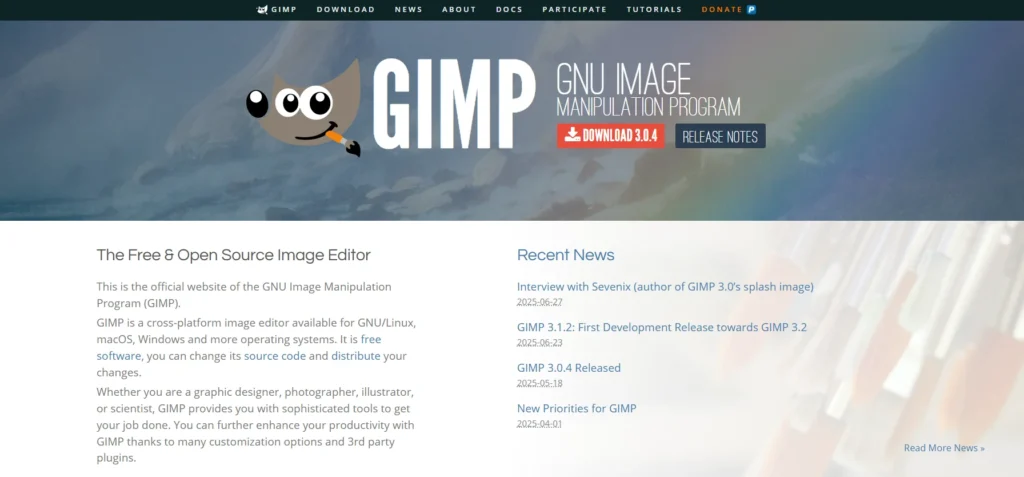
GIMP (GNU Image Manipulation Program) is a free, open-source image editing software featuring sophisticated tools for photo retouching, composition, and graphic design. GIMP is available for Windows, macOS, and Linux and can be downloaded and used for free, making it a cost-effective option for professionals as well as hobbyists.
It has extensive support for features like layers, masks, adjustable brushes, filters, and plugins, and also has support for many file formats such as RAW (with extra plugins). GIMP has an active development team that guarantees frequent updates, robust plugin support, and detailed documentation. Although it has a more difficult learning curve than some of the commercial products, GIMP is still one of the best free options for Photoshop when it comes to advanced photo editing and digital art creation.
Key features:
- Advanced Photo Retouching
- Customizable Interface
- Support for Layers and Masks
- Extensive File Format Compatibility
- Plugin and Script Support
- RAW Image Editing (via plugins)
- Digital Painting Tools
- Cross-Platform Compatibility (Windows, macOS, Linux)
- Color Correction and Image Enhancement
- Path and Selection Tools
- Animation Support (GIFs and more)
- Active Community and Regular Updates
Pricing:
- Free
Website: www.gimp.org/
2. Pixlr
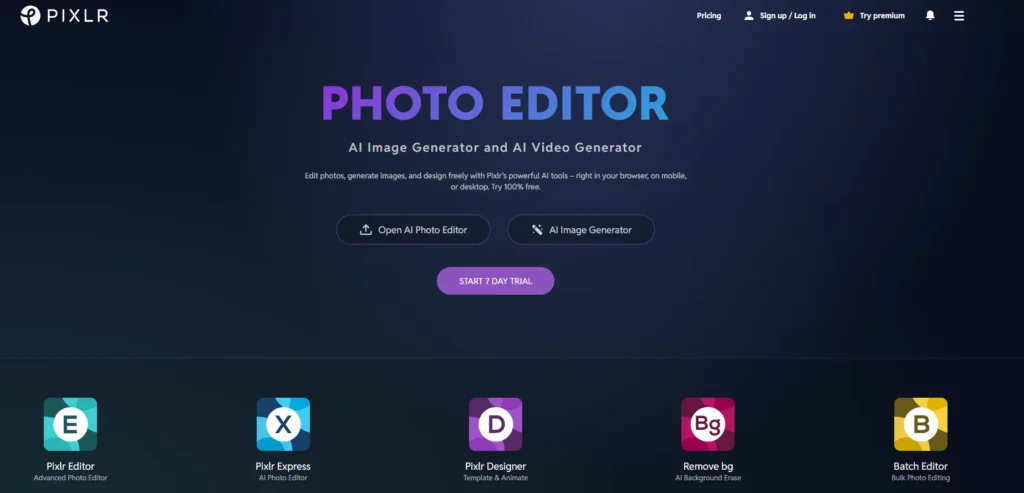
Pixlr is a flexible, cloud-based photo editing solution for users at all proficiency levels, from hobbyists to creative professionals. Web browsers, desktop, and mobile apps can access it, providing robust yet accessible editing capability without requiring heavy software loading. It has several editing capabilities, such as Pixlr X for fast, easy edits and Pixlr E for deeper layer-based editing.
The platform further includes AI-driven features like background removal, object removal, and generative fill, enabling fast and easy complex edits. Pixlr has a freemium model, enabling users to start for free and upgrade to premium plans for better tools, templates, and ad-free usage. Its cross-platform support and light usage make Pixlr the perfect option for quick, creative on-the-move editing.
Key features:
- Web-Based and Cross-Platform Access
- Multiple Editors (Pixlr X, Pixlr E, Pixlr Mobile)
- AI-Powered Editing Tools
- Layer and Mask Support
- One-Click Background Removal
- Generative Fill and Smart Resize
- Wide File Format Support (JPG, PNG, PSD, etc.)
- Batch Editing Capabilities
- Pre-designed Templates and Overlays
- Freemium Pricing Model
- Mobile App Availability
- User-Friendly Interface
Pricing:
- Free – Basic tools, ads, limited saves
- Plus – $1.49/mo (annual) – Ad-free, 80 AI credits
- Premium – $6.49/mo (annual) – Full AI tools, 1,000 AI credits, assets
- Team – $11.99/user/mo – Premium for teams, collaboration
- Education – Free for institutions
- Trial – 7 days free on paid plans
Website: www.pixlr.com/
3. Adobe Photoshop
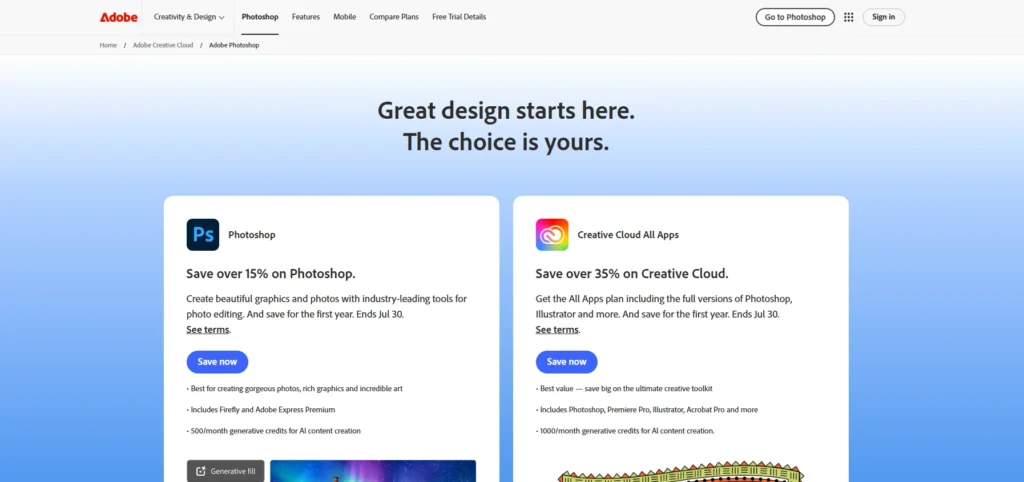
Adobe Photoshop is the market leader photo editing and digital design software that professionals use in photography, graphic design, marketing, and digital art. Renowned for its powerful functionalities and accuracy, Photoshop provides end-to-end tools for photo retouching, compositing, layer-based editing, and AI-driven enhancements.
With end-to-end integration across desktop, mobile, and web, it serves individual creators as well as co-working teams. Whether you’re producing pixel-accurate artwork or exploring generative AI, Photoshop is still the industry standard platform for creative professionals who require best-in-class control and flexibility.
Key features:
- Layer-Based Editing
- Advanced Retouching Tools
- Content-Aware Fill and Object Removal
- Generative AI Features (Adobe Firefly)
- Smart Selection and Masking
- Custom Brushes and Presets
- RAW File Support (with Adobe Camera Raw)
- Typography and Text Effects
- 3D Design and Compositing Tools
- Cloud Documents and Auto-Sync
- Integration with Creative Cloud Apps
- Cross-Platform Access (Desktop, Web, Mobile)
Pricing:
- Photoshop (Single App) – ₹2,275/month (first year), ₹3,035/month later; includes 100 GB cloud storage.
- Photography Plan – ₹1,345/month (20 GB) or ₹1,690/month (1 TB); includes Photoshop + Lightroom.
- All Apps Plan – ₹1,915/month; access to 20+ Creative Cloud apps.
- Student & Teacher Plan – ₹499/month (first year); discounted all-apps access.
- Teams Plan – ₹3,566/user/month (intro); ₹7,130/user/month later; includes business tools.
Website: www.adobe.com/in/products/photoshop.html
4. Corel PaintShop Pro
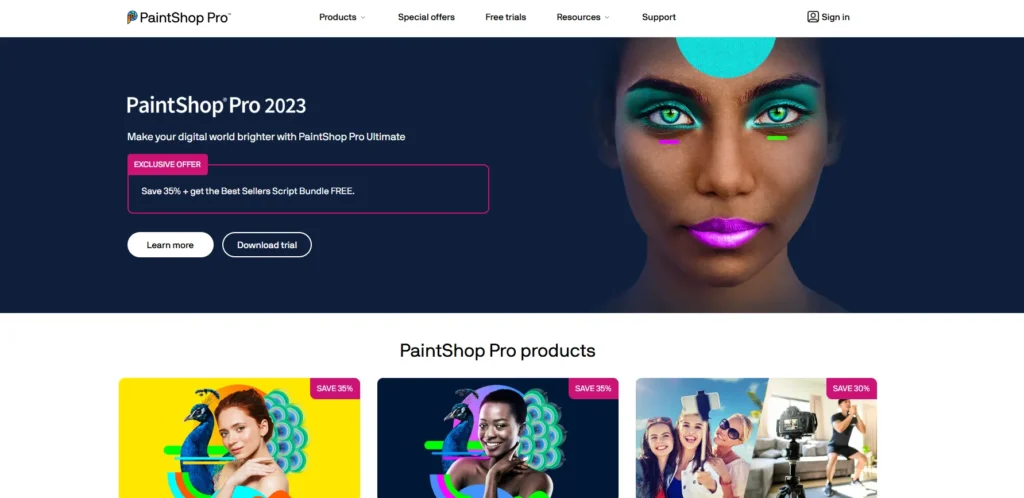
Corel PaintShop Pro is a comprehensive photo editing and graphic design application specifically tailored for Windows users looking for professional-grade output without the obligation of a subscription. Popular for its robust features and affordability, PaintShop Pro provides an extensive array of tools that support photographers, digital artists, and content creators.
The software also offers advanced functionality like layer-based editing, RAW image processing with built-in AfterShot Lab, HDR photo merging, and AI-based utilities like background replacement, noise reduction, and smart photo correction. PaintShop Pro features a collection of creative tools like PhotoMirage Express for animated pictures, Painter Essentials for digital painting, and hundreds of customizable brushes, textures, and filters.
Key features:
- Layer-Based Editing for precise, non-destructive adjustments
- AI-Powered Tools (e.g., AI Upsampling, Background Replacement, Denoise, Artifact Removal)
- RAW Image Processing via built-in AfterShot Lab
- HDR Tools for combining multiple exposures
- Advanced Selection & Masking tools
- Batch Processing for efficient multi-image editing
- Integrated Graphic Design Tools (text, shapes, vector editing)
- PhotoMirage Express to create animated images
- Painter Essentials for digital painting and sketching
- 360° Photo Editing Support
- Customizable Workspaces (Essentials, Photography, Complete)
- Extensive Plugin and Brush Support
- Templates, Presets & Creative Content Library
- Script Automation for repetitive tasks
- One-Time Purchase Model (no subscription required)
Pricing:
- PaintShop Pro (Standard) – ~$79.99 one-time purchase; includes full photo-editing suite.
- PaintShop Pro Ultimate – ~$99.99 one-time purchase; includes additional creative tools and plugins.
- Photo Video Bundle Ultimate – ~$139.99 one-time; includes PaintShop Pro Ultimate + VideoStudio.
- Free Trial – 30-day free trial available for all versions.
Website: www.paintshoppro.com/en/
Suggested read:
5. Photopea
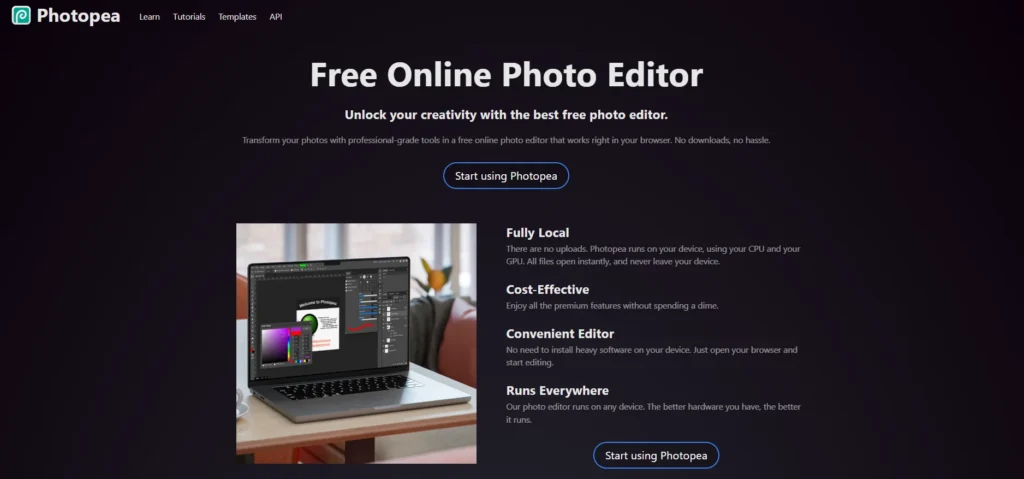
Photopea is a web-based image editor with robust raster and vector capability—merging the flexibility of Photoshop with the accessibility of a browser app. Compatible with everything from routine tasks such as resizing to intricate processes such as web design, illustration, and RAW image processing, Photopea runs completely in your browser.
Your files remain local unless you opt to upload them, providing offline support and added privacy. Photopea has evolved into a highly capable desktop editor substitute with deep layer and masking support, smart objects, text and vector tools, and powerful filters. Its interface replicates Photoshop’s design, reducing the learning curve for Adobe product users.
Key features:
- Web-Based and No Installation Required
- PSD and Sketch File Compatibility
- Layer and Mask Support
- Smart Objects and Adjustment Layers
- Raster and Vector Editing Tools
- RAW Image Processing
- Typography and Text Effects
- Clone, Heal, and Retouch Tools
- Custom Brushes and Shapes
- Export to Multiple Formats (JPG, PNG, PSD, SVG, etc.)
- Photoshop-Like Interface
- Offline Functionality
- AI-Assisted Tools (in Premium)
- Free to Use with Optional Premium Upgrade
Pricing:
- Free – Full-featured editor with ads; all tools available and 500 MB PeaDrive storage.
- Premium (Individual) – $5/month or $40/year; removes ads, expands storage to 5 GB, doubles edit history steps, and includes 3,000 AI credits per month.
- Premium (Flexible Durations) – One-time payments: $8 for 30 days, $15 for 90 days, or $50 for 365 days.
- Team Plans – Multi-user options (e.g., $20 for 3 users for 30 days), scalable for businesses and organizations.
Website: www.photopea.com/
6. Affinity Photo
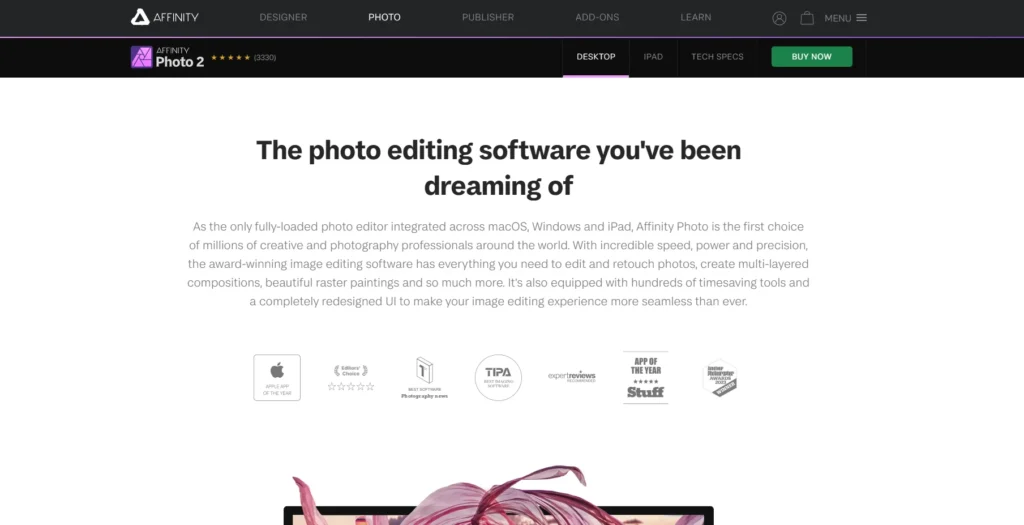
Affinity Photo is a professional-class raster graphics editor from Serif, released on Windows, macOS, and iPadOS. Ever since its release in 2015, it has become a serious Photoshop rival—packing into it advanced features such as non-destructive RAW editing, unlimited layers, HDR joining, panorama stitching, and integrated color management with ICC profiles and support for 16-bit.
Version 2.6.0, released in February 2025, enhances performance and feature depth even further while keeping smooth live preview and speeded-up workspace working. Interestingly, Affinity Photo follows a one-time purchase policy and has just joined the rest of the wider Affinity range under Serif (now Canva), providing users with full-featured releases without subscription charges.
Key features:
- Non-Destructive RAW Editing
- Unlimited Layers and Layer Effects
- Advanced Selection and Masking Tools
- HDR Merge and Tone Mapping
- Panorama Stitching
- Focus Stacking
- Real-Time Live Filters and Preview
- Frequency Separation for Retouching
- PSD File Compatibility
- Precision Brush Engine and Custom Brushes
- Full CMYK and RGB Workflow Support
- 16-bit and 32-bit Per Channel Editing
- Batch Processing Tools
- Cross-Platform Performance (Windows, macOS, iPadOS)
- One-Time Purchase (No Subscription Required)
Pricing:
- Desktop (Windows/macOS) – $69.99 for a perpetual license.
- iPad Edition – $21.99 one-time fee.
- Universal License (Photo + Designer + Publisher) – $169.99 for all three apps across all platforms.
- Free Trial – 30-day trial available for all versions.
Website: www.affinity.serif.com/en-gb/photo/
7. Fotor
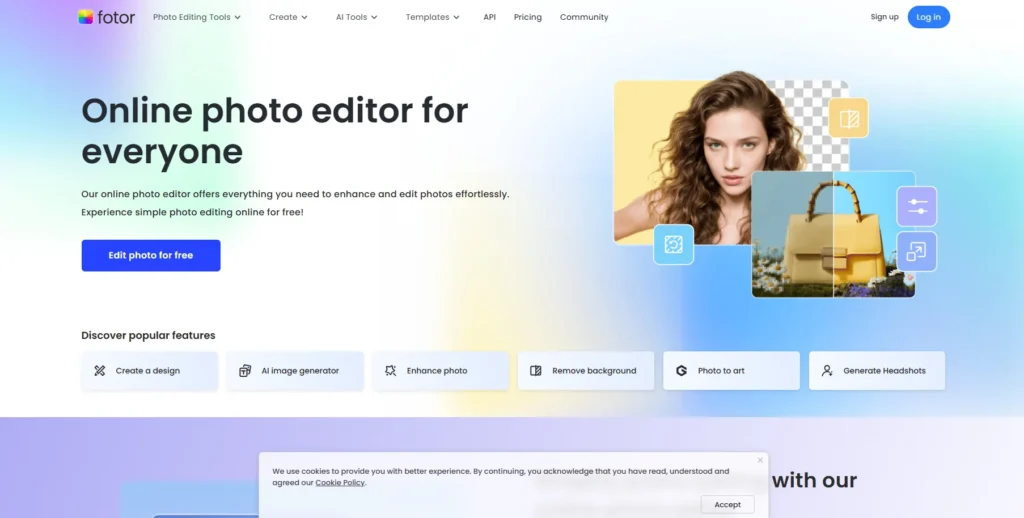
Fotor is a user-friendly, integrated photo-reshaping and design solution introduced in 2012, hosted on web, desktop, and mobile platforms. It has both simple and advanced features—ranging from one-click image enhancing, filters, and cropping to AI-based capabilities such as background removal, object deletion, upscaling of images, and generative AI for designing images based on text input.
With its drag-and-drop functionality and its professional modes for rapid repairs or in-depth editing, Fotor is friendly to both novices and experts. With time, it has evolved into a solid creative center, providing templates, collages, AI avatars, design materials, and a huge effects library—making it an all-around powerful program for photo retouching, graphic design, and digital painting.
Key features:
- One-Click Photo Enhancement
- AI Background Remover
- AI Object Eraser
- Photo Retouching Tools (Skin, Blemish, Teeth, etc.)
- Photo Collage Maker
- AI Image Generator (Text to Image)
- Image Upscaling and Sharpening
- Batch Photo Editing
- Design Templates for Social Media & Marketing
- AI Avatar Generator
- Creative Filters and Effects Library
- Cross-Platform Access (Web, Desktop, Mobile)
- User-Friendly Interface for Beginners and Professionals
Pricing:
- Fotor Basic – Free plan with essential editing tools, limited templates and effects, watermark on non-HD downloads, and 500 MB cloud storage.
- Fotor Pro – $8.99/month or $3.33/month (billed annually); includes advanced and AI tools, HD downloads without watermark, ad-free use, 2 GB cloud storage, and 100 AI credits/month.
- Fotor Pro+ – $19.99/month or $7.49/month (billed annually); adds batch editing, brand kit support, 10 GB cloud storage, and 300 AI credits/month.
Website: www.fotor.com/
8. Capture One
Capture One is a professional-standard photo-editing and asset-management software renowned for its superb RAW processing, accurate color control, and stutter-free tethered shooting—all the things that have made it the go-to for studio and commercial photographers.
It has sophisticated tools such as smart adjustments, layer-based masks, HDR merging, panorama stitching, and robust color editing optimized for skin tones and cinematographic color workflows. Capture One supports more than 650 camera models and allows for secure tethered capture over USB, Wi-Fi, or network, providing immediate image review and metadata tagging on set.
With user-definable workspaces, efficient catalog and session management, and cross-platform syncing (desktop, iPad, iPhone, and collaborative Capture One Live), it offers a adaptable, high-performance workflow for professionals, all under proprietary license with subscription or perpetual terms.
Key features:
- Advanced RAW Image Processing
- Precise Color Grading and Skin Tone Editing
- Layer-Based Local Adjustments
- Customizable Interface and Workflow Tools
- Tethered Shooting Support (USB, Wi-Fi, Network)
- HDR Merge and Panorama Stitching
- Smart Adjustments for Batch Editing
- Luma Range Masking and Advanced Brush Tools
- Robust Catalog and Session Management
- Cross-Device Sync (Desktop, iPad, iPhone)
- Capture One Live for Real-Time Collaboration
- Camera and Lens Profile Support (650+ Models)
- Styles and Presets for Quick Enhancements
- Perpetual License and Subscription Options
Pricing:
- Perpetual License – $299 one-time payment for the latest version; includes bug fixes only, no future feature updates.
- Subscription (Pro Desktop) – $179/year (~$15/month) or $24/month; includes all feature updates.
- All-In-One Bundle (Desktop + Mobile) – $259/year or $29/month; full access across all supported devices.
- Tethering/Team Plans – Higher-tier plans for studios and teams; subscription required for multi-user access.
Website: www.captureone.com/en
9. Adobe Lightroom
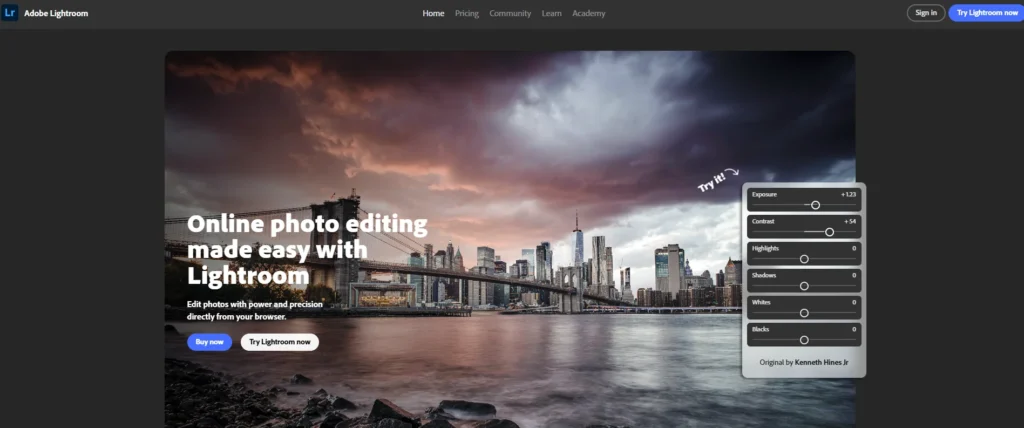
For both novices and experts, Adobe Lightroom is a comprehensive cloud-based picture management and editing tool. It has seamless desktop, web, and mobile workflows with feature-rich RAW editing, advanced color grading, easy-to-use presets, and smart organization features.
Building on Adobe’s cloud technology, Lightroom provides effortless synchronization of edits and metadata across devices and enables batch processing, keyword tagging, and interactive sharing. Lightroom is now positioned as a versatile and dynamic option for photographers seeking both artistic enhancements and efficient creative workflows thanks to recent innovations like AI-driven automated edits, sky and subject auto-selection, and depth-aware lighting.
Key features:
- Cloud-Based Photo Management
- Non-Destructive RAW Editing
- AI-Powered Auto Adjustments
- Presets and Adaptive Presets
- Advanced Color and Tone Controls
- Masking Tools (Sky, Subject, Background)
- Batch Editing and Copy-Paste Settings
- Integrated Cloud Storage and Sync
- Cross-Platform Access (Desktop, Web, Mobile)
- Lens Correction and Geometry Tools
- Searchable Metadata and Keyword Tagging
- Interactive Albums and Web Sharing
- People and Object Detection (AI Tagging)
- Seamless Integration with Adobe Creative Cloud
Pricing:
- Photography Plan (20GB) – $9.99/month (annual) or $14.99/month (monthly, existing users only).
- Photography Plan (1TB) – $19.99/month (annual or monthly).
- Lightroom Plan (1TB) – $9.99/month (annual) or $11.99/month (monthly).
- Creative Cloud All Apps – $54.99/month (annual) or $89.99/month (monthly); student plan at $19.99/month first year.
Website: www.lightroom.adobe.com/
10. Canva
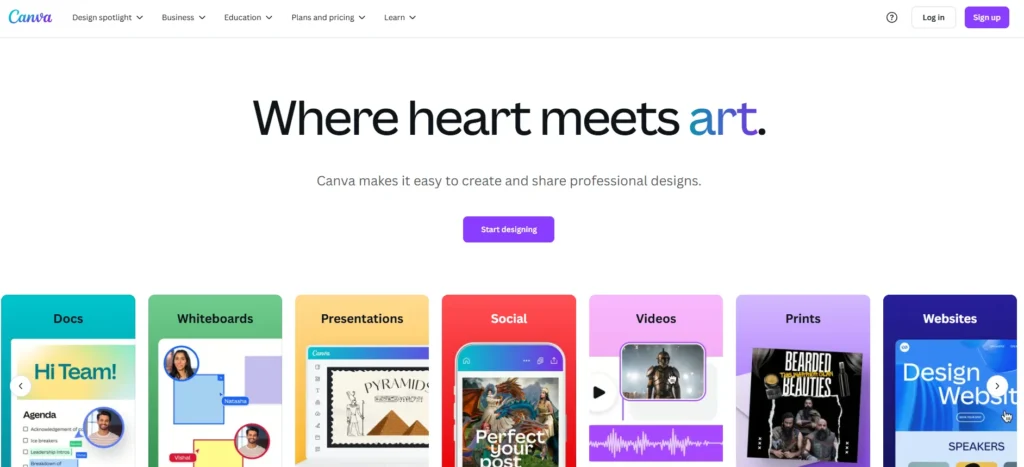
Canva is a robust, intuitive web design platform with advanced photo editing features for both amateur and professional users. Canva’s drag-and-drop toolset allows users to quickly improve pictures with various tools including cropping, resizing, filters, background removal, and color correction. In addition to general edits, Canva includes AI-enabled features that simplify task-intensive processes such as automated background removal and one-click improvement.
Its rich template library of fonts, graphics, and templates, along with collaborative tools, makes Canva perfect for designing social media content, marketing materials, presentations, and digital graphics. Accessible on the web and mobile devices, Canva facilitates easy cross-platform editing without the necessity of advanced technical skills or costly software.
Key features:
- User-Friendly Drag-and-Drop Interface
- Basic Photo Editing Tools (Crop, Resize, Rotate)
- AI-Powered Background Remover
- Filters and Effects
- Color Correction and Adjustment
- Extensive Template Library
- Text and Typography Tools
- Layer Management
- Stock Photos and Graphics Integration
- Collaborative Editing and Sharing
- Cross-Platform Accessibility (Web and Mobile Apps)
- One-Click Photo Enhancements
- Design Export in Multiple Formats
Pricing:
- Monthly Plan: ₹799/month (exclusive of 18% GST; approximately ₹943/month after tax)
- Annual Plan: ₹6,999/year (approximately ₹583/month after tax; saves about 27% compared to monthly billing)
- Canva for Teams: ₹999/user/month (minimum 3 users); includes collaborative features and team management tools
- Canva for Education: Free access for verified educators and students
- Canva for Nonprofits: Free access for registered nonprofit organizations
Website: www.canva.com
How to Choose the Best Photo-Editing Software?
With so many photo editing software options in the market, choosing the perfect one relies on a number of important factors specific to your objectives, skill set, and workflow. The following are the most critical factors to keep in mind:
1. Skill Level
- Beginner-Friendly: Seek those with simple interfaces, walk-through editing, presets, and drag-and-drop functionality (e.g., Canva, Fotor)
- Professional Use: Select feature-packed software with layer capabilities, masking, RAW editing, and precision controls (e.g., Adobe Photoshop, Affinity Photo).
2. Editing Requirements
- Basic Editing: Cropping, resizing, filters, and brightness can be achieved on lightweight apps or web tools.
- Advanced Editing: Processes such as retouching, compositing, HDR merging, and AI-powered enhancements demand more power platforms.
3. Platform Compatibility
Select software that has your target device(s) support for:
- Desktop: Windows/macOS for high-performance applications.
- Mobile: Android/iOS apps for editing on the move.
- Web-Based: No-installation tools perfect for instant use from any device.
4. Features & Tools
Find capabilities that suit your needs:
- AI Enhancements (e.g., one-click background removal, auto retouching)
- RAW Image Support
- Batch Editing
- Cloud Sync & Storage
- Export Options and Format Support
5. Pricing Model
- Free Tools: Perfect for occasional use or learning (e.g., GIMP, Snapseed).
- One-Time Purchase: Cost-effective for long-term use (e.g., Affinity Photo).
- Subscription-Based: Provides regular updates and cloud services (e.g., Adobe Creative Cloud).
6. Performance & Reliability
Make sure the software is well-behaved on your machine and processes big files without delay or crash. Verify hardware requirements when using high-end utilities.
7. Community & Support
Having access to tutorials, user forums, and friendly customer support can significantly improve your editing experience, particularly when working with high-end software.
Conclusion
There is no such thing as a one-size-fits-all in photo editing software. Every tool has its own set of characteristics and capabilities meant to service diverse user requirements—whether you’re a professional photographer who needs precision, a social media content creator interested in aesthetics, or even a hobbyist interested in making ordinary photographs pop.
A premium platform is an investment, so before making a purchase, try the free or trial versions to test usability, performance, and feature matching with your workflow. The best photo editor is the one that harmonizes with your creative vision, technical needs, and comfort zone. Focus on your use case—whether pro-grade retouching, digital art production, or fast mobile edits—and select software that really takes your visual content to the next level.
FAQs
Is there a significant disparity in free and paid photo editors?
Paid editors usually have more sophisticated features like layer-based editing, AI-enhanced options, RAW file support, and improved performance. Free software includes basic to medium requirements but might lack export options, resolution, or professional options.
Can I use photo-editing software on my mobile device?
Yes, numerous top photo editors have excellent powerful mobile apps for Android and iOS. Snapseed, Adobe Lightroom Mobile, and VSCO are great options to edit on the go without sacrificing quality.
What is the difference between Photoshop and Lightroom?
Though both are Adobe products, Photoshop is most suited for precise editing, retouching, and artistic use of layers and masks. Lightroom is best suited for large groups of photos, making consistent adjustments, and handling RAW files with efficiency.
Is GIMP a good Photoshop alternative?
Yes, GIMP (GNU Image Manipulation Program) is a strong, open-source version of Photoshop. It has layers, masks, and most advanced editing tools. Nevertheless, it might have a more intensive learning curve and does not contain all of Photoshop’s newest AI-based tools.
Can I edit RAW photos using free software?
Yes. Software such as Darktable, RawTherapee, and GIMP (with plugins) have RAW image processing capabilities and are free of charge. They’re perfect for photographers who require professional-level control without a subscription.
