12 Best Note-Taking Apps for iPad: Complete Comparison Guide:
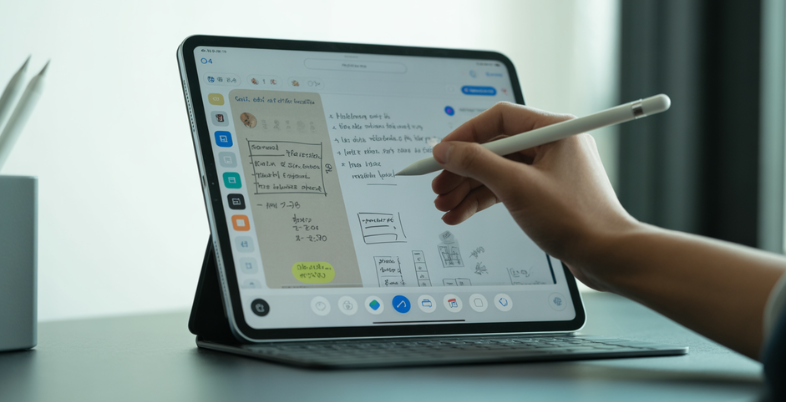
Ideas don’t wait. They appear in the middle of a lecture, during a meeting, while reading a book, or just before you fall asleep. The real challenge isn’t having ideas — it’s capturing them before they disappear. That’s where Note-Taking Apps for iPad completely transform the experience.
With Apple Pencil precision, handwriting recognition, AI-powered summaries, and seamless cloud sync, modern iPad note-taking apps turn your device into more than just a digital notebook. You can sketch diagrams, annotate PDFs, record lectures with synced audio, convert handwriting into searchable text, and organize everything neatly with folders and tags — all in one place.
Whether you’re a student managing coursework, a professional handling projects, or a creative brainstorming your next big idea, the right note-taking app can streamline your workflow and boost productivity. In this guide, we’ll explore the best options, their features, pricing, and how to choose the perfect app for your needs.
What Are Note-Taking Apps For IPad?
iPad note-taking apps are digital devices that can be used to substitute paper notebooks and have handwriting, typing, drawing, and PDF annotation capabilities based on touchscreen and Apple Pencil, as well as cloud syncing, text-searching on handwriting via OCR, folder/tag organization, and collaboration capabilities.
Popular alternatives are GoodNotes (known to be able to recognize precise handwriting and study) to note-taking, Notability (audio-synced notes that are perfect to study) to take notes, Apple Notes (free and installed in any macOS) to take basic text and sketches, OneNote (Windows-compatible syncing) to take notes, and specific applications such as LiquidText (to link research to notes) or Noteshelf (to support multimedia).
The iPad makes professionals, students, and creatives more prolific and provides a multifaceted, mobile work environment, and the latest models are enhanced with AI technology to summarize or ask questions of the notes.
What Makes The Best Note-Taking App For IPad?
The most suitable iPad-based note-taking app is the one that is characterized by the seamless use of the Apple Pencil, smart organization, and other characteristics, such as handwriting search of handwritings. Such features allow creating notes, searching, and working with them daily.
Top Features
- Apple Pencil compatibility: The Pencil writes like normal paper with natural handwriting or drawing. The Pencil can also be used to write using natural handwriting or draw, as it supports pressure and has low latency.
- Handwriting recognition: Converts illegible handwriting into a human character readable text in OCR, therefore, locating notes quickly.
- The simplicity of organization: It utilizes folders, tags, notebooks, or smart folders that are available to organize any item easily and conveniently.
- Synchronization: iPhone, Mac, or web iCloud, dropbox or OneDrive.
- PDF annotation: Marks, imports PDFs that are highlighted, or have notes or signatures to study or work.
- Audio recording: Records the lectures or any other meeting and compares the audio with your notes to browse.
- AI assistants: Synthesize your notes, create quizzes, or answer your work.
- Export and share: Save files in PDF, Word, or images and collaborate in real time.
List of 12 Best Note-Taking Apps For IPad
1. Notability
website:https://notability.com
Note-taking and PDF annotation Notability is a highly rated PDF annotation and note taking application by Ginger Labs and is considered by many to be one of the best options going with iPad users who use the Apple Pencil to capture lectures, professionals adding notes to documents and creatives writing down ideas, all in a sleek and distraction-free interface that has received Apple Design Awards and millions of downloads since being launched in 2010.
Key features
- It supports built-in handwritten notes, typed text, drawings, pictures, GIFs, stickers, and audio recordings that are synchronized with handwriting in one document, real-time audio transcription, and summarization (AI applications such as Live Smart Notes, quizzes, and flashcards, and chat support).
- Textured pencils, pens, highlighters, erasers with gesture shortcuts, lasso options to move/ resize content, shapes, digital tape, and pressure-sensitive Apple Pencil input with palm rejection are complex drawing features.
- Import/Annotation/Export PDF, split-screen with multi-note (maximum six) views, drag-and-drop, handwriting/math-recognition and search, scan a document, and custom templates (Notability Gallery).
- iCloud iPads, iPhones, Macs, and the web; full presentation screen with laser pointer; side-to-side editing; and AI-based study tools to learn interactively.
Pricing:
- STARTER:$0 Free
- PLUS:$19.99 yearly
- PRO:$99.99 yearly
2. GoodNotes
Website:https://www.goodnotes.com.
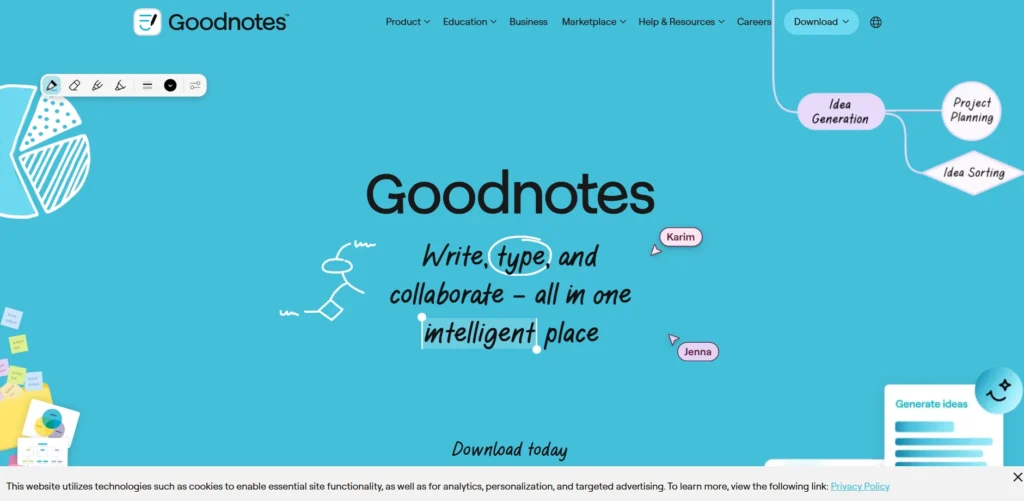
GoodNotes is a high-rated digital note-taking program specially designed to run on iPad (iPads and other Apple devices) and enables a papery experience of handwriting, which is enabled to work with the Apple Pencil with features such as palm rejection, pressure sensitivity, and the simulation of ink flow.
It can do a very good job of note-taking in handwriting to searchable text in an excellent handwriting recognition system, can be used to annotate PDFs, and can be used to easily organize notebooks into folders with customizable covers and templates.
Key features
- Handwriting Tools: Detailed pen, highlighter, and eraser (stroke-by-stroke or pixel level) with customizable color, size, and a lasso tool to select/move material.
- Text and Formatting: Rich text boxes with bold/italic option, custom fonts, shadows, borders, and spacing adjustment.
- Organization: Endless customizable notebooks (ruled, grid, Cornell templates), automatically imported PDF outlines, folders, and quick search with written or typed text.
- AI Functionality: Handwriting-to-text converting, spell check, word-completion (more efficient with print than cursive), summarization, and note-creating.
- Sync and Backup: iPad/iPhone/Macs: iCloud sync, and cross-platform: Google drive/ dropbox/ one drive.
- Collaboration: Real-time multi-user editing, a multi-window, and presentation via AirPlay/ HDMI.
- Customization: Dark mode (UI only), Scribble instant text input, PDF/doc import/export.
Pricing:
- starter: free
- Essential:$11.99 yearly payment
- Pro:$35.99 yearly payment
- Special Edition:”$35.99 one-time payment
3. Apple Notes
Website:https://apps.apple.com/us/app/notes/id1110145109
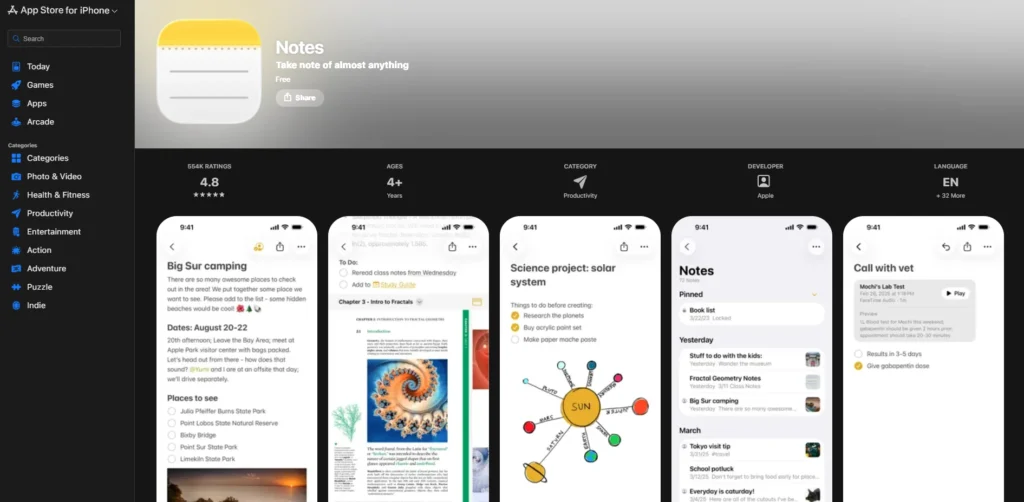
Apple Notes is one of the best Note-Taking Apps for iPad, offering a powerful native experience that integrates seamlessly with the iPad ecosystem. It provides a smooth handwriting experience with Apple Pencil support, real-time collaboration, and iCloud syncing across Apple devices for easy access anywhere. It works especially well on iPad, featuring tools like Quick Notes for capturing ideas on any screen, Math Notes for solving handwritten equations, and Apple Intelligence (on compatible devices), which can proofread, summarize, and even transcribe audio.
Key features
- Handwriting and Scribble: Convert Apple Pencil handwriting into text; make shapes automatically perfected; use a lasso to select and move objects.
- Audio Recording and Transcription: Audio recording and transcription of talks or conferences where the text is transparent as it plays with the audio; editing the text.
- Math Notes: equation solving, arithmetic to complex calculus, handwritten, dynamically displays the result in real-time.
- Document Scanner: Scans an iPad camera of whiteboard, PDF, or paper, auto-crops, and OCR to create a searchable text.
- Intelligent Organization: Tags, Smart Folders, pinned notes, lightning-fast text, handwriting, images, and PDFs searching.
- Collaboration & Sharing: Share in real time with other people, share folders, or individual notes, and lock sensitive folders with Face ID or a password.
- Rich Media: The use of videos, images, links, tables, checklists, underline text color, and collapse enclosed spaces.
- Artificial Intelligence:Proofreading, rewriting, summary, Image Wand to draw sketches, currency/unit converters App Store (iPadOS 18+): Sketches Artificial intelligence proofreading, rewriting, summary, Image Wand to draw sketches, currency/unit converters
- Speedy: Note-taking: Swipe on a corner to make notes; Control Center Shortcuts; offline editing with auto-synch.
Pricing:
- Apple Notes is free of charge and is also installed on all iPads (no subscription required), and it is full-fledged with iCloud (5GB is free, can be expanded).
4. Microsoft OneNote
Website:https://www.onenote.com/.
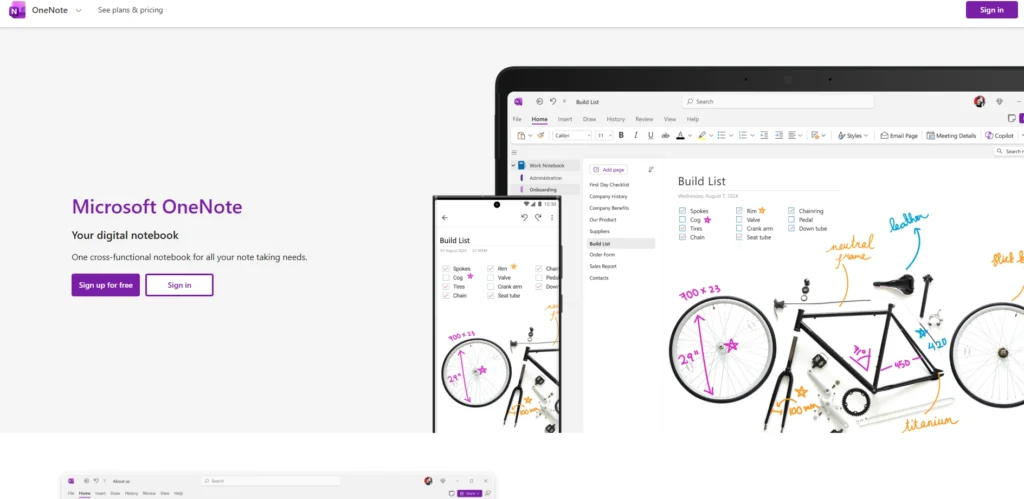
Microsoft OneNote is a flexible digital note-taking application that is optimized for use on iPad, whereby users have the ability to create notebooks that are organized with sections and pages to capture ideas, lectures, or projects by either typing, drawing using Apple Pencil, or directly drawing on endless canvases. It is very cross-platform syncing through OneDrive that enables the notes to be available on iPad, iPhone, Windows, Mac, and even web browsers.
Key features
- Handwriting and drawing features like the Apple Pencil, choice of pen colors, highlighters, eraser, the lasso select tool, and the convert to shapes tool to create circles and polygons of any size are supportive.
- Formatting of text, i.e., bold, italics, underline, strikethrough, font/color, bullet/numbered list, tabular, text alignment.
- Insert files (under 100MB), hypertext, equations, meeting details, stickers, audio recordings, images, PDFs, and shapes.
- Organization Characteristics Tags (e.g., to-do checkboxes, stars, reminders), sticky notes, search both in handwriting/text, immersive reader to make it readable, page templates (blank, lined, grid).
- iPad-specific features include Scribble support, dark mode, easy access to notes in the form of a widget, multitasking (in split-view), a zoom tool, and password protection of sections.
Pricing:
- OneNote can be used without charge on iPad with a Microsoft account, including 5GB of OneDrive storage; beyond 5GB of storage, one can purchase storage plans with OneDrive, starting at approximately 100GB at $1.99/month.
5. Evernote
Website:https://evernote.com/
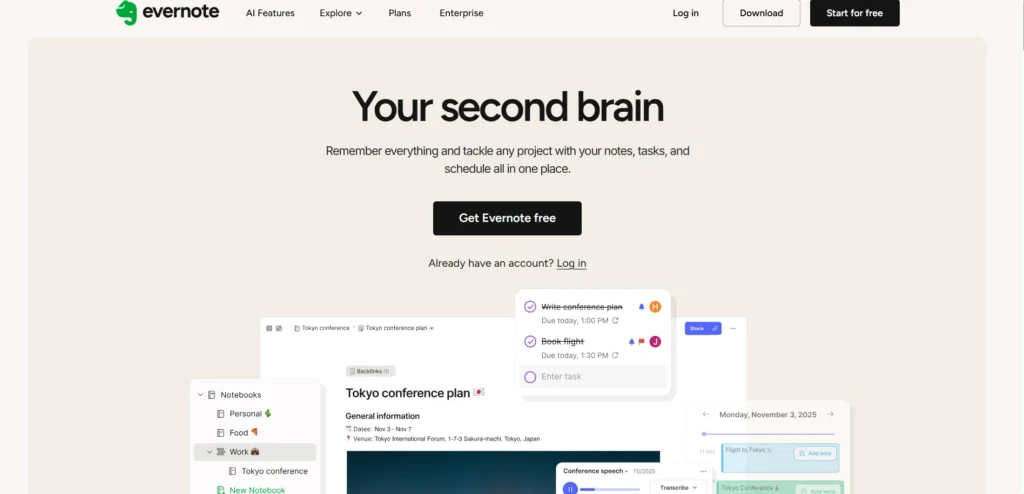
Evernote is one of the most versatile Note-Taking Apps for iPad, designed to meet the needs of iPad users by taking full advantage of the device’s large display, Apple Pencil support, and multitasking capabilities. With features like Split View, Evernote makes it easy to capture and organize ideas efficiently.
Whether you’re a digital marketer planning a campaign, a student managing a project, or a professional handling daily tasks, its cross-platform synchronization ensures that notes created on the iPad are instantly accessible on Mac, iPhone, and web browsers.
Key features
- AI-assisted note cleanup, which automatically formats, eliminates fluff, and classifies notes to be easily edited.
- Home dashboard, where you can customize details of things you do, recent notes, and other pertinent material with instant access.
- Advanced search of text, pictures, PDF files, and even handwritten documents through OCR technology.
- Due date, priority tasks, and notes integration.
- Google/Outlook calendar integration to attach notes to events and reminders.
- Receipt scanning with auto-tagging and clean OCR scanning of documents.
- Real-time wireless sync between iPad, iPhone, Mac, and web.
- Tagging, team space (premium), and multi-media (audio, images, and attachments).
- iPad-specific features, such as switching of layout (portrait/landscape) easily, pinning places on the map, and saved searches, are easy to access.
Pricing:
- Starter:₹249.91 / Month Pay ₹2999.00 Year
- Advanced:₹641.58 / Month Pay ₹7699.00 Year
Suggested Read:
6. Bear
Website:https://bear.app
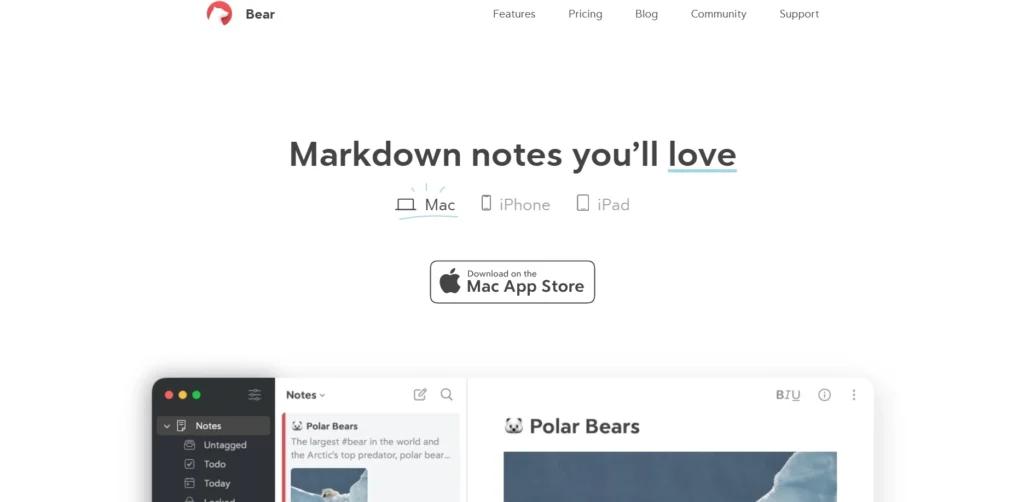
Bear is a gorgeous note-taking, Markdown-driven app that is Apple-friendly. It best works on the iPad, where it looks its best with an Apple Pencil scratching on an expandable canvas, handwriting text-to-note interaction, and a no-frills interface that puts the emphasis on speed and simplicity to capture ideas, sort thoughts using nested tags and hashtags, and connect notes.
Designed to be used by iPad users, it will enhance the use of iOS features such as web clipping in Safari or Chrome, iCloud integration across devices, Focus Mode to write continuously, and powerful features such as table of contents generation, backlinks to notes that were written, and OCR search within embedded PDFs or images.
Key features
- Markdown writing: Markdown is a fast, formatted text on-the-fly Markdown writing editor with live preview.
- Organization with hashtags and nested tags, cross-note links, and backlinks.
- Sketching with the inline canvas extension and handwriting recognition, Apple Pencil.
- iCloud sync, encryption of notes, and app lock (Pro features).
- Export PDF, HTML, DOCX, JPG, ePub, and others (Pro).
- Safari, Chrome, Firefox web clippers; image/PDF search (Pro).
- The focus mode, to-do lists, themes (more than twenty-five in Pro), and Table of Contents.
- Quick performance with word count/reading time info panels, fast performance and dictation on Apple Watch, and widgets.
Pricing:
- Basic: free
- Bear PRO: A 7-day free trial, then $2.99/month
7. Simplenote
Website:simplenote.com.
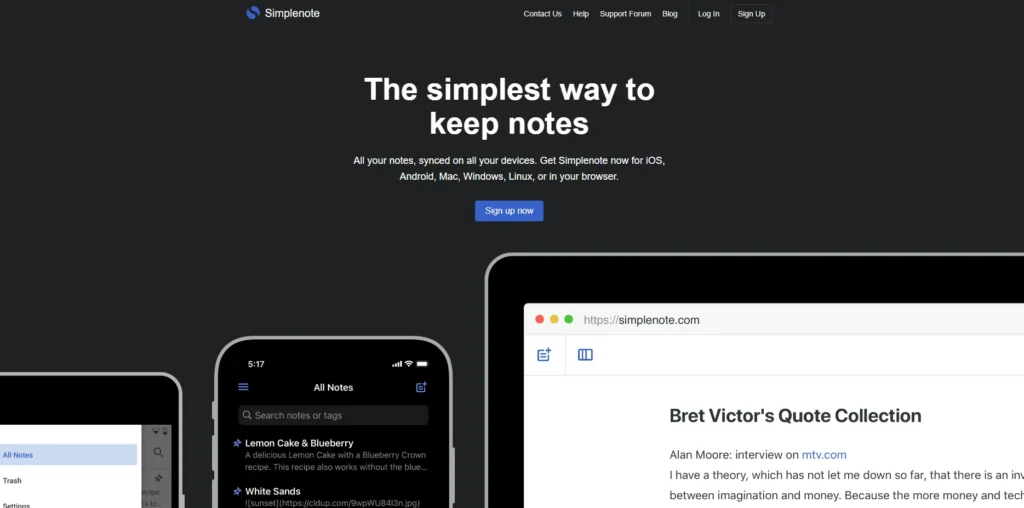
Simplenote is one of the most user-friendly Note-Taking Apps for iPad, offering a free and lightweight experience for users who prefer distraction-free text notes. It’s quick, simple, and ideal for iPad users who want seamless syncing across Apple devices, as well as Mac, iPhone, Windows, Android, and web browsers. Focused on plain text, Simplenote supports Markdown, fast search, and easy organization without ads or complex features. This makes it perfect for jotting down quick ideas, creating to-do lists, or instantly sharing thoughts with others.
Key features
- Synchronization across devices is free and works in a seamless manner, where the notes can always be stored and made available.
- Search and highlighting of keywords on the tag-based organization in a quick way.
- Italics, bold, checklists, and lists in Markdown.
- Listening tools to share and make notes visible on the Internet.
- Mark the necessities, sort, and alter themes or fonts.
- History of change monitoring (non-end-to-end encryption).
Pricing:
- Simplenote is completely free and does not charge a premium levels and undercover costs.
8. MarginNote
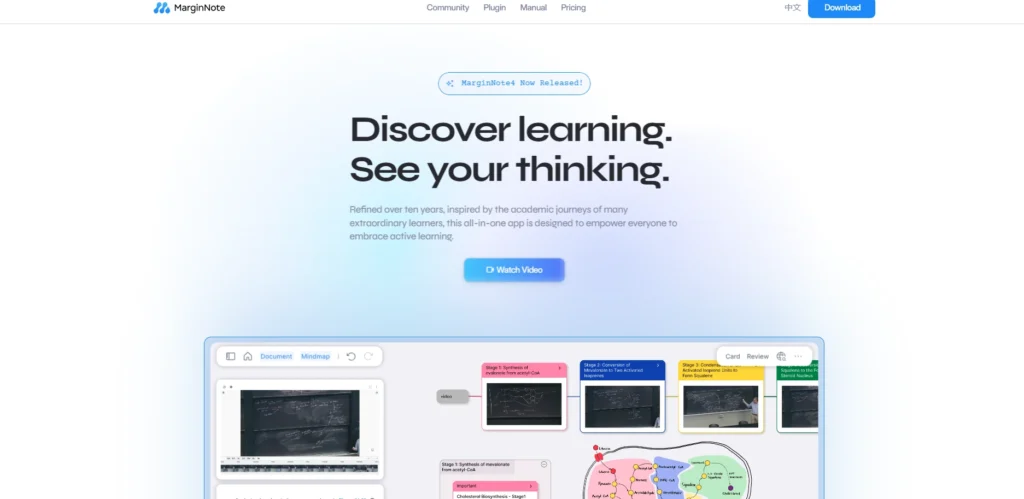
Website:https://www.marginnote.com/
MarginNote is a widely-known, award-winning iPad (and other Apple devices) note-taking application, a synthesis of the serving functions of reading PDF/EPUB files, annotating, mind mapping, flashcards, and spaced repetition, resulting in a single workspace, which can be useful to study complex materials such as an academic paper or book.
It advocates visual learning by providing endless canvases for concept diagrams, AI-based content extraction for formulas/charts, and automatic organization of multimedia learning sets such as videos and audio.
Key features
- Integrates reading, notes, mind maps, and FSRS spaced-repetition flashcards into one application.
- Supports PDFs, EPUBs, videos, audio, has study sets, book compiling, and dual-article view.
- Graphical representations such as mind maps (10 styles of branches), concept diagrams, outliners, and cardboards.
- Custom toolbar (colors, labels, cloze), AI content detection, auto mind map based on cards, handwriting layers, and smart annotations.
- Knowledge tools such as keyword links, backlinks, split-view, in-app web search, and iCloud cross-host device syncs.
- Flashcard editor, presentation mode, multiple windows support, and end-to-end encrypted sharing.
Pricing:
- The simplest version is free (read, highlight, Quick Extend Note, browse shared sets). Pro is a single-time purchase that unlocks the entire iPad capabilities, such as Apple Pencil shortcuts, on-device OCR, and AI extraction. Max provides Pro on any hardware along with extended Mac solutions, which can be purchased as a one-time purchase or semester upgrade (price depends on the location; paid plans include a 14-day trial).
9. Zoho Notebook
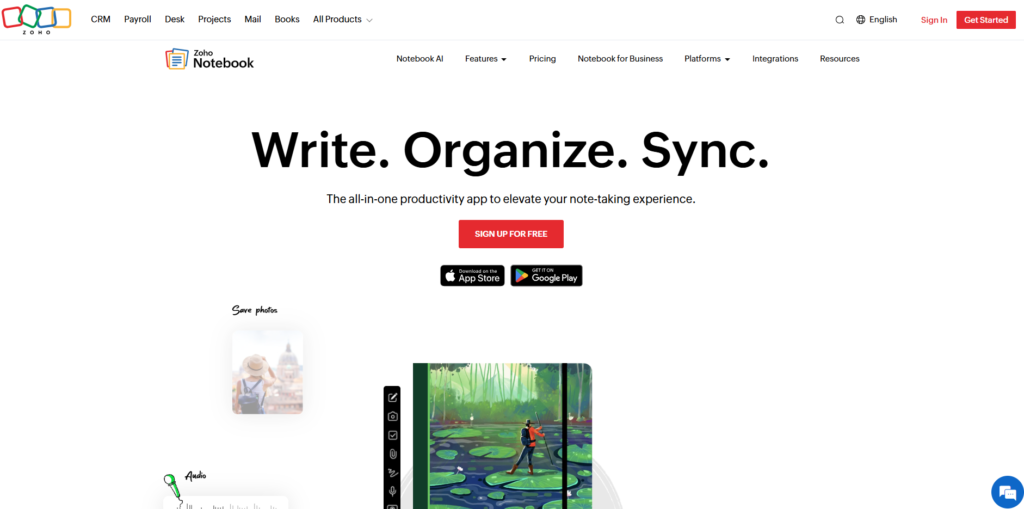
Website:https://www.zoho.com/notebook
Zoho Notebook is an iPad-friendly, no-ad note-taking app that is well designed and provides a card-based interface, which is intuitive and structured across devices, allowing people to capture ideas, tasks, and multimedia easily and conveniently. It is unique in terms of having a smooth iPadOS integration, such as multi-window capability, the ability to use Apple Pencil to sketch, onboard AI capabilities such as note summarization and audio transcription, and focusing on privacy by encrypting data and not selling it.
Key features
- Text, audio, checklists, sketches, photos, files, and videos with customizable designs in the form of note cards.
- Cloud synchronization on iOS, iPadOS, macOS, Android, Windows, and on the web.
- Arrange using notebooks, tags, search, and sticky notes to retrieve.
- Ordering and sharing notes and allowing real-time commentary.
- iPad exclusive features, such as dynamic resizing, menu bar, Dark Mode, object recognition in photographs, and Picture-in-Picture.
- The AI features can be summarized on the device, provide grammars, note-taking, reminders, and audio transcription with speaker labeling.
- Article saving with Web Clipper, offline reading, password, and 2GB of free storage.
Pricing:
- Notebook Essential:₹0
- Notebook Pro:₹83.25/month billed annually ,pay ₹999/year,₹2,499for 3 years
- Notebook for Business:₹333.25/user/month billed annually,pay ₹3999 /user/year
10. CollaNote
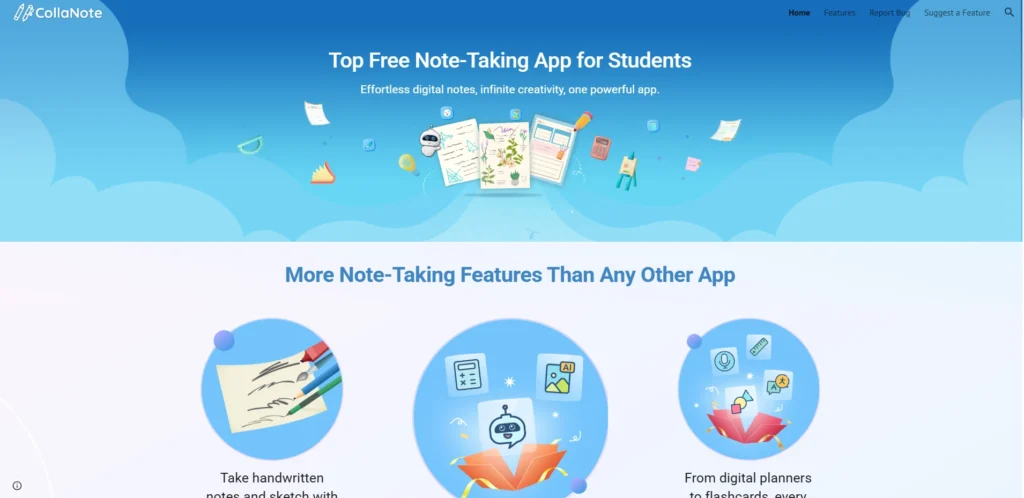
Website:https://www.collanote.com
CollaNote is one of the most powerful free Note-Taking Apps for iPad, designed especially for iPad users who use the Apple Pencil and want advanced handwriting features. It supports students, professionals, and digital planners by combining note-taking, PDF annotation, flashcards, and creative tools in one user-friendly platform. With features like handwriting stabilization, AI assistance, and real-time collaboration, CollaNote makes digital planning, learning, and creative work more seamless and engaging.
Key features
- More than 25 pens, brushes, and highlighters with a handwriting stabilizer to write perfectly smooth and artistic.
- Importing and importing PDF files, markup, scanning, and exporting PDFs, support of PPTs, DOCs, and images.
- Infinite customizable paper templates (150 plus), grids/lines, iCloud, and smart Dark Mode.
- AI applications such as a calculator, shape drawing, writing guide, sticker creation, and audio transcription.
- Audio/image flashcards, task planners, audio recording with synchronized handwriting, and 90+ languages translation.
- Live communication, open rooms, password-protected, and the Infinite Arc Menu to Apple Pencil.
Pricing:
- CollaNote is open-source and free of charge, and there is an optional Premium subscription (promotional discounts such as 50% off, offered with the help of codes) with extra features.
11. Penbook
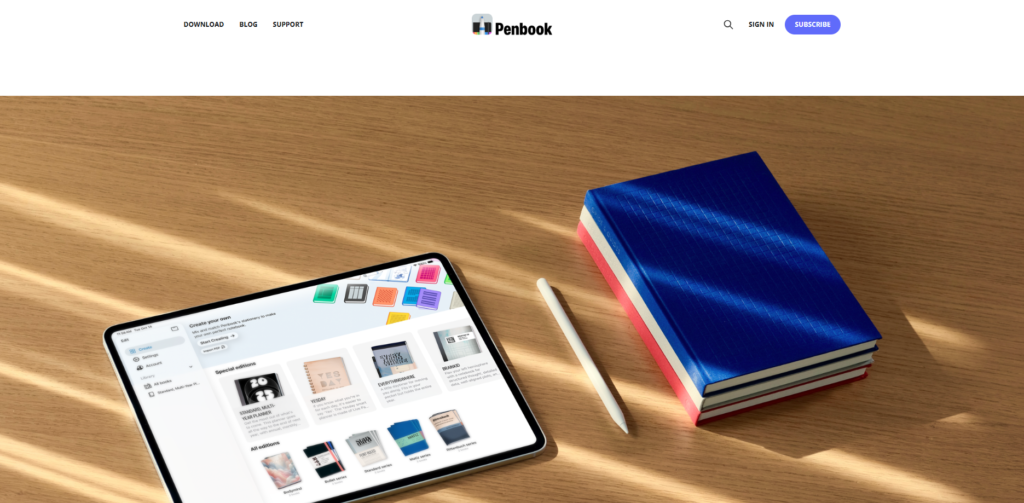
website: https://penbook.app
Penbook is a highly flexible digital note-taking software that is specifically designed to be used on iPad and iPhone devices with the support of the Apple Pencil that enables the user to experience a feeling of actual handwriting on dynamic Live Paper stationery that simultaneously changes to real-time information like events and deadlines.
Then it transforms your device into a notebook of any type with over 400 options of paper templates, such as planners and graph paper, scientific grids, among others, and enables you to take notes, draw, and plan without the limitations of physical paper.
Key features
- Live Paper is a hybrid of a smartphone, iPad, and iPhone that will use interactivity, e.g., calendar updates, timelines, trackers, etc.
- Over 400 kinds of stationery, including ruled, graph, dot, planners (daily/weekly/monthly/yearly), Cornell notes, music sheets, and developer stencils.
- Write anything in a natural Apple Pencil with shapes, search strokes in handwriting, and import PDF as notebooks.
- Unlimited selection of covers and per-page stationery mix of customizable notebooks.
- Facilitates the use of stylus or finger input, with no text mode to encourage handwriting.
Pricing:
- Penbook is available in the App Store as a free app with in-app purchases to get access to premium features and subscriptions (e.g., lifetime access deals have previously been promoted); its specific price can be determined based on the region, and such deals can be offered to the App Store listing.
12. Noteful
website: https://www.getnoteful.com
Noteful is a multi-purpose note-taking application that is based on iPad (though it can also be used on other platforms), providing a type of natural handwriting that, via the use of the Apple Pencil, will allow the creation of beautiful handwritten notes, annotation of PDFs, and organization of papers (textbooks or slides) in a paperless workflow.
It focuses on fluid-based ink that is not destructible, non-destructive-editing layers, and fluid iCloud integration between iPhone and iPad, and hence is perfect in the case of students, professionals, or anyone who is creating a digital knowledge system without the mess of papers.
Key features
- Natural handwriting, supported by the Apple Pencil, a custom ink engine to generate high-resolution strokes of vectors, and three brushes (ballpoint, fountain pen, highlighter) with size/color options.
- Annotations with layers on top of the original without changing them, hide/show, and reorganizing independently.
- The features that are included to help with powerful editing such as a precise eraser (two-tap Apple Pencil), a lasso to move/change the size, unlimited undo/redo, and Split View multitasking.
- Recordings were linked to audio and notes and played along with the handwriting position.
- iCloud sync (encrypted) notebooks, shape recognition, minimalist interface, tags, as well as iCloud support of photos, stickers, text boxes, and horizontal and vertical scrolling.
Pricing
- Noteful can be used at no cost and used indefinitely, though with its basic features; but layers, unlimited notebooks, syncing, and other advanced features are provided by upgrading to Noteful Pro (a one-time purchase of $4.99 required).
Comparison Table: Best Note-Taking Apps for iPad
| App | Best For | Key Strengths | Free Version | Pricing |
|---|---|---|---|---|
| Notability | Students & lecture notes | Smooth handwriting, multi-note view | Yes (Limited) | $19.99/year (Plus), $99.99/year (Pro) |
| GoodNotes | Paper-like writing experience | Excellent handwriting recognition, notebook organization | Yes (Limited) | $11.99–$35.99/year |
| Apple Notes | Apple ecosystem users | Free, fast, seamless iCloud sync | Completely Free | Free (iCloud storage extra) |
| Microsoft OneNote | Cross-platform users | Free, strong organization, OneDrive sync | Yes | Free (extra storage paid) |
| Evernote | Professionals & task management | Powerful search, dashboard, OCR | Limited | ₹2999/year+ |
| Bear | Writers & minimalists | Markdown support, clean UI | Yes (Basic) | $2.99/month (Pro) |
| Simplenote | Simple text notes | Fast, lightweight, Markdown | Free | Free |
| MarginNote | Researchers & visual learners | Mind maps, flashcards, spaced repetition | Limited | One-time Pro purchase |
| Zoho Notebook | Multimedia users | Card-style notes, privacy focus | Yes | ₹999/year (Pro) |
| CollaNote | Free handwriting app | 25+ pens, flashcards, collaboration | Free | Optional Premium |
| Penbook | Planners & templates | 400+ paper templates | Yes | In-app purchases |
| Noteful | Layer-based PDF editing | Non-destructive layers, smooth ink | Yes | $4.99 one-time |
Conclusion
The most useful Note-Taking Apps for iPad, such as apps from GoodNotes Limited, Ginger Labs (Notability), Apple Inc. (Apple Notes), and Microsoft Corporation (OneNote), can turn your tablet into an all-purpose digital notebook. These apps offer strong Apple Pencil support, handwriting recognition, PDF annotation, audio sync, AI-powered summaries, and seamless cross-platform functionality.
Whether you’re a student taking lecture notes, a business professional annotating documents, or a creative brainstorming ideas, there’s an app to match your needs. Most options include both free and affordable premium versions (typically $10–$100 annually), helping you boost productivity without paperwork clutter. Choose based on your workflow—Notability for audio-enhanced study sessions or GoodNotes for a paper-like writing experience—and start turning temporary ideas into lasting insights.
FAQs
Q.1 Which Apps Have The Best Handwriting-To-Text Conversion On IPad?
Goodnotes and Notability are the highest rated in terms of accuracy of recognition, where Apple Pencil notes are automatically translated to editable text, and Nebo is the most popular in multilingual features.
Apple Notes has a simple conversion, but it is not that advanced in customization.
Q.2 What Applications Van IPad Users Use To Take Notes?
Apple Notes and Freenotes are completely free and have powerful features such as PDF annotation and iCloud sync. OneNote has a good free tier but restricts offline access.
Premium applications such as Goodnotes (sub around 10/year) enable AI features and unlimited storage.
Q.3 What Is The Compatibility Of IPad Note Applications?
OneNote and Evernote are the best on Windows/Android when they are cloud-synced; Apple Notes is perfect on the Apple side with the help of iCloud.
Now it is available on macOS/Windows/Android, and multi-device access is premium.
Q.4 What Are The Most Useful Apps To Use In Annotating PDFs Using An IPad?
The LiquidText and Goodnotes are superior in research due to the ability to zoom indefinitely, to use a lasso to highlight an area, and to be able to link notations; Notability supports audio synchronization when lecturing.
Freenotes does imports with quiz layers, which are perfect for students who are on a budget.
Q.5 What AI Capabilities Do iPad Note Applications Have?
Goodnotes is first in the note summarization and quiz-generating; Notes Writer Pro will allow the creation of content based on prompts.
The AI of Evernote draws attention to major subjects and corrects grammar in scans.
