
First impressions always matter. For brands, they create this first impression through their logos. That’s why there’s a lot of pressure on logo creation, causing business owners to spend time and hundreds of dollars on professional designers or complex design software.
Fortunately, in 2026, AI-powered logo makers have revolutionized the entire logo design process. They have made things faster and more accessible, allowing anyone to create logos even without professional design skills. Now, the struggle is picking the right logo maker for your brand.
To save you from the hassle of testing random tools, we have created a list of 10 of the best free and paid logo design platforms available in 2026. They have been evaluated and ranked based on their features, ease of use, pricing, and overall value to help you make the best decision and start building your brand with confidence.
Quick Comparison: All 10 Logo Makers at a Glance
Before diving into each of the platforms, here’s a quick look at all the logo makers on this list to give you an idea of who the top contenders are:
| Platforms | Free Plan | Starting Price | Best For |
| Design.com | Yes | $3/mo (billed annually) | Full brand kit |
| BrandCrowd | Yes | $3/mo (billed annually) | Template variety |
| Canva | Yes | $15/mo | All-in-one design suite |
| Adobe Express | Yes | $9.99/mo | Creative professionals |
| Wixel | Yes | $90/yr | Wix website users |
| Shopify Logo Maker | Yes | $0 | Beginners and Shopify users |
| DesignEvo | Yes | $4.99/mo | Quick, simple logos |
| Logaster | Yes | $9.99 (one-time) | Solopreneurs and the EU market |
| Squarespace Logo | Yes | $0 | Minimalist brands |
| GraphicSprings | Yes | $10 (one-time) | Custom icon-driven logos |
The 10 Best Logo Makers in 2026: Full Reviews
1. Design.com
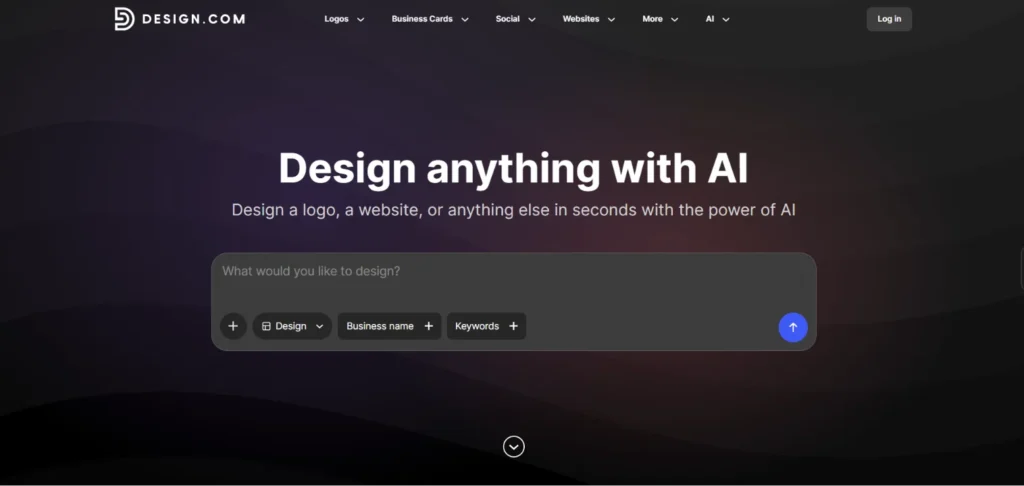
Recognized by Pixbundle as the best logo maker, Design.com leads this list in terms of value and completeness. Its AI generates logo suggestions based on your business name and keywords, pulling designs with elements relevant to your industry. With over 400,000 professionally designed logos exclusive to the platform, it guarantees you won’t end up with a generic logo.
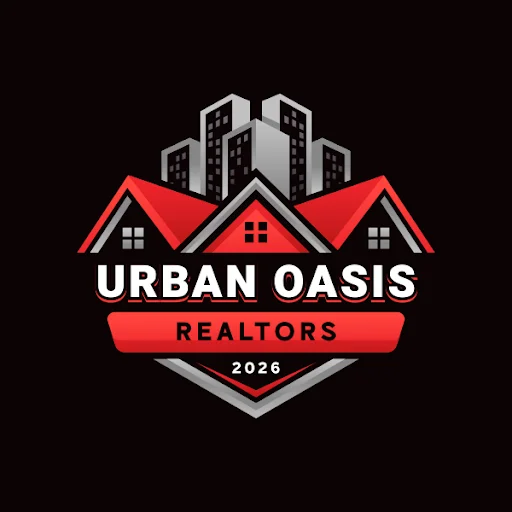
Here are some logo samples generated in Design.com using a business name called Urban Oasis Realtors:
Another impressive feature is the AI chat editor, which lets you customize your chosen logo by describing the changes you want to make in a prompt. It also ensures your logo is free of any copyright issues. Once you’ve finished personalizing your logo, you can export it as a vector, high-resolution, or animated file.
Design.com is more than just a logo maker. Its collection of branding tools enables you to create other assets, including websites, social media graphics, business cards, letterheads, email signatures, presentations, posters, flyers, and more. The platform’s automatic branding feature applies your logo and its elements to other templates to ensure brand consistency.
Key Features:
- Massive design library of 400K+ exclusive, professionally designed logos.
- 750+ fonts (525+ exclusive) and 62K+ custom vector shapes.
- AI chat editing interface and other easy-to-use customization tools.
- Multiple logo formats: Vector files (SVG, EPS, PDF), high-resolution files (PNG, JPG), animated files (MP4, GIF), transparent backgrounds, greyscale, icon- and text-only options.
- 50+ branding tools: business cards, presentations, social posts, websites, etc.
- Advanced AI tools: AI logo generator, AI website builder, AI business card generator, AI presentation maker, and more.
- Automatic branding: All templates seamlessly adopt the logo and its brand colors.
- Extended license option for exclusive logo ownership.
Pricing:
| Plan | Price | Inclusions |
| Free | $0 | Generate multiple logos, customize and download logos using free designs, all customization features and file formats available, commercial-safe logos with no watermarks |
| Starter | $9/mo ($3/mo annual) | Access to premium designs and 50+ branding tools |
| Value | $14/mo ($4/mo annual) | Everything in Starter, full access to Website Builder |
| Premium | $19/mo ($5/mo annual) | Everything in Value, full access to Link-in-Bio and Digital Business Card Makers |
Few Considerations:
- Design.com is built for simplicity and speed. Professional designers may find the customization features a bit light, but it’s exactly perfect for beginners and non-technical users.
- Collaboration features are limited to voting polls. While this is enough for small businesses and independent creators, larger organizations may require features suitable for a complex approval workflow.
Best For: Small businesses, entrepreneurs, and startups that need high-quality logos and complete brand identities.
2. BrandCrowd
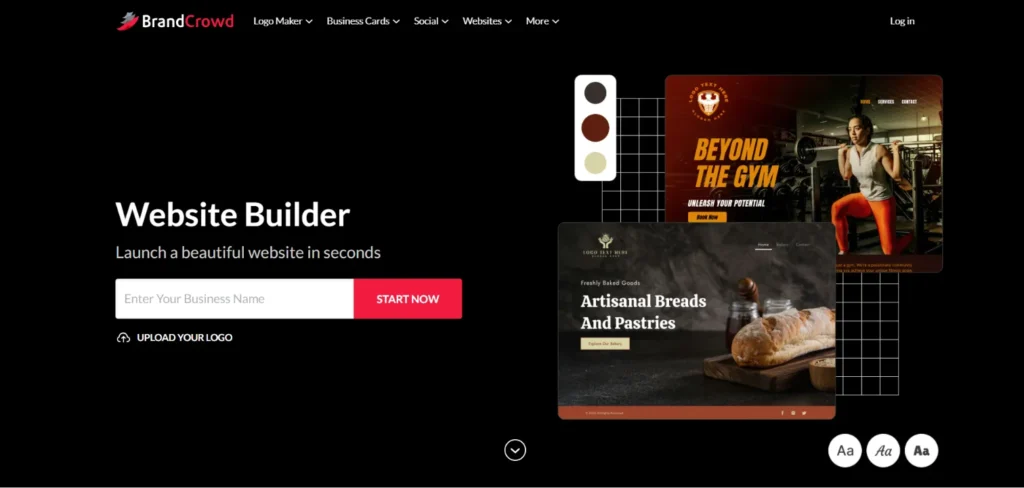
BrandCrowd is one of the most reliable logo makers on this list. It has over 380,000 exclusive logo templates curated by professional designers. With this collection, there’s a logo design for every industry imaginable. Whether you’re a tech startup or the most niche brand, BrandCrowd Logo Maker can provide you with a ready-to-use logo.
All you have to do is input your business name and keywords, and the platform’s AI will generate logo suggestions relevant to your industry. All of which are verified for originality and cleared for commercial use. You can also customize your chosen logo, download it in your preferred file format, and create additional assets using other BrandCrowd tools.
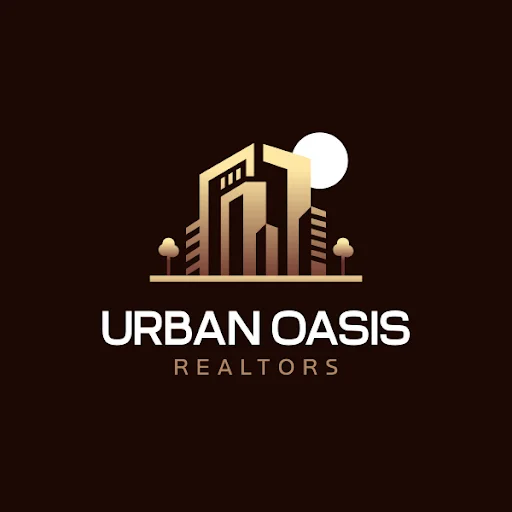
Using the same business name, here’s a BrandCrowd-generated logo:
Key Features:
- 380K+ BrandCrowd-exclusive, professionally designed logo templates
- AI chat editing feature with an intuitive drag-and-drop editing interface
- Multiple logo options: High-resolution files (JPG, PNG), vector files (SVG, EPS, PDF), animated files (GIF, MP4), transparent backgrounds, icon-only options
- Auto-branding feature for brand consistency.
- 50+ branding tools: social media assets, business cards, websites, etc.
- Extended license options for exclusive logo ownership.
Pricing:
| Plan | Price | Inclusions |
| Free | $0 | Generate multiple logos, customize and download logos using free designs, all customization features and file formats available, commercial-safe logos with no watermarks |
| Paid | Starts at $9/mo ($3/mo annual) | Access to premium designs and 50+ branding tools |
| Value | $14/mo ($4/mo annual) | Everything in Starter, full access to Website Builder |
| Premium | $19/mo ($5/mo annual) | Everything in Value, full access to Link-in-Bio and Digital Business Card Makers |
Few Considerations:
- BrandCrowd has no dedicated desktop or mobile app.
- The platform prioritizes ease of use and instant results. It may lack any developer-heavy or technical integration workflows.
Best For: Users and small business owners who want a trusted logo maker with high-quality, original, and aesthetic design templates.
3. Canva
Canva has been the go-to platform for social media content, presentations, and other marketing materials. If you have been using Canva for your designs, it’s natural to include its logo maker in your workflow. With a generous free plan and beginner-friendly drag-and-drop editor, you can easily search for a logo template for your business and customize it to fit your brand.
If you upgrade to Canva Pro, you’ll get to access the Brand Kit feature, where you can save your logo, brand colors, typography, and other assets for consistent use. However, since Canva has many users, you can expect its templates to be widely used, so your logo may not feel as distinctive as one created on a platform that’s dedicated to logos.
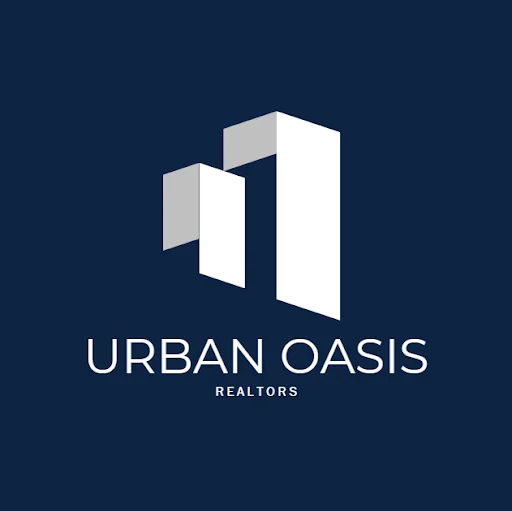
Here’s a logo made with one of Canva’s templates:
Key Features:
- Large library of logo templates, icons, and fonts.
- Easy-to-use drag-and-drop editor.
- Brand Kit (Canva Pro): Save logo, colors, and fonts used across all designs.
- Built-in team collaboration tools.
- Seamless integration with Canva’s design tools.
Pricing:
| Plan | Price | Inclusions |
| Free | $0 | Free logo templates, basic editor, limited exports |
| Canva Pro | $15/mo | Premium logo templates, Brand Kit, vector exports, background remover |
| Teams | $10/mo/user | Everything in Canva Pro, team collaboration features |
Few Considerations:
- While the library is large, it’s not as large as Design.com’s or BrandCrowd’s. Logo templates are widely used, so your logo may come off as generic.
- Downloading vector files requires Canva Pro. You won’t be able to download print-ready files unless you upgrade.
Best For: Users already familiar with the Canva ecosystem and have been using it for their marketing solutions.
4. Adobe Express
Adobe may have been associated with professional designers, but it has created a more accessible version with Adobe Express. With integrations from Adobe Photoshop and Adobe Illustrator, it’s a compelling option for your design needs. It has an intuitive logo editor with Adobe’s font library and a reliable background remover tool.
Like Canva, Adobe Express has a Brand Kit that you use once you upgrade to its Premium plan. It also gives you access to premium assets, complete editor tools, and Creative Cloud integrations. If you’re already an Adobe user, subscribing to their paid version is a valuable investment.
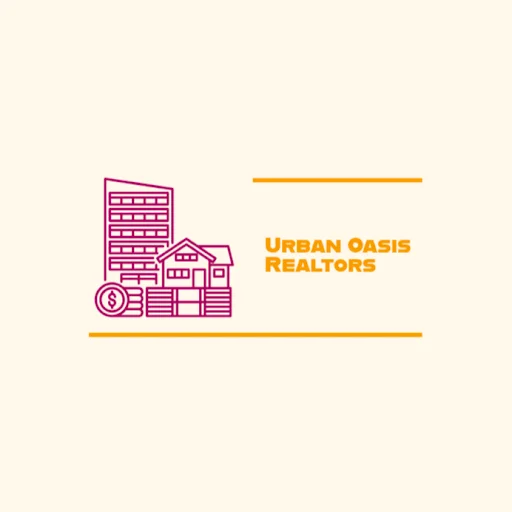
Here’s a sample of a logo created with Adobe Express:
Key Features:
- Logo templates and icons for different types of industries.
- Drag-and-drop customization with basic photo editing tools.
- Adobe Fonts library — one of the most extensive font collections available.
- Brand Kit (Premium Plan): Save your logo, colors, and fonts.
- Direct integration with Photoshop, Illustrator, and Creative Cloud assets.
Pricing:
| Plan | Price | Inclusions |
| Free | $0 | Free logo templates, basic editor, Adobe Font access, limited exports |
| Premium | $9.99/mo | Premium logo templates, Brand Kit, full export options, Creative Cloud integration |
Few Considerations:
- Adobe Express is primarily a broad design tool. Its Logo Maker is just a feature within a larger platform.
- The Premium plan is only valuable if you’ve already been working with the Adobe ecosystem. It may not be the most affordable option if you’ll only use it as a standalone tool for your logo.
Best For: Adobe users who want to achieve brand consistency across all their branded assets within the Creative Cloud suite.
5. Wixel (Wix Logo Maker)
Recently launched in December 2025, Wixel is Wix’s new AI design platform that lets you create logos and other designs. It’s Wix’s response to the growing demand for AI-first, project-based design tools. While existing Wix users can still access the old Logo Maker, new users will be directed to Wixel.
Wixel lets you generate logos using its AI design agent, Aria. You start by describing your business, industry, and style preferences, and Aria will start creating logo concepts for you. All generated logos are customizable and can be downloaded as PNG, JPG, or SVG. You can also use Wixel to create social media assets, videos, presentations, documents, and forms.
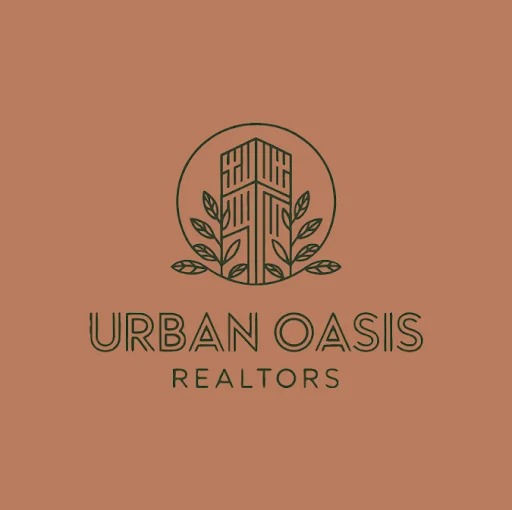
Here’s a logo generated by Wixel’s Aria:
Key Feature:
- AI logo generation via Aria with full customization features after generation.
- Free logo downloads in PNG, JPG, and SVG.
- Project-based workspace: Create other assets in one place.
- Brand-theme generation: Apply the logo and its elements across all Wixel designs.
Pricing:
| Plan | Price | Inclusions |
| Free | $0 | 120 AI credits/mo, up to ~20 logos/mo, free downloads in PNG, JPG, and SVG |
| Basic | $90/yr | 350 AI credits/mo, up to ~50 logos/mo, all download formats, premium templates |
| Pro | $290/yr | 850 AI credits/mo, up to ~180 logos/mo, free Wix Light website plan and domain (1 year) |
| Max | $590/yr | 2,000 AI credits/mo, up to ~440 logos/mo, free Wix Light website plan and domain (1 year) |
Few Considerations:
- Heavy AI users may use up their AI credits faster than expected.
- Wixel’s template library and logo-specific depth are narrower than dedicated logo platforms.
Best For: Wix users and small business owners who need an AI-powered design platform that can create logos and other assets in one place.
6. Shopify Logo Maker
Formerly known as Hatchful by Shopify, Shopify Logo Maker lets you generate logos for free. All you have to do is provide your business name, pick your industry, and choose a visual style. The platform then creates a set of logo options that you can customize. However, the designs and customization features are basic, resulting in generic logos.
Key Features:
- Industry-based logo generation with style preferences.
- Basic customization: Edit fonts, colors, and layouts.
- 100% free – no account or credit card required.
Pricing:
| Plan | Price | Inclusions |
| Free | $0 | Unlimited logo generation, social media kit, logo download (PNG only) |
Few Considerations:
- Shopify Logo Maker doesn’t offer vector files, so logos aren’t suitable for print or large-format materials.
- Very limited customization depth.
Best For: Beginners and Shopify store owners who need a quick logo without any cost.
7. DesignEvo
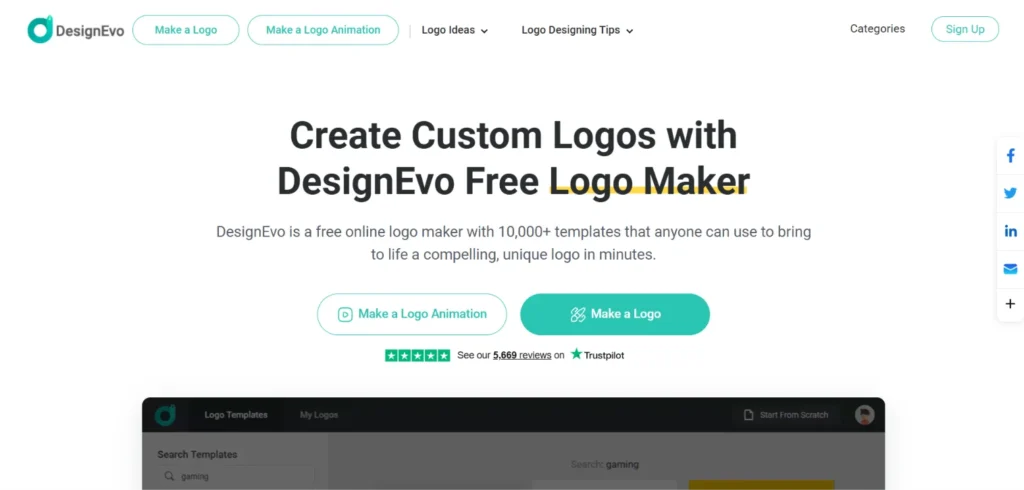
DesignEvo is a straightforward logo design platform with more than 10,000 templates and an impressive collection of fonts. You can create a logo in an instant by searching for a relevant template that you’ll want to customize. It also has a preview feature that lets you see how the logo looks on different branded assets.
Key Features:
- 10K+ logo templates, 100+ fonts, and a large collection of vector icons.
- Real-world mockup previews showing the logo on business cards, letterheads, notebooks, websites, t-shirts, and office signs.
- Multiple file downloads: PNG (free version) and vector files (paid plans).
Pricing:
| Plan | Price | Inclusions |
| Free | $0 | Low-resolution (JPG, PNG) file downloads with watermark |
| Basic | $4.99/mo | High-resolution (JPG, PNG) and transparent file downloads |
| Plus | $9.99/mo | Everything in Basic, vector files (PDF, SVG), font files, and copyright ownership |
Few Considerations:
- Smaller template library compared to other platforms.
- No expanded brand kit.
Best For: Small business owners and freelancers who need instant professional logos.
8. Logaster
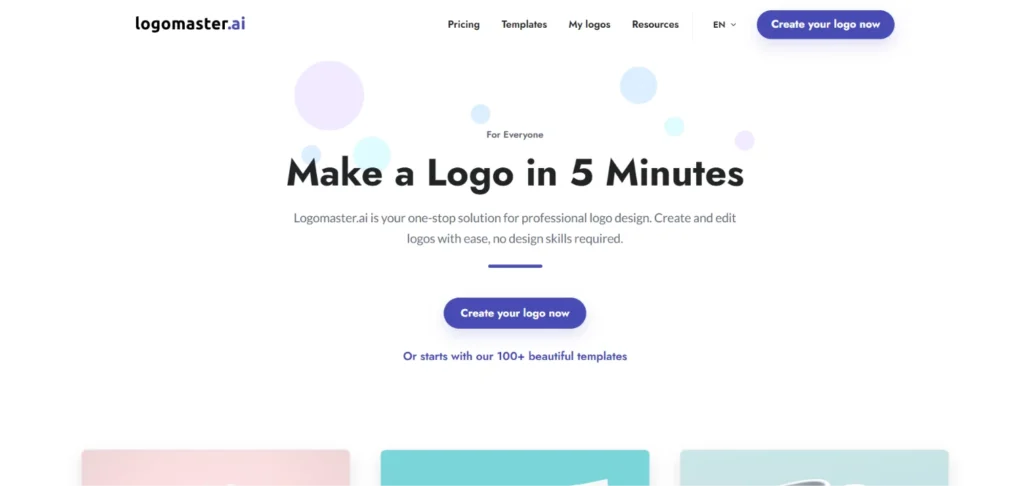
Widely used amongst European businesses, Logaster is a straightforward platform that lets you create a logo through a guided process. To start, you select a logo category (personal branding, startups, companies and organizations, and businesses), three logo templates, colors, and an icon. It also provides mockups of how your logo will look on different branded materials.
Key Features:
- AI-generated logo options based on your industry and style preference.
- Free previews: See your logo on different mockups before purchase.
- One-time pricing with no monthly or yearly subscription required.
Pricing:
| Plan | Price | Inclusions |
| Free | $0 | Generate, customize, and preview your logo only |
| Basic | $9.99 (one-time) | High-resolution files, transparent PNG |
| Premium | $19.99 (one-time) | Everything in Basic, vector files, unlimited changes, and custom background colors |
Few Considerations:
- Limited customization features.
- Logos may seem old compared to designs from other platforms.
Best For: Small business owners, entrepreneurs, and freelancers who only need a quick logo without the need for a subscription.
9. Squarespace Log Maker
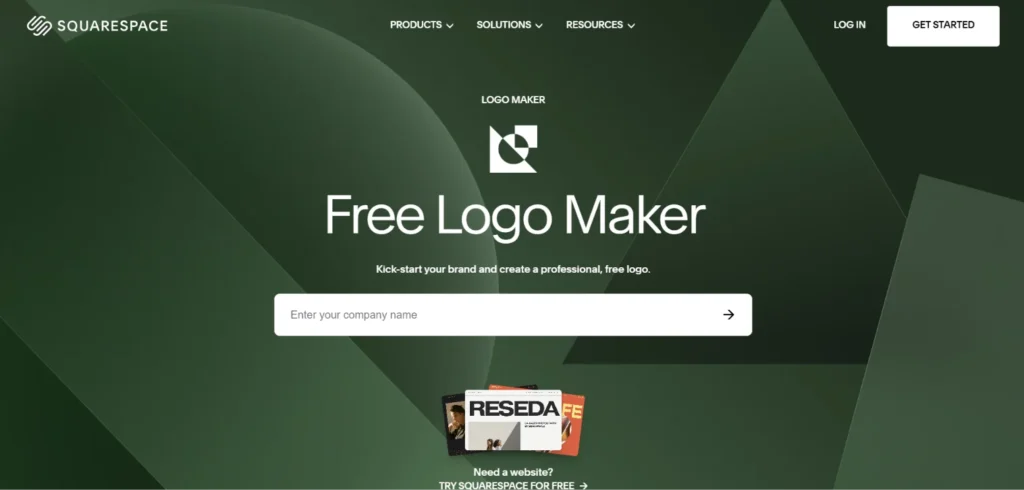
Just like its website builder, the Squarespace logo maker is also simple, clean, and minimalist. It doesn’t have a large library of logo designs. You’ll only get a basic icon-and-text layout. But while it won’t win against the other logo makers, its outputs can still suit brands that thrive on simplicity.
Key Features:
- Simple icon-and-text logo layout.
- Basic color and font customization.
- Applies directly to Squarespace websites without exporting.
Pricing:
| Plan | Price | Inclusions |
| Free | $0 | PNG logo download only |
Few Considerations:
- No vector downloads, AI tools, and brand kit.
- Limited template and icon variety, so it’s not suitable for brands that need unique logos.
Best For: Squarespace website users and brands looking for minimalist logo designs at no cost.
10. GraphicSprings
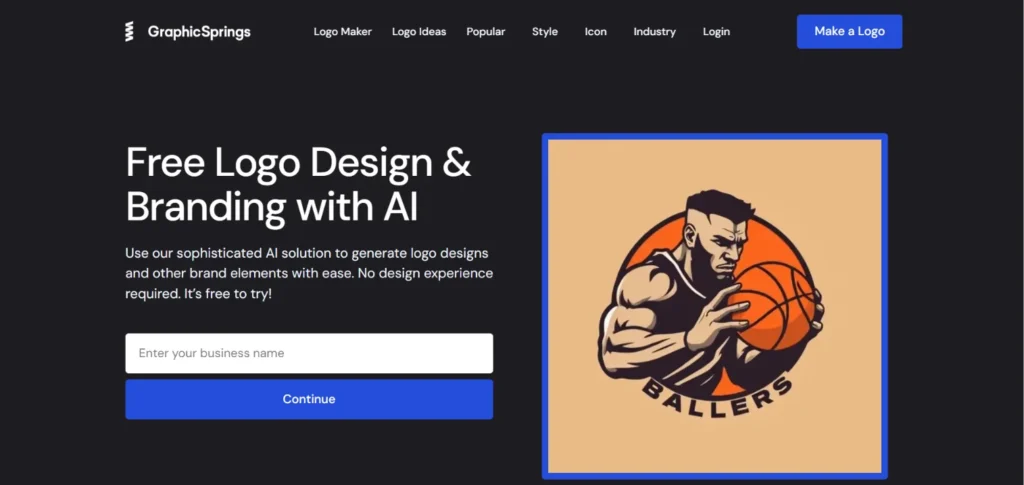
GraphicSprings generates a logo after you specify your business name, slogan, color preferences, logo graphic, and style. The platform is free to try with a set of free design credits to let you experiment before committing. Aside from logos, GraphicSprings also caters to posters, flyers, business cards, letterheads, album and book covers, and YouTube banners.
Key Features:
- AI logo generator: Create original logo concepts with your business name and design preferences.
- High-resolution downloads in JPG, PNG, PDF, and source file formats.
- Additional branding tools: business cards, posters, flyers, letterheads, YouTube banners, and album and book covers.
- AI credits with no expiration – they stay in your account indefinitely.
Pricing:
| Plan | Price | Inclusions |
| Free | $0 | Free AI credits to generate logos (no downloads) |
| Basic AI Pack | $10 (one-time) | 15 AI credits, high-resolution downloads, full ownership, commercial rights |
| Plus AI Pack | $20 (one-time) | 35 AI credits, everything in Basic |
| Elite AI Pack | $30 (one-time) | 60 AI credits, everything in Basic |
Few Considerations:
- Logos created with the free version don’t have commercial rights, so an upgrade is required.
- No editor feature. You can only make changes by refining the details you provided to the AI.
Best For: Business owners, entrepreneurs, and freelancers who prefer a flexible pay-per-credit model over a monthly or yearly subscription for their occasional logo projects.
Final Verdict: Which Logo Maker Should You Use?
With more amazing tools available, the logo maker space is stronger than ever in 2026. But once you look into their features, the picture becomes clear — only one logo maker clearly leads the pack.
With its massive design library, advanced AI capabilities, multiple file formats, and competitive pricing, Design.com proves itself to be the best all-in-one solution for logo creation. But what sets it apart is that it goes beyond logos. Its range of branding tools enables you to create a complete brand identity in less than half a day.
While other platforms have their own niches, they can’t provide the same, complete end-to-end solution that Design.com does. Some may have limited template variety, basic AI functionality, or expensive paid plans.
If you want to build a brand that will stand out in 2026, start with Design.com.
