15 Best Data Analytics Software For Smarter Business Decisions

Businesses today generate massive amounts of data from websites, sales systems, customer interactions, marketing platforms, and operational processes. However, collecting data alone does not create value—what truly matters is the ability to transform that data into meaningful insights using Data Analytics Software. In an increasingly competitive and fast-moving digital landscape, organizations that understand their data can make smarter decisions, identify opportunities faster, and respond more effectively to market changes.
A data analytics platform is essential in this situation.. These platforms help businesses gather, organize, analyze, and visualize data in ways that make complex information easy to understand and act upon. From interactive dashboards and real-time reporting to predictive analytics and AI-driven insights, modern analytics tools empower teams across departments to uncover trends, monitor performance, and optimize strategies.
Why Data Analytics Software Is Important For Modern Businesses
Data analytics software has become a necessity in contemporary businesses since it assists organizations in turning vast amounts of raw data into useful information that will make smarter decisions.
In the modern competitive and information-driven world, businesses are gathering data by various means, including sales applications, marketing applications, consumer communication, and operational procedures. This data is not fully utilized without having the right analytics tools. Data analytics tools helps businesses to detect patterns, track performance, and predict trends, as well as find growth opportunities.
It also enhances efficiency through automation of reporting and manual analysis. Real-time dashboards and predictive insights enable companies to react faster to changes in the market, know their customers, streamline operations, and, in the end, have a greater competitive edge in the industry.
Types Of Data Analytics Software Available Today
- Business Intelligence (BI) Tools: Turn raw business data into performance dashboards and business reports to make business decisions and monitor performance in different departments.
- Data Visualization Software: Transforms complex data sets into interactive charts and graphs and into the visual dashboards to make it easier to comprehend the trend and patterns.
- Predictive Analytics Platforms: The technology is based on predicting the future through statistical models and machine learning, to assist the business to predict upcoming risks and opportunities.
- Self-Service Analytics Software: Allows the non-technical users to analyze data on their own without depending on IT or data experts.
- Embedded Analytics Platforms: Brings analytics to business applications with developers being able to access analytics directly in their business workflows.
- Real-Time Analytics Tools: Data: Processes streaming data in real-time to give instant advice regarding operational inspection and immediate decision-making.
- Data Preparation Tools: Assists in cleaning, organizing, transforming, and merging raw data of various sources and then carry out an analysis.
How To Choose The Right Data Analytics Software For Your Needs
- Define Business Goals: Determine what you want to know i.e. what do you want to know about your customers or financial performance or operational efficiency or marketing effectiveness.
- Test Data Integration: Make sure the software can be easily connected to databases, cloud-computing, spreadsheets, and already existing business applications.
- Check Ease of Use: Select the tools that have user-intuitive interfaces and self-service to enable the non-technical teams to analyze the data on their own.
- Evaluate Scalability: Choose the software that will be able to support the growth of data, an increase in users, and more analytics needs as your business grows.
- Examine Visualization Appearance: Find dashboards, charts and interactive reports that simplify the understanding and distribution of complex data.
- Think Security and Compliance: Make sure that the platform has powerful data protection, access control, and in accordance with industry regulations.
- Pricing and Budget Analysis: Compare subscription model, licensing model and finding hidden costs to make it affordable in the long term.
- Check Support and Community: Prominent customer support, documentation and an active user communities will assist issues to be resolved fast and enhances adoption.
List Of 15 Best Data Analytics Software
1. Microsoft Power BI
Website: https://www.microsoft.com/en-us/power-platform/products/power-bi/
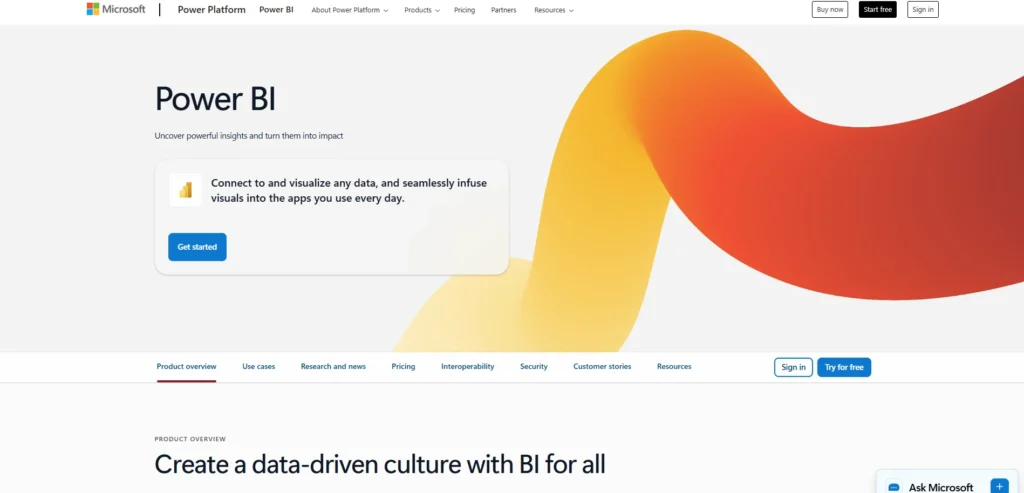
Microsoft Power BI is a business intelligence and data analytics service provider that is widely used by different organizations in order to convert raw data into meaningful insights. It allows the users to develop interactive dashboards, visual reports and real-time analytics using various sources of data.
Power BI can be easily added as an extension of Microsoft applications like Excel, Azure, even Teams, which makes it an ideal choice among enterprises that already use the Microsoft platform. It has a drag-and-drop interface that enables both technical and non-technical users to analyze data with ease.
Power BI enables organizations to track their performance, detect trends and make faster and data-driven decisions with the help of AI-powered functionalities, a robust level of data connectivity, and safe cloud deployment.
Key Features:
- Interactive dashboard and report creation
- Seamless integration with Microsoft Excel and Azure
- Real-time data monitoring and streaming analytics
- AI-powered insights and natural language queries
- Large library of data connectors
- Secure sharing and collaboration through cloud services
Pros:
- User-friendly interface with drag-and-drop visuals
- Strong integration with the Microsoft ecosystem
- Frequent updates and feature improvements
- Affordable pricing compared to competitors
- Large global user community and support resources
Cons:
- Performance may slow with extremely large datasets
- Advanced modeling requires technical expertise
- The Microsoft environment offers the best performance.
Pricing:
- Power BI Pro- $14.00 user/month, paid yearly
- Power BI Premium Per User- $24.00 user/month, paid yearly
2. Tableau
Website: https://www.tableau.com/
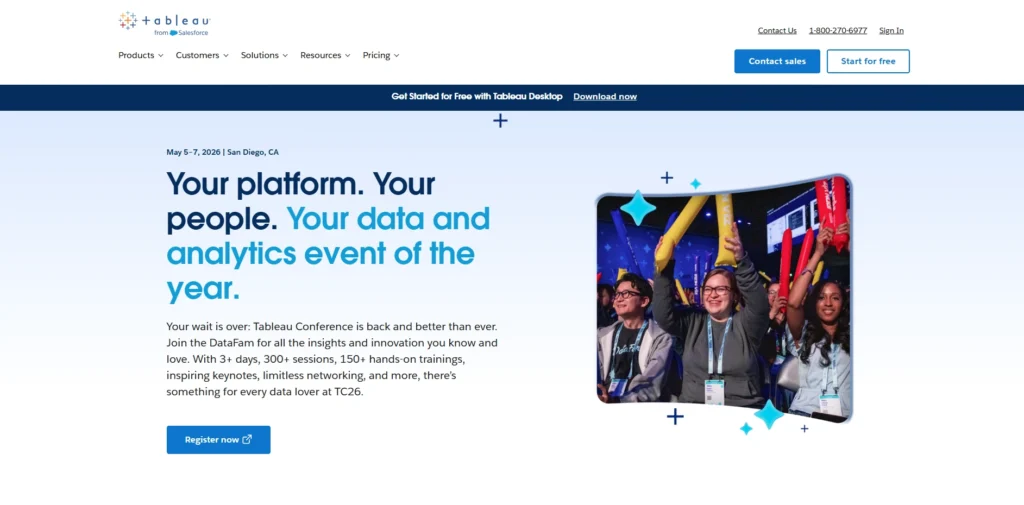
Tableau is a powerful Data Analytics Software and visualization tool that is considered one of the best in the market. It is widely used to explore, analyze, and present complex data through interactive dashboards. Tableau, characterized by its user-friendly drag-and-drop functionality, enables business professionals and analysts to convert raw data into clear visual insights in a short period of time.
The platform connects with many data sources such as cloud databases, spreadsheets, and enterprise systems. Tableau allows real-time analytics, powerful data exploration, and easy report sharing across teams.
With its advanced visualization capabilities and integration with modern data ecosystems, Tableau helps organizations identify trends, track business performance, and make smarter decisions based on accurate and actionable data.
Key Features:
- Advanced data visualization tools
- Drag-and-drop dashboard design interface
- Connectivity to numerous data sources
- Real-time data exploration capabilities
- Interactive data filtering and drill-down analysis
- Cloud and on-premise deployment options
Pros:
- Industry-leading visualization capabilities
- Highly interactive dashboards
- Extensive data connectivity options
- Strong community and training resources
- Flexible deployment environments
Cons:
- Higher licensing cost for enterprise features
- Learning curve for advanced analytics functions
- Heavy dashboards may require strong hardware
Pricing:
- Tableau Standard- $900.00
- Tableau Enterprise- $1,380.00
3. Qlik (Qlik Sense)

Website: https://www.qlik.com/us/products/qlik-sense
Qlik Sense is a modern data analytics platform that is modern and allows organizations to explore and visualize data in the form of interactive dashboards and self-service analytics. It is constructed upon the associative analytics engine of Qlik and enables customers to discover relationships in data at their own discretion without using pre-written queries.
This can be used to reveal concealed insights and trends in a short time. Qlik Sense can be deployed in the cloud, on-premise or as hybrids and, therefore, it is applicable in different environments of the enterprise.
The site also has AI-based analytics and automated insights that assist users in their data exploration. Qlik Sense is a powerful business-friendly data integration platform that can enable organizations to transform complicated data into concise and quantifiable information.
Key Features:
- Associative data engine for flexible exploration
- Self-service analytics and dashboard creation
- AI-assisted insight suggestions
- Data integration and transformation tools
- Mobile-friendly analytics dashboards
- Hybrid cloud and on-premise deployment
Pros:
- Powerful associative analytics technology
- Flexible data exploration without predefined queries
- Strong data integration capabilities
- Scalable enterprise analytics solution
- Reliable performance for large datasets
Cons:
- The interface may feel complex for beginners
- Customization can require technical knowledge
- Small firms may have to pay expensive licensing fees.
Pricing:
- Starter- $300/mo
- Standard- $825/mo
- Premium- $2,750/mo
4. Looker
Website: https://cloud.google.com/looker?hl=en
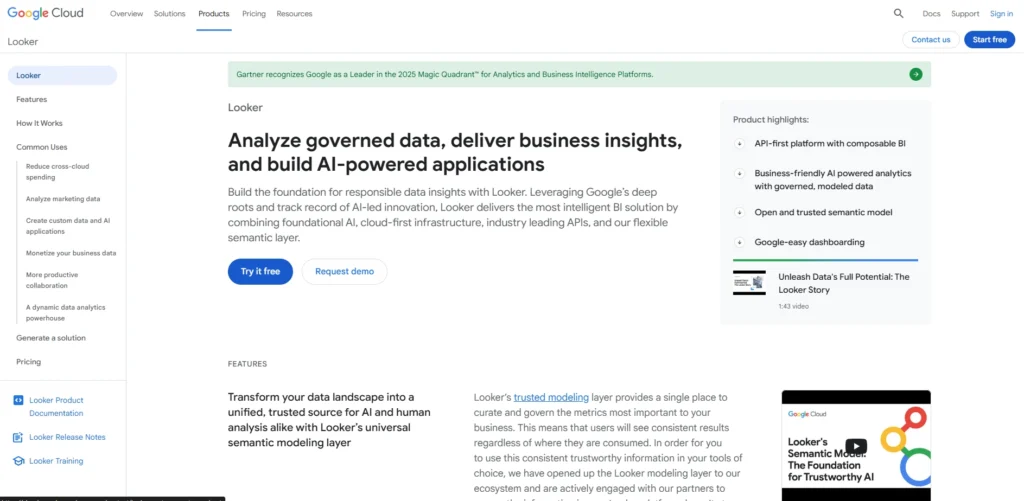
Looker is a data analytics and business intelligence platform that is built on Google Cloud. It enables organizations to search and examine data via a centralized data modelling layer referred to as LookML.
In this modeling strategy, there is uniformity in the metrics and data definitions throughout the organization. Looker allows teams to create dashboards, create powerful queries and integrate analytics at the application or workflow level. It is compatible with the current cloud data warehouses like BigQuery, Snowflake, and Redshift.
Looker enables companies to establish a single source of truth when it comes to business insights by offering scalable analytics and collaborative data exploration tools so that they can make informed decisions based on reliable data.
Key Features:
- Data modeling with LookML language
- Embedded analytics for applications
- Integration with cloud data warehouses
- Centralized data governance and metrics control
- Interactive dashboards and reports
- Real-time collaboration on analytics projects
Pros:
- Strong data governance and consistency
- Excellent integration with Google Cloud services
- Ideal for modern data warehouse environments
- Scalable analytics for growing organizations
- Supports embedded analytics in software products
Cons:
- Requires learning LookML for customization
- Setup can be complex for small teams
- Pricing typically suited for enterprise users
Pricing:
- Contact sales
5. Sisense
Website: https://www.sisense.com/
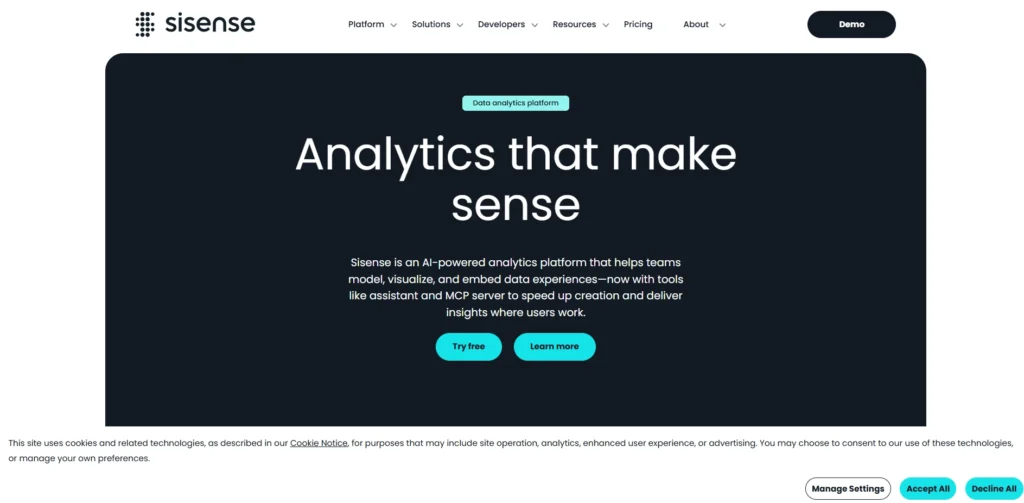
Sisense is a robust data analytics software that helps to simplify multifaceted data analysis and provide insights via interactive dashboards and in-built analytics. It enables the organization to integrate information between and among various sources and process it within a single environment.
Sisense is based on advanced in-chip processing technology to process large datasets effectively and to accelerate the performance of analytics. Product teams and developers who have an interest in embedding analytics into their applications find the platform extremely popular.
Sisense provides businesses with AI-based insights, configurable visualizations and scalable cloud computing to convert data into useful intelligence and bring actionable analytic experiences to internal and customer teams.
Key Features:
- Embedded analytics for software products
- In-chip analytics engine for high performance
- Customizable dashboards and widgets
- Data preparation and modeling tools
- AI-driven insights and forecasting
- API-based integration with external apps
Pros:
- Excellent for embedded analytics use cases
- Handles large datasets efficiently
- Flexible developer-friendly platform
- Customizable dashboards and analytics components
- Strong scalability for enterprise environments
Cons:
- Implementation may require technical expertise
- Pricing can be high for startups
- Interface less intuitive than some BI tools
Pricing:
- Launch- $399/month
- Grow- $1,299/month
6. ThoughtSpot
Website: https://www.thoughtspot.com/
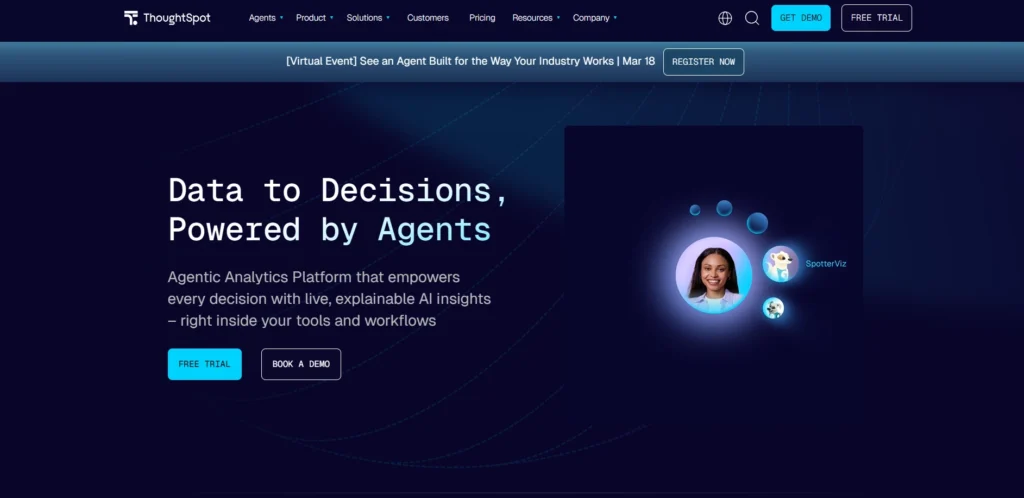
ThoughtSpot is an innovative analytics platform that focuses on search-driven data exploration. Instead of building complex reports, users can type natural language questions and instantly receive visual answers and insights.
This approach makes advanced analytics accessible to non-technical users across an organization. ThoughtSpot includes AI-powered capabilities such as automated insight discovery and anomaly detection.
The platform integrates with modern cloud data platforms like Snowflake, Databricks, and Google BigQuery. With its intuitive search interface and automated analytics features, ThoughtSpot helps businesses uncover trends, identify opportunities, and make faster decisions based on real-time data insights.
Key Features:
- Natural language search analytics
- AI-powered automated insights
- Interactive visualization results
- Integration with modern cloud data platforms
- Real-time analytics queries
- AI recommendations and anomaly detection
Pros:
- Very easy for non-technical users
- Fast search-based analytics approach
- Strong AI-driven insights discovery
- Excellent cloud data warehouse integration
- Reduces the need for complex reports
Cons:
- Limited customization for advanced dashboards
- Best suited for cloud data environments
- Enterprise pricing structure
Pricing:
- Essentials- $25 per user / per month (billed annually)
- Pro- $50 per user / per month (billed annually)
7. Domo
Website: https://www.domo.com/
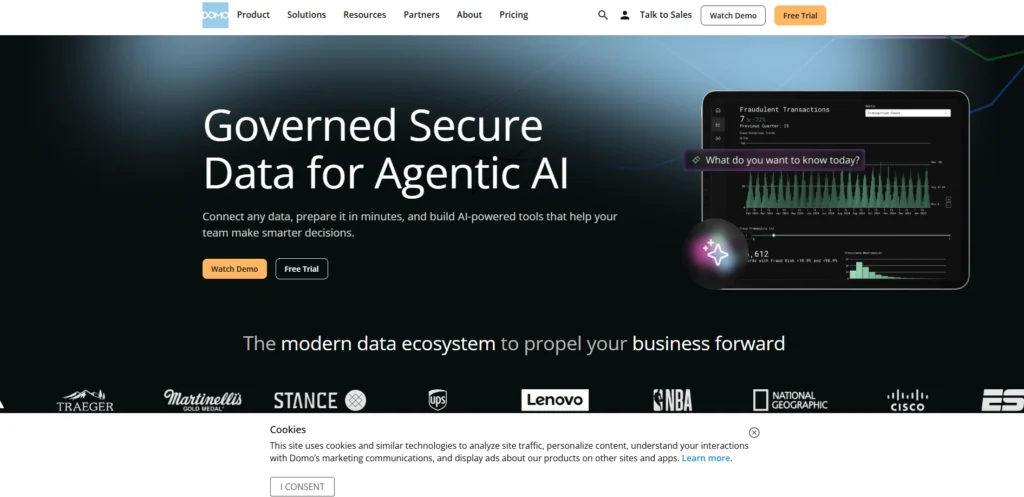
Domo is a cloud-native business intelligence and analytics platform designed to connect data from across an organization into a unified system, making it a powerful Data Analytics Software solution for modern businesses.
It offers hundreds of data connectors that allow businesses to integrate information from marketing platforms, databases, spreadsheets, and enterprise applications. Domo provides real-time dashboards, automated alerts, and collaboration tools that enable teams to monitor business performance and respond quickly to changing conditions.
The platform also includes data transformation and workflow automation features. With mobile-friendly dashboards and scalable cloud architecture, Domo helps organizations gain visibility into operations and make timely, data-driven decisions across departments.
Key Features:
- Cloud-native analytics platform
- 1000+ prebuilt data connectors
- Real-time data visualization dashboards
- Automated alerts and notifications
- Mobile analytics applications
- Workflow automation with data insights
Pros:
- Strong cloud-based architecture
- Wide range of integrations
- Excellent mobile analytics features
- Easy dashboard sharing across teams
- Built-in collaboration tools
Cons:
- Pricing may be high for small companies
- Custom reporting can be complex
- Data preparation tools are less advanced than some competitors
Pricing:
- Contact sales
8. Amazon QuickSight

Website: https://aws.amazon.com/quicksight
Amazon QuickSight is a cloud-based analytics service offered by Amazon Web Services that enables organizations to build interactive dashboards and perform advanced data analysis.
Designed with a serverless architecture, QuickSight automatically scales to handle large volumes of data without requiring infrastructure management. It integrates seamlessly with AWS services such as Redshift, S3, and RDS, allowing businesses to analyze data stored across the AWS ecosystem.
The platform also includes machine learning-powered insights and natural language query capabilities. With its pay-per-session pricing and cloud scalability, Amazon QuickSight helps organizations deliver fast and cost-effective business intelligence solutions.
Key Features:
- Serverless business intelligence service
- Machine learning-powered insights
- Natural language query capability
- Integration with AWS data services
- Interactive dashboards and reports
- Scalable pay-per-session architecture
Pros:
- Fully managed cloud analytics platform
- Scales automatically with usage
- Strong integration with the AWS ecosystem
- Cost-efficient pricing model
- Good performance for large datasets
Cons:
- Best suited for AWS users
- Fewer visualization features than some BI tools
- Limited offline capabilities
Pricing:
- Request Pricing
9. Oracle (Oracle Analytics Cloud)
Website: https://www.oracle.com/analytics
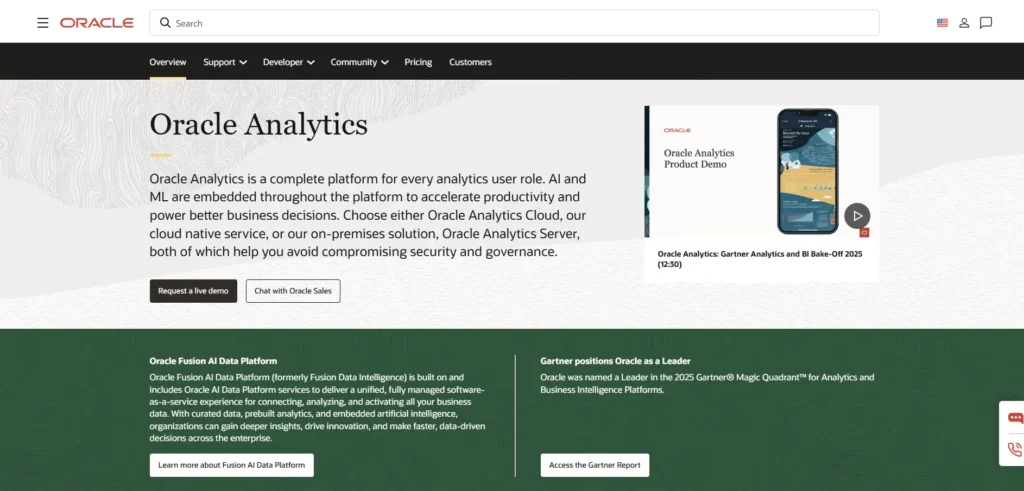
Oracle Analytics Cloud is an enterprise-grade analytics platform that combines data visualization, data preparation, and machine learning capabilities in a single solution.
It allows organizations to analyze data from cloud and on-premise systems while maintaining strong governance and security. The platform provides interactive dashboards, predictive analytics, and automated insight generation to help users uncover patterns in large datasets.
Oracle Analytics Cloud integrates seamlessly with Oracle databases and enterprise applications, making it especially valuable for companies already using Oracle infrastructure. With advanced analytics tools and scalable cloud deployment, it helps businesses improve decision-making and operational performance.
Key Features:
- AI-driven data discovery and insights
- Enterprise-grade reporting and dashboards
- Predictive analytics and machine learning
- Integration with Oracle enterprise systems
- Advanced data preparation tools
- Secure cloud-based analytics environment
Pros:
- Strong enterprise analytics capabilities
- Robust security and governance features
- Excellent for Oracle infrastructure users
- Advanced predictive analytics tools
- Reliable performance for large organizations
Cons:
- Interface may feel complex for beginners
- Higher cost compared to SMB analytics tools
- Limited flexibility outside Oracle ecosystem
Pricing:
- $162.30/month
10. IBM (IBM Cognos Analytics)
Website: https://www.ibm.com/products/cognos-analytics
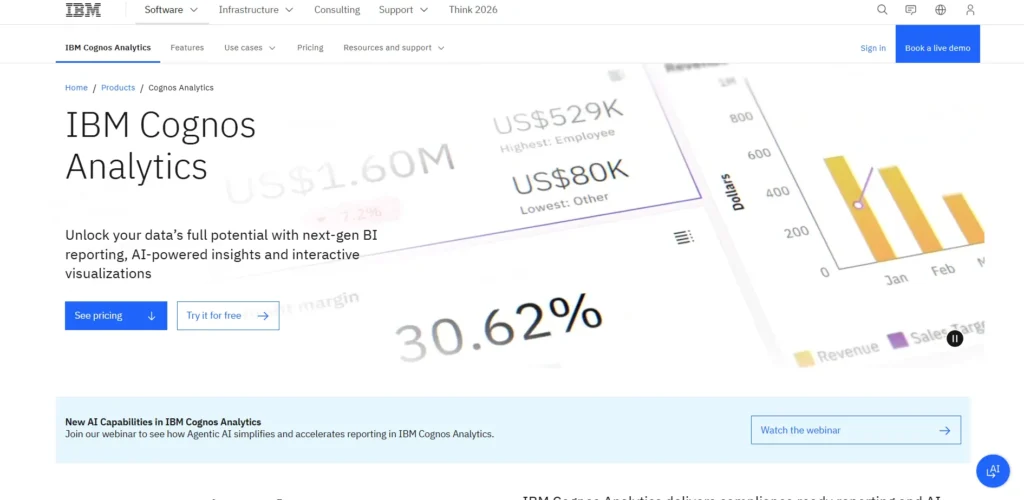
IBM Cognos Analytics is a comprehensive Data Analytics Software and business intelligence platform that enables organizations to perform reporting, data visualization, and advanced analytics in a unified environment. The platform includes AI-assisted data preparation, automated insights, and natural language querying capabilities.
Cognos helps businesses build interactive dashboards, monitor key performance indicators, and generate detailed reports for strategic decision-making. It supports integration with numerous enterprise data sources and provides strong governance and security features for large organizations.
By combining traditional business intelligence tools with modern AI capabilities, IBM Cognos Analytics enables businesses to transform complex datasets into meaningful insights.
Key Features:
- AI-assisted dashboard creation
- Natural language analytics queries
- Enterprise reporting and data visualization
- Automated data preparation tools
- Interactive data exploration features
- Secure governance and compliance controls
Pros:
- Strong enterprise reporting capabilities
- Advanced AI-assisted analytics tools
- Robust data governance features
- Reliable performance for large organizations
- Long-established analytics platform
Cons:
- When compared to more recent tools, the interface may seem obsolete.
- Implementation may require experienced administrators
- Licensing costs may be high
Pricing:
- Standard- $11.25 USD
- Premium- $44.90 USD
11. SAP (SAP Analytics Cloud)

Website: https://www.sap.com/products/data-cloud/cloud-analytics.html
SAP Analytics Cloud is a unified analytics platform that combines business intelligence, planning, and predictive analytics within a single cloud environment.
It enables organizations to visualize data, forecast business performance, and plan future strategies using advanced analytics tools. The platform integrates closely with SAP enterprise systems such as SAP ERP and SAP S/4HANA, providing a centralized analytics solution for finance, operations, and supply chain teams.
Built-in machine learning and predictive modeling capabilities allow users to identify trends and anticipate future outcomes. SAP Analytics Cloud helps enterprises align strategic planning with real-time data insights.
Key Features:
- Integrated BI, planning, and predictive analytics
- Real-time analytics dashboards
- Machine learning-based forecasting tools
- Integration with SAP enterprise systems
- Collaborative planning workflows
- Cloud-based analytics deployment
Pros:
- Strong integration with the SAP ecosystem
- Combines planning and analytics in one tool
- Powerful predictive analytics capabilities
- Reliable enterprise-grade platform
- Supports strategic decision-making
Cons:
- Complex setup for non-SAP environments
- Higher cost for small organizations
- Requires training for advanced features
Pricing:
- Contact sales
12. Databricks
Website: https://www.databricks.com/
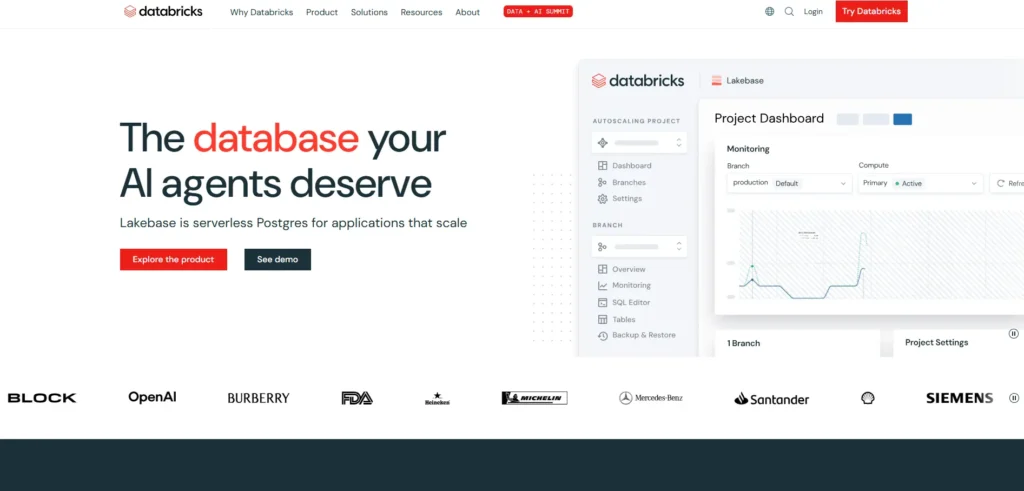
Databricks is a unified data analytics platform designed for big-data processing, machine learning, and collaborative analytics workflows.
Built on Apache Spark, the platform introduces a lakehouse architecture that combines the flexibility of data lakes with the performance of data warehouses. Databricks allows data engineers, scientists, and analysts to collaborate on data pipelines, analytics models, and AI applications within a single environment.
It integrates with major cloud providers, including AWS, Azure, and Google Cloud. By supporting large-scale data processing and advanced analytics, Databricks enables organizations to build scalable data platforms and extract deeper insights from massive datasets.
Key Features:
- Lakehouse architecture for unified analytics
- Apache Spark-based big data processing
- Collaborative notebooks for data teams
- Machine learning model development tools
- Real-time data streaming analytics
- Integration with major cloud platforms
Pros:
- Excellent for large-scale data processing
- Strong AI and machine learning capabilities
- Highly scalable data platform
- Supports collaborative data workflows
- Handles massive datasets efficiently
Cons:
- Requires technical expertise to manage
- Complex setup for smaller teams
- Pricing depends on heavy compute usage
Pricing:
- Contact sales
13. Google BigQuery
Website: https://cloud.google.com/bigquery?hl=en
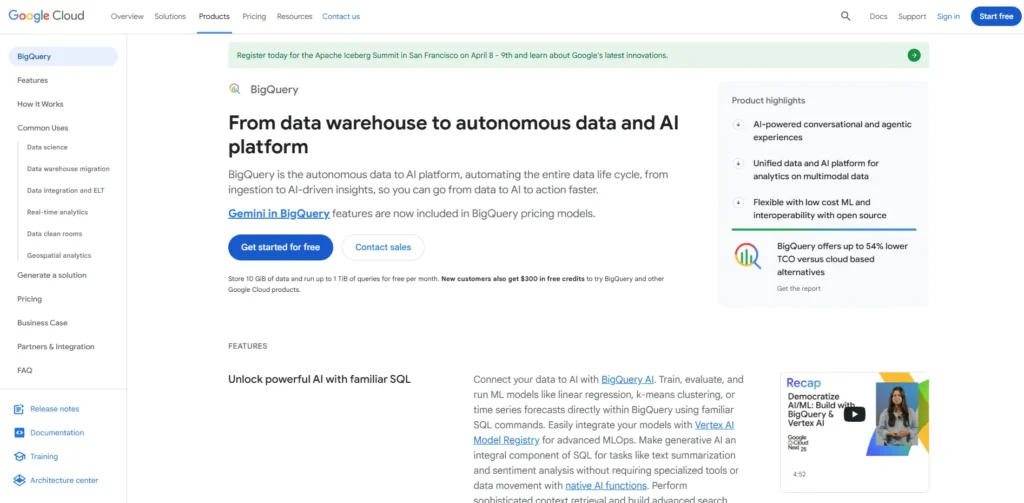
Google BigQuery is a fully managed, serverless Data Analytics Software and data warehouse that allows organizations to analyze massive datasets quickly using SQL queries.
Built on Google Cloud infrastructure, it can process petabytes of data in seconds without requiring infrastructure management. BigQuery supports real-time data streaming, machine learning integration, and geospatial analytics. The platform integrates seamlessly with Google Cloud tools and popular visualization platforms.
Its scalable architecture and high-performance query engine make it ideal for large-scale analytics workloads. Businesses use BigQuery to gain insights from large datasets, power data-driven applications, and support advanced analytics across departments.
Key Features:
- Serverless cloud data warehouse
- SQL-based analytics for massive datasets
- Real-time data streaming capabilities
- Built-in machine learning features
- Integration with the Google Cloud ecosystem
- High-speed query engine
Pros:
- Extremely fast query performance
- Handles petabyte-scale data easily
- No infrastructure management required
- Strong integration with Google Cloud services
- Flexible pay-as-you-go pricing model
Cons:
- Requires SQL knowledge for advanced analysis
- Costs may increase with heavy query usage
- Best suited for cloud-first environments
Pricing:
- Compute (analysis)- $6.25 per TiB scanned
- Storage- $0.01 Per GiB
14. Sigma Computing
Website: https://www.sigmacomputing.com/
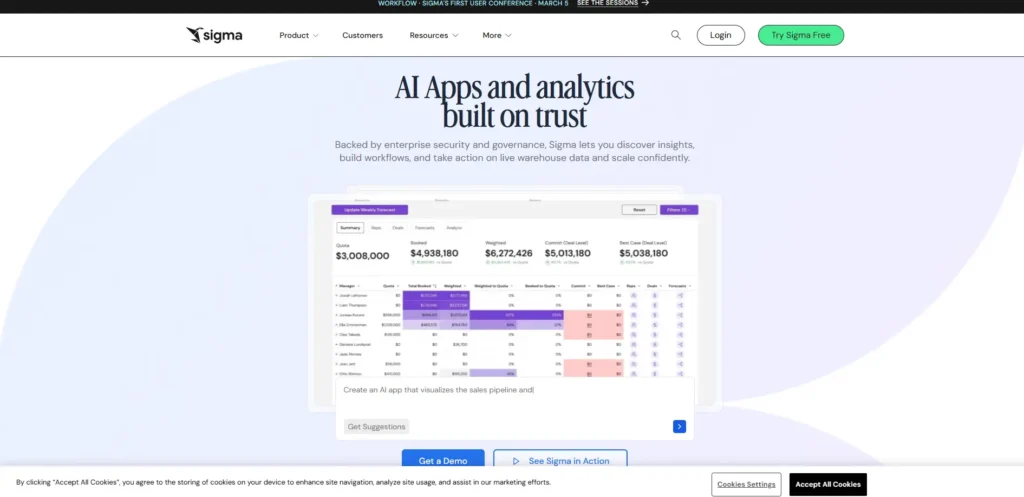
Sigma Computing is a cloud-based data analytics platform that enables business users to analyze data directly within cloud data warehouses.
The platform provides a spreadsheet-like interface that makes it familiar and easy for non-technical users to explore data without writing SQL queries. Sigma connects with modern data warehouses such as Snowflake, BigQuery, and Amazon Redshift, allowing organizations to analyze large datasets without moving data.
It also supports collaborative analytics and data application development. By combining ease of use with powerful cloud data integration, Sigma helps companies democratize data access and empower teams to make data-driven decisions.
Key Features:
- Spreadsheet-style data analysis interface
- Direct querying of cloud data warehouses
- Collaborative data exploration tools
- Interactive dashboards and reporting
- Secure data governance and access controls
- Integration with Snowflake, BigQuery, and Redshift
Pros:
- Easy adoption for spreadsheet users
- Strong cloud data warehouse integration
- No data movement required for analysis
- Collaborative analytics workflows
- User-friendly interface for business teams
Cons:
- Limited advanced visualization features
- Relies heavily on cloud data warehouses
- Smaller ecosystem than older BI tools
Pricing:
- Contact sales
15. Zoho (Zoho Analytics)
Website: https://www.zoho.com/analytics/
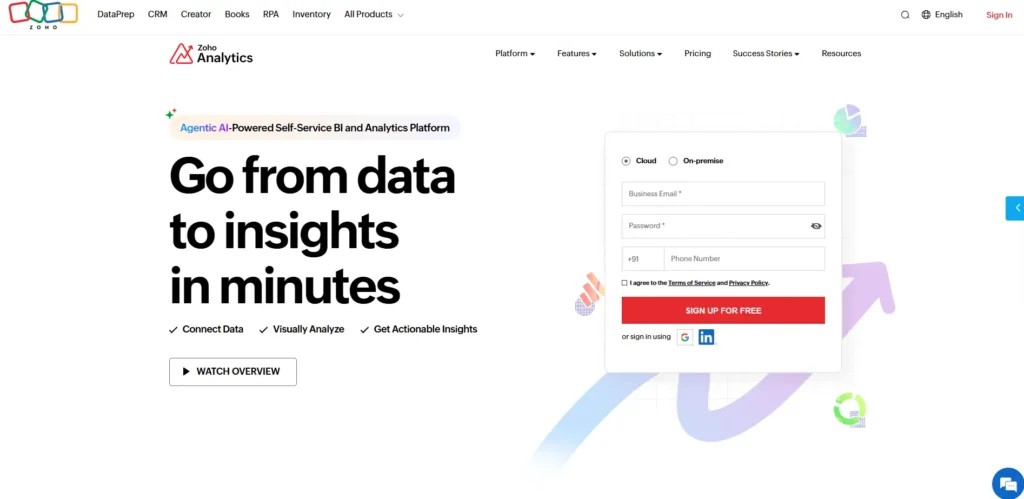
Zoho Analytics is a self-service business intelligence and data analytics platform designed to help organizations create reports, dashboards, and visual insights from various data sources.
It allows users to import and combine data from spreadsheets, cloud apps, databases, and business systems. Zoho Analytics includes an AI-powered assistant that enables users to ask questions in natural language and receive instant insights.
The platform also supports automated reporting, data blending, and embedded analytics capabilities. With affordable pricing and strong integration with the Zoho ecosystem, Zoho Analytics is widely used by small and medium-sized businesses seeking accessible analytics tools.
Key Features:
- Self-service BI dashboard creation
- AI-powered analytics assistant (Zia)
- Data blending from multiple sources
- Automated reporting and scheduling
- Embedded analytics for applications
- Integration with Zoho and third-party apps
Pros:
- Affordable analytics platform for SMBs
- Easy-to-use reporting interface
- Strong integration with Zoho ecosystem
- AI-powered insights and query assistant
- Flexible deployment options
Cons:
- Visualization features less advanced than some competitors
- Performance limitations with extremely large datasets
- Advanced analytics features may require higher plans
Pricing:
- BASIC- ₹1,200/month
- STANDARD- ₹2,400/month
- PREMIUM- ₹5,200/month
Comparison Table
| Name | Best For | Data Sources | Deployment Type | Ease of Use | Pricing |
| Microsoft Power BI | Businesses using Microsoft ecosystem | Excel, Azure, SQL Server, cloud apps | Cloud-based / On-premise | Easy | From $14/user/month |
| Tableau | Advanced data visualization and storytelling | Databases, spreadsheets, cloud apps | Cloud-based / On-premise | Moderate | From $900/year |
| Qlik Sense | Associative analytics and deep data exploration | Databases, SaaS apps, spreadsheets | Cloud-based / Hybrid | Moderate | From $300/month |
| Looker | Modern cloud data warehouse analytics | BigQuery, Snowflake, Redshift | Cloud-based | Moderate | Contact sales |
| Sisense | Embedded analytics in applications | Databases, APIs, cloud platforms | Cloud-based / Hybrid | Moderate | From $399/month |
| ThoughtSpot | Search-driven analytics for business users | Snowflake, BigQuery, Databricks | Cloud-based | Very Easy | From $25/user/month |
| Domo | Unified cloud analytics for business teams | SaaS apps, databases, spreadsheets | Cloud-based | Easy | Contact sales |
| Amazon QuickSight | AWS-based analytics solutions | S3, Redshift, RDS, databases | Cloud-based | Easy | Request pricing |
| Oracle Analytics Cloud | Enterprise-grade analytics environments | Oracle DB, enterprise apps | Cloud-based / Hybrid | Moderate | From $162/month |
| IBM Cognos Analytics | Enterprise reporting and governance | Databases, spreadsheets, cloud apps | Cloud-based / On-premise | Moderate | From $11.25/user/month |
| SAP Analytics Cloud | SAP ecosystem analytics and planning | SAP ERP, SAP HANA, databases | Cloud-based | Moderate | Contact sales |
| Databricks | Big data and AI-driven analytics | Data lakes, cloud storage, streaming data | Cloud-based | Advanced | Contact sales |
| Google BigQuery | Large-scale cloud data warehouse analytics | Cloud storage, streaming data | Cloud-based | Moderate | Pay-as-you-go |
| Sigma Computing | Spreadsheet-style cloud analytics | Snowflake, BigQuery, Redshift | Cloud-based | Easy | Contact sales |
| Zoho Analytics | Affordable analytics for SMBs | Zoho apps, databases, spreadsheets | Cloud-based / On-premise | Easy | From ₹1,200/month |
Ending Thoughts
In today’s data-driven world, Data Analytics Software plays a vital role in helping businesses turn raw information into valuable insights. From tracking performance and understanding customer behavior to predicting future trends, these tools empower organizations to make smarter and faster decisions. The right analytics platform can improve efficiency, reduce operational risks, and uncover new growth opportunities.
With various options available—from business intelligence tools to advanced big data platforms—companies can choose solutions that match their size, goals, and technical capabilities. As competition continues to grow across industries, leveraging data effectively has become a key differentiator. By investing in reliable data analytics tools, businesses can strengthen their strategy, enhance decision-making, and build a more agile, informed, and competitive organization.
FAQs
1.What Is Data Analytics Software?
Data analytics platform helps businesses collect, process, and analyze data to discover patterns, insights, and trends for better decision-making.
2.Who Uses Data Analytics Platform?
Businesses, analysts, marketers, financial teams, and decision-makers use it to understand performance, customer behavior, and market trends.
3.Is Data Analytics Platform Suitable For Small Businesses?
Yes, many platforms offer affordable plans and user-friendly tools designed specifically for small and medium-sized businesses.
4.What Features Should Good Analytics Software Have?
Important features include data visualization, integration with multiple data sources, real-time dashboards, automation, and predictive analytics.
5.Can Non-Technical Users Use Data Analytics Tools?
Yes, many modern analytics platforms provide drag-and-drop dashboards and self-service analytics designed for non-technical users.
