Top 12 Bug Tracking Software to Improve Workflow

Shipping software without a solid bug tracking system is like flying a plane without instruments; you might stay in the air for a while, but when something goes wrong, you’re guessing. A good bug tracking tool gives your team a single source of truth for defects, feature requests, regressions, and user-reported issues. It centralizes reports, prioritization, ownership, and status, so nothing slips through the cracks and everyone knows what to fix next.
Modern bug tracking software goes far beyond a simple “to-do” list. You get workflows, custom fields, integrations with Git, CI/CD, customer feedback tools, and dashboards that show where your product is actually hurting. Whether you’re a solo developer, a growing SaaS startup, or an enterprise with multiple teams, picking the right tool can dramatically improve release quality and team velocity.
In this guide, we’ll walk through the best bug tracking tools, what they’re best for, and how to choose the one that fits your stack, budget, and process.
What Is Bug Tracking Software?
Bug tracking software (or defect tracking system) is a tool that logs, organizes, and tracks software defects from discovery to resolution. It helps teams capture bug reports, assign them to owners, prioritize based on severity and impact, and ensure fixes are shipped and verified.
Most modern tools don’t stop at bugs; they also track tasks, features, support issues, and incidents, but the core idea is the same: track every problem in one place and make its status visible to everyone.
Key capabilities usually include:
- Issue submission (forms, email, integrations, APIs)
- Custom fields (severity, environment, component, sprint, etc.)
- Workflows and statuses
- Assignments and SLAs
- Search, filters, and reports
- Integrations with code hosting, CI/CD, and communication tools
List of Top 12 Bug Tracking Software
1. Jira
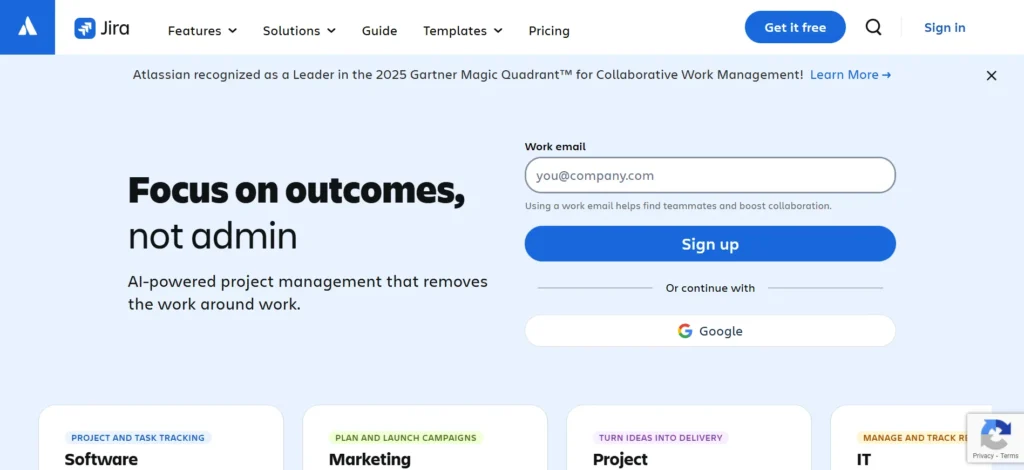
Best for: Agile teams and complex workflows
Jira is one of the most widely used bug tracking and project management tools in the world, especially in software development and DevOps teams. It lets you model complex workflows, set up custom issue types for bugs, tasks, and epics, and connect everything to sprints and releases. Its bug tracking features include powerful filtering, custom fields, automations, and detailed history for every issue. It also integrates deeply with version control, CI/CD systems, communication tools, and countless other integrations, making it the hub of many development workflows. A free cloud plan supports up to 10 users, which is ideal for small teams trying it out.
Key features
- Robust bug and issue tracking with custom workflows
- Scrum and Kanban boards for development teams
- Advanced query and report generation for sprints and releases
- Strong integration ecosystem (version control, CI/CD, chat, ITSM)
- Automations for assignments, transitions, and notifications
Pricing
- Free — $0/user/month
- Standard — $9.05/user/month
- Premium — $18.30/user/month
- Enterprise — Custom
2. Bugzilla
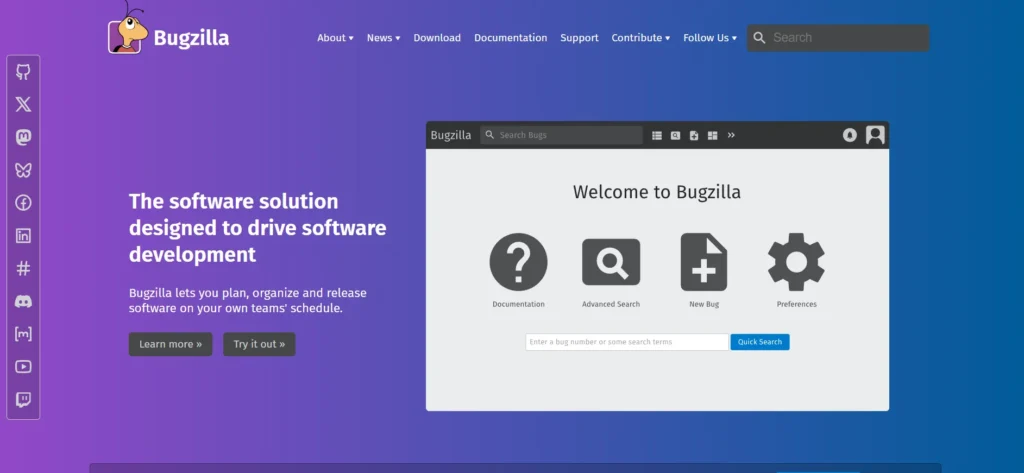
Best for: Open-source, highly configurable defect tracking
Bugzilla is a mature, open-source bug tracker originally developed by the Mozilla project. It’s built specifically for defect tracking and has been used by thousands of projects and organizations over the years. Bugzilla focuses on robustness and transparency: each bug has a detailed history, advanced search and filtering, and configurable workflows. Since it’s self-hosted and open source, you can customize it heavily to match your organization’s processes and integrate it into internal systems. For teams that want a classic, battle-tested bug tracker with no per-user licensing costs, Bugzilla remains a strong option.
Key features
- Web-based defect tracking with detailed issue field
- Powerful search, custom queries, and saved report
- Custom workflows, statuses, and permission
- Email notifications and watchers for updat
- Fully open-source and extensible
Pricing
- Free and open source (self-hosted)
3. Redmine
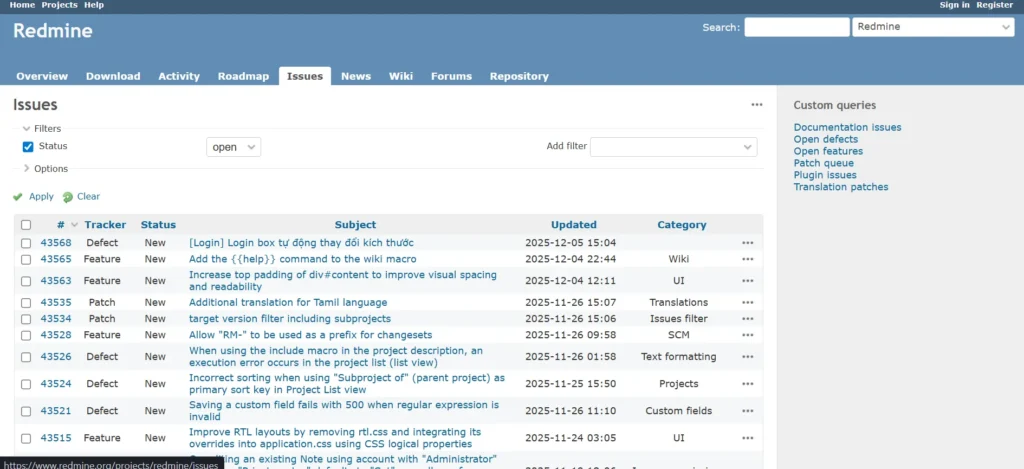
Best for: Teams wanting combined project management + issue tracking
Redmine is a free, open-source web application blending project management and Bug Tracking Software. You can manage multiple projects, each with its own issues, wikis, forums, time tracking, and Gantt charts. Redmine’s issue tracking is flexible: you can define trackers (e.g., Bug, Feature, Support), custom fields, workflows, and roles. This makes it suitable for teams that want to manage both bugs and general tasks in one place without paying per user. Redmine is cross-platform and runs on Ruby on Rails, with a large plugin ecosystem extending its functionality.
Key features
- Issue tracking with customizable trackers and workflows
- Multiple projects with wikis, forums, and time tracking
- Gantt charts and calendars for project planning
- Role-based access control and custom user permissions
- Strong plugin ecosystem for added features
Pricing
- Free and open source (self-hosted)
4. Zoho BugTracker
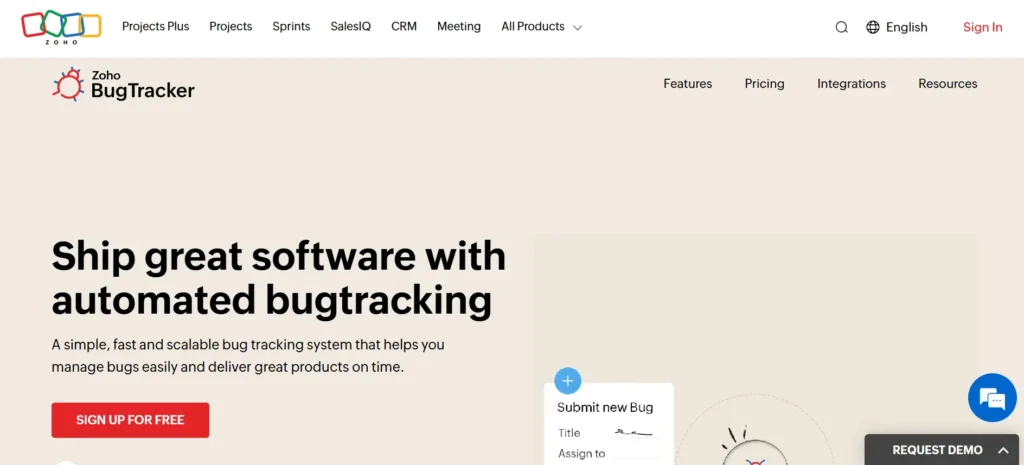
Best for: SaaS teams looking for a simple cloud bug tracker
Zoho BugTracker is a cloud-based bug tracking tool designed to help teams submit, track, and fix bugs faster. It’s part of the Zoho ecosystem, which makes it attractive if you already use Zoho Projects or other Zoho applications. BugTracker supports customizable workflows, SLAs, business rules, email notifications, and client portals, so stakeholders can report and monitor issue status. It’s aimed at teams that want a straightforward SaaS tool rather than managing a self-hosted system. Zoho also offers affordable, pay-as-you-go plans, making it accessible for small and mid-sized teams.
Key features
- Web-based bug tracking with customizable fields and statuses
- Workflows, business rules, and SLA management
- Email notifications and optional client access portals
- Easy integration with other Zoho apps if needed
Pricing
- Free — $0
- Standard — $4/user/month
- Premium — $8/user/month
5. YouTrack
Best for: Agile development teams needing flexible issue tracking
YouTrack by JetBrains is a project management and Bug Tracking Software built with development teams in mind. It supports Scrum and Kanban boards, sprints, backlog management, and a flexible custom field system. Teams can track bugs, features, support tickets, and tasks in a unified interface, with powerful search and saved queries. YouTrack also includes time tracking, knowledge base integration, and agile reporting. A free plan for up to 10 users is available for both cloud and self-hosted deployments — great for small teams or startups evaluating a full-featured tracker.
Key features
- Issue tracking with custom fields and workflows
- Agile boards (Scrum/Kanban), sprints, and backlog management
- Time tracking and detailed reporting
- Powerful search language and saved query/favorites
- Migration tools for importing from other trackers
Pricing
- Free — $0 (up to 10 users)
- Paid — $5.40/user/month
6. MantisBT (Mantis Bug Tracker)
Best for: Lightweight open-source bug tracking
MantisBT is a free, open-source web-based bug tracker focused on simplicity and ease of deployment. It offers a straightforward UI for submitting and managing bugs, with built-in support for categories, severity levels, priority, and custom fields. MantisBT supports role-based permissions, email notifications, and plugin extensions. It’s particularly appealing for small to mid-sized teams that want a dedicated bug tracker rather than a heavyweight project management suite. Thanks to its plugin ecosystem and integrations, it can also be extended to handle more advanced workflows and reporting as needs grow.
Key features
- Simple, web-based bug tracking tool with minimal setup
- Customizable fields, statuses, and workflows
- Email notifications and role-based access control
- Plugin and integration support for added flexibility
Pricing
- Free and open source (self-hosted)
7. Backlog
Best for: All-in-one project management + code + bug tracking
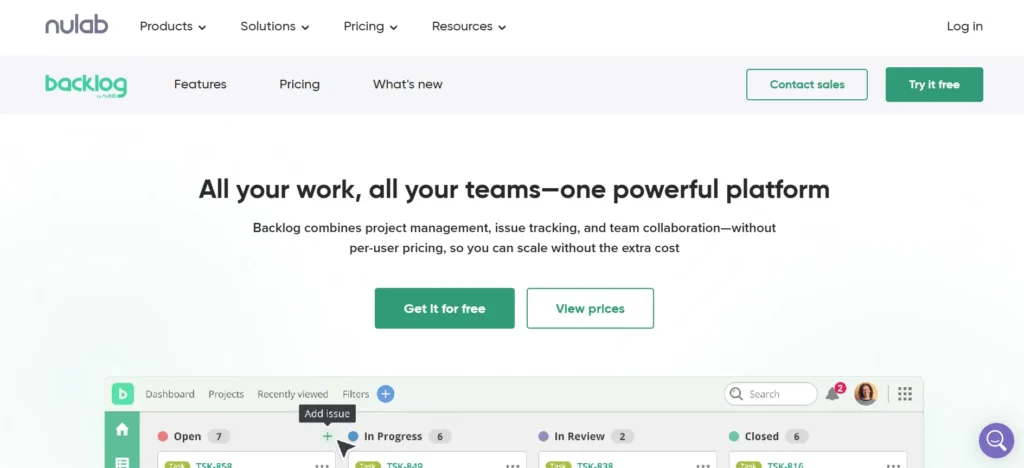
Backlog is a cloud-based project management and issue tracking tool aimed at development teams working with other departments like design or marketing. It combines task management, bug tracking, Git/Subversion hosting, and collaboration in a single platform. Teams can manage bugs alongside user stories, subtasks, Gantt charts, and burndown charts — useful in cross-functional environments. Backlog’s flat-rate pricing and free tier make it attractive for small to mid-sized teams needing a consolidated workspace.
Key features
- Issue and bug tracking integrated with project management tools
- Built-in Git and Subversion repositories for version control
- Gantt charts, burndown charts, and boards for planning and tracking progress
- Collaboration features: comments, file attachments, wikis, and discussion threads
Pricing
- Free — $0
- Starter — $35/month
- Standard — $100/month
- Premium — $175/month
8. BugHerd

Best for: Visual website bug tracking with non-technical stakeholders
BugHerd is a visual feedback and bug tracking tool designed specifically for websites and web applications. Instead of describing a bug in text, users click on the page and pin their feedback directly on the UI. BugHerd automatically captures metadata like browser, OS, screen size, and screenshots, turning each comment into a task on its Kanban board. This makes it incredibly easy for clients, QA testers, and non-technical stakeholders to report issues without learning a full bug tracker. For front-end teams and agencies, this can significantly reduce the back-and-forth in web bug reports and improve clarity of reported problems.
Key features
- Point-and-click visual bug reporting on live sites
- Automatic screenshot, annotation, and environment metadata capture
- Kanban-style task board to manage and prioritize issues
- Integrations with popular issue trackers for handoff to engineering teams
Pricing
- Standard — $42/month
- Studio — $69/month
- Premium — $129/month
9. Marker.io
Best for: Agencies and product teams collecting visual feedback into existing tools
Marker.io is a visual website feedback and bug reporting tool that pipes issues directly into your existing trackers like Jira, GitHub, GitLab, Asana, ClickUp, and more. Users report bugs through an on-page widget that captures screenshots, console logs, environment details, and annotations, then sends them as structured issues. This means your main bug tracker stays the source of truth, while Marker.io handles the collection layer. It’s especially useful for agencies working with clients or teams that want a lightweight way to gather high-quality bug reports without training everyone on the core tracker.
Key features
- On-page widget for visual bug reporting
- Automatic capture of screenshots, console logs, and environment info
- Direct integration into existing trackers (Jira, GitHub, GitLab, etc.)
- Custom forms to differentiate internal vs external reporters
Pricing
- Starter — $39/month
- Team — $79/month
- Company/Enterprise — Custom
10. Trac
Best for: Minimalistic wiki + issue tracker for software projects
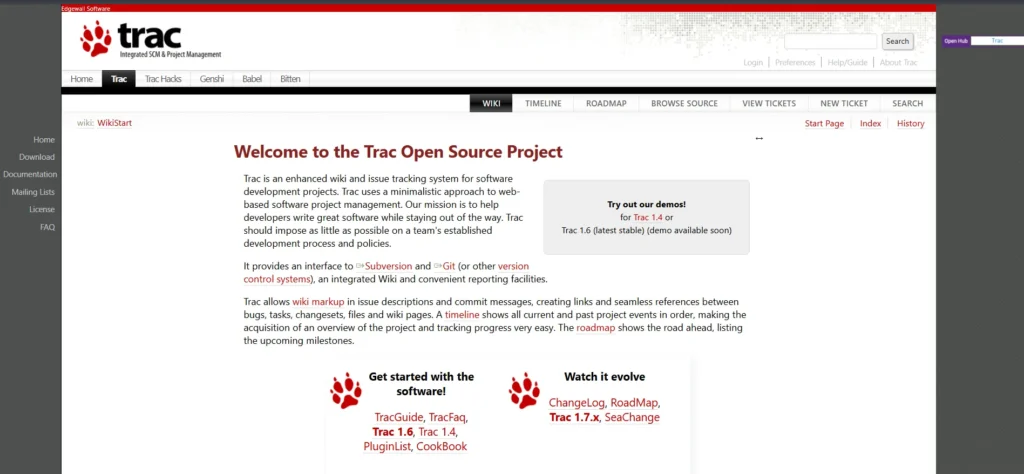
Trac is an open-source, minimalistic web-based project management and Bug Tracking Software. It combines an integrated wiki, flexible issue tracking, and reporting tools with direct integration into version control systems like Subversion and Git. Trac is popular with open-source projects and teams that prefer a simple, text-driven interface over heavily styled UIs. Since it’s highly configurable, you can adapt it to your team’s development process while keeping the tool itself lightweight and unobtrusive.
Key features
- Issue tracking system integrated with a project wiki
- Interfaces with Git, Subversion, and other VCS for change tracking
- Flexible ticket fields, milestones, and reporting tools
- Lightweight, minimalistic UI ideal for dev-centric teams
Pricing
- Free and open source (self-hosted)
Suggested Read: Employee Management Tools
11. ClickUp (Bug & Issue Tracking)

Best for: Teams wanting one workspace for tasks, projects, and bugs
ClickUp is a general work management platform, but it provides dedicated templates and workflows for bug and issue tracking. Teams can log bugs as tasks with custom fields like severity, environment, or component, and view them on boards, lists, or timelines. Because ClickUp also manages sprints, docs, goals, and non-engineering tasks, it’s great for cross-functional teams where product, support, and engineering need to collaborate. Bug tracking templates and automations help route issues to the right people and keep statuses up to date.
Key features
- Bug and issue tracking templates with custom fields
- Multiple views (list, board, Gantt, calendar) for flexible management
- Automations for assignments, status changes, notifications
- Docs, chat, goals, and other work features alongside bugs in one workspace
Pricing
- Free Forever — $0
- Unlimited — $7/user/month
- Business — $12/user/month
- Business Plus — $19/user/month
- Enterprise — Custom
12. Linear

Best for: Fast, keyboard-driven issue tracking for product teams
Linear is a modern, opinionated issue tracking tool built for high-performing product and engineering teams. It focuses on speed, clean design, and streamlined workflows. Issues are easy to create, triage, and move through custom cycles, with powerful keyboard shortcuts and lightning-fast search. Linear brings together issue tracking, road-mapping, and team workflows in a single interface, making it a popular alternative to heavier systems. It integrates well with GitHub, GitLab, Slack, and other tools, and is especially loved by startups and SaaS companies that want minimal friction in their bug and feature workflows.
Key features
- Fast, keyboard-first UI for issues and sprints
- Custom workflows, labels, and cycles for efficient triage
- Roadmaps and project views for product planning and bug prioritization
- Smooth integrations with popular developer tools
Pricing
- Free — $0
- Basic — $10/user/month
- Enterprise — Custom
Common Comparison Table: Best Bug Tracking Software
| Tool | Type | Deployment | Best For |
| Jira | Bug + project tracking | Cloud / Self-host | Agile dev teams needing complex workflows |
| Bugzilla | Dedicated bug tracker | Self-hosted | Teams wanting a classic, robust defect tracking system |
| Redmine | Project management + issues | Self-hosted | Teams needing bugs, tasks, wikis & project overview |
| Zoho BugTracker | Cloud bug tracker | Cloud | Small to mid SaaS teams or teams using Zoho ecosystem |
| YouTrack | PM + issue tracking | Cloud / Server | Agile teams needing flexible tracking + custom fields |
| MantisBT | Dedicated bug tracker | Self-hosted | Lightweight OSS-focused bug tracking |
| Backlog | PM + issue tracking + VCS | Cloud | Cross-functional teams combining tasks & version control |
| BugHerd | Visual website bug tool | Cloud | Agencies and front-end teams needing easy visual feedback |
| Marker.io | Visual feedback → trackers | Cloud | Teams receiving feedback from non-technical stakeholders |
| Trac | Minimalistic tracker + wiki | Self-hosted | Dev teams wanting lightweight, integrated issue/wiki tool |
| ClickUp | Work management + bugs | Cloud | Cross-functional teams centralizing tasks & bugs |
| Linear | Modern issue tracker | Cloud | Fast-moving startups needing clean issue workflows |
Conclusion
Choosing a Bug Tracking Software isn’t about finding the flashiest UI — it’s about picking a system your team will actually use every day. For some, that means an all-in-one platform that combines sprints, roadmaps, and issues. For others, it’s a focused, open-source bug tracker that does one job extremely well. The good news is there’s an option at every level: from free, self-hosted tools to polished SaaS platforms with rich reporting and automation. Start by matching the tool to your existing stack, team size, and workflow maturity. Then run a trial with a real project. Once everyone is logging bugs in a single, reliable place, you’ll see faster triage, fewer regressions, and much more confidence in every release.
FAQs
1. What is bug tracking software used for?
It’s used to log, assign, prioritize, and resolve software defects in one centralized system.
2. Do small teams need bug tracking tools?
Yes, even small teams benefit because issues become searchable, trackable, and harder to lose.
3. Can Bug Tracking Software integrate with version control systems?
Most modern tools integrate with Git, CI/CD pipelines, and code review platforms.
4. Are there free Bug Tracking Software available?
Yes, several tools offer free plans or are fully open source, like Bugzilla, Redmine, and MantisBT.
5. What’s the key feature to check before choosing a tool?
Ensure it supports clear workflows, priority handling, and visibility across your development process.
