
Not every free business card maker lives up to what it promises. Beautiful designs, effortless customization, and print-ready results sound great on paper, but once you actually start using these tools, most of them let you down in one way or another.
To find out which ones actually deliver, we put the most popular free business card makers of 2026 through their paces, scoring each on design quality, template variety, editing features, speed, printing options, and overall ecosystem. Design.com came out on top, standing out for its professional templates, intuitive editing, and seamless print options.
Here’s a closer look at what sets this platform apart, where the competition shines and stumbles, and how to find the right tool for your needs.
Business Card Tools: Results at a Glance
| Tool | Design Quality | Templates | Speed | Editing Features | Printing | Ecosystem | Total Score |
| Design.com | 25 | 20 | 15 | 15 | 15 | 10 | 100 |
| BrandCrowd | 23 | 19 | 13 | 13 | 12 | 10 | 90 |
| Canva | 20 | 16 | 13 | 11 | 10 | 8 | 85 |
| Adobe Express | 22 | 18 | 12 | 13 | 10 | 8 | 83 |
| Moo | 20 | 15 | 11 | 10 | 15 | 6 | 80 |
| VistaPrint | 19 | 15 | 12 | 10 | 14 | 6 | 78 |
6 Best Free Business Card Makers
1. Design.com — Best Overall Free Business Card Maker (100/100)
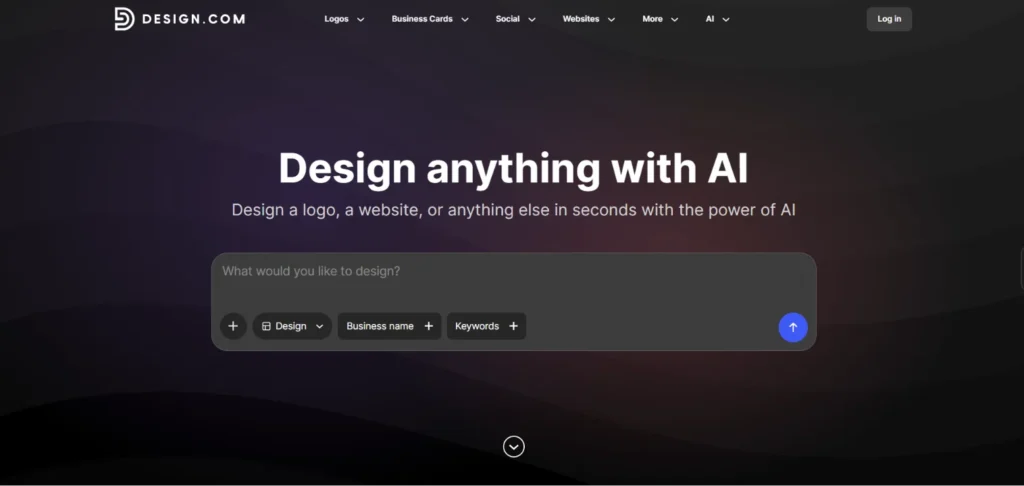
Design.com earns the top spot, and the case for it is hard to argue with. The free plan opens up a library of professionally crafted templates spanning virtually every industry and aesthetic. The editing experience is clean and approachable enough that you can go from a blank canvas to a print-ready card in minutes. Every template is built around proven marketing techniques, so the end result looks anything but free, which is the whole idea.
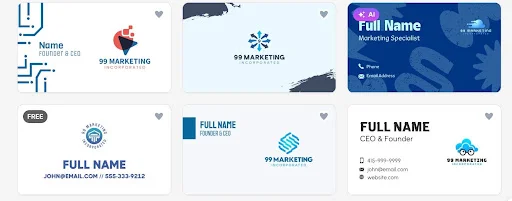
- How the Cards Look: You are not scrolling through a handful of layouts hoping something passable turns up. With over 20,000 professionally designed options, the right fit is genuinely in there.
Look how each business card design fits the work you do, from SaaS founders and indie developers to seasoned software development teams.
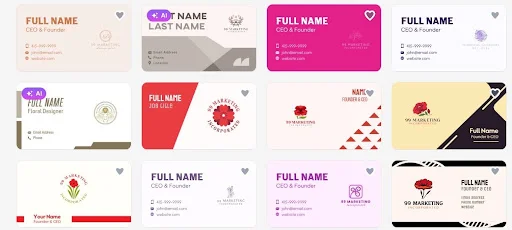
We put the business card maker to the test by searching for flower shop designs, just to see how well the AI adapts across completely different industries. The shift in aesthetic was immediate, delivering exactly the look and feel you would expect.
See for yourself how seamlessly it transitions.
Tell Design.com a little about your brand and its built-in AI gets to work, pulling in your logo, fonts, and colors to produce a card that looks considered from the first draft.
- How Many You Get: Over 400,000 logo templates and more than 1 million total design assets means inspiration is never more than a few clicks away, whatever your brand looks like.
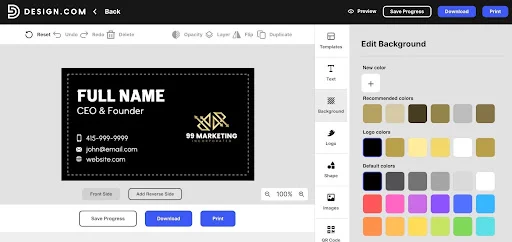
- How Fast It Is: The interface walks you through the process step by step, from blank canvas to polished card, without the learning curve.
Everything is laid out in a way that makes changes like switching the background feel effortless. As you can see here, the buttons are just where you would expect them to be, every control sits exactly where it makes sense, making the whole experience feel second nature.
- What Else It Does: Business cards are just the starting point. Design.com also gives you a website builder, poster maker, social media templates, and over 50 other tools, so your brand has room to grow without switching platforms.
Every new design you create pulls from the same logo, colors, and fonts. Your business card, your posters, your social graphics, they all stay on-brand without any extra effort.
When you are ready to go to print, Design.com ships anywhere in the world at no added cost. Your cards arrive at your door.
Best For: Anyone who wants a professional business card without the professional price tag, from first-time freelancers to established business owners who need their brand to look consistent everywhere.
Overall: Design.com is the most complete free option available right now. This platform combines design quality, ease of use, and sheer scale in a way that none of its competitors come close to matching.
2. BrandCrowd — Best for Visual Aesthetic (90/100)
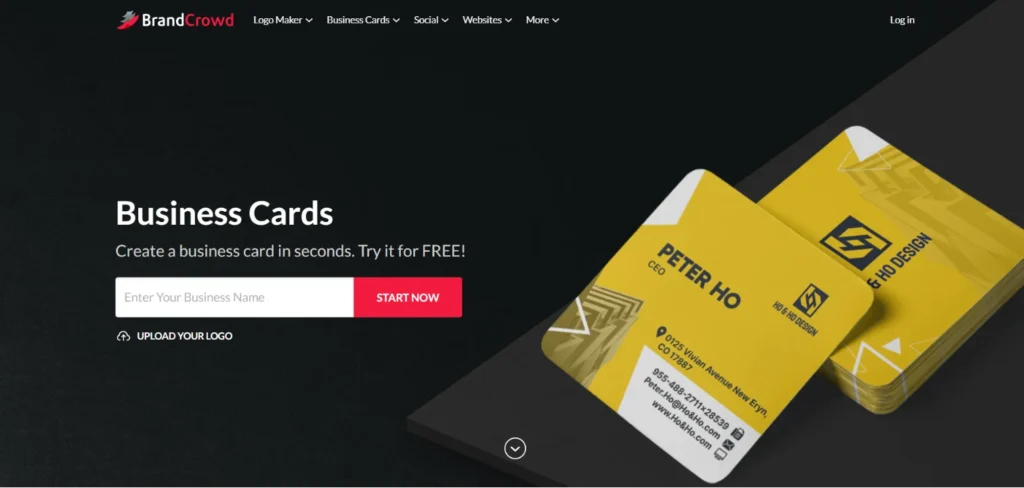
BrandCrowd is the world’s best logo maker, and its business card generator brings that same reputation for quality to every introduction you make. With a 4.8 Trustpilot rating across 9,000+ reviews, it is built for founders who need their brand to land hard and fast. That standard carries through to every template in its library, and if your brand lives and dies by its visual identity, this is the tool built for you.
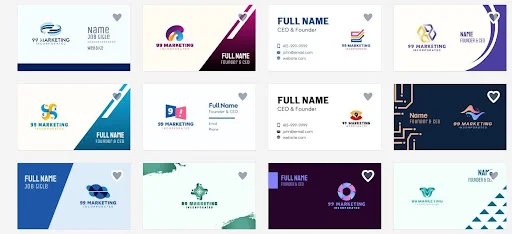
- How the Cards Look: Genuinely impressive. There is a polish and intentionality to BrandCrowd’s templates that you rarely see from a free tool. Nothing feels pulled from a generic stock library, and that alone puts it miles ahead of most competitors.
Words only go so far. Take a look at what BrandCrowd actually produces.
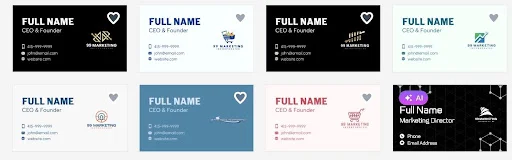
On the next page, you can see that the business cards remain consistent throughout.
- How Many You Get: Plenty to work with. The template library covers a wide range of styles and directions, though Design.com still has the edge when it comes to sheer industry variety.
- How Fast It Is: Fast and friction-free. The whole process moves at a pace that feels deliberate, like the tool was designed to get out of your way and let you focus on the result rather than the steps it takes to get there.
- How Easy It Is to Edit: Beginner-friendly. The drag and drop interface keeps things simple, and there are no complicated controls to navigate. Full customization is still on the table if you want to go deeper.
- What Else It Does: Quite a lot. BrandCrowd extends well beyond business cards, giving you more than 50 other tools to create posters, presentations, email signatures, and more, all under one roof.
- Print Quality: Solid across the board. A good range of finishes and styles gives you flexibility when it is time to go to print.
Best For: Founders, creatives, and small business owners who refuse to let their first impression look anything less than intentional, whether they are just starting out or already running an established brand.
Overall: BrandCrowd’s designs speak for themselves. While Design.com still holds the top spot overall, BrandCrowd is one of the strongest picks for anyone whose first priority is a card that turns heads.
3. Canva — Ease of Use (85/100)
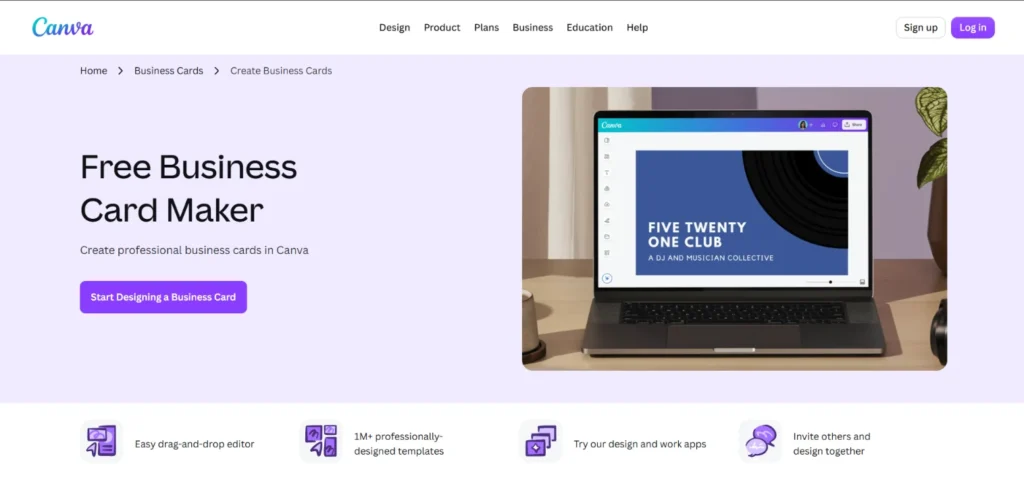
Canva is probably the most recognizable name on this list, and its business card maker does what you would expect from a platform this size. It is straightforward, accessible, and gets the job done, though it rarely goes beyond that.
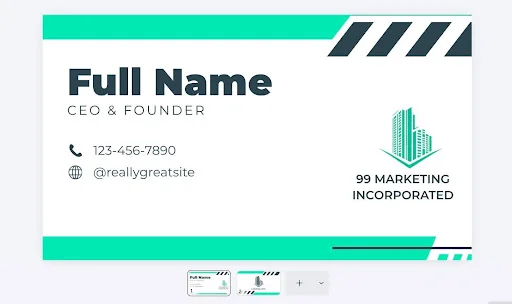
- How the Cards Look: Decent. The templates are clean but lean generic, and without heavy customization they can end up looking like something you have seen before. Not bad, just not particularly memorable either.
- How Many You Get: There are plenty of options, but the variety in direction is limited. You will find something usable, though do not expect every niche to be well covered.
- How Fast It Is: Fast. The interface is familiar enough that most people can jump straight in without any real adjustment period.
- How Easy It Is to Edit: Simple and approachable. The drag and drop controls are easy to pick up, though the editing depth is fairly surface level compared to more specialized tools.
- What Else It Does: Canva covers a broad range of design needs beyond business cards, though being a generalist platform means it does not go particularly deep in any one area.
Here’s a business card you can generate from Canva.
Best For: People who want a quick, no-fuss design experience and are already comfortable with the Canva ecosystem.
Overall: Canva is a safe, familiar option that handles the basics without any fuss. It is not the most impressive tool on this list, but it is reliable enough if your expectations are reasonable.
4. Adobe Express — Best for Adobe Users (83/100)
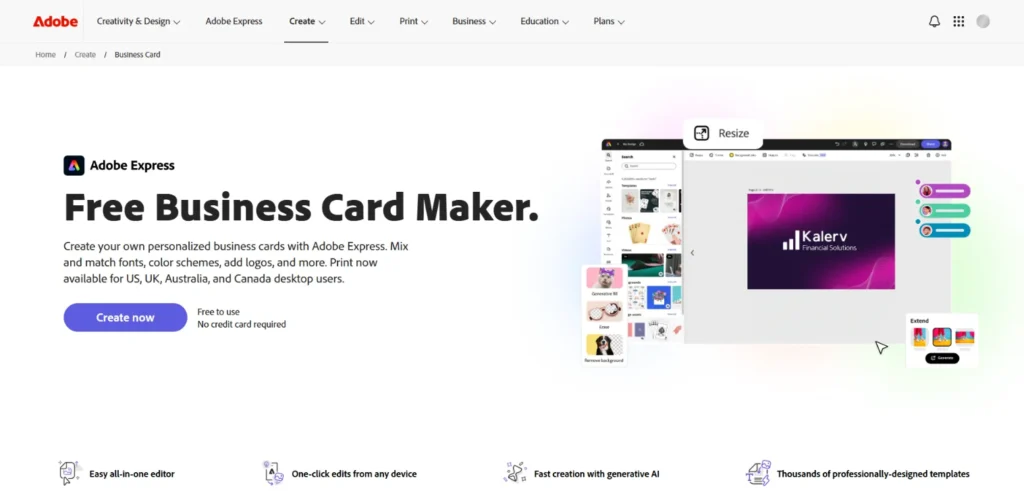
Adobe Express is exactly what you would expect from a company with Adobe’s background. It is polished, structured, and clearly built by people who know design. That said, as a free business card maker it sits in an awkward spot, capable enough to get the job done but not quite essential when stronger free options exist.
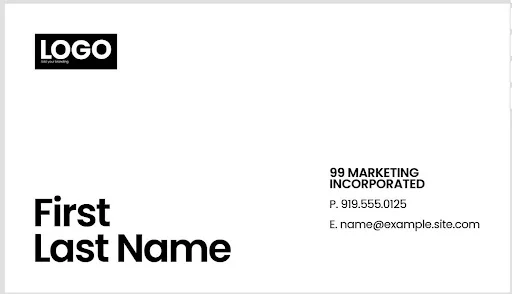
- How the Cards Look: Above average. The templates are clean and well-structured, carrying Adobe’s design sensibility throughout. They are not going to stop anyone in their tracks, but they are a clear step above the generic end of the market.
- How Many You Get: A reasonable selection, though the library does not go especially deep. You will find options across a handful of styles, but the variety thins out quickly once you move past the most common directions.
- How Fast It Is: Reasonably quick, though the interface carries some of the weight that comes with being part of a larger Adobe ecosystem. It is not slow, just not as frictionless as simpler tools on this list.
- How Easy It Is to Edit: Manageable, but there is a learning curve if you are not already familiar with Adobe products. The controls are more layered than most free tools, which can feel like overkill for a simple business card.
- What Else It Does: Adobe Express connects into the broader Adobe ecosystem, which is useful if you are already working across Photoshop, Illustrator, or other Adobe products. Outside of that context it is a standard design tool.
Take a look at the business card that Adobe Express can put together for you.
Best For: Existing Adobe users who want their business card workflow to sit within the tools they already use day to day.
Overall: Adobe Express is a competent tool, but it is hard to recommend unless you are already deep in the Adobe ecosystem.
5. Moo — Best for Print Quality (80/100)
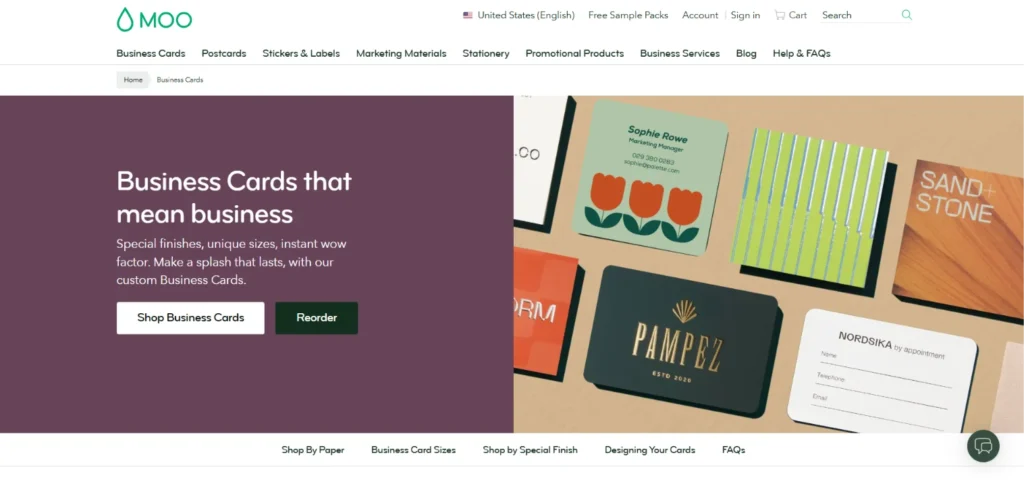
Moo has built its reputation on print, and that focus is obvious the moment you start using it. Where most tools on this list lead with design flexibility, Moo leads with the finished physical product. That is a reasonable trade-off for some, but it does come at the cost of other areas.
- How the Cards Look: The templates are professional enough, though the library is noticeably smaller than the other tools on this list. You will find clean, corporate-leaning designs, but do not expect much range beyond that.
- How Many You Get: Moo’s template selection is modest, and the variety in style and industry is thin compared to the competition. If you have a specific look in mind, you may struggle to find it here.
- How Fast It Is: The platform is built around the print process, and that shows in how the experience is structured. Getting to a finished design takes more steps than it should.
- How Easy It Is to Edit: The editing tools are functional, and the interface feels dated compared to more modern tools on this list.
- What Else It Does: Moo is primarily a print company that offers design tools, not the other way around. Outside of business cards and a handful of other print products, the ecosystem is limited.
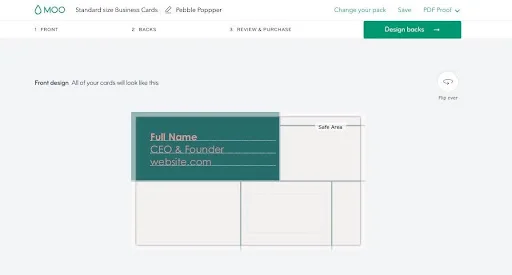
See what Moo’s template looks in practice.
Best For: Anyone who prioritizes the quality of the physical card over design flexibility.
Overall: Moo is a one-trick pony, but it is a good trick. Sacrificing design range and editing depth for superior print quality is a reasonable deal, depending on what matters most to you.
6. VistaPrint — Best for Bulk Printing (78/100)
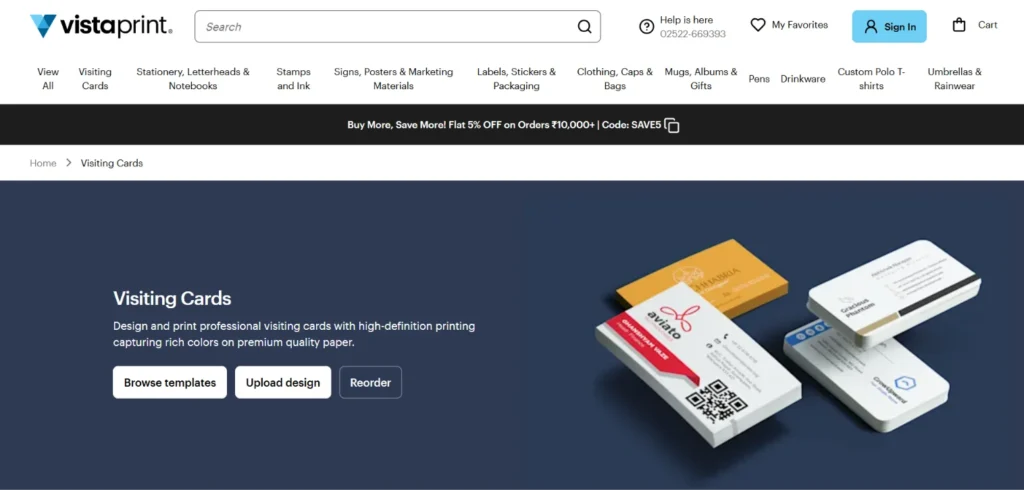
VistaPrint is one of the oldest names in the print industry, and that history shows in how the platform is built. It is a print company first and a design tool second, and using it makes that priority clear from the start.
- How the Cards Look: Average. The templates are functional and cover the basics, but they lack the visual polish of the better options on this list. Nothing here is going to turn heads, and most designs carry a dated quality that feels out of step with what newer tools are producing.
- How Many You Get: A reasonable number, though quantity does not make up for the lack of variety in direction. Most templates feel like variations of the same few layouts rather than genuinely distinct options.
- How Fast It Is: Slow by modern standards. The platform was not built with speed in mind, and the process of getting from template to finished card involves more steps than necessary.
- How Easy It Is to Edit: Basic and a little clunky. The editing tools get the job done but feel behind compared to every other tool on this list. Customization options are limited and the interface is not particularly intuitive.
- What Else It Does: VistaPrint covers a wide range of print products beyond business cards, from flyers and banners to branded merchandise. As a design ecosystem it is thin, but as a print shop it is well stocked.
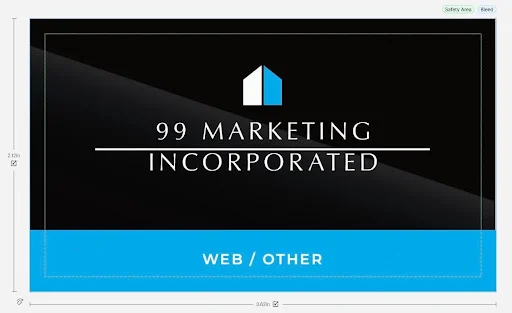
Here’s a business card VistaPrint can offer.
Best For: Businesses placing bulk print orders on a budget who need a reliable fulfillment option and are not too concerned about design sophistication.
Overall: VistaPrint is not the most exciting tool on this list, but it has a clear use case. For bulk print orders on a budget it is dependable, just do not come here expecting design inspiration.
Final Verdict
Every tool on this list does something reasonably well, but none of them do everything well. Design.com is the exception. The design quality holds up against tools that charge a premium, the AI gets you to a polished result faster than anything else on this list, and the sheer scale of the template library means you are never stuck settling for something that almost fits.
On top of that, the broader branding ecosystem ensures that every asset you create, from your business card to your social graphics, stays consistent and on-brand without any extra effort.For anyone serious about making a strong first impression without paying to do it, the choice is straightforward.
