
Businesses today are rapidly shifting to the cloud to improve scalability, reduce costs, and enhance operational efficiency. However, moving applications, data, and workloads from on-premise systems to cloud environments is a complex process that requires careful planning and execution. This is where cloud migration tools play a crucial role.
Cloud migration Platforms are designed to simplify and automate the process of transferring data, applications, and entire IT infrastructures to cloud platforms. They help minimize downtime, ensure data security, and maintain system integrity throughout the migration journey. From small startups to large enterprises, organizations rely on these tools to streamline transitions and avoid costly disruptions.
With features like automated data transfer, real-time monitoring, compatibility checks, and rollback options, modern migration tools make it easier to handle even large-scale migrations. Whether you’re moving to a public, private, or hybrid cloud, choosing the right tool can significantly impact performance, cost efficiency, and long-term success.
Why Using Cloud Migration Software Is Better Than Manual Migration?
Critically reduces downtime and business interruption: The current migration tools employ continuous replication and a staged cutover methodology, ensuring applications continue to run while data is transferred. This is essential to companies that cannot do away with service interruptions.
Reduces human mistakes and parameter errors: The manual migrations include repetitive configuration processes; this increases the likelihood of misconfigurations. The use of automated tools standardizes the procedures, minimizing the possibility of broken dependencies, wrong network settings, or security vulnerabilities.
Rapidly Accelerates the Process of Migration: What previously took months of planning, scripting, and testing is now possible within weeks. Most manual effort is eliminated through automated discovery, dependency mapping, and workload replication.
Offers Built-in Testing and Rollback features: Most advanced tools enable you to test migrated environments before going live. When there is a failure, the rollback to the initially used setup is easy, and risk and stress levels are cut.
Enhance Security, Compliance, and Data Protection: Enterprise-grade migration tools may support encryption, access controls, logging, and compliance checks with sensitive data being safeguarded during the migration process.
Considerations When Selecting a Cloud Migration Platform
Interoperability with Your Existing Infrastructure – The tool must work with your operating systems, virtualization platform (such as VMware or Hyper-V), databases, and application architecture (lest it require expensive reworking).
Business Continuity Requirements and Downtime Tolerance—In case your business is 24/7, you will need tools that will provide close to zero downtime replication and failover during the migration.
Cost Visibility and Optimization Features—Seek solutions that will allow you to see cloud costs even when right-sizing, as well as in the post-migration optimization; otherwise, the new environment will be overspent.
Scaling to Large or Complex Environments—Enterprises typically migrate hundreds of servers and applications. It should be capable of bulk migration, scaling automation, and unified monitoring dashboards.
Migration Monitoring and Optimization Support – Migration does not end with migration processes. The optimal tools provide monitoring of performance, optimization of the resources, and continued management capabilities to guarantee long-term efficiency of the clouds.
List of 15 Best Cloud Migration Tools
1. AWS Application Migration Service (MGN)
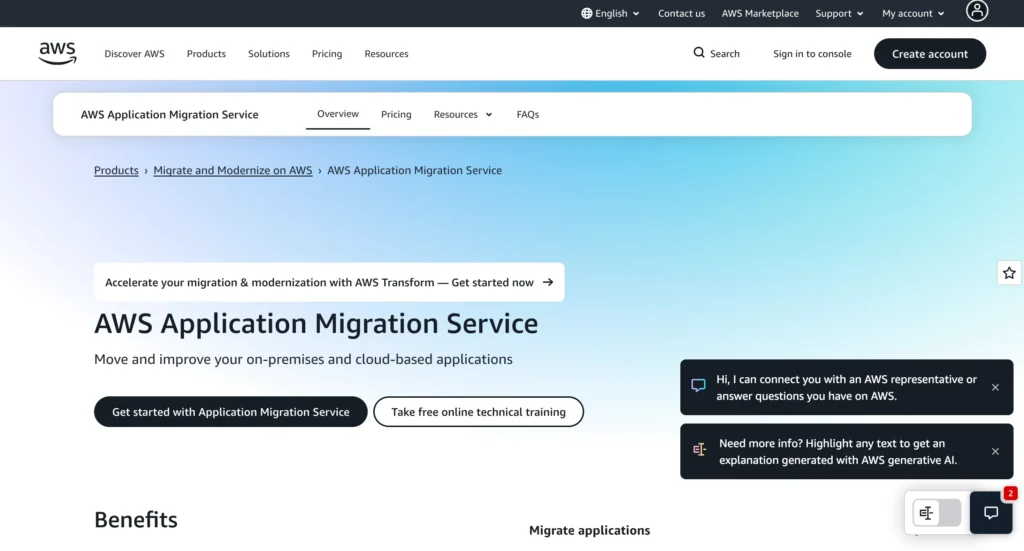
AWS Application Migration Service simplifies migrating applications from on-premises infrastructure or other cloud platforms directly to AWS. It minimizes downtime by continuously replicating source servers to AWS and allowing you to test applications before cutover. The service supports physical, virtual, and cloud-based servers, making it highly flexible for enterprises.
What makes AWS MGN powerful is its automation. Instead of rebuilding applications, it uses block-level replication to lift and shift workloads quickly. It also integrates seamlessly with other AWS services, helping organizations modernize after migration rather than just moving workloads.
Top Features:
- Continuous server replication with minimal downtime
- Supports physical, virtual, and cloud servers
- Automated conversion for AWS-native infrastructure
- Non-disruptive testing before go-live
- Scalable for large enterprise migrations
Website: https://aws.amazon.com/application-migration-service/
Pricing: pay as you go
2. Azure Migrate
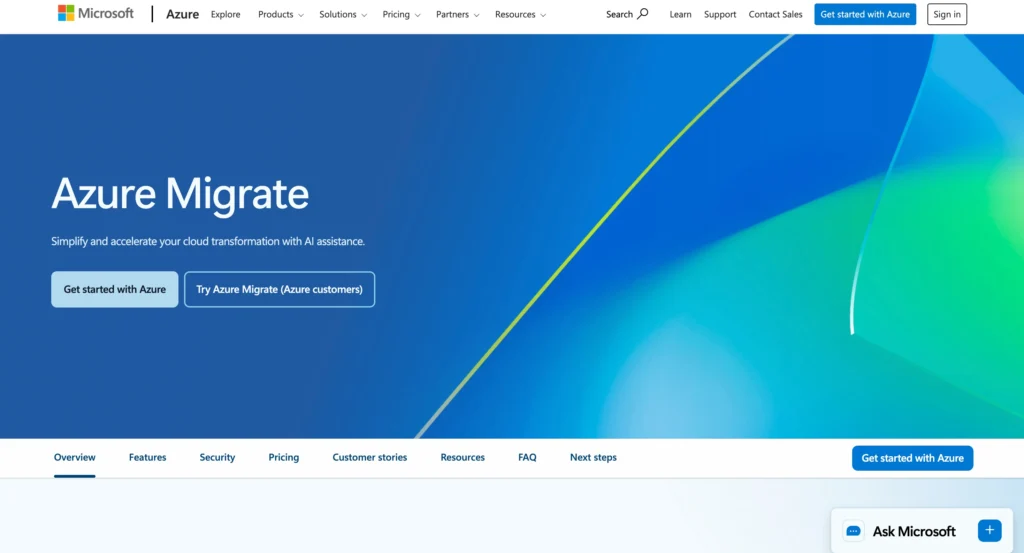
Azure Migrate is Microsoft’s centralized hub for cloud migration into Azure and is widely regarded as one of the best cloud migration tools for enterprises. It provides discovery, assessment, and migration tools for servers, databases, web apps, and virtual desktops. It helps organizations understand readiness, estimate costs, and reduce migration risks before execution.
The platform integrates with third-party tools and native Azure services, enabling smooth migration from VMware, Hyper-V, physical servers, and other cloud platforms. Its strong analytics and reporting capabilities make it ideal for enterprises looking for structured, well-planned migrations.
Top Features:
- Infrastructure discovery and readiness assessment
- Cost estimation for Azure workloads
- Migration support for servers, databases, and web apps
- Integration with partner migration tools
- Centralized migration tracking dashboard
Website:https://azure.microsoft.com/en-us/products/azure-migrate/
Pricing: Custom
3. Google Cloud Migrate (Migrate to Virtual Machines)
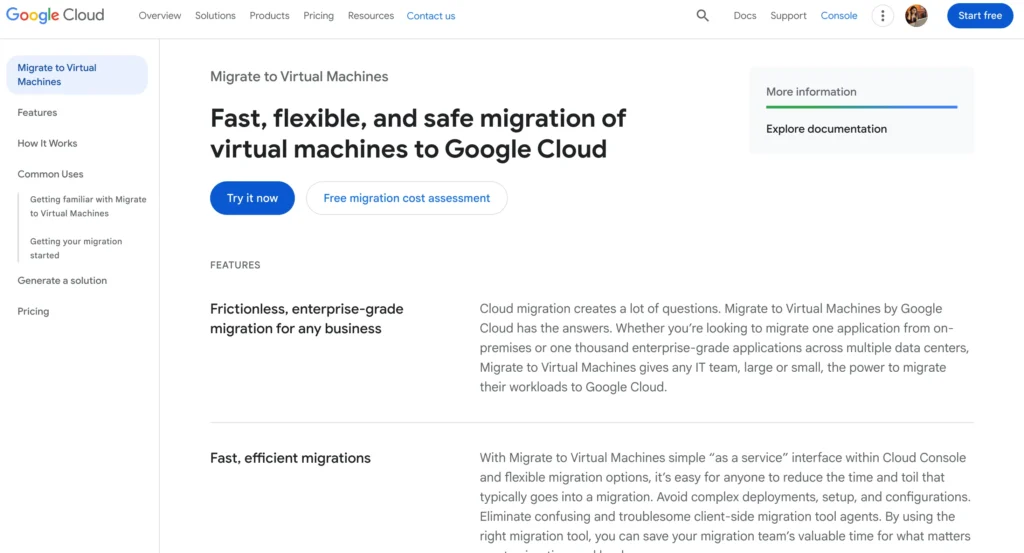
Google Cloud’s migration tool enables organizations to migrate VMs from on-premises environments, AWS, or Azure into Google Cloud. It provides automated VM replication and supports minimal downtime migrations.
What stands out is Google Cloud’s strong focus on modernization and optimization. Once workloads are migrated, users can easily integrate them with Google Cloud services like Kubernetes Engine or BigQuery. The tool supports large-scale enterprise migrations while maintaining operational continuity.
Top Features:
- VM migration from on-prem and other clouds
- Automated replication and cutover
- Supports VMware and AWS EC2
- Minimal downtime migration
- Easy integration with Google Cloud services
Website:https://cloud.google.com/migrate/virtual-machines
Pricing: Custom pricing starting from $300/mo
4. Cloudsfer
Cloudsfer is a cloud data migration platform designed to move files and data between cloud storage providers and on-premise systems. It supports migrations across AWS, Azure, Google Cloud, Dropbox, Box, SharePoint, and many other platforms.
What makes Cloudsfer stand out is its flexibility in handling structured and unstructured data migrations without heavy infrastructure changes. It’s particularly useful for organizations migrating large volumes of storage data between different cloud vendors or consolidating multi-cloud environments.
Top Features:
- Cloud-to-cloud and on-prem-to-cloud migration
- Supports 30+ cloud storage providers
- Incremental synchronization: Secure, encrypted data transfer
- No coding or scripting required
Website: https://www.cloudsfer.com/
Pricing:
| Basic | Standard | Pro | Custom |
| $25/mo | $100/mo | $250/mo | Custom |
5. Carbonite Migrate
Carbonite Migrate is recognized among the best cloud migration tools for enabling seamless workload migration across physical, virtual, and cloud environments. It supports live migrations with minimal downtime and is compatible with a wide range of operating systems and platforms, making it ideal for complex enterprise migration scenarios.
The tool is particularly valuable for hybrid and multi-cloud environments. It provides automated testing, rollback functionality, and continuous replication. Organizations that prioritize business continuity during migration often consider Carbonite a strong option.
Top Features:
- Live workload migration
- Cross-platform support
- Continuous replication
- Automated testing and rollback
- Hybrid and multi-cloud compatibility
Website: https://www.carbonite.com/resources/datasheet/carbonite-migrate-for-microsoft-azure/
Pricing: Custom
Suggested Read
6. Cloudamize
Cloudamize is a cloud migration planning and analytics platform that helps businesses assess, plan, and execute migrations to AWS, Azure, and Google Cloud. It provides deep workload analytics to determine the right cloud sizing, cost projections, and performance optimization strategies.
What makes Cloudamize powerful is its detailed visibility into application dependencies and infrastructure usage. Instead of blindly migrating workloads, organizations can right-size resources and avoid unnecessary cloud expenses. This makes it ideal for enterprises that want cost-optimized and data-driven cloud adoption.
Top Features:
- Infrastructure discovery and dependency mapping
- Cloud cost estimation and optimization insights
- Performance analytics for right-sizing
- Multi-cloud migration support
- Detailed migration planning reports
Website: https://www.cloudamize.com/
Pricing: Available on request
7. Turbonomic (IBM)
Turbonomic, an IBM solution, is considered among the best cloud migration tools for optimizing application performance during and after migration. While not a traditional migration tool, it plays a critical role in right-sizing workloads and ensuring efficient resource utilization across hybrid and multi-cloud environments.
Turbonomic uses AI-driven automation to continuously analyze application performance and allocate resources dynamically. This prevents overprovisioning, reduces cloud waste, and maintains performance SLAs. It’s especially useful for enterprises migrating complex application ecosystems.
Top Features:
- AI-powered workload optimization
- Real-time resource management
- Hybrid and multi-cloud support
- Cost optimization automation
- Application performance assurance
Website:https://www.ibm.com/products/turbonomic
Pricing: Available on request
8. RiverMeadow
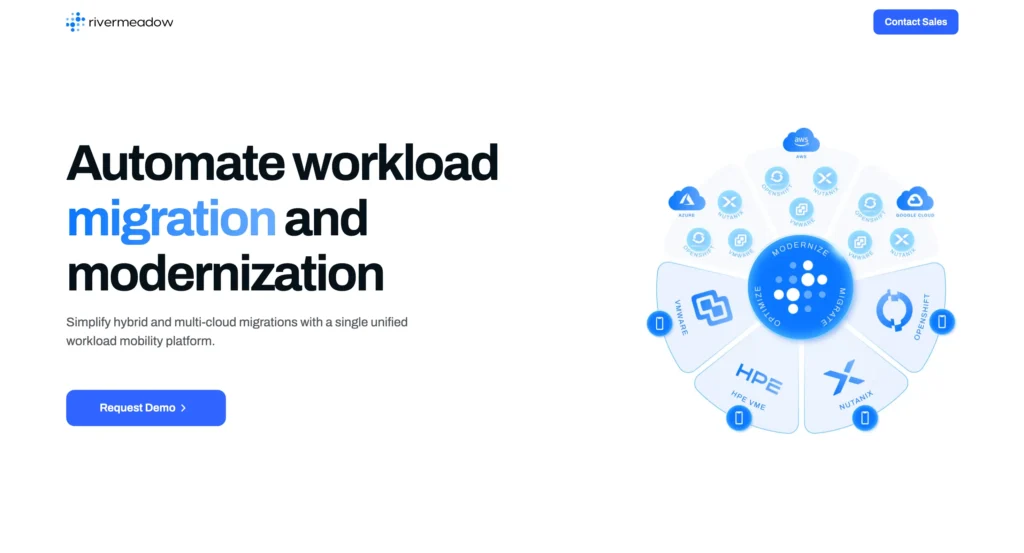
RiverMeadow is a cloud-native migration platform designed to automate workload migration to AWS, Azure, and Google Cloud. It supports migration from physical servers, virtual machines, and other cloud environments.
The platform emphasizes automation and scalability. It reduces manual reconfiguration tasks and speeds up transformation by converting workloads into cloud-ready formats. RiverMeadow is suitable for enterprises planning large-scale or multi-wave migrations.
Top Features:
- Automated workload conversion
- Physical and virtual server migration
- Multi-cloud destination support
- Scalable enterprise migration engine
- Cloud-native transformation capabilities
Website:https://www.rivermeadow.com/
Pricing: Available on request
9. Dynatrace
Dynatrace is widely recognized as an observability and monitoring platform and is often included among the best cloud migration tools for complex environments. During cloud migration, it delivers full-stack visibility across applications, infrastructure, and user experience, enabling organizations to quickly identify performance bottlenecks and ensure a smooth transition.
By offering AI-driven insights and automatic dependency mapping, Dynatrace ensures a smoother migration process. It reduces risk by identifying performance degradation early and providing real-time monitoring before, during, and after migration.
Top Features:
- Full-stack observability
- AI-driven anomaly detection
- Automatic dependency mapping
- Real-time performance monitoring
- Hybrid and multi-cloud support
Website:https://www.dynatrace.com/
Pricing:
| Foundation & Discovery | Infrastructure Monitoring | Full Stack Monitoring |
| $7/mo | $29/mo | $58/mo |
10. Rackspace Migration Services
Rackspace offers managed cloud migration tools that help organizations move workloads to AWS, Azure, and Google Cloud. Unlike purely automated tools, Rackspace combines expert consulting with automation tools to ensure smooth transitions.
This solution is ideal for businesses that prefer a guided migration approach rather than handling everything internally. Rackspace provides end-to-end support — from planning and design to execution and post-migration optimization.
Top Features:
- Expert-led migration consulting
- End-to-end project management
- Multi-cloud support
- Post-migration optimization services
- Enterprise-grade security and compliance
Website: https://www.rackspace.com/resources/rackspace-migration-services
Pricing: Available on request
11. Flexera Cloud Migration & Modernization
Flexera provides powerful migration planning and cloud cost management capabilities. It helps organizations assess application portfolios, identify cloud readiness, and plan modernization strategies before moving workloads.
What makes Flexera stand out is its focus on governance and cost control. It gives deep insights into software usage, licensing, and compliance risks during migration. Enterprises with large, complex IT estates often use Flexera to avoid overspending and maintain regulatory compliance.
Top Features:
- Application portfolio assessment
- Cloud readiness analysis
- Cost governance and optimization
- License management and compliance tracking
- Multi-cloud visibility
Website: https://www.flexera.com/
Pricing: Available on request
12. BMC Helix Cloud Migration
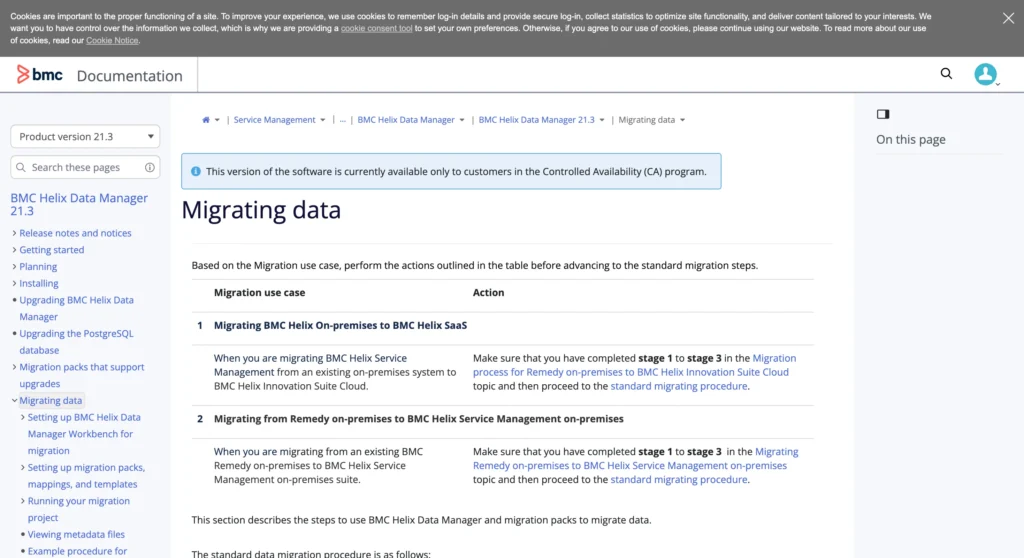
BMC Helix Cloud Migration supports automated workload discovery, dependency mapping, and migration orchestration. It helps organizations reduce risk by analyzing application interdependencies before migration begins.
The platform also integrates IT service management (ITSM) capabilities, ensuring smooth coordination between infrastructure and operations teams. This makes it suitable for enterprises that require structured governance and process-driven migration strategies.
Top Features:
- Automated discovery and mapping
- Dependency visualization
- Migration orchestration tools
- ITSM integration
- Risk mitigation analytics
Website: https://www.bmc.com/
Pricing: Available on request
13. Zerto Migration & Disaster Recovery
Zerto is widely known for disaster recovery, but it also provides robust cloud migration capabilities. It uses continuous data protection and near-synchronous replication to move workloads with minimal downtime.
Zerto enables businesses to migrate virtual machines to public clouds while maintaining business continuity. Its rollback capabilities and disaster recovery integration make it especially valuable for mission-critical applications.
Top Features:
- Continuous data protection
- Near-zero downtime migration
- Rollback and failback capabilities
- Disaster recovery integration
- VMware and Hyper-V support
Website: https://www.zerto.com/solutions/cloud-migration/
Pricing: Available on request
14. VMware HCX
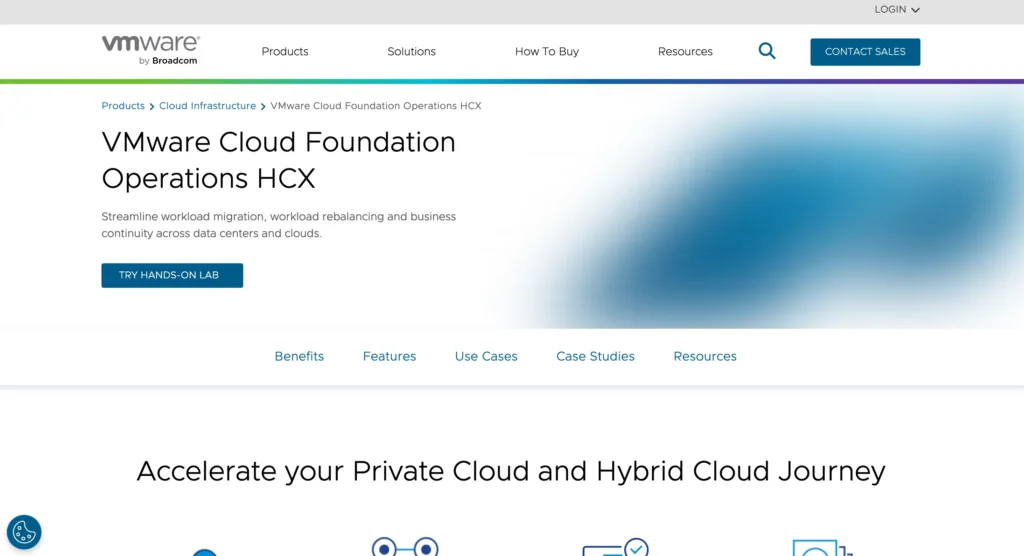
VMware HCX is designed specifically for hybrid cloud environments, enabling seamless migration between on-prem VMware environments and cloud platforms. It provides workload mobility without requiring significant infrastructure redesign.
HCX supports bulk migration, live migration (vMotion), and replication-assisted migration. Enterprises already using VMware infrastructure find HCX particularly convenient because it maintains familiar operational workflows.
Top Features:
- Live migration (vMotion)
- Bulk workload migration
- Network extension capabilities
- Hybrid cloud connectivity
- VMware-native integration
Website:https://www.vmware.com/products/hcx.html
Pricing: Available on request
15. Oracle Cloud Migrations
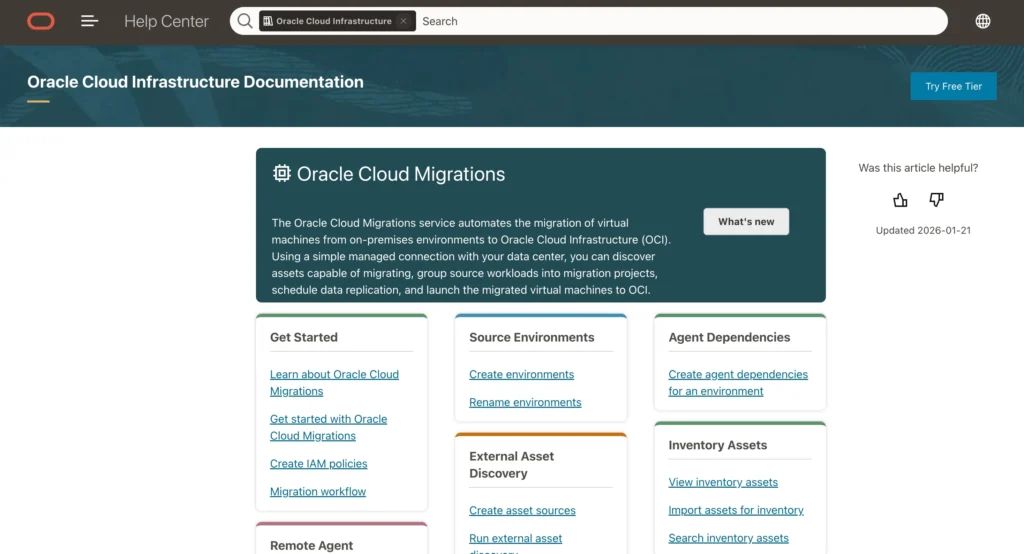
Oracle Cloud Migrations supports the migration of databases, applications, and enterprise workloads into Oracle Cloud Infrastructure (OCI). It provides tools for automated database migration, application transfer, and workload modernization.
The solution is especially beneficial for businesses heavily invested in Oracle databases and enterprise software. It ensures compatibility, security, and performance optimization when transitioning to Oracle’s cloud ecosystem.
Top Features:
- Automated database migration
- Application migration support
- Oracle workload optimization
- Security and compliance features
- Native OCI integration
Website: https://www.oracle.com/
Pricing: Available on request
Cloud Migration Tools Comparison Table
| Tool Name | Primary Focus | Supported Environments | Downtime Capability | Best For |
| AWS Application Migration Service | Lift-and-shift server migration | Physical, Virtual, Cloud to AWS | Near-zero downtime | Large AWS migrations |
| Azure Migrate | Assessment + migration hub | VMware, Hyper-V, Physical to Azure | Low downtime | Structured Azure migrations |
| Google Cloud Migrate | VM migration | On-prem, AWS, Azure to GCP | Minimal downtime | Multi-cloud VM migration |
| Carbonite Migrate | Live workload migration | Physical, Virtual, Cloud | Near-zero downtime | Hybrid environments |
| Cloudamize | Migration planning & analytics | Multi-cloud | Planning tool (no direct migration) | Cost optimization planning |
| Turbonomic | AI resource optimization | Hybrid & Multi-cloud | Optimization tool (post-migration) | Performance & cost control |
| RiverMeadow | Automated workload conversion | Physical, Virtual, Multi-cloud | Low downtime | Large enterprise migrations |
| Dynatrace | Observability & monitoring | Hybrid & Multi-cloud | Monitoring tool | Migration risk reduction |
| Rackspace Migration Services | Managed migration services | AWS, Azure, GCP | Project dependent | Guided enterprise migrations |
| Flexera | Cloud readiness & governance | Multi-cloud | Assessment tool | Compliance-heavy enterprises |
| BMC Helix Cloud Migration | Migration orchestration | Hybrid & Enterprise IT | Low downtime | ITSM-driven enterprises |
| Zerto | Replication & DR-based migration | VMware, Hyper-V, Cloud | Near-zero downtime | Mission-critical workloads |
| VMware HCX | Hybrid workload mobility | VMware to Cloud | Live migration (vMotion) | VMware-based enterprises |
| Oracle Cloud Migrations | Database & enterprise apps | Oracle workloads to OCI | Minimal downtime | Oracle ecosystem users |
| Cloudsfer | Data & storage migration | 30+ cloud storage platforms | Low downtime sync | Cloud storage transfers |
Conclusion
Cloud migration is no longer just an option it has become a strategic necessity for businesses aiming to stay competitive in a digital-first world. However, the process can be complex, time-consuming, and risky without the right approach. This is where cloud migration tools prove their true value by simplifying workflows, automating critical tasks, and ensuring a smooth transition with minimal disruption.
From reducing downtime and human errors to enhancing security and accelerating deployment, modern migration platforms empower organizations to move confidently to the cloud. Whether you’re a small business looking for a cost-effective transition or a large enterprise managing complex, multi-cloud environments, selecting the right tool can significantly impact your migration success.
Ultimately, the key lies in aligning the tool with your infrastructure, business goals, and scalability needs. With proper planning and the right cloud migration solution, businesses can unlock improved performance, better cost control, and long-term operational efficiency in the cloud.
FAQs
1. How Long Does Cloud Migration Usually Take?
The timeline depends on the size and complexity of your infrastructure. Small businesses may complete migration within a few weeks, while large enterprises with multiple workloads can take several months. Using automated cloud migration platforms can significantly speed up the process.
2. Is Cloud Migration Risky?
Cloud migration can involve risks such as downtime, data loss, or performance issues if not properly planned. However, modern cloud migration tools minimize these risks through features like continuous data replication, testing environments, and rollback options.
3. What Is The Difference Between Lift-And-Shift And Modernization?
Lift-and-shift refers to moving applications to the cloud without changing their existing architecture. In contrast, modernization involves redesigning or upgrading applications to fully utilize cloud-native features, improving scalability, performance, and efficiency.
4. Can Small Businesses Use Cloud Migration Software?
Yes, cloud migration tools are highly scalable and suitable for small and medium-sized businesses. Many tools offer user-friendly interfaces, guided workflows, and cost estimation features, making migration accessible even without large IT teams.
5. What Happens After Migration Is Complete?
After migration, businesses focus on optimization, monitoring, and cost management. Many tools provide post-migration insights and analytics to ensure workloads are secure, efficient, and properly optimized in the new cloud environment.
