10 Best Test Management Tools for Software Testing

Testing of software is extremely crucial in the production of good applications. The testing of software requires teams to organize a lot of stuff, such as test cases, bugs, and test results. Test Management Tools come in handy at this point. These translate to easier and quicker testing work. They contribute to better collaboration among teams and rapid identification of issues in software.
In the modern, hectic world, businesses must release software at a fast pace without errors. Test Management Tools assist teams in this by ensuring that everything is kept in one location. Regardless of whether you are a small startup or a large company, time and money can be saved with the help of appropriate test management tools. This article will explain what these tools are, why you need them, and which are the best test management tools 2026 has to offer.
Also Read: Best Social Media Analytics Tools
What are Test Management Tools?
Test Management Tools are special programmes that assist testing teams in managing their work. Imagine that they are a control center for all testing activities. These tools assist testers in developing test cases, executing tests, managing bugs, and developing reports regarding the progress of the testing.
Testers should test whether everything is working properly when the developers create software. This checking process is made by the Test Management Tool, which is organized and simple. These tools enable the teams to store all the testing-related information in a single digitized location, rather than relying on spreadsheets or papers. The tools are integrated with other software, such as a bug tracking system and project management software.
Why Look for Test Management Tools?
- Better Organization of Testing Work: All the test cases and results remain in a single location in an orderly manner.
- Quick Bug detection and resolution: Problems are rapidly identified within teams, and the progress of their resolution can be monitored.
- Better Team Co-operation and Communication: All the people are exposed to the same information, and they collaborate with ease.
- Concrete Reports to the Management: The progress of tests and quality metrics is presented in straightforward reports to managers.
- Project Time and Cost Saving: Organization and automation save resources in projects and minimize manual efforts.
Benefits of Using Test Management Tools
- Full Testing Activity Visibility: All people are aware of which tests are in progress and their state.
- Further Project Reusable Test Cases: Store old examinations and reuse them in new forms.
- CI/CD Tools Integration with Development: Relate testing and coding, and deployment to deliver software easily.
- Requirements for Tests Traceability: Associate each test with certain features or business needs.
- Improved Quality Control and Risk Management: Find out the weak points in the very beginning and do testing on significant features.
Top 10 Test Management Tools
1. TestRail

TestRail is one of the most widespread test management tools which are exploited by thousands of companies all over the world. It has an easy and clean user interface that simplifies both for a beginner and an expert to operate the system and manage tests. TestRail assists the teams with the organization of the test cases, planning the test runs, and the real-time tracking of the results. The tool helps in the manual as well as automated testing process. Custom fields, templates, and reports can be created by teams depending on every need. TestRail can also work seamlessly with the favorite bug tracking and project management tools.
Key Features:
- Meanwhile, a complete test case management system.
- Live reporting and tracking of progress.
- Close affiliations with development tools.
Pros:
- Much user-friendly interface.
- Customer-friendly customer service.
- Available options for flexible customization.
Cons:
- Expensive for small teams
- Limited free trial period
- Reporting could be better
Best For: Enterprises
Pricing: Starts at $37/month per user
Website: https://www.testrail.com
2. Zephyr Scale
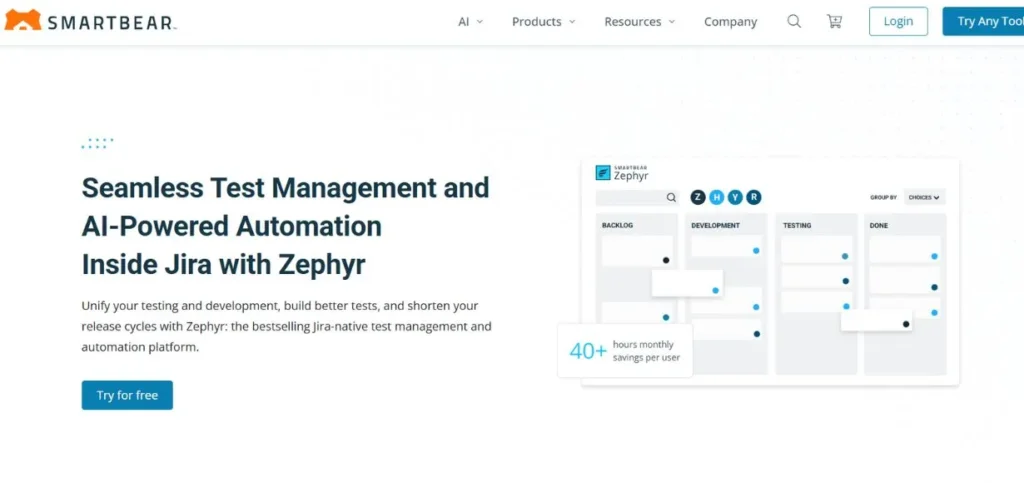
Zephyr Scale, or Zephyr to Jira, is an efficient software testing management solution that is designed to help Jira users. It is also the best when integrated with the Atlassian ecosystem, and the company is using Jira to manage its projects. Zephyr Scale allows the ability to test everything directly within Jira without having to move to other applications. Users can do test cases, test cycle planning, and testing without leaving the comfort of the customary Jira environment.
Key Features:
- The built-in Jira integration is flawless.
- Fully endorses agile testing.
- High-tech reporting and analytics.
Pros:
- Uninterrupted Jira experience across.
- Great for agile teams
- Cloud and server versions
Cons:
- Needs to be subscribed to Jira independently.
- Entry-level learning curve. It can be slow sometimes
Best For: Jira-users
Pricing: Starts at $10/month per user
Website: https://smartbear.com/test-management/zephyr-scale
3. TestLink

TestLink is a test management tool that is popular, open-source, and offers powerful features, which are free of any licensing charges. It is not a new technology and is supported by a big population of users that drives its development. TestLink provides complete test management features, such as test specification, test planning, and execution tracking. The tool facilitates the management of requirements and provides an opportunity to connect test cases with requirements to trace them fully. Different types of reports can be generated by teams in order to examine the coverage and execution outcomes of tests. TestLink offers role-based access control in order to control team permissions.
Key Features:
- Open-source and completely free platform.
- Requirements and traceability functionality.
- Funds various projects at the same time.
Pros:
- No licensing costs ever
- Support of the community is active.
- The customizable platform his highly customizable.
Cons:
- Obsolete user interface design.
- Installation can be complete.x
- Few modern integrations are on offer.
Best For: Budget-conscious
Pricing: Free (open-source)
Website: https://www.testlink.co.uk/
4. X-ray
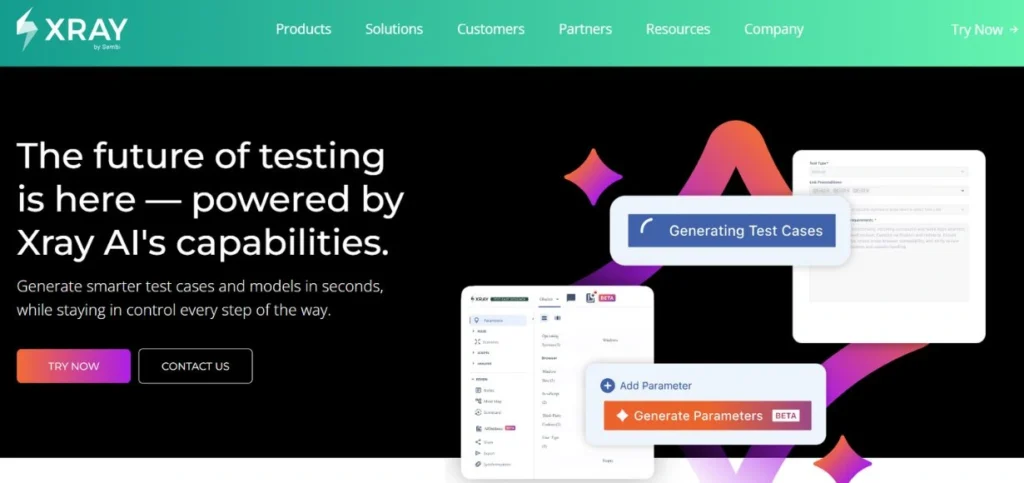
Xray is another excellent top test management software designed specifically for Jira environments. It has been regarded as among the most considerable testing solutions for Jira users. Xray has full-capability test management, such as manual, automated, and exploratory testing. The tool facilitates behavior-driven development (BDD) along with Cucumber integration to develop human-readable test scenarios. Tests can be arranged by teams through test sets, test plans, and test executions through flexible hierarchies.
Key Features:
- Complete BDD and Cucumber support.
- Capabilities of powerful test automation integration.
- Detailed reporting and measures dashboards.
Pros:
- Comprehensive testing solution in general.
- Good quality of Jira integration.
- Supports all testing types
Cons:
- High cost compared to others.
- Complex for simple needs
- First needs technical expertise.
Best For: BDD-teams
Pricing: Starts at $10/month per user
Website: https://www.getxray.app
Also Read: Best Financial Management Tools
5. PractiTest

PractiTest is an in-depth end-to-end QA test management software, which aims at managing the whole lifecycle of testing. It gives a centralized location where team members can handle tests, requirements, and problems within a single location. PractiTest has special capabilities such as the use of reusable test libraries and the use of the hierarchical filter, which render test organization very effective. The tool gives great visibility by allowing customization of dashboards that show what each member of the team wants to see.
Key Features:
- End-to-end QA management full solution.
- Comes with over 50 tools and integrations.
- Limitless test executions and storage.
Pros:
- Extremely adaptable and adjustable.
- Good integration facilities are present.
- Great customer support team
Cons:
- Pricing can be high
- Learning interface is time-consuming.
- Certain characteristics are intimidating.
Best For: QA-teams
Pricing: Starts at $49/month per user
Website: https://www.practitest.com
6. qTest
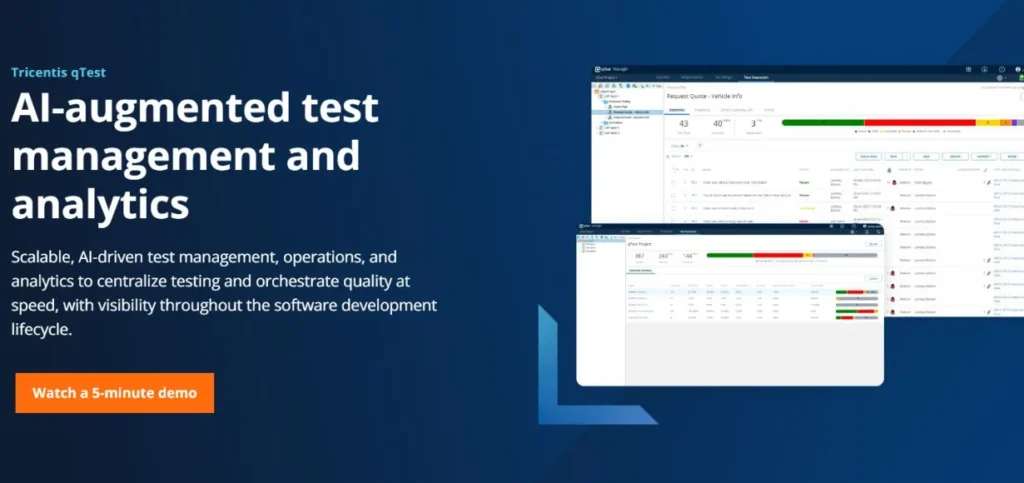
qTest by Tricentis is a recently developed tool of software testing management designed to serve agile and DevOps teams. It offers a single platform that can be used to facilitate the total lifecycle of testing, planning through execution, and reporting, which makes it ideal when teams are pursuing the practice of DevOps. qTest has strong integration with continuous integration/continuous delivery (CI/CD) pipelines. The tool is able to support both manual and automated testing with robust capabilities to manage test automation orchestration that allows teams to make data-driven decisions in a short time.
Key Features:
- Constructed in line with agile DevOps processes.
- Good CI/CD pipeline integration.
- Different automation and insights dashboards.
Pros:
- An easy and user-friendly interface.
- Scales well for enterprises
- Good automation support services.
Cons:
- Expensive for small teams
- Complicated preliminary procedure.
- Training is needed to have some features.
Best For: Developers
Pricing: Contact for pricing
Website: https://www.tricentis.com/products/unified-test-management-qtest
7. Qase

Qase: the copy of TestRail is a cloud-based product called Qase, which has all the capabilities without any installation troubles. The test management tool is ideal among distributed teams who require access from any location, provided he/she has access to the internet. Qase also has automatic updates, backup, and security maintenance systems, which eliminate the IT burden on organizations. It can be used by teams within minutes without any server configuration or setup. The cloud version comes with the identical superior test case management, planning, and reporting capabilities as the on-premise one.
Key Features:
- No installation, cloud-based.
- Repetitive updates and backup systems.
- Guaranteed high availability and reliability.
Pros:
- Quick and easy setup
- No IT maintenance required
- Available everywhere in the world.
Cons:
- An internet connection is a must.
- Less control than on-premise
- Pricing is based solely on subscription.
Best For: Remote teams
Pricing: Starts at $37/month per user
Website: https://qase.io/
8. TestCollab

TestCollab is a basic but potent test management application that is targeted at teams that desire easy testing devoid of complexity. It offers the necessary test managerial features in a simplified interface requiring little training. TestCollab aids teams in developing and structuring test cases, performing test executions as well, and monitoring defects effectively. The tool provides superior collaboration features such as comments, mentions, and notifications that ensure that everyone is informed.
Key Features:
- Easy and user-friendly interface design.
- Good collaboration features are entailed.
- Small teams can be afforded.
Pros:
- Easy to learn quickly
- Great value for money
- Customer response is available.
Cons:
- Weak comparative advanced features.
- Less integration as compared to competitors.
- Simple reporting facilities only.
Best For: Small teams
Pricing: Starts at $15/month per user
Website: https://www.testcollab.com
9. BrowserStack

BrowserStack, Inflectra an all-encompassing test management solution that brings together requirements management, test management, and defect tracking in a single platform. The single methodology enables the teams to have full traces from requirements to testing and defects. BrowserStack equally well supports several types of testing, including manual, automated, and exploratory testing. The tool enables robust reporting and analytics tools with customizable graphs and charts to communicate with the stakeholders.
Key Features:
- Single requirements and test management.
- Full end-to-end traceability capabilities.
- Inherent risk management capabilities.
Pros:
- All-in-one platform solution
- Good traceability capabilities on offer.
- Affirms several methodologies.
Cons:
- The interface is a bit out of date.
- High initial cost of learning.
- Higher price point overall
Best For: Compliance teams
Pricing: Starts at $58.88/month per user
Website: https://www.browserstack.com/
10. TestPad

TestPad is not-so-complicated test management software that puts the emphasis on convenience and rapidity. Test management is made to seem natural and intuitive, unlike the traditional test management tools, which use a checklist format. TestPad operates. It is ideal with teams that are too complicated or even time-consuming with the traditional test management tools. TestPad enables testers to write the test scripts quickly through a plain outline editor without the complexities of forms and fields. The tool is also conducive to exploratory testing, where the testers can modify the tests as they run them.
Key Features:
- Basic checklist-based test method.
- Speedy execution of tests, Lightning-fast.
- Ideal for solving investigative tests.
Pros:
- Extremely easy to use
- Prices offered are very affordable.
- Rapid workflow for executing tests.
Cons:
- Minimal sophisticated functions in general.
- Simple reporting facilities only.
- Fewer choices of integration.
Best For: Startups
Pricing: Starts at $20/month for team
Website: https://www.testpad.com
Future of Test Management Tools
- Artificial Intelligence Will Automate Test Creation: Based on requirements and code, AI will compete automatically with test cases generated.
- More Integration with DevOps and CI/CD Pipelines: The tools will be fully integrated into the workflows of continuous delivery.
- The market will be dominated by Cloud-Based Solutions: The use of cloud tools as opposed to on-premise installations will become more favorable to more teams.
- Target Shift-Left and Continuous Testing: The testing will be done earlier in the process with real-time feedback.
- Improved Analytics and Forecasted Quality Intelligence: The tools will be able to forecast defects and recommend the priorities of testing.
Conclusion
Test Management Tools are also an important part of any modern software development team that desires to produce high-quality products in a cost-efficient way. These tools give the process of testing organization, collaboration, and visibility, and thus it becomes easier to ensure the bugs are caught before the customers can access them. Whether you choose the best test management tools 2026, like TestRail for enterprises or simple solutions like TestPad for startups, the right tool will transform your testing process.
Selecting the right top test management software depends on your team size, budget, existing tools, and testing methodology. You need to have time to consider various alternatives, take free trials, and engage your team in the decision-making process. Keep in mind that the cost of the tool is not necessarily the most effective tool to use; the effective tool is the one that is utilized by the team.
Also Read: Best Patient Communication Tools
FAQs
Q1: What are the test management tools?
Test management tools refer to computer programs that assist teams in planning, carrying out, and monitoring software testing tasks on a single platform that is centralized platform.
Q2: What are the reasons for using test management tools by the teams?
These tools must be used by teams to save time, enhance cooperation, monitor the process of testing, ensure the quality of tests, and create overall reports without any difficulties.
Q3: Do they have test management tools that are free?
Yes, TestLink is an open-source testing management tool that is fully free, but it might not have advanced features.
Q4: What is the most suitable test management tool used in small teams?
TestPad and TestCollab would be good alternatives to small teams because of their simplicity and ease of use, as well as low-priced models.
Q5: Does it have the ability to integrate test management tools with Jira?
Indeed, through numerous test management tools such as Zephyr Scale, Xray, qTest, and TestRail, it is possible to have seamless workflows with excellent integration capabilities with Jira.