
Each parent desires their child to be able to communicate in English confidently, and the smartphone can be a surprisingly effective teacher in 2027. The difficulty is a good choice. There are many colourful games in the app stores; not all of them teach real language. Unsafe APKs can even endanger your family’s data, while some sites display ads and some will require expensive plans to unlock everything.
This guide will make the decision simple. The 12 most popular English Learning Apps for Kids for phonics, vocabulary, listening, stories and grammar were examined. Find the most straightforward comparisons, safe download advice, offline learning, free worksheet ideas, and honest advantages and disadvantages! Choose the ideal English learning app for kids, and make screen time count!
Best English Learning Apps for Kids at a Glance
- Best overall: Lingokids is a play-based app for 2 to 8-year-olds.
- Best for reading: Studycat
- Best free phonics app: Duolingo ABC
- Best for toddlers: Papumba (no adult supervision required)
- Best for vocabulary: Monkey Junior
- Best for songs and stories: LearnEnglish Kids: Playtime
- Best for school curriculum: SplashLearn
- Best 100% free, no ads: Khan Academy Kids
- Best for specific needs: Little Pim, Mussila WordPlay, Dela Kids, Johnny Grammar
How We Tested These English Learning Apps for Kids
- Read the developers’ websites and official descriptions of the apps.
- Compared the depth of their curriculum in phonics, word knowledge, speaking and reading.
- Reconsidered age appropriateness (toddlers to teens)
- Considerations of subscription models and in-app purchases, along with free limits
- Reviewed ads, privacy and child-safety information
- Run tests to see if lessons can be used in offline mode
- Read customer and teacher feedback on common complaints.
- Compared to the ease of use for children without adults.
Also Read: Best Apps for Learning Spanish
Quick Comparison Table of All 12 English Learning Apps for Kids
| App | Age range | Free tier limits | Offline? | Ads / IAP | Price (₹/mo) | Store rating (date) | Best for |
| Lingokids | 2–8 | Limited daily free content | Yes (Plus) | No ads / subscription | ₹500–900 | 4.5 | Play-based learning |
| Studycat | 3–8 | Free starter units | Yes | No ads / subscription | ₹400–800 | 4.5 | Listening & speaking |
| Duolingo ABC | 3–8 | Fully free | Partial | No ads / no IAP | ₹0 | 4.7 | Phonics & early reading |
| Papumba | 2–6 | Short free trial | Yes | No ads / subscription | ₹400–700 | 4.4 | Independent toddler play |
| Monkey Junior | 2–10 | Basic lessons free | Yes | No tracking ads / subscription | ₹500–1,000 | 4.5 | Vocabulary building |
| LearnEnglish Kids: Playtime | 6–11 | Basic stories free | Some videos | No ads / optional upgrades | Free to low cost | 4.3 | Songs & stories |
| SplashLearn | 4–11 | Limited daily activities | No | No ads / subscription | ₹600–1,200 | 4.6 | School-aligned curriculum |
| Khan Academy Kids | 2–8 | Everything free | Yes | No ads / no IAP | ₹0 | 4.8 | Free all-in-one learning |
| Little Pim | 0–6 | Short trial | Yes (videos) | No ads / subscription | ₹500–900 | 4.2 | Immersion vocabulary |
| Mussila WordPlay | 5–11 | Limited free content | Partial | No ads / subscription | ₹300–700 | 4.3 | Creative storytelling |
| Dela Kids | 3–7 | Free starter lessons | Yes | Minimal / upgrades | Free to low cost | 4.2 | Basic phonetics & speech |
| Johnny Grammar | 9–15+ | Fully free | Needs internet for leaderboard | Light banners | ₹0 | 4.3 | Grammar & spelling quizzes |
Best English Learning Apps for Kids Free (12 Apps Reviewed)
1. Lingokids – Best Overall Play-Based App
| Detail | Info |
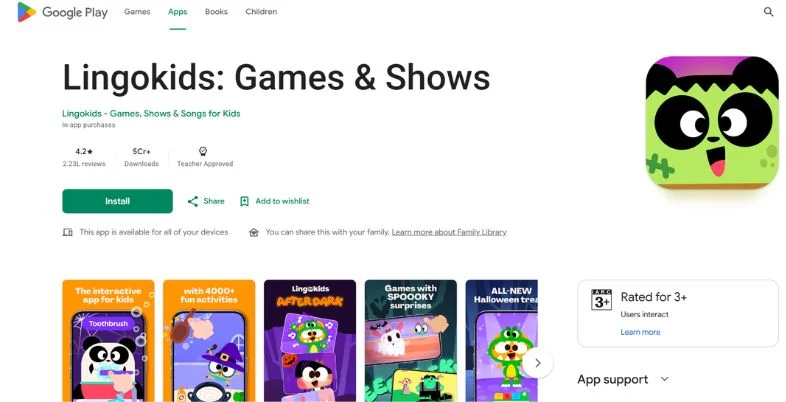
| App name | Lingokids |
| Best for | Play-based learning |
| Ages | 2 to 8 years |
| Free vs paid | Limited free Basic tier; full access with Plus |
| Offline | Available in Plus |
| Ads | Ad-free |
| Verdict | Exceptional for early literacy and interactive exploration |
| Link | https://play.google.com/store/apps/details?id=es.monkimun.lingokids&hl=en_IN |
Lingokids‘ “Playlearning” approach to English learning incorporates games, songs and stories. It utilizes Oxford University Press and addresses early grammar, vocabulary and social-emotional skills. The children learn without the perception of being in a classroom.
The growth benefits are solid. Children develop the basics of letter skills, grow their word knowledge, and learn to decipher words within a meaningful context. They are kept long-term interested with thousands of animated activities, songs and books on audio. It specializes in making lessons fun, vibrant, rather than boring repetitions.
Key Highlights:
- Playlearning teaching method
- Over 2,000 activities
- Oxford University Press alignment
- kidSAFE certified
- Weekly progress tracking
- Multi-subject lessons
Pros:
- Smooth, glitch-free interface
- No disruptive ads
- Child-led navigation
- Offline access (Plus)
Cons:
- Limited free tier
- Few open conversations
- Pricey subscription
- Feels young after eight
2. Studycat – Best for Listening & Speaking
| Detail | Info |
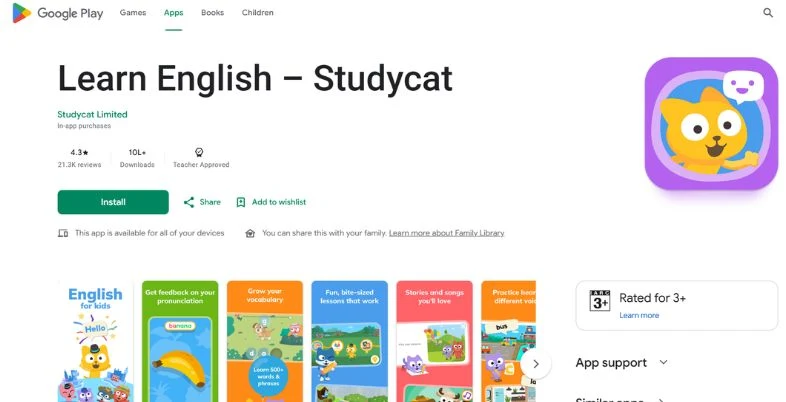
| App name | Studycat |
| Best for | Listening and speaking practice |
| Ages | 3 to 8 years |
| Free vs paid | Freemium with subscription |
| Offline | Supported |
| Ads | Ad-free |
| Verdict | Excellent for natural audio recognition and comprehension |
| Link | https://play.google.com/store/apps/details?id=com.pumkin.fun&hl=en_IN |
Studycat is an immersion approach. Children learn English alphabetically, practising it in small units of games. New phrases introduced, repeated and layered at each level to ensure it will not be forgotten.
Growth benefits involve heightened listening and quick word association. It specializes in a variety of voices, accents, and tones, which means that children hear how real people speak instead of a robot voice. This facilitates shifting children from listening to comprehension, the first step towards speaking.
Key Highlights:
- Immersion-based learning
- Spaced repetition games
- Multi-voice narrations
- Step-by-step vocabulary paths
- Independent exploration
- Animated character hosts
Pros:
- Addictive mini-games
- Safe, ad-free space
- Great classroom support
- Varied game types
Cons:
- Voice recording glitches
- Short free trial
- Easy starting level
- Occasionally unclear instructions
3. Duolingo ABC – Best for Phonics & Early Reading
| Detail | Info |
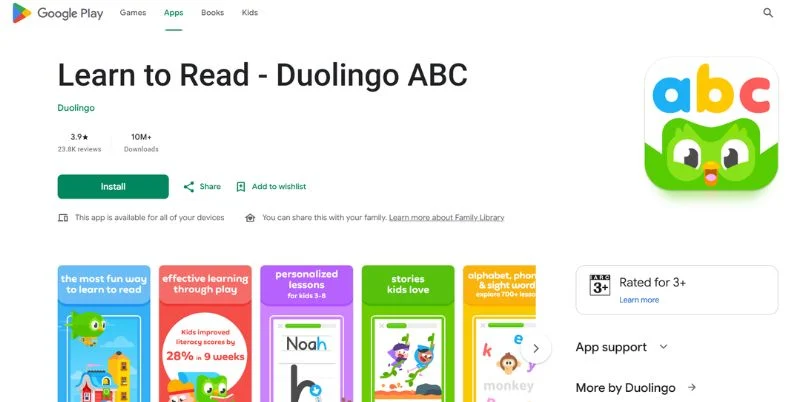
| App name | Duolingo ABC |
| Best for | Phonics and early reading |
| Ages | 3 to 8 years |
| Free vs paid | 100% free |
| Offline | Partial |
| Ads | Ad-free |
| Verdict | A top free tool for phonics, decoding, and first reading steps |
| Link | https://play.google.com/store/apps/details?id=com.duolingo.literacy&hl=en |
Duolingo ABC focuses only on early literacy. It uses a straightforward phonics route to teach letter sounds and sight words, as well as letter tracing. Lessons don’t need to be very long, a 5-minute lesson will count. When you select a trusted english learning app for kids such as this, it provides for the beginner a gentle start.
Growth benefits are improved letter-sound connections, improved decoding, and increasing reading self-efficacy. It excels at breaking down phonemic awareness into small, familiar puzzles of the Duolingo characters. No ads and no payments–it’s a great value for families looking to be high-quality without the bill.
Key Highlights:
- Systematic phonics method
- 10 themed levels
- Letter tracing activities
- Built-in story library
- Multiple child profiles
- Literacy-focused curriculum
Pros:
- Completely free
- No ads
- Motivating rewards
- Easy independent use
Cons:
- No speaking lessons
- Limited language range
- Voice recognition needs work
- Simple matching tasks
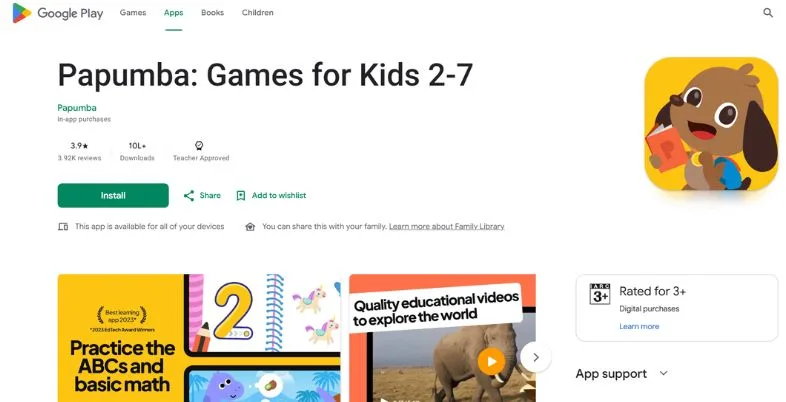
4. Papumba Learn English for Kids – Best for Toddlers (No Adult Help)
| Detail | Info |
| App name | Papumba |
| Best for | Independent toddler play |
| Ages | 2 to 6 years |
| Free vs paid | Free trial, then subscription |
| Offline | Supported |
| Ads | Ad-free |
| Verdict | A great pick for toddlers to learn safely without adult help |
| Link | https://play.google.com/store/apps/details?id=com.papumba.academyforkids&hl=en_IN |
Papumba is aimed at very young children. Large buttons and an easy touch prompt allows toddlers to play independently. Common nouns, verbs and instructions are connected to everyday objects and matching games, and English is natural and friendly.
The benefits of growth are improved spatial awareness, cause & effect thinking and early English understanding. It’s best known for its low-key, cheerful aesthetic, which is free of buzzy sounds and excessive win-lose stress. Children can relax and explore, parents can relax. A very basic introduction to second language vocabulary for young children.
Key Highlights:
- Toddler-first design
- 500+ interactive modules
- Preschool-focused content
- Cognitive milestone games
- Safe independent navigation
- Calming sound design
Pros:
- No parent help needed
- Gentle visual pacing
- Wide basic vocabulary
- Rich touch feedback
Cons:
- Short free trial
- Too basic for school-age kids
- Mostly matching games
- High subscription price
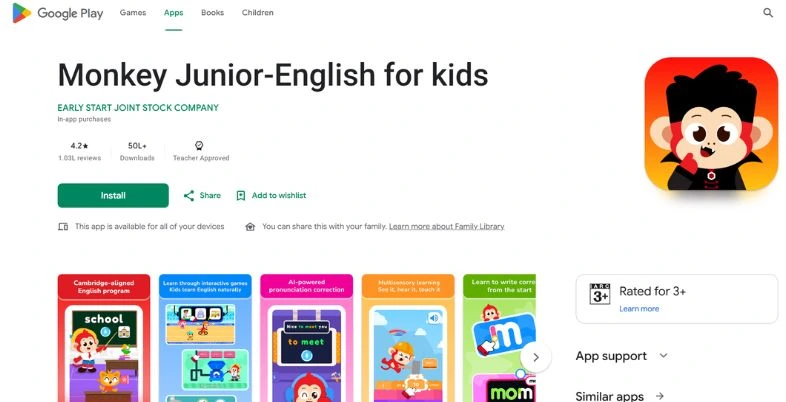
5. Monkey Junior – Best for Vocabulary Games
| Detail | Info |
| App name | Monkey Junior |
| Best for | Vocabulary building |
| Ages | 2 to 10 years |
| Free vs paid | Freemium with locked word packs |
| Offline | Available for downloaded courses |
| Ads | No tracking ads |
| Verdict | A huge word bank for fast vocabulary growth and clear pronunciation |
| Link | https://play.google.com/store/apps/details?id=com.earlystart.android.monkeyjunior&hl=en_IN |
Monkey Junior develops a large vocabulary using word games, electronic flash cards and sound exercises. Thousands of words are introduced with several levels of difficulty using real photos, phonics patterns and short videos.
The growth benefit is quick sight-word recognition and word knowledge in context. It is specially dedicated to multi-sensory teaching which combines audio, text and real-life pictures. Children associate words in English with real objects rather than translating them to or from their native language, and they are given a solid foundation from which to build facility and a rich and varied vocabulary. Easy habit with 10 minute lessons per day.
Key Highlights:
- Large vocabulary library
- Real photo flashcards
- Sight-word focus
- Multi-sensory learning loops
- 10-minute daily lessons
- High-frequency phrases
Pros:
- Huge noun selection
- Clean native accents
- Simple lesson path
- Excellent picture pairing
Cons:
- Repetitive mechanics
- Few speaking tasks
- Paid advanced lessons
- Slightly dated look
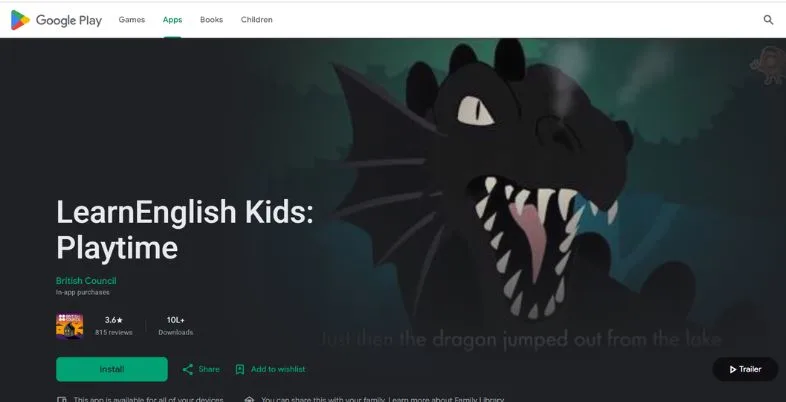
6. LearnEnglish Kids: Playtime (British Council) – Best for Songs & Stories
| Detail | Info |
| App name | LearnEnglish Kids: Playtime |
| Best for | Animated songs and stories |
| Ages | 6 to 11 years |
| Free vs paid | Free basics with paid expansions |
| Offline | Downloadable videos |
| Ads | No third-party ads |
| Verdict | A great resource for British English through quality storytelling |
| Link | https://play.google.com/store/apps/details?id=com.BritishCouncil.playtime&hl=en_IN |
This British Council app teaches language with animated songs, fairy tales, and cultural stories. It does not include game loops but emphasizes understanding the story, the natural rhythm of speech and listening. This english learning app for kids is a lot of fun for families who enjoy music and stories.
Growth in better listening in context and higher level of speaking confidence. Its forte is the authentic British pronunciation, authentic vocabulary and interactive subtitles. Children hear English the way it is truly spoken. Ideal for children and families wishing to learn standard UK English.
Key Highlights:
- 100+ animated videos
- Learning through classic stories
- Authentic British accent
- Listen-and-repeat games
- Vocabulary quiz modules
- Expert curriculum design
Pros:
- Excellent voice acting
- Context-based learning
- Strong listening focus
- Safe, curated content
Cons:
- Few game features
- Can feel passive
- Limited free content
- Region-locked subscriptions
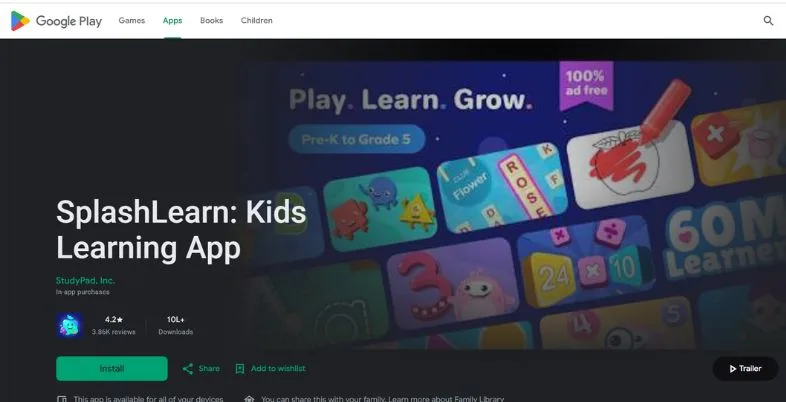
7. SplashLearn – Best for Pre-K to Grade 5 Curriculum
| Detail | Info |
| App name | SplashLearn |
| Best for | School-aligned curriculum |
| Ages | 4 to 11 years |
| Free vs paid | Freemium with school packages |
| Offline | Needs internet |
| Ads | Ad-free |
| Verdict | A strong academic tool for a structured, school-style English path |
| Link | https://play.google.com/store/apps/details?id=com.splash.kids.education.learning.games.free.multiplication.reading.math.grade.app.splashmath&hl=en_IN |
SplashLearn provides a school-suitable English curriculum that ranges from Pre-K phonics to Grade 5 reading and grammar. Homework practice is lighter as the provided topics for study of the school are transformed into games, digital workbooks and spelling challenges.
The growth benefit is a solid academic progress and increasing grammar confidence. It focuses on adapting its difficulty level to your child’s performance, with its specialty being the adaptive engine. Kids remain engaged and not pressured. Parents also receive detailed reports highlighting strengths and weaknesses and it is a useful companion for children when they are at school.
Key Highlights:
- School curriculum aligned
- Pre-K to Grade 5
- Adaptive difficulty engine
- Step-by-step reading modules
- Parent progress reports
- 4,000+ exercises
Pros:
- Deep curriculum database
- Adapts to each child
- Great classroom support
- Rewarding milestones
Cons:
- Needs constant internet
- Heavy testing focus
- Expensive full access
- Interface feels busy
8. Khan Academy Kids – Best 100% Free App (No Ads)
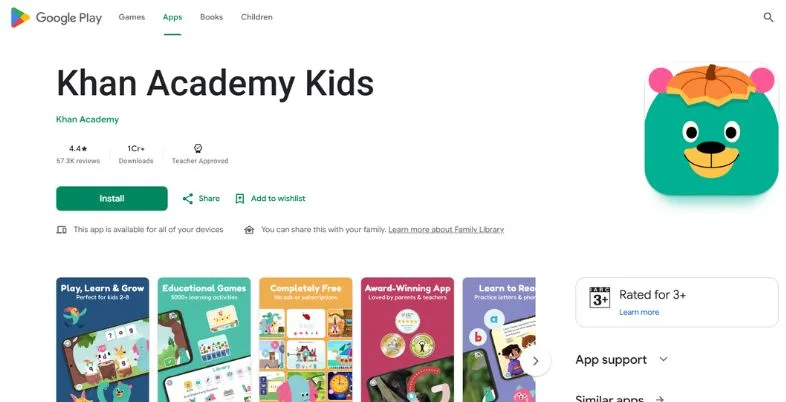
| Detail | Info |
| App name | Khan Academy Kids |
| Best for | 100% free all-in-one learning |
| Ages | 2 to 8 years |
| Free vs paid | Completely free |
| Offline | Built-in offline section |
| Ads | No ads, no purchases |
| Verdict | The finest fully free early learning app available |
| Link | https://play.google.com/store/apps/details?id=org.khankids.android&hl=en_IN |
Khan Academy Kids is a free, all-in-one program that makes quality early education open to every family. It encompasses reading, vocabulary, phonics, writing, early language arts, basic mathematics and logic.
The positive aspects of growth are that students have a genuine passion for learning that takes place on a self-paced and mastery based pathway. It’s a place that specializes in a space free from any distractions of ads, hidden purchases, or paywalls. Children can move at their own pace and parents are comfortable. The best for budget families who still want best quality is one of them.
Key Highlights:
- 100% free forever
- Full early reading curriculum
- Self-paced mastery path
- Adaptive digital library
- Social-emotional stories
- Teacher tools included
Pros:
- No hidden paywalls
- Calm learning space
- Lovable character cast
- Easy independent use
Cons:
- Can feel repetitive
- Little speaking assessment
- Video-heavy lessons
- Parent setup needed
9. Little Pim – Best for Immersive Vocabulary
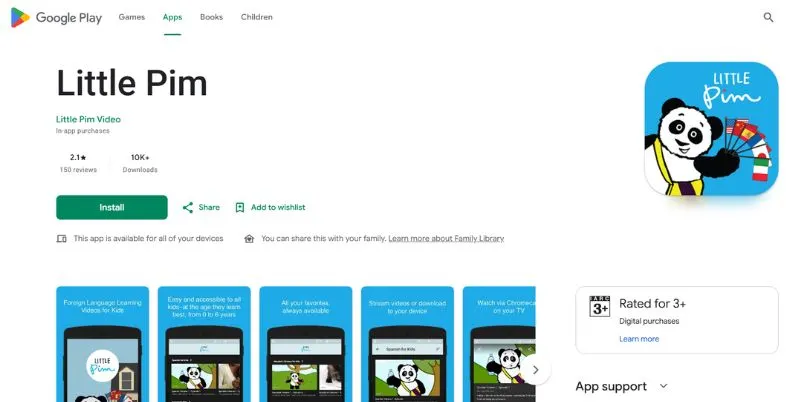
| Detail | Info |
| App name | Little Pim |
| Best for | Total immersion vocabulary |
| Ages | 0 to 6 years |
| Free vs paid | Paid after a short trial |
| Offline | Video downloads supported |
| Ads | Ad-free |
| Verdict | An ideal early tool that builds vocabulary through immersion |
| Link | https://play.google.com/store/apps/details?id=com.littlepim.videoplayer&hl=en_IN |
Little Pim is based on full immersion using short videos, vocabulary games and picture flashcards. Real-life scenes of everyday activities are shown in English and presented by an animated panda. This is a simple english learning app for kids which is suitable for the youngest learners.
The benefits for growth are the fact that it is a young child’s natural ability to absorb language. It features NO translation at all. Real actions are matched with spoken English phrases, in order to train children to think directly in English. Each 5-minute video is short enough to fit into a busy day and contains 360 of the most important words used every day.
Key Highlights:
- Total immersion method
- Early language window focus
- 5-minute video lessons
- Real childhood footage
- 360 essential words
- Easy video player
Pros:
- Perfect for toddlers
- Natural language absorption
- Engaging real-life videos
- Clean, simple interface
Cons:
- Few interactive games
- Passive for older kids
- Relatively high price
- No speech recognition
10. Mussila WordPlay – Best for Creative Story-Building
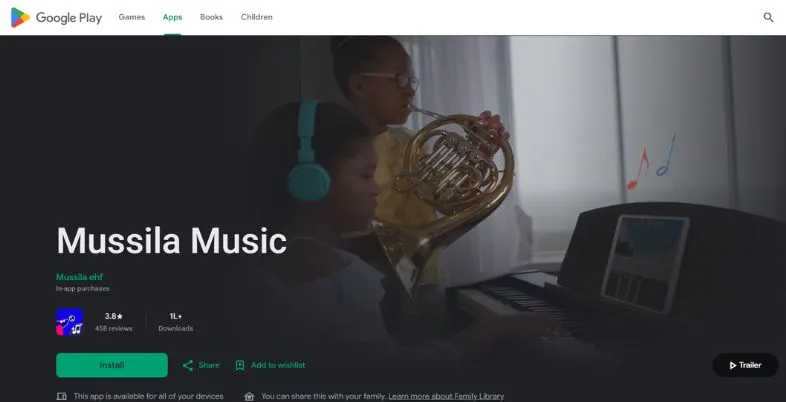
| Detail | Info |
| App name | Mussila WordPlay |
| Best for | Creative word play and reading |
| Ages | 5 to 11 years |
| Free vs paid | Freemium with locked library |
| Offline | Partial |
| Ads | Ad-free |
| Verdict | A beautiful app that blends vocabulary with creative storytelling |
| Link | https://play.google.com/store/apps/details?id=is.rosamosi.mussilamma&hl=en_IN |
Mussila WordPlay has a vocabulary practice component, creative storytelling and reading games. Children explore fantasy illustrations, gain new vocabulary, construct sentence structures, and contribute to interactive storytelling.
The growth benefit is a better creative reading and sentence building. It focuses on a blend of art design, ingenious word games and auditory puzzles. Children don’t learn words as stand-alone items. They use them immediately in whole sentences, which helps the learning to be retained. It is ideal for imaginative children who like art, puzzles and stories.
Key Highlights:
- Story-driven learning
- Sentence-building tools
- Reading comprehension levels
- Spelling adventure paths
- Creative reward system
- High audio quality
Pros:
- Stunning artwork
- Boosts creative thinking
- Words used in context
- Non-repetitive puzzles
Cons:
- Too hard for toddlers
- Short free access
- Heavy reading load
- Slow loading screens
11. Dela Kids – Best for Basic Phonetics & Speech
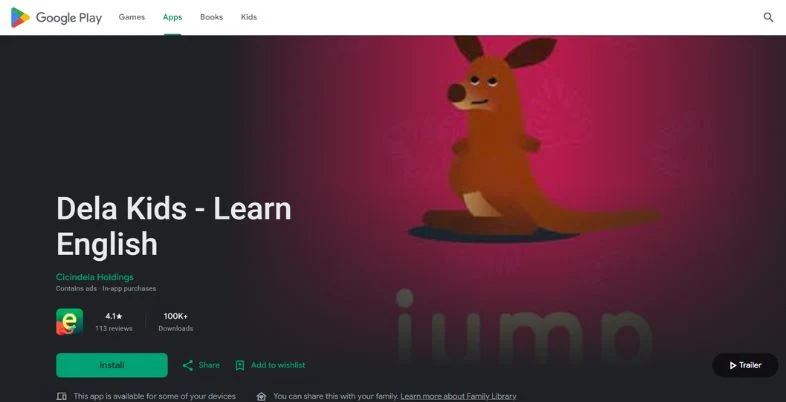
| Detail | Info |
| App name | Dela Kids |
| Best for | Phonics basics and simple speech |
| Ages | 3 to 7 years |
| Free vs paid | Free starter lessons with upgrades |
| Offline | Downloaded lesson kits |
| Ads | No tracking ads |
| Verdict | A simple, structured phonics and pronunciation tool |
| Link | https://play.google.com/store/search?q=Dela%20Kids&c=apps |
Dela Kids is a clean, structured application that is dedicated to early phonetics, alphabet pronunciation and basic speaking. Children are guided through listen and repeat, trace and say, and simple word matching activities using friendly, animated guides.
The benefit of growth is good pronunciation and phonemic competence from the outset. It’s known for its streamlined, minimalist layout, devoid of glittering graphics or excessive in-game elements. Younger children can practice mouth shapes, letter sounds, and good pronunciation. It’s a great place for absolute beginners to get some calm, focused practice.
Key Highlights:
- Letter-sound matching
- Listen-and-repeat tools
- Distraction-free interface
- Alphabet tracing modules
- Core vocabulary goals
- Guided speech practice
Pros:
- Highly focused lessons
- Easy for kids to navigate
- Clear audio pronunciation
- Great for beginners
Cons:
- Very basic visuals
- Limited game variety
- Older kids lose interest
- Manual upgrades needed
12. Johnny Grammar’s Word Challenge – Best for Advanced Kids & Grammar Quizzes
| Detail | Info |
| App name | Johnny Grammar |
| Best for | Advanced grammar and spelling quizzes |
| Ages | 9 to 15+ years |
| Free vs paid | 100% free |
| Offline | Needs internet for leaderboard sync |
| Ads | Light native banners |
| Verdict | A free arcade quiz tool for polishing spelling and grammar |
| Link | https://play.google.com/store/apps/details?id=com.ubl.spellmaster&hl=en_IN |
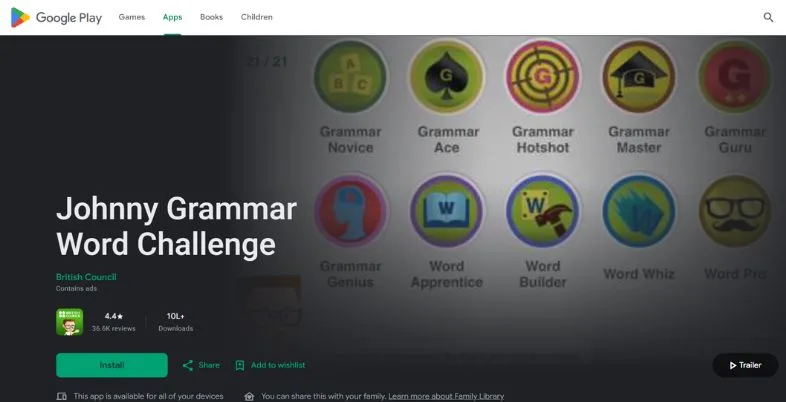
Word Challenge is an even quicker quiz game for older children and teens who already speak English from the British Council. Time trials assess grammar points, spelling pitfalls, and higher-level vocabulary. This english learning app for kids is an entertaining method to practice skills with older learners.
The growth benefits are improved sentence mechanics, improved spelling accuracy and preparation for language exams. It is known for its competitive arcade format, which features worldwide leaderboards and badges. Dry grammar rules turn into an interesting, fast-paced game. Feedback on errors provides detailed information about errors made so that students can learn from each error and improve rapidly.
Key Highlights:
- Competitive time trials
- Three quiz categories
- Multiple difficulty tiers
- Global leaderboards
- Feedback on wrong answers
- British Council design
Pros:
- Completely free
- Great spelling diagnostics
- Motivating leaderboards
- Perfect for older kids
Cons:
- Not for toddlers
- Speed can cause stress
- Basic graphics
- No speech modules
English Learning App for Kids Free Download & APK: What Is Safe?
Not all free plays are safe. Many parents look for a free download or an APK file so that they don’t have to subscribe, but the best route is always the official one. Apps available in Google Play Store and Apple App Store are scanned, reviewed and linked to an authenticated developer. It helps keep your child safe from malware, fake updates and data theft.
Try the real free applications like Khan Academy Kids and Duolingo ABC (no ads and free). If your child likes the free versions of other apps, you can upgrade; otherwise, stick to the free versions. It’s better to go through the proper steps and be safe than to raise a few flags and possibly take the wrong route.
Where to Download Safely (Google Play, App Store)
Always download any English learning app for kids from the official stores. On Android, go to the Google Play Store and enter the app name. Use the Apple App Store on your iPhone or iPad. Be sure to look for the name of the developer as fake apps may have a slight typo in the name of the game. Check out recent reviews, verify the number of downloads and examine what permissions the application is requesting.
You don’t need to give away your contacts and exact location when you download a kids’ app. There’s also the developer’s official website to get to the right page directly to the store. Set up parental controls and make sure that a password is needed for purchases, to prevent your child from signing up inadvertently.
Are APK Files Safe for Kids? Risks of Modded APKs
Most of the APK files found in random sites are not safe for children. Modded APKs are made to open up paid functions for free, however they are frequently altered by unidentified people. They may contain spyware, malware or stealthy ad trackers which are capable of gathering your child’s information. They do not receive proper updates either, and could crash or miss your child’s progress. Both could be in violation of the developer’s terms and could damage your phone if you use them.
The risk is even greater as children tap fast and don’t usually read warnings. If you don’t want to take the chance, opt for official free tiers or free trials or apps that are entirely free. It’s never worth your family’s privacy to save a few pennies.
Best Offline English Apps for Kids (No Wi-Fi Needed)
Offline learning is ideal for car-riding, flying, or places with poor Internet access. Here’s what makes the most sense when you’re offline, and a great English learning app for kids should have at least some lessons available offline.
- Khan Academy Kids: strong offline component, free of charge.
- Lingokids (Plus): Activities and songs to be downloaded.
- Studycat: offline play is supported.
- Papumba: games for toddlers to download.
- Little Pim: video downloads are available.
- Monkey Junior: Courses which are downloaded work offline.
- Dela Kids: download lesson kits
- Duolingo ABC: some lessons are partially offline.
- SplashLearn: requires Internet connection, which is not available when traveling.
Free vs Paid English Apps for Kids: What You Actually Get
| Feature | Free apps / free tiers | Paid subscriptions |
| Cost | ₹0 | Monthly or yearly fee |
| Content amount | Limited or basic | Full library, new content |
| Ads | Usually none in kids’ apps listed here | None |
| Offline use | Sometimes limited | Usually included |
| Progress reports | Basic | Detailed weekly reports |
| Speech practice | Rare | More common |
| Best for | Beginners and tight budgets | Daily, long-term learning |
| Example apps | Khan Academy Kids, Duolingo ABC | Lingokids Plus, Studycat, SplashLearn |
How to Choose the Right English App & Use It Well
Choosing the right English learning app for kids depends on their age, learning needs, and your budget. Here are a few simple tips to help you choose the right one.
- Choose by age: Papumba and Little Pim are good options for toddlers. Lingokids and Studycat suit younger children, while SplashLearn and LearnEnglish Kids can help school-age children. Teens can try Johnny Grammar.
- Pick one learning goal: Decide whether your child needs help with phonics, new words, speaking, or grammar.
- Try the free version first: Let your child use the free version or trial before you pay for a subscription.
- Check ads and privacy: Choose apps that are safe for children and have suitable privacy settings. Avoid apps with too many ads.
- Set a daily time limit: Around 15–20 minutes a day is a good starting point. Short lessons can be easier for kids to follow.
- Learn together: Ask your child to tell you a new word or sentence they learned in the app.
- Practice at home: Read storybooks, sing English songs, and name everyday things in English.
- Check progress every week: See what your child has learned and praise their efforts.
- Try another app if needed: If your child loses interest, try a different app or a new type of lesson.
Conclusion
The english learning app for kids is an app that your kid enjoys using daily. Lingokids is a champion of play-based learning, Studycat in listening and speaking, and both Duolingo ABC and Khan Academy Kids are great free options. For older kids, add grammar and school-type practice with Johnny Grammar and SplashLearn.
Use official stores, never modded APK files and download lessons for offline use when travelling. Make progress quicker by including worksheets, stories and family conversation. Begin with one or two apps in 2027, enjoy these short sessions, and encourage your child to become more confident in English, one small win at a time.
Also Read:
FAQs
What is the best english learning app for kids?
Lingokids is the best overall for ages 2-8 due to its play-based approach. Khan Academy Kids and Duolingo ABC are great free choices.
Are there any free English learning apps for kids?
Yes. Khan Academy Kids and Duolingo ABC are ad-free and free of charge. However, Johnny Grammar is also free for older children, and numerous other apps even have starter lessons available.
How to safely download an English learning app for children?
Download apps only from the Google Play Store or Apple’s App Store. Verify the developer reputation, read what other people say about it and stay away from modded versions that are downloaded from suspicious sites.
What is an English App for Kids that doesn’t require an internet connection?
Little Pim, Papumba, Studycat, Lingokids Plus, Khan Academy Kids and Monkey Junior all provide offline learning. Use WiFi to download lessons while you’re in a covered area.
Where can I learn English for kids 1 PDF and worksheets?
Use British Council LearnEnglish Kids and teacher approved websites available on the web in print format. Use official or free sources, steer clear of suspicious downloads.
When can children begin to learn English on an App?
Most apps begin at age two; Little Pim begins at birth. Play together with very young children and sessions are short (10-15 mins).
