
When it comes to creating a website, it wasn’t a standard process to hire a developer, learn coding, or wait for the designer to send you a draft for weeks. That’s a whole different story in 2026. Anyone can get up and open a browser, select a layout, drag in a picture, type a headline and publish a professional website before lunch. That’s the promise that drag and drop tools make and that’s why they are used to power millions of small business websites, portfolios, blogs, and online stores.
However, the market is over-saturated. Some platforms offer complete creative freedom, others provide a nice grid structure. Others may have a free plan, and others may only provide a trial. Some even cater to online stores, while others are perfect for agencies or WordPress users. A bad one might save you time, money and some agony in the future. This guide provides an overview of the top 10 best drag and drop website builder for 2026, offers insight into who each one is for, and provides guidance on making a confident choice.
Quick Picks: Best Drag and Drop Builder for Each Need
- Complete creative freedom: Wix
- Creatives & Portfolios: Squarespace
- Budget and AI building: Hostinger Website Builder
- Advanced WordPress sites: Elementor Pro
- Agencies and designers: Webflow
- Scalable e-commerce: Shopify
- Install the free small stores app: Weebly
- Quick business startup: GoDaddy Web Builder.
- B2B lead generation: HubSpot CMS Hub
- Single page landing sites: Strikingly
What Is a Drag and Drop Website Builder?
A drag and drop website builder is a graphical website-building tool that helps you create a website without coding. You do not write HTML or CSS, rather you click on an element, like a text box, image, button or video, and move the element to the desired position on the page. The information on the screen will be the information that your visitors will read. Most builders will also provide you with predesigned templates, hosting, security and mobile layouts, allowing you to concentrate on content and design.
Some have no structure whatsoever; others have a grid or blocks to ensure a good layout and responsiveness. Finding the best drag and drop website builder is really just finding the builder whose editor style matches your objectives.
How We Evaluated Them
To make this list useful in 2026, we looked at all platforms from the same perspective on these practical points:
- Ease of use: How quickly can an “absolute beginner” publish?
- Editor freedom: Free-form canvas, grid, or structured blocks?
- Free plan: Is there a permanent free option or just a trial?
- Honesty pricing: low initial prices and renewals.
- E-commerce strength: Payments, inventory, and checkout quality.
- SEO tools: Control of titles, speed and structure.
- AI capabilities: Site generation, writing assistance, and layout suggestions.
- Back up/own your site if you leave: Can you export/own your site if you leave?
- Support and growth: Quality of support and opportunities to grow over time.
These criteria were used to fairly compare each best drag and drop website builder, which is ideal for hobbyists, freelancers and growing companies as well.
Comparison Table: Best Drag and Drop Website Builder
| Builder | Editor type | Best for | Free plan? | Intro vs renewal price | Ecommerce | Code export | AI tools |
| Wix | Pure free-form | Complete creative control | Yes, with Wix ads | Paid tiers can feel pricey as you grow | Yes | No | Yes |
| Squarespace | Fluid Engine (grid-based) | Creatives and portfolios | No, 14-day trial | Higher starting price | Yes | No | Limited |
| Hostinger | Grid-based drag and drop | Budget AI building | No, but affordable | Low intro, check the renewal rate | Basic | No | Yes |
| Elementor Pro | Live visual page builder | Advanced WordPress sites | Yes, basic plugin | Paid Pro required, plus hosting | Via WordPress | Yes, via WordPress | Yes |
| Webflow | Advanced visual canvas | Agencies and designers | Yes, Starter plan | Hosting tiers are expensive | Yes, complex | Yes, limited | Yes |
| Shopify | Section-based | Scalable e-commerce | No, free trial | High monthly cost plus fees | Excellent | No | Yes |
| Weebly | Structured block editor | Free small stores | Yes, Basic plan | Affordable upgrades | Yes | No | Minimal |
| GoDaddy | Block-based modular | Rapid business launch | Yes, Basic version | Expensive renewals | Yes | No | Yes |
| HubSpot CMS | Modular block builder | B2B lead generation | Yes, up to 30 pages | Premium tiers costly | Limited | No | Yes |
| Strikingly | Sectional layout editor | Single-page landing sites | Yes, Basic package | Cheap multi-site plans | Limited | No | Limited |
10 Best Drag and Drop Website Builder
1. Wix
| Detail | Information |
| Name | Wix |
| Best for | Complete creative control |
| Editor type | Pure free-form |
| Free plan | Yes (with Wix ads) |
| Who should skip it | Users needing absolute platform portability |
| Website Link | http://www.wix.com |
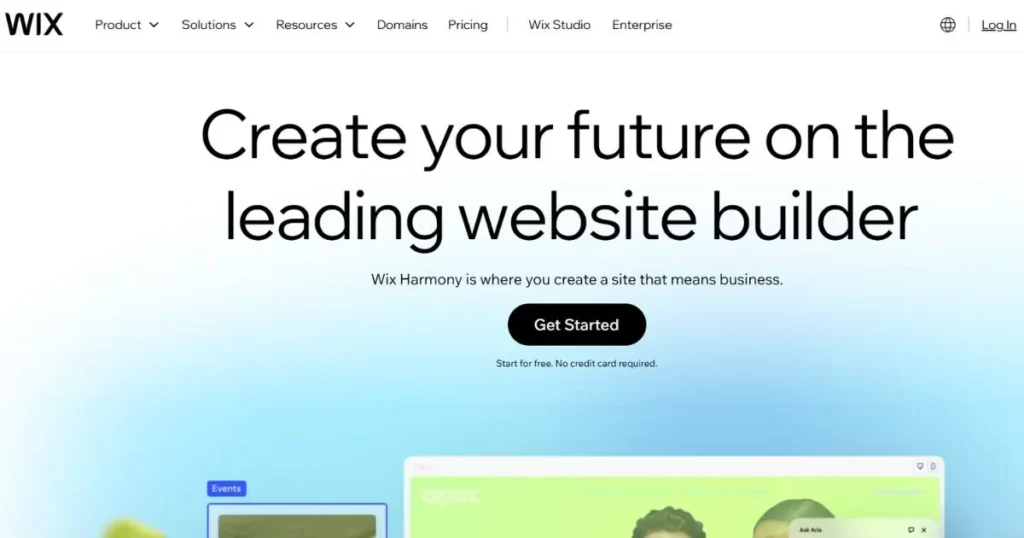
Wix is among the most popular DIY website builders, and it’s earned its reputation for being the freest of them all. The designer-made templates are more than 900, there’s a huge app store, and every element can be placed anywhere on the canvas. The advantage to small businesses is that the growth comes quickly: You get your first layout prepared by an AI assistant, built-in SEO makes you discoverable, and apps come in later for booking, storage, and email marketing. The specialty in web design here is pure free-form creativity, which is ideal when you want your page to look exactly as you envisioned.
Pros:
- Ultimate creative freedom
- Massive template library
- Excellent app market
- Beginner friendly setup
- Powerful AI assistance
- Robust built-in SEO
Cons:
- Cannot switch templates
- Ads on free plan
- Slower mobile optimization
- Overwhelming editor settings
- No code export
- Pricey premium tiers
2. Squarespace
| Detail | Information |
| Name | Squarespace |
| Best for | Creatives and portfolios |
| Editor type | Fluid Engine (grid-based) |
| Free plan | No (14-day trial) |
| Who should skip it | Ultra-budget micro-businesses |
| Website Link | http://www.squarespace.com |
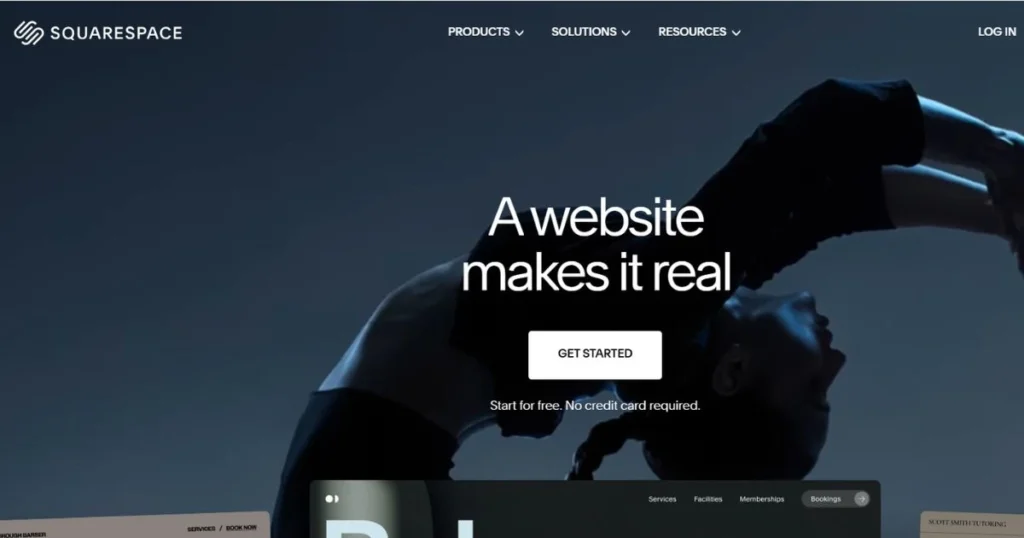
Squarespace is the website for visual storytelling, which is perfect for artists, photographers, and brands looking for style. The primary advantage of using it is the templates that instantly help your brand look better, complemented by powerful blogging and built-in email marketing tools. What sets us apart as a web design company is the Fluid Engine editor, which combines flexible grid-based dragging with responsive rules, ensuring that designs remain visually appealing on mobile devices. If your enterprise is selling based on your wonderful photographs and a clean design, this platform definitely deserves an in-depth look.
Pros:
- Stunning designer templates
- Excellent blogging tools
- Strong imagery presentation
- Reliable customer support
- Great analytics dashboard
- Built-in email tools
Cons:
- No permanent free plan
- Steeper learning curve
- Higher starting price
- Fewer extension apps
- Restricted grid constraints
- Slow backend editor
3. Hostinger Website Builder

| Detail | Information |
| Name | Hostinger |
| Best for | Budget AI building |
| Editor type | Grid-based drag and drop |
| Free plan | No (but highly affordable) |
| Who should skip it | Enterprises wanting complex logic |
| Website Link | http://www.hostinger.com |
Hostinger Website Builder offers a truly unmatched level of affordability by integrating a capable editor into its web hosting plans. Rapid launch: AI can create a functioning website in minutes from just one prompt, leaving a startup to focus on creating a marketing plan instead. Web performance here is the specialty, and it is no surprise that is the case, since light-weight layouts are matched by powerful servers. This whole package that comes with hosting and a free domain is quite hard to ignore if you are looking for the best drag and drop website builder on a budget.
Pros:
- Extremely budget friendly
- Fast AI generation
- Includes free hosting
- Free custom domain
- Intuitive clean dashboard
- Excellent server speeds
Cons:
- No standalone free plan
- Basic e-commerce functionality
- Must use Hostinger
- Limited advanced apps
- Fewer complex integrations
- Rigid layout blocks
4. Elementor Pro
| Detail | Information |
| Name | Elementor Pro |
| Best for | Advanced WordPress sites |
| Editor type | Live visual page builder |
| Free plan | Yes (basic plugin version) |
| Who should skip it | Total non-technical novices |
| Website Link | http://www.elementor.com |
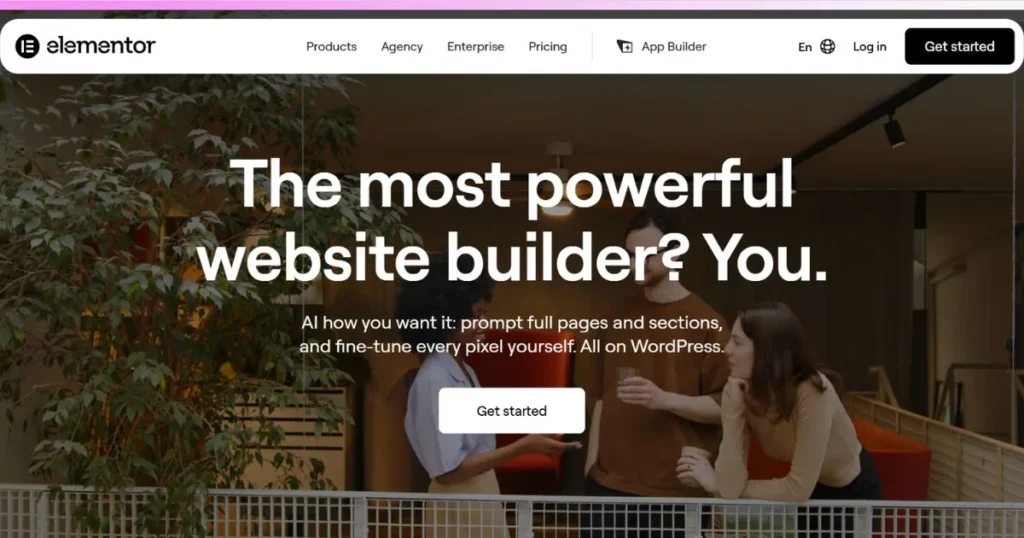
Elementor is the highest-visual plugin that transforms the complicated WordPress surroundings into a warm design playground. All changes that you make are displayed immediately on the page. The growth benefit is design control plus the flexibility of open source WordPress, which allows your site to grow into blogs, stores, and memberships. The specialty here is performance and search visibility; this is where Core Web Vitals come into play, and there is a level of detail in SEO control that is clearly evident. It’s ideal for freelance developers and agencies looking for the power of a plugin without the need to hand-code every page on the site.
Pros:
- Total design freedom
- Advanced SEO control
- Millions active users
- Fast loading performance
- Massive widget library
- Dynamic theme building
Cons:
- Requires WordPress hosting
- Plugin conflict risks
- Steep learning curve
- Paid Pro required
- Occasional code bloat
- No direct support
5. Webflow
| Detail | Information |
| Name | Webflow |
| Best for | Agencies and designers |
| Editor type | Advanced visual canvas |
| Free plan | Yes (Starter plan) |
| Who should skip it | Casual hobbyist bloggers |
| Website Link | http://www.webflow.com |
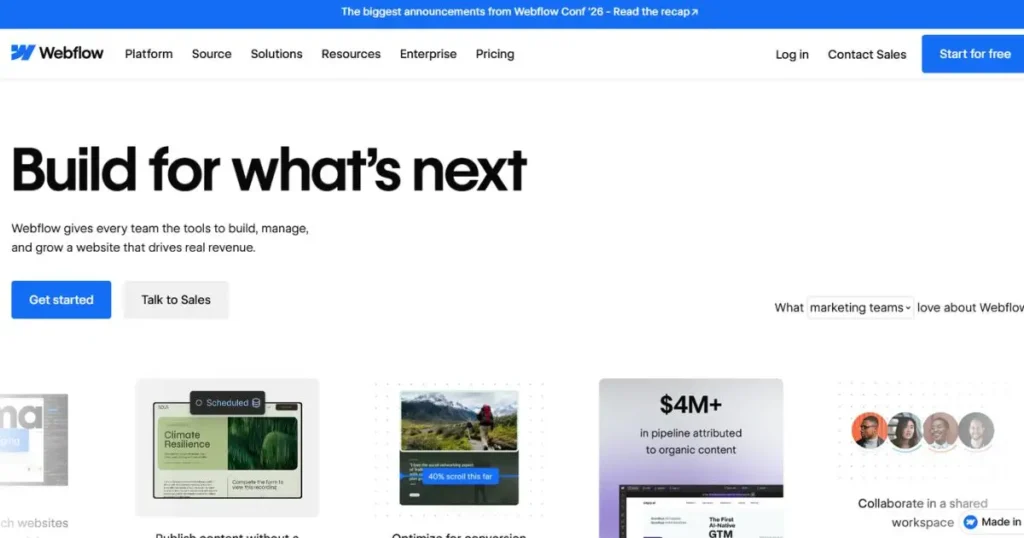
Webflow is a powerful design tool that combines the accuracy of code with the convenience of visual tools. Agencies can reap massive growth dividends as they offer hyper-customised client sites with rich interactions without having to write each line of code from scratch. The sole specialty of web creation here is clean, production-ready HTML and CSS code created under the hood, a flexible CMS, and a sophisticated animation engine. Each layout maintains its alignment and formatting, no matter the screen resolution or device. There is a learning curve, but the result is a toolkit used by many professionals that you don’t find in most competitors.
Pros:
- Clean semantic code
- Advanced custom animations
- Pixel-perfect designer layout
- Excellent client billing
- Highly customizable CMS
- No plugin requirements
Cons:
- Very steep learning
- Expensive hosting tiers
- Complex e-commerce setups
- No phone support
- Confusing interface layout
- Limited free templates
6. Shopify

| Detail | Information |
| Name | Shopify |
| Best for | Scalable e-commerce |
| Editor type | Section-based drag and drop |
| Free plan | No (paid, with free trial) |
| Who should skip it | Purely informational blogs |
| Website Link | http://www.shopify.com |
Shopify is probably the best drag and drop website builder for online stores if you’re trying to sell. It is the global retail platform designed to convert traffic into revenue. Growing merchants benefit from SO deep inventory tools, syncing with the point of sale, multi-channel selling, and seamless dropshipping integration. The specialty here is a checkout pipeline optimized for conversion, meaning more visitors finalize transactions. The section-based editor organizes store pages with ease and thousands of apps expand functionality as your store grows from your first sale to thousands of orders daily.
Pros:
- Industry leading e-commerce
- Excellent payment gateways
- Infinite application ecosystem
- Seamless dropshipping integrations
- Multi-channel retail sales
- Highly scalable backend
Cons:
- High monthly costs
- Additional transaction fees
- Rigid non-commerce design
- Paid themes cost
- Basic blogging tools
- App costs accumulate
7. Weebly
| Detail | Information |
| Name | Weebly |
| Best for | Free small stores |
| Editor type | Structured block editor |
| Free plan | Yes (Basic plan) |
| Who should skip it | Fast-growing enterprise brands |
| Website Link | http://www.weebly.com |
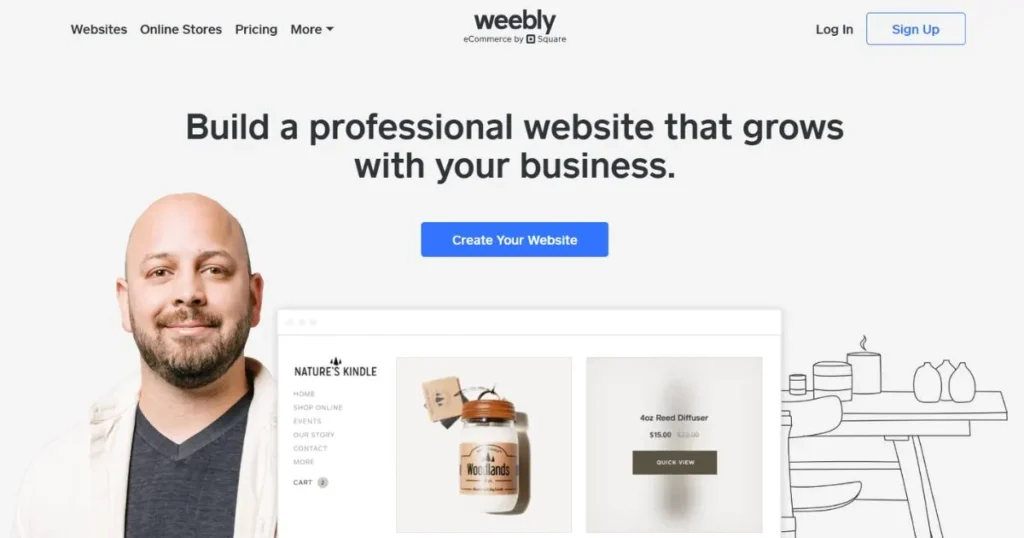
With Square as its power, Weebly is an easy-to-use platform designed for the specific requirements of small businesses. What’s most important, is it offers a free e-commerce integration so that a small shop can begin selling with minimal investments. Here, the specialty of website design is that it has a structured block interface which snaps every element in to clean alignment, so novices don’t mess up their layouts. Inventory tracking is easy, the help articles are understandable and the upgrades remain cheap. While it might seem suited to advanced designers, for a first store or small service page, simplicity is the name of the game.
Pros:
- Extremely easy use
- Free e-commerce tools
- Structured secure layout
- Affordable paid upgrades
- Great help center
- Simple inventory tracking
Cons:
- Very limited customization
- Outdated block themes
- Slow platform updates
- Basic marketing tools
- Square branding on free
- Weak mobile editing
8. GoDaddy Website Builder

| Detail | Information |
| Name | GoDaddy |
| Best for | Rapid business launch |
| Editor type | Block-based modular |
| Free plan | Yes (Basic version) |
| Who should skip it | Custom design purists |
| Website Link | http://www.godaddy.com |
GoDaddy Website Builder is great for getting local businesses online in minutes. Owners reap growth advantages with a combined dashboard that comes with marketing tools, a booking engine and helpful local search tips. The special thing about the web workflow here is that it is a hyper-simple, module-swapping canvas: fill in a few answers, select some sections, and publish. Setup stress is reduced as everything is under the same roof, including domain, hosting, and scheduling. It’s for salons, plumbers, tutors, cafes and other businesses that need an online presence today—and not a design project that requires weeks and many efforts to complete.
Pros:
- Superfast site setup
- All-in-one platform hosting
- Integrated booking tools
- Simple clear analytics
- Great localized marketing
- Very intuitive dashboard
Cons:
- Rigid layout blocks
- Basic SEO features
- Limited creative freedom
- Expensive renewal prices
- No deep databases
- Sparse app marketplace
9. HubSpot CMS Hub
| Detail | Information |
| Name | HubSpot CMS |
| Best for | B2B lead generation |
| Editor type | Modular block builder |
| Free plan | Yes (up to 30 pages) |
| Who should skip it | Freelance visual portfolios |
| Website Link | http://www.hubspot.com |
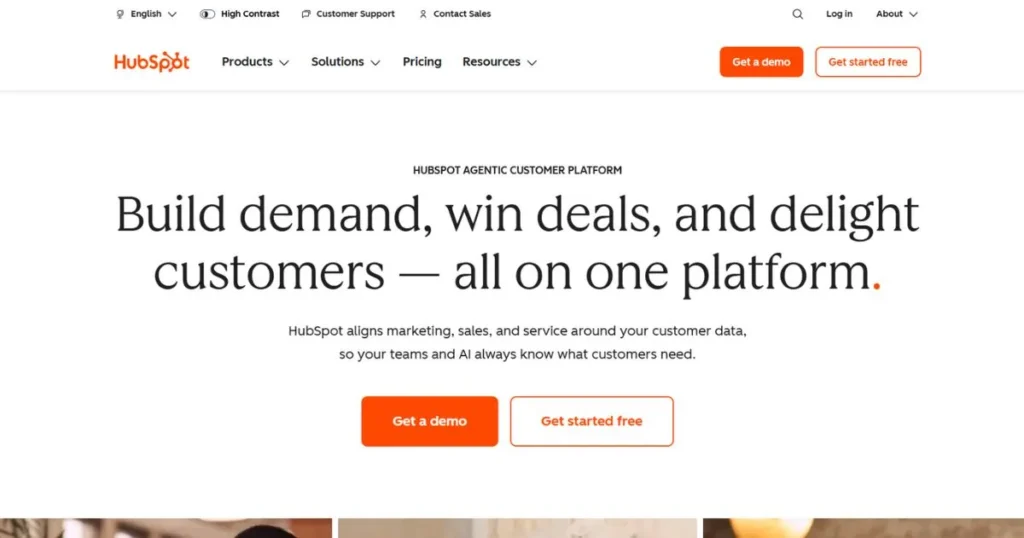
HubSpot CMS Hub is a marketing powerhouse with a full marketing and sales CRM system. It is one of the best drag and drop website builder options for B2B teams, and it offers tools to track visitor actions, optimize landing pages, and collect leads, providing a clear growth advantage for the revenue teams. The specialty of web composing here is personalization, that is, it can automatically display distinct web compositions and messages to different visitors. Email hooks, sales funnels and forms come together. The setup process is more involved than with other tools, but it pays off for companies that depend on leads for income.
Pros:
- Deep CRM integration
- Personalized content generation
- Excellent lead tracking
- Generous free tier
- Robust security protocols
- Automated email hooks
Cons:
- Complex system onboarding
- Premium tiers costly
- Rigid structural designs
- Limited theme designs
- Requires platform commitment
- Developer needed for custom work
10. Strikingly
| Detail | Information |
| Name | Strikingly |
| Best for | Single-page landing sites |
| Editor type | Sectional layout editor |
| Free plan | Yes (Basic package) |
| Who should skip it | Multi-category online stores |
| Website Link | http://www.strikingly.com |
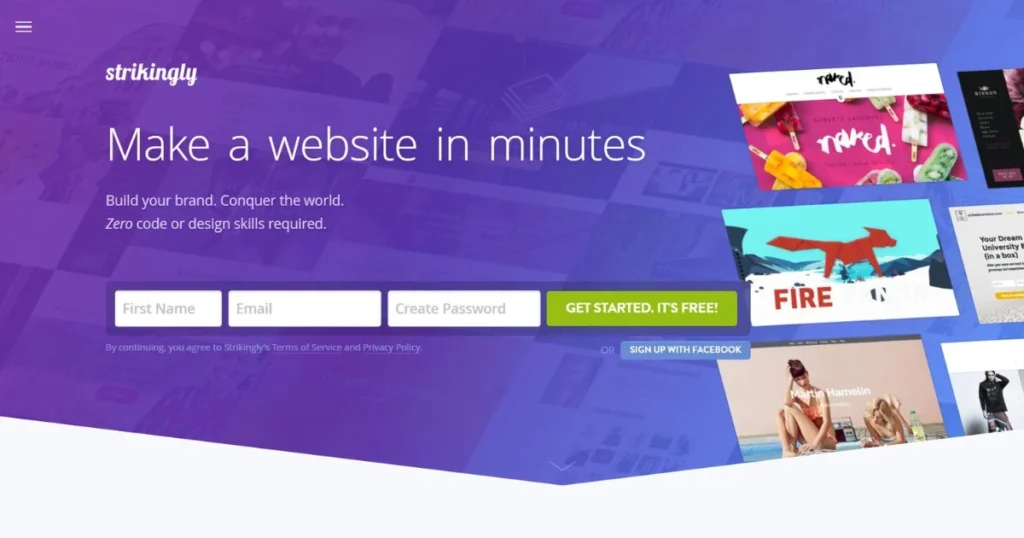
Strikingly’s strengths lie in one area and that area is simple, scrolling, single-page websites. For startups and freelancers, having a single fast page with an offer that forces the visitor to take a single action is a huge growth advantage. The specialty of web architecture here is mobile responsiveness that works out of the box, with no manual tweaking needed. The editor is fast, easy and user friendly, and multi-site plans are affordable. It is a good option for events, personal portfolios, product launches and validation campaigns, but will quickly become overwhelmed with larger sites.
Pros:
- Fast single-page layout
- Incredible mobile optimization
- Perfect landing pages
- Very beginner friendly
- Cheap multi-site plans
- Quick editing interface
Cons:
- Poor multi-page handling
- Very limited features
- Basic SEO tools
- Rigid visual layouts
- Strikingly ads on free
- Fewer standard plugins
Best Free Drag and Drop Website Builders
- Wix: Free plan is available, with the downside of appearing ads from Wix, and using a Wix domain.
- Weebly: Basic plan is free, and offers simple ecommerce tools.
- GoDaddy: Basic version: You can start a simple business page.
- HubSpot CMS: Free to use up to 30 pages, perfect for capturing leads.
- Strikingly: Basic package is suitable for single page sites.
- Webflow: Starter plan is good for learning and small projects.
- Elementor: Free plugin version is compatible with any WordPress site.
- Real life: Freebies come with ads, limited storage, and no custom domain name.
Best for Beginners
- Weebly: You can hardly crack your layout with structured blocks.
- GoDaddy: Answer some questions and you have a website in minutes.
- Wix: Easy installation and an AI assistant helps you through the process.
- Strikingly: One page, one goal, hardly anything to learn.
- Hostinger: Enter a prompt, have a working site created, then edit a visual site.
- Tip: Use a template that is similar to your concept, and then update only the text and photos.
Drag and Drop Builders for WordPress
- Elementor Pro: Is the most popular option that offers live editing and a vast collection of widgets.
- Visual theme builder power: Design headers, footers, and blog layouts visually.
- Free version: Try out the basics before paying for Pro.
- Performance: Don’t use fancy templates or low-quality hosts, as these will slow your pages down.
- Ideal for: WordPress users who want to design their own blogs, freelance writers, and agencies.
- Beware: too many plugins can lead to conflicts and slow down your site.
Open-Source Drag and Drop Website Builder
- WordPress and a page builder: WordPress is open source and builders such as Elementor add the visual layer.
- Control: You own your files, database and hosting.
- Flexibility: Thousands of plugins and themes allow for you to change almost anything.
- Community: Free help is given by large forums, tutorials or developers.
- Pros and Cons: Owns updates, backups and security; or pays someone to do it.
- Note: Code remains with the hosted platforms such as Wix, Squarespace and Shopify.
Best Drag and Drop Website Builder With Source Code Access or Export
- Webflow: Generates clean HTML and CSS, and if paid plans are used, front-end code can be exported but there are limits on the CMS and interactions.
- Elementor on WordPress: You control the site files and database, which means you can switch hosts.
- Wix: No code export, you have to rebuild when leaving.
- Squarespace, Shopify, GoDaddy, Strikingly, HubSpot, Weebly: Content may be transferred over, but the design is oftentimes notExportable as working code.
- Tips: If portability is important, then use WordPress or Webflow right from the start.
Drag and Drop vs Block Editor vs AI Website Generator
| Feature | Drag and drop builder | Block editor | AI website generator |
| How it works | Move elements freely or within a grid | Stack ready-made content blocks | Describe your site and AI builds it |
| Design control | High | Medium | Low to medium |
| Speed to launch | Fast | Very fast | Fastest |
| Learning curve | Moderate | Easy | Very easy |
| Best for | Custom looks and branding | Blogs and simple pages | Quick first drafts |
| Weakness | Can feel overwhelming | Limited layouts | Generic results without editing |
| Examples | Wix, Elementor, Webflow | WordPress editor, Weebly | Hostinger AI, Wix AI |
Limits of Drag and Drop Builder
- Platform lock-in: Most hosted builders are unable to export working code.
- Low initial rates: They may change to higher rates when the contract runs out.
- Templated restrictions: In some templates, such as Wix, you can’t change the template later.
- Slow loading: Page can get slow due to heavy pages, extra apps and bloat code.
- Mobile quirks: There are times when free-form layouts require manual fixes for mobile.
- Limited customization options: Advanced logic and databases may require a developer.
- Surprise you with additional fees: Apps, themes and transactions add up.
How to Choose in 5 Steps
- Define your goal: Portfolio, blog, store, or lead generation? The fewer choices you have, the quicker you can narrow the list.
- Determine your budget: Check and compare the intro rates, renewal rates, and the fees for apps and transactions.
- Choose your editor style: Free-form, grid or blocks depending on your comfort level.
- Review growth requirements: SEO tools, e-commerce, integrations, and export of code.
- Test prior to commitment: Use the free plan or trial and publish a small test page.
Conclusion
Each of the platforms in this guide addresses a distinct issue. Wix offers creative freedom, Squarespace provides beautiful design, Hostinger maintains cost-effectiveness, Elementor brings WordPress power to the table, Webflow benefits designers, Shopify excels in e-commerce solutions, Weebly and GoDaddy offer simplicity, HubSpot caters to B2B teams, and Strikingly masters the single page.
The best drag and drop website builder is not the one with the loudest ads as it must fit your goal, budget, and skill level. Begin with a free plan or trial, create a modest test page, and expand with self-assurance in 2026.
FAQs
Which is the most simple website builder to drag and drop?
Some of the easiest are Weebly, GoDaddy and Strikingly. They are laid out in a structured way and can be set up with guidance, so that newbies can publish fast.
Do you have a free drag and drop website builder?
Yes. Wix, Weebly, GoDaddy, HubSpot CMS, Strikingly, Webflow Starter and the basic Elementor plugin are all free options, typically with restrictions. Free plans are a wise choice to try the most suitable drag and drop website builder for you.
Wix vs Squarespace, which one is better?
Pick Wix for complete layout independence and apps. Use Squarespace for smooth looking templates, powerful blogging capabilities and a more streamlined and structured format.
What is the best drag and drop builder for WordPress?
Its live editing, widget library, and robust performance and SEO control make it the most popular option, Elementor Pro.
Can drag and drop builders be a good option for SEO?
Yes, most do offer titles and descriptions, and offer clean URLs. GoDaddy and Strikingly are the more extensive options, while Elementor and Webflow are the ones with the most control.
Is it possible to move my site from the best drag and drop website builder to another?
Usually not. There is a limited code export feature for Webflow and WordPress based sites that can be moved. Most of the online builders, such as Wix, do not export code.
What are the open source drag and drop website builders?
WordPress is open source, and page builders like Elementor build drag and drop editing on top of WordPress.
Drag and drop builder or AI website generator?
Generate a first draft using AI and then edit it with a drag and drop editor. Many platforms nowadays have got the two intertwined.
What is the price of a drag and drop web builder?
There are free plans available with ads and paid monthly plans available. Shopify and Webflow are more expensive, and Hostinger is cheap. Check renewal prices.
Is it possible to create an online store with one of them?
Yes. Shopify is the best platform for stores, whereas small shops can be managed by Wix, Squarespace, Weebly and GoDaddy.
